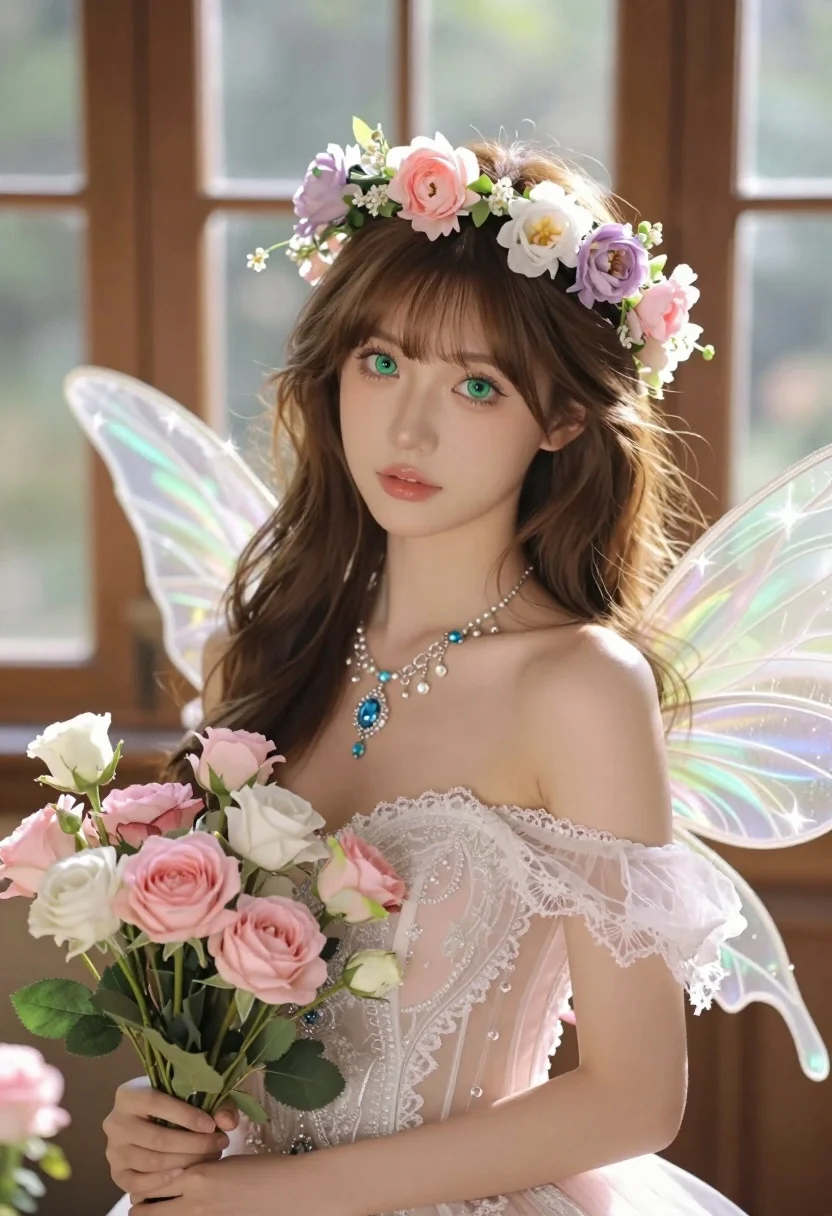
Hyperrealistic portrait of fairy woman with green eyes in sunlit conservatory
Prompt
A young woman with delicate features and large green eyes gazes directly at the viewer, adorned as a fairy with translucent wings and a floral crown.

Subject: A young woman with long brown hair, fair skin, and striking green eyes, wearing a delicate flower crown made of pink and purple blossoms.

Clothing: She wears a sheer, off-the-shoulder gown in pale pink and white lace that clings to her form, featuring intricate beading and a low neckline, complemented by a sparkling necklace with a blue gemstone pendant.

Action: She holds a bouquet of pink and white flowers in her hands while looking forward with a soft, serene expression.

Environment: The setting appears to be a sunlit room or conservatory with blurred wooden structures and large windows in the background, creating a warm and dreamy atmosphere.

Camera: A close-up portrait shot with a shallow depth of field that keeps the subject sharp while blurring the background into a soft bokeh.

Lighting: Soft, warm sunlight filters through the background, casting gentle highlights on her skin and hair, creating a glowing and ethereal mood.

Style Details: The image features a hyper-realistic digital art style with high detail, smooth textures, and a magical, fantasy aesthetic enhanced by sparkling light effects around the wings and flowers.
Description
This prompt is useful for creating editorial fantasy portraits, ethereal character concept art, and luxury beauty advertising featuring natural elements. The combination of 'soft, warm sunlight' filtering through a conservatory setting and the 'shallow depth of field' ensures that the subject remains sharply focused against a dreamy background, which prevents the intricate details of the lace gown and wings from becoming lost in clutter.
Suggestions
- Change 'pink and purple blossoms' to 'blue and silver blossoms' for a cooler color palette.
- Add 'bokeh effect, volumetric lighting' to enhance the atmospheric quality.
- Swap 'pale pink and white lace' for 'ivory Chantilly lace' for a more luxurious feel.
Category
Tags
Brown HairClose UpFair SkinFemaleIndoorsPortrait ShotRealistic
Date added
July 3, 2026
Added by
PromptDexter Team
Related Prompts
More prompts with similar categories and tags.
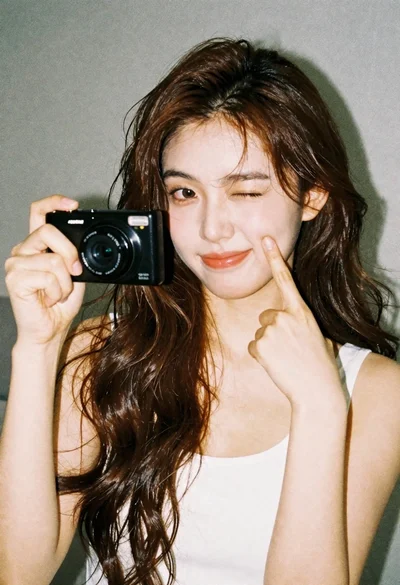
Young woman with brown hair holding camera and winking in indoor setting
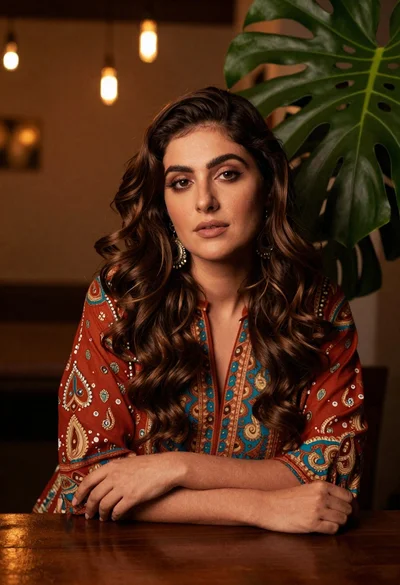
Woman with wavy brown hair in patterned tunic leaning on wooden table

Portrait of young woman in red santa hat and knit sweater
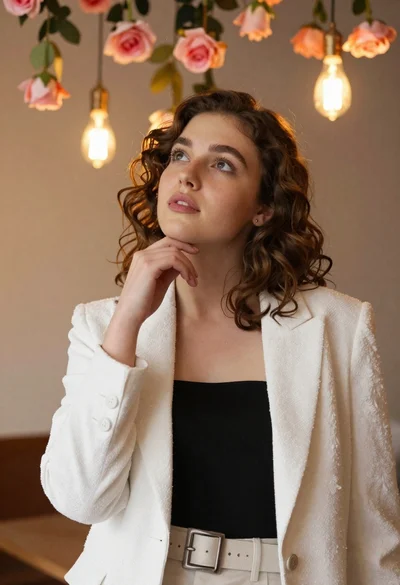
Young woman with brown hair in white blazer posing in decorated room
Two young people in sailor uniforms sitting at a wooden table
Closeup portrait of young woman in grey sweatshirt indoors
Close up portrait of young woman in pink embroidered robe indoors
Close up portrait of young woman with brown hair in white blouse
Young woman in white satin dress seated on an ornate sofa indoors
Young woman with dark wavy hair wearing embroidered top indoors portrait