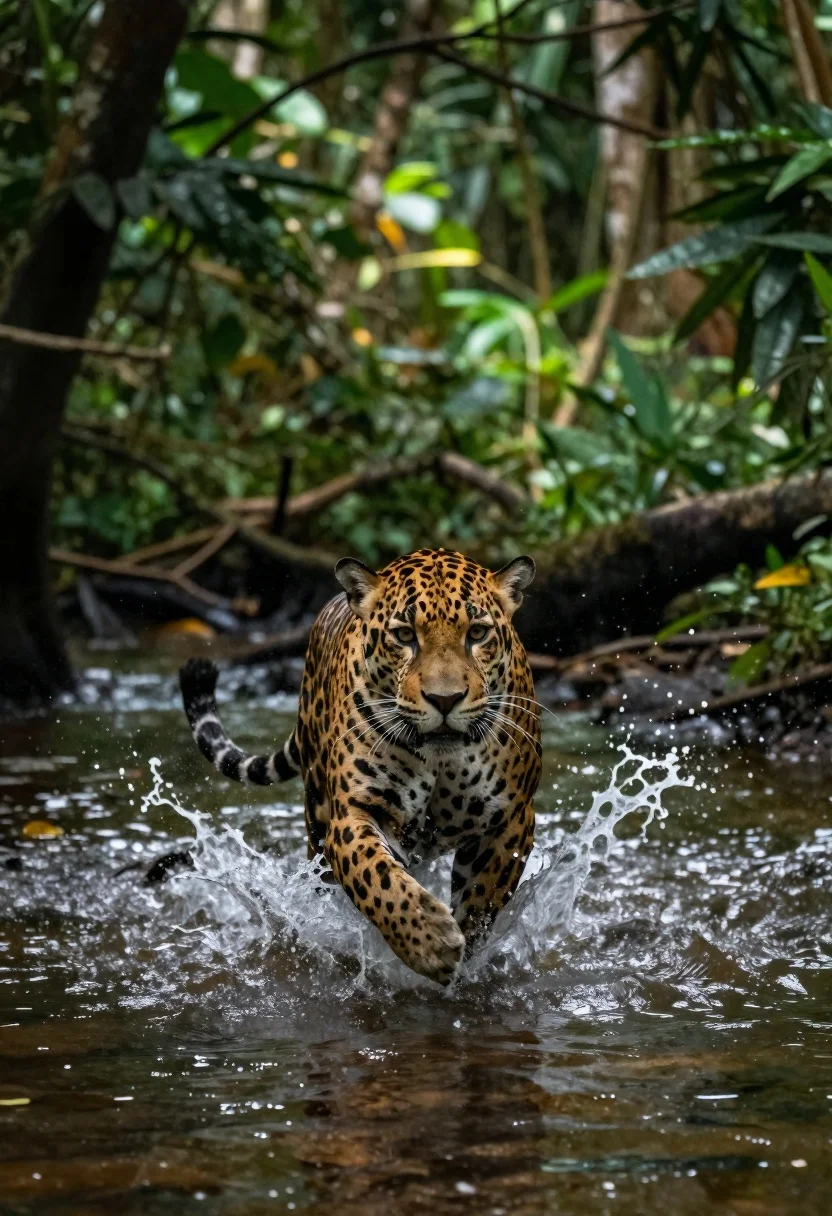
Jaguar sprinting through shallow rainforest water
Prompt
A hyper-realistic wildlife action shot of a jaguar sprinting through shallow water in a dense rainforest.

Subject: A powerful adult jaguar with distinct black rosettes on golden fur, focused expression, and intense eyes staring forward.

Action: The animal is captured mid-stride running at high speed, splashing vigorously as it breaks the surface of the river; motion blur streaks across the background to emphasize velocity.

Environment: A lush tropical jungle with tall trees and dense foliage surrounding a shallow stream or swampy area filled with clear water reflecting light.

Lighting: Soft natural daylight filtering through the canopy above, creating dappled highlights on the jaguar's coat while maintaining cool green shadows in deeper forest areas.

Camera: Dynamic low-angle perspective looking up at the moving subject; slight motion blur applied to background elements for speed effect but sharp focus remains on foreground animal details like whiskers and pelt texture.

Style Details: Cinematic realism with rich natural colors, high contrast between sunlit patches and shaded zones, evoking raw energy of predator in its native habitat.
Description
This prompt is useful for creating wildlife documentary stills, adventure magazine spreads, and dynamic nature photography portfolios. The combination of 'low-angle perspective' looking up at the subject and 'motion blur streaks across the background' effectively conveys raw energy by contrasting the sharp focus on foreground details like whiskers against the streaked environment.
Suggestions
- Change 'golden fur' to 'darker tawny coat' for a more dramatic contrast.
- Add 'telephoto lens, 200mm' to compress the background further.
- Swap 'shallow stream or swampy area' for 'muddy riverbank' to change the water interaction.
Category
Tags
AnimalsLow AngleRealistic
Date added
June 19, 2026
Added by
PromptDexter Team
Related Prompts
More prompts with similar categories and tags.

Blonde woman by white suv looking back at camera with dog
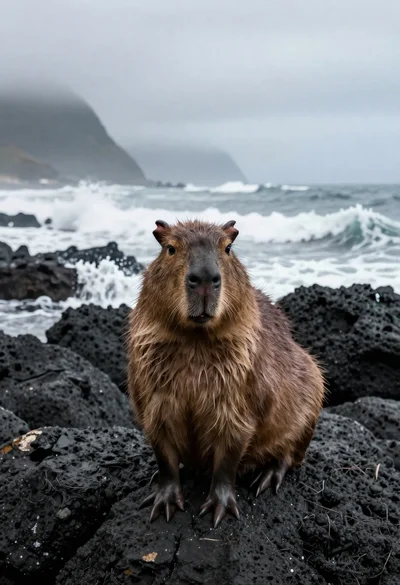
Capybara on volcanic rocks by crashing ocean waves
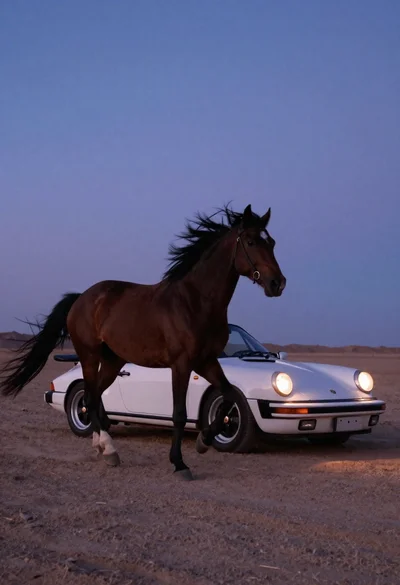
White porsche convertible near galloping dark horse at twilight
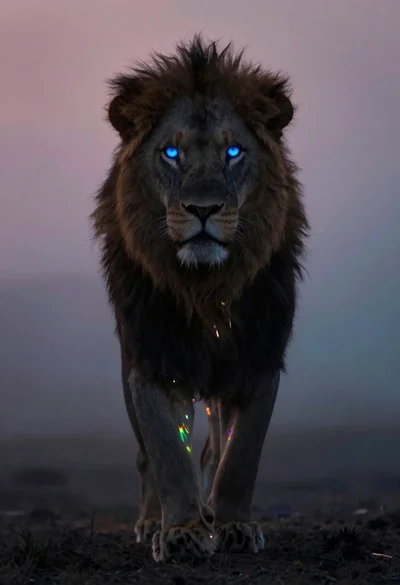
Lion silhouette in misty void with blue glowing eyes
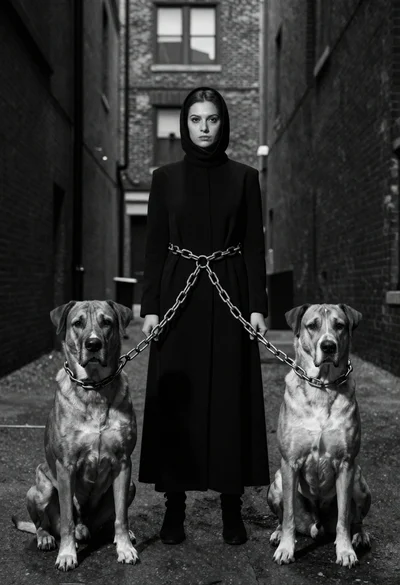
Woman between two large dogs in an urban alleyway
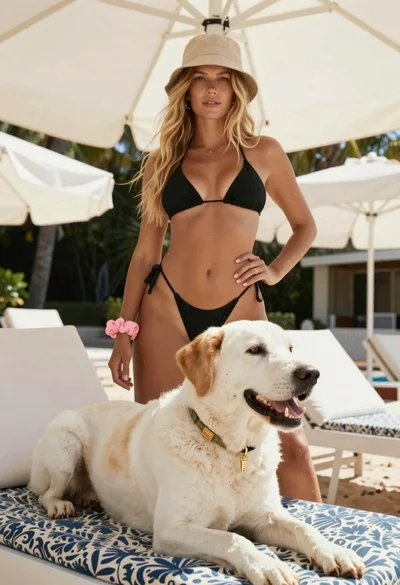
Blonde woman in black bikini poses with dog on beach lounger

Young woman with dog sitting on green grass in a garden setting
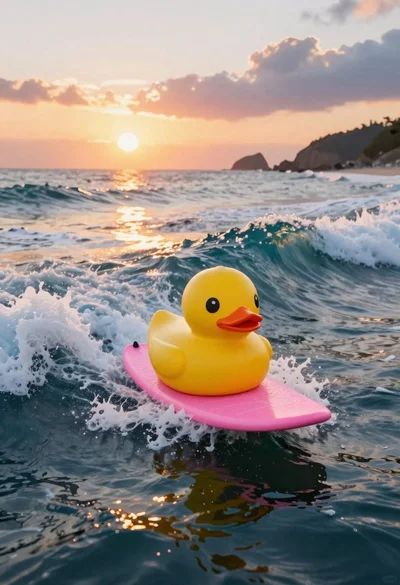
Yellow rubber duck surfing on pink waves at sunset