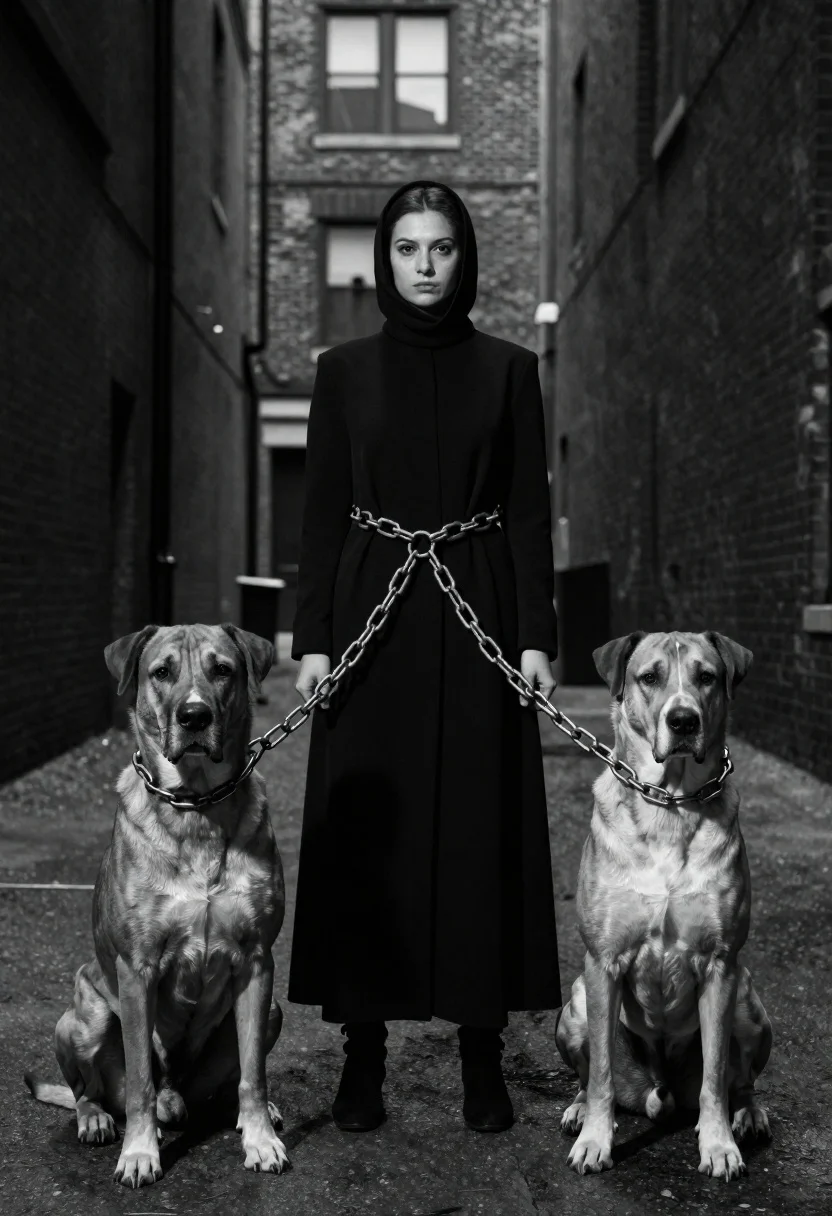
Woman between two large dogs in an urban alleyway
Prompt
A black and white portrait of a woman standing between two large dogs in an urban alleyway

Subject: A young woman with dark hair pulled back by a tight hooded cowl, wearing long-sleeved high-neck clothing under the hood

Clothing: She wears a floor-length black dress or coat cinched at the waist with her hands clasped around heavy metal chains held taut between them

Action: The subject stands upright and still while looking directly forward. Two large dogs sit on either side of her, facing forward in profile view as if guarding her presence

Objects: Heavy metallic link chains connect from each dog to the woman's center point at waist level where she holds both ends tightly together forming a triangular arrangement centered around their bodies

Environment: A narrow city alleyway lined by tall brick buildings that converge upward into perspective lines leading toward distant windowsills above head height creating depth and confinement within frame boundaries.

Lighting: High-contrast monochrome lighting creates dramatic shadows across faces and coats while illuminating key facial features sharply against deep background darkness suggesting low-key studio-style illumination

Camera: Straight-on eye-level angle with wide composition capturing full figures of all three subjects from knees up showing ground surface beneath paws extending slightly into foreground space.
Description
This prompt is useful for creating dramatic editorial spreads, conceptual fine art photography, and movie poster concepts emphasizing tension. The combination of 'high-contrast monochrome lighting' with the 'heavy metallic link chains' ensures that every shadow deepens the sense of confinement suggested by the 'narrow city alleyway,' while the 'profile view' of the dogs directs the viewer's eye inward toward the central figure.
Suggestions
- Change 'floor-length black dress or coat' to 'tattered leather trench coat' for more grit.
- Adjust 'low-key studio-style illumination' to 'harsh midday sun' for a different contrast feel.
- Swap 'wide composition' to 'full body shot' to emphasize the ground surface.
Category
Tags
AlleyAnimalsB&wFemaleFull BodyLow AngleMedium ShotOlive SkinPortrait ShotRealisticStreetwearWide Shot
Date added
June 19, 2026
Added by
PromptDexter Team
Related Prompts
More prompts with similar categories and tags.
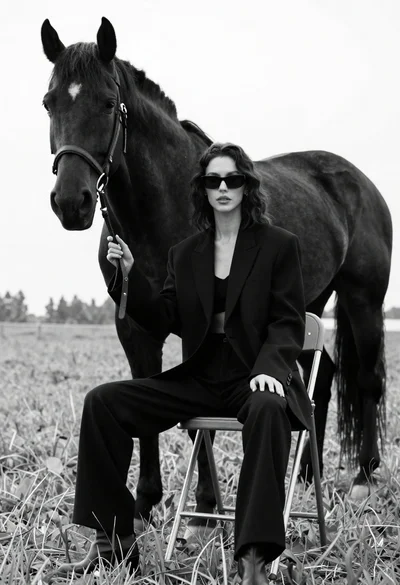
Woman in black outfit sitting on stool with large horse in field

Young woman with dog sitting on green grass in a garden setting
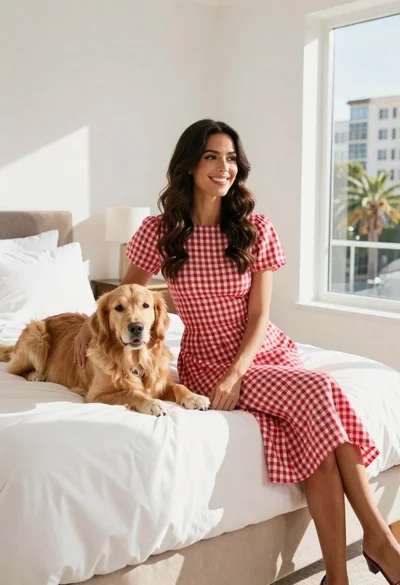
Woman in gingham dress sitting on bed with golden retriever dog indoors

Monochrome portrait of woman with cat indoors
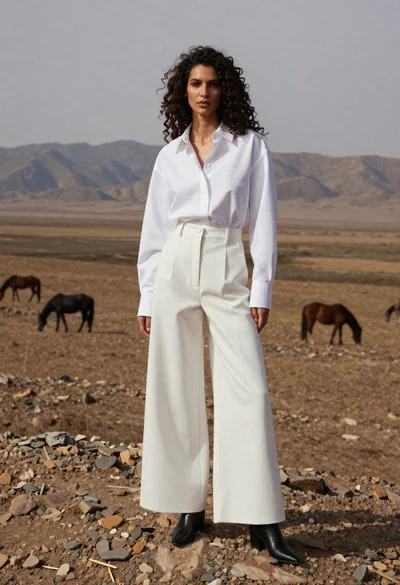
Woman in white shirt on rocky steppe with horses
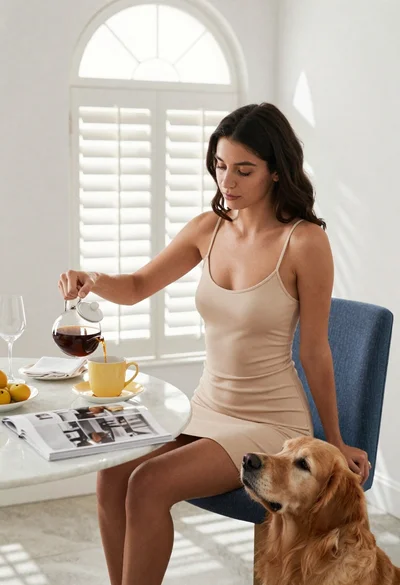
Woman pouring coffee for dog at breakfast table in bright room
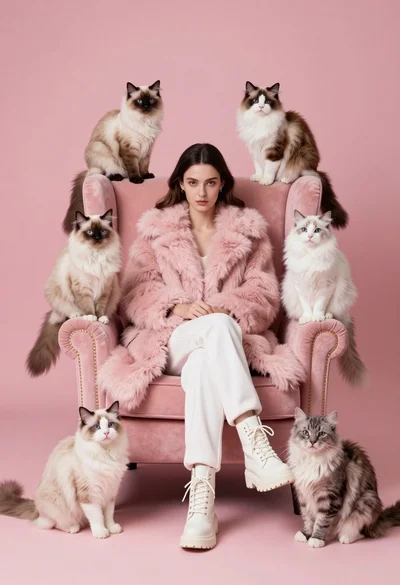
Woman in pink fur coat surrounded by six fluffy cats on pink

Black and white portrait of woman on urban street at night
