
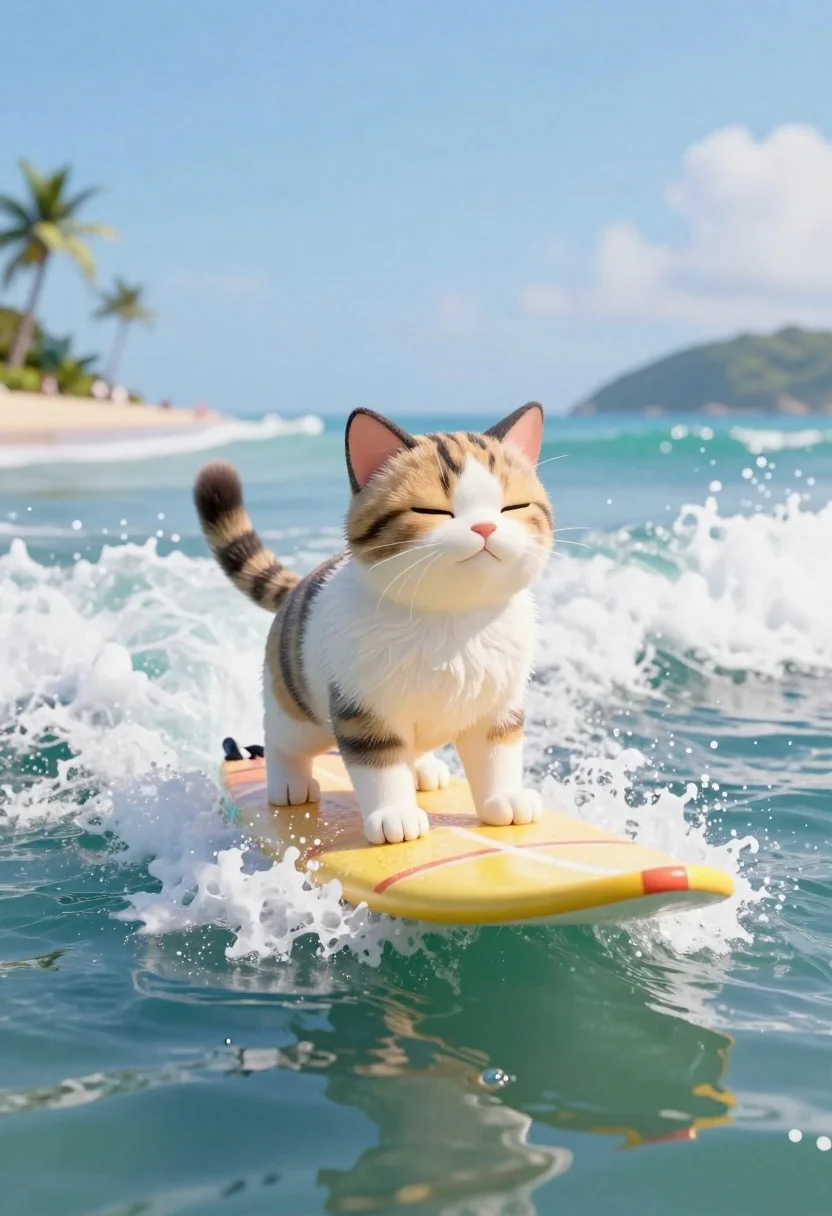
Cat surfing on yellow board in tropical ocean waves
Prompt
3D render of a fluffy tabby and white cat confidently surfing on a yellow board through turquoise waves under a bright sky

Subject: A cute calico kitten with brown, black, and white fur standing upright on the surfboard while riding a cresting wave.

Action: The feline stands balanced with eyes closed in a blissful expression as it navigates the water surface without falling off its board.

Objects: Colorful yellow-orange surfboard featuring red stripes along the bottom edge for visual contrast against the blue-green ocean spray.

Environment: Tropical beach setting with white foamy waves crashing around and behind, distant palm trees on sandy shorelines visible under clear skies above horizon line.

Lighting: Bright natural sunlight illuminating everything evenly creating soft shadows beneath water surface reflecting off wet fur textures enhancing realism

Camera: Low-angle wide shot capturing full body of character plus surrounding environment showing depth field from foreground splash to background island silhouette at high clarity resolution suitable for digital art generation purposes only!
Description
This prompt is useful for creating whimsical children's book illustrations, vibrant digital concept art, and playful animal-themed merchandise designs. The combination of 'low-angle wide shot' and the specified 'bright natural sunlight illuminating everything evenly' ensures that both the foreground action—the kitten standing balanced—and the distant 'background island silhouette' are visible without harsh contrast or lost detail.
Suggestions
- Change 'fluffy tabby and white cat' to 'calico kitten' for color consistency.
- Swap 'yellow-orange surfboard' for 'neon green surfboard' for a more vibrant pop.
- Adjust 'bright natural sunlight' to 'dappled sunlight' for softer shadows.
Category
Tags
3dAnimalsBeachFull BodyLow AngleNatureWide Shot
Date added
June 19, 2026
Added by
PromptDexter Team
Related Prompts
More prompts with similar categories and tags.
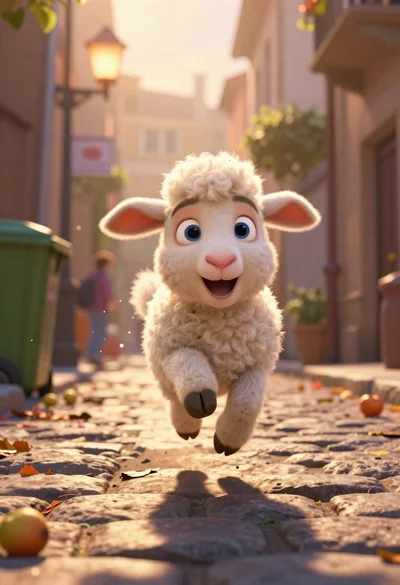
Animated lamb running down a sunlit european alleyway
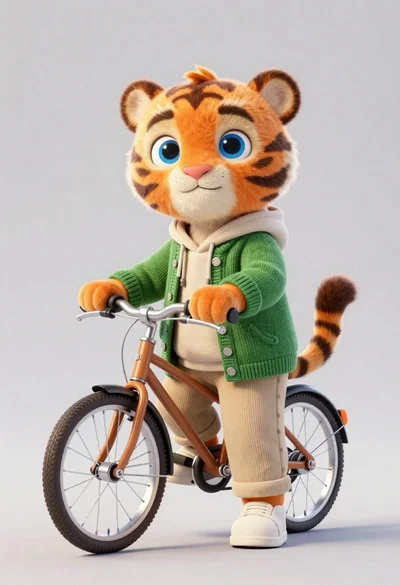
3d render of cute tiger cub with bicycle in studio

Fluffy golden puppy jumping joyfully in sunlit meadow with colorful ball

Translucent cosmic teddy bear in outer space
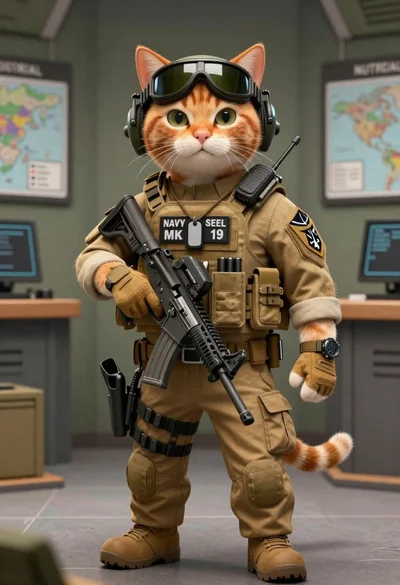
Tactical orange tabby cat in a military briefing room
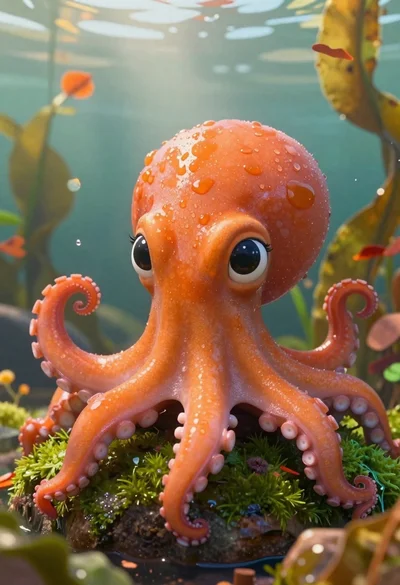
Cartoon octopus portrait on mossy rock in shallow water
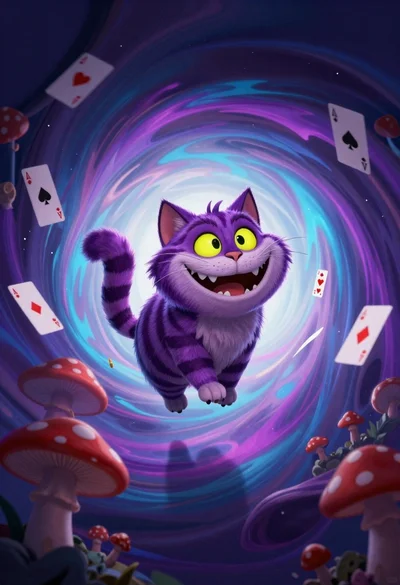
Cheshire cat in surreal vortex tunnel with playing cards
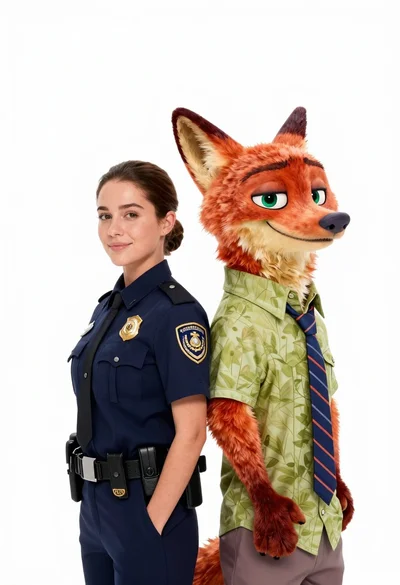
Woman in police uniform stands with fox wearing shirt against white studio

Cheerful plush toy boy holding a teal walkie talkie on a grassy
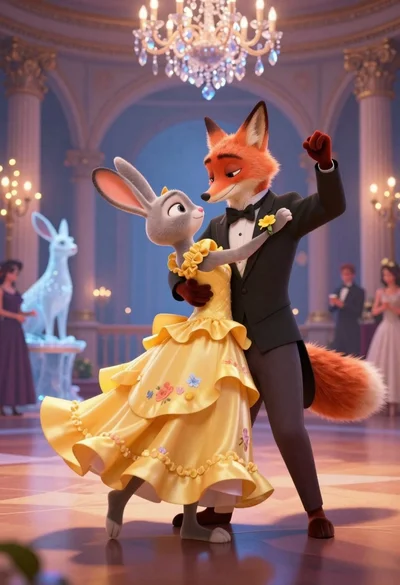
Anthropomorphic fox in tuxedo dances with rabbit in yellow dress under crystal