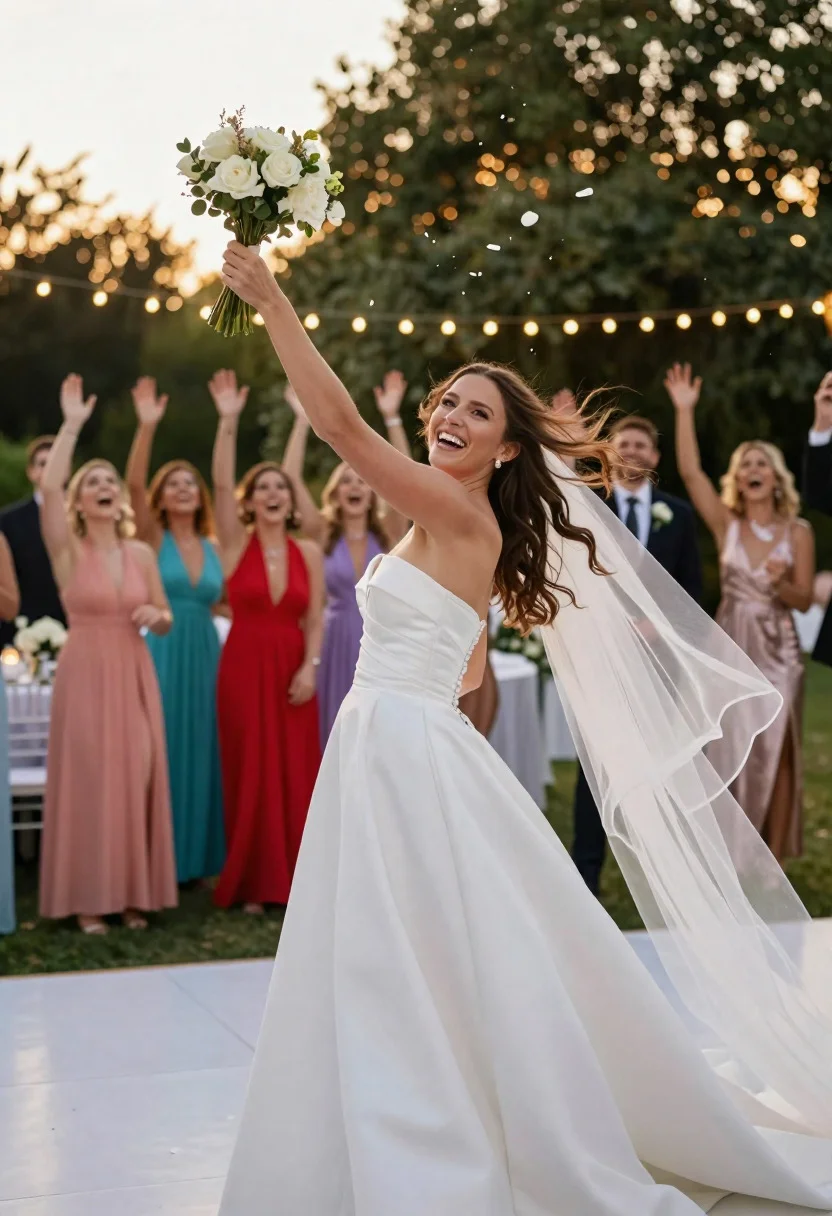
Joyful bride tossing white bouquet over shoulder at outdoor reception
Prompt
Exuberant bridal photography moment of a joyful bride tossing her bouquet over her shoulder toward a crowd of excited single women at the wedding reception.

Subject: stunning bride with radiant smile and windswept hair, mid-action glancing back playfully.

Clothing: elegant strapless white satin gown with fitted bodice, full skirt, and chapel-length veil flowing behind.

Accessories: tossing a lush bouquet of white roses, peonies, and greenery.

Action: bride turning at the waist, arm extended backward gracefully throwing the bouquet upward.

Other Subjects: group of 8-10 cheering bridesmaids and guests in colorful dresses reaching up eagerly in the background.

Environment: lively outdoor reception under string lights and trees, with reception tables and dance floor faintly visible.

Camera: dynamic action shot from low behind the bride, capturing motion blur on bouquet petals.

Lighting: golden evening sunlight with warm bokeh from string lights, bright highlights on gown and flowers.

Style Details: professional candid wedding photography, high-speed freeze-frame realism, vibrant energy, sharp details, festive joyful mood.
Description
This prompt is useful for creating dynamic wedding album spreads, celebratory event coverage, and lifestyle bridal editorials capturing peak emotion. The combination of 'low behind the bride' perspective with 'golden evening sunlight' ensures that the motion blur on bouquet petals emphasizes the energy of the toss, while the 'warm bokeh from string lights' provides a festive backdrop contrast to the sharp details of the gown.
Suggestions
- Change 'white satin gown' to 'ivory crepe gown' for a more matte finish.
- Add 'shallow depth of field' to isolate the bride further.
- Swap 'string lights' for 'twinkling fairy lights' for a different bokeh effect.
Category
Tags
FemaleFull BodyLow AngleRealistic
Date added
June 19, 2026
Added by
PromptDexter Team
Related Prompts
More prompts with similar categories and tags.
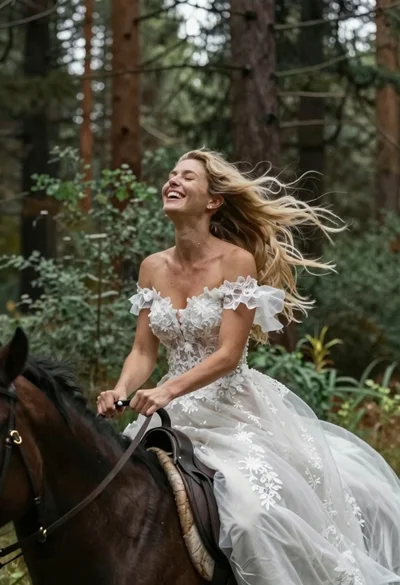
Joyful bride riding horse through a lush forest
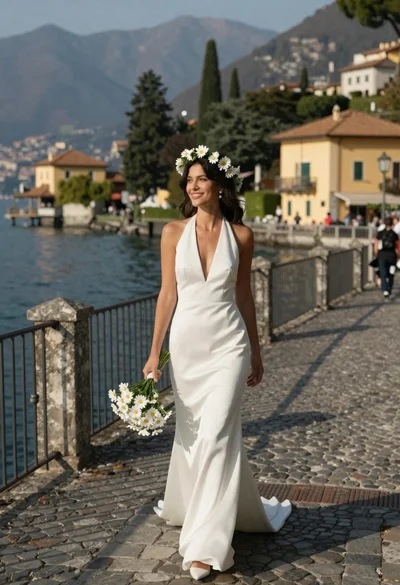
Smiling woman in white wedding dress walking on stone bridge over water
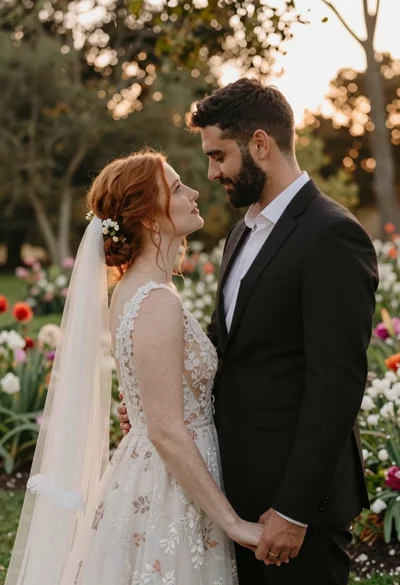
Redhaired bride and groom embracing in garden at golden hour
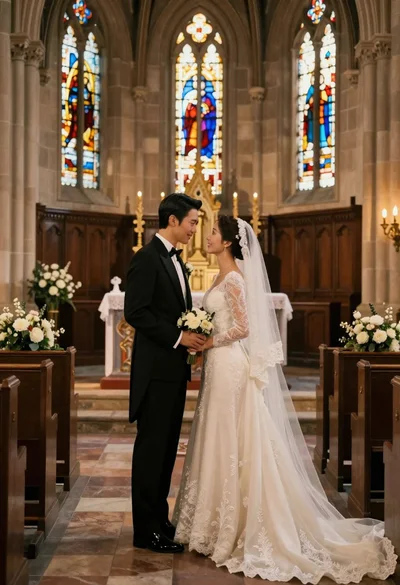
Bride and groom exchanging loving glances at a grand historic church altar
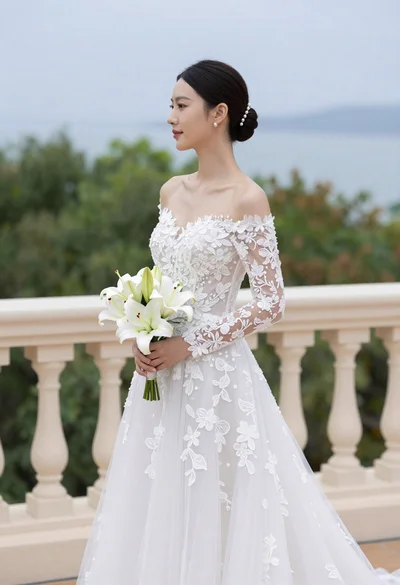
Bride in white gown holding lilies on outdoor balcony overlooking blue water
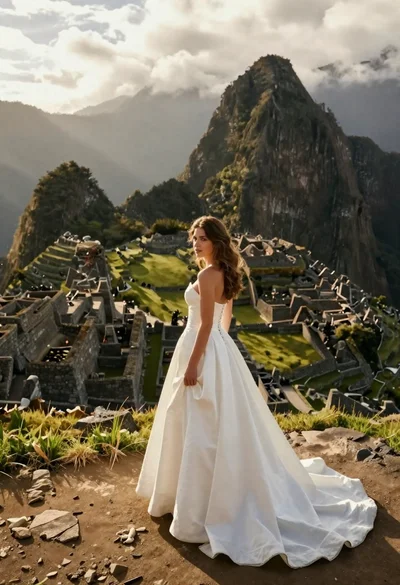
Woman in white gown standing among ancient ruins at mountain peak

Bride and groom in wedding attire standing before large portrait wall

Joyful bride and groom embracing on a sunlit tropical beach at golden