

Joyful woman with brown hair smiling in a lush green garden setting
Prompt
A joyful woman with long wavy brown hair smiles brightly while posing outdoors in a lush green garden.

Subject: A beautiful woman with long, voluminous wavy brown hair that cascades over her shoulder and down her back. She has a radiant complexion, defined eyebrows, dark eyes, and is wearing heavy eye makeup with eyeliner. Her expression is one of pure happiness, featuring a wide open-mouthed smile showing her teeth.

Clothing: She wears a white sleeveless crop top or blouse paired with a pink saree that drapes over her shoulder and body. The fabric appears to have a subtle sheen or texture. She is accessorized with large, ornate gold earrings featuring dangling pink beads and a ring on her finger.

Action: Her arms are raised above her head in a graceful pose, with her hands gently touching or framing the top of her hair. Her body is angled slightly away from the camera while her face turns toward it.

Environment: The background consists of dense, vibrant green foliage with leaves and branches filling the frame behind her. A soft, hazy mist or fog effect is visible at the bottom of the image, blending into the lower portion of her dress.

Lighting: The scene is illuminated by bright, natural sunlight that highlights her face and arms, creating a warm and airy atmosphere. The lighting is soft yet directional enough to define her features against the darker green background.

Camera: The shot is a medium close-up framed from a slightly low angle looking up at the subject. The depth of field is shallow, keeping the woman in sharp focus while blurring the leafy background into a soft bokeh.

Style Details: The image has a polished, high-quality portrait aesthetic with vibrant colors and a dreamy, ethereal quality due to the mist effect and natural lighting.
Description
This prompt is useful for creating joyful lifestyle portraits, cultural fashion editorials, and romantic fine art photography. The combination of 'bright, natural sunlight' defining her features against the 'dense, vibrant green foliage' ensures that the subject remains the clear focal point, while the 'shallow depth of field' isolates her expression from the busy background elements.
Suggestions
- Change 'pink saree' to 'deep emerald silk' for a richer color contrast.
- Add 'golden hour backlight' to enhance the ethereal quality.
- Adjust 'medium close-up' to 'full body shot' to better showcase the pose.
Category
Tags
Brown HairFemaleLow AngleOutdoorsRealistic
Date added
June 19, 2026
Added by
PromptDexter Team
Related Prompts
More prompts with similar categories and tags.

Young woman looking over shoulder with nose ring near green foliage

Young woman with dark hair at wooden table in open air setting

Young east asian woman by convenience store with mount fuji backdrop
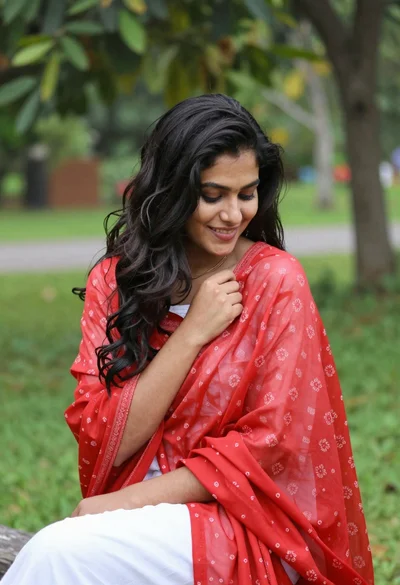
Young woman in white outfit holding red patterned shawl outdoors

Smiling young woman in maroon top standing outdoors with blurred background

Young woman laughing while holding milkshake against grey concrete wall
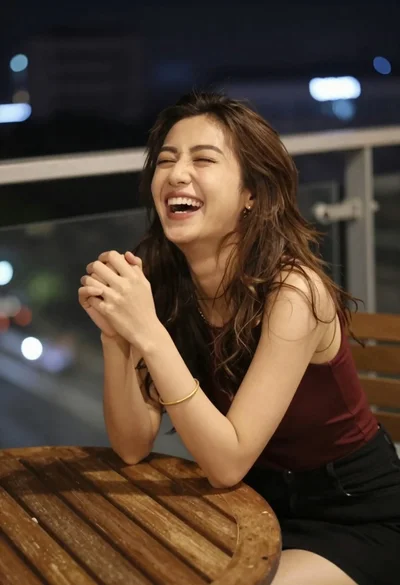
Young woman laughing at wooden table outdoors with city lights background
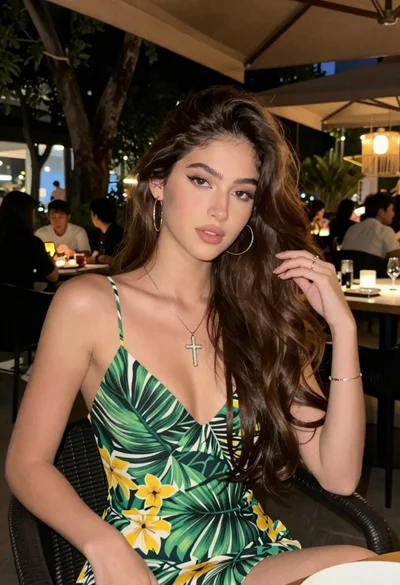
Young woman with brown hair sitting outdoors at night with tropical dress
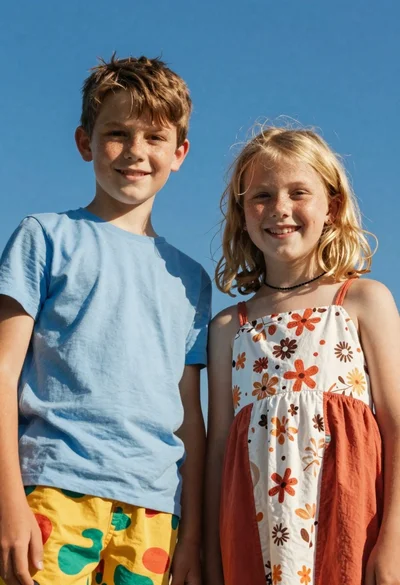
Two smiling children looking up at camera under blue sky
Smiling woman in sparkly top at nighttime outdoor festival crowd