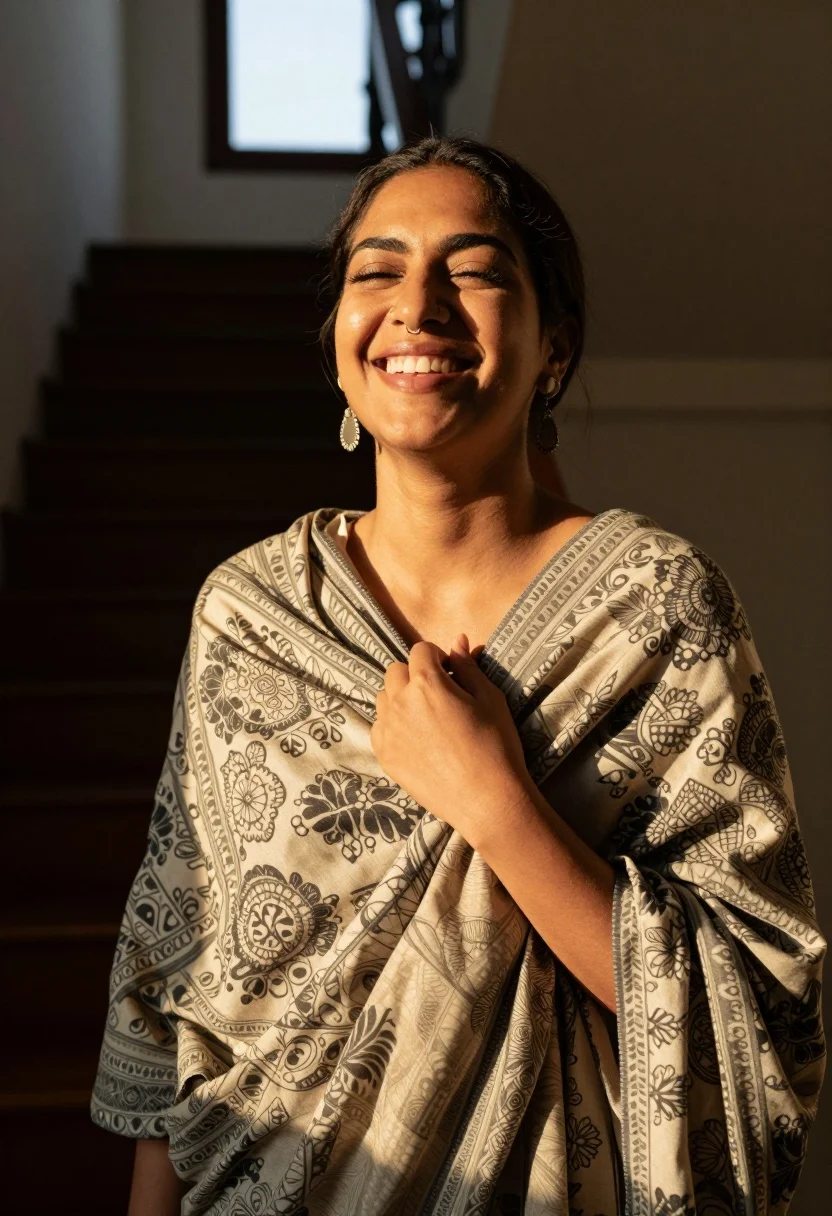
Joyful woman with dark hair laughing indoors near wooden staircase sunlight
Prompt
A joyful woman with dark hair smiles broadly while standing in a sunlit interior space.

Subject: A smiling woman with dark brown hair pulled back, wearing a nose ring and large dangling earrings.

Clothing: She wears a patterned garment featuring intricate floral and geometric designs in muted beige and grey tones, wrapped around her neck like a scarf.

Action: She is captured mid-laugh with eyes closed and head tilted slightly upward, holding the edge of her fabric with one hand near her chest.

Environment: The setting appears to be an indoor staircase or hallway with dark wooden steps and railings visible in the background.

Lighting: Warm golden sunlight streams from a window behind her, creating strong backlighting that highlights the texture of her clothing and casts soft shadows on her face.

Camera: Shot at eye level with a shallow depth of field that keeps the subject sharp while blurring the architectural background.

Style Details: Naturalistic photography with high contrast between warm light and deep shadows, emphasizing fabric texture and emotional expression.
Description
This prompt is useful for creating lifestyle portraiture, candid family albums, and editorial features requiring natural warmth. The combination of 'warm golden sunlight' backlighting against the 'dark wooden steps' accentuates the subject's joyful emotion while using a shallow depth of field to keep focus tightly on her expression despite the visible architectural background.
Suggestions
- Change 'patterned garment featuring intricate floral and geometric designs' to 'solid cream silk scarf' for simplicity.
- Adjust 'warm golden sunlight' to 'diffused morning light' for softer shadows.
- Swap 'dark wooden steps' for 'light oak staircase' to brighten the overall scene.
Category
Tags
BrunetteCasual WearFemaleMedium ShotOutdoorsRealistic
Date added
August 5, 2026
Added by
PromptDexter Team
Related Prompts
More prompts with similar categories and tags.

Smiling young woman in white ruffled dress between green topiary bushes

Smiling young woman in blue floral dress leaning against stone ledge

Smiling woman in red dress sitting in white macrame hanging chair

Woman with brown hair seated on red bench against weathered white wall

Blonde woman in black hat standing in misty green rolling hills

Smiling young woman in sweater vest within sunny autumn park setting

Young woman in olive saree leaning on railing outdoors during golden hour
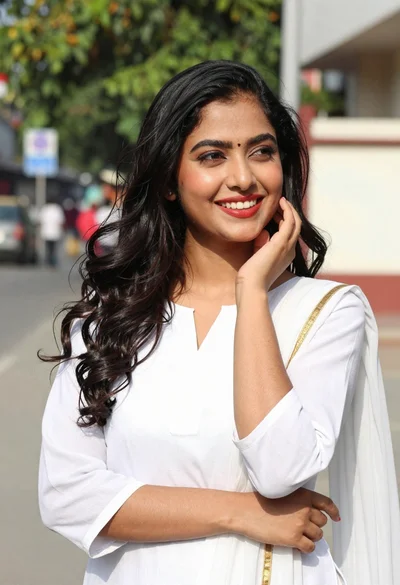
Smiling young woman in white kurta outdoors with green trees background
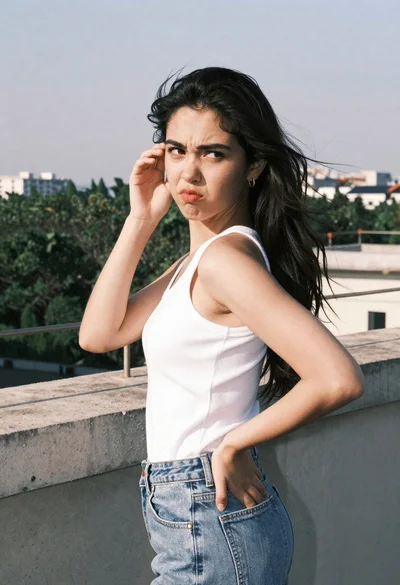
Young woman in white tank top on rooftop terrace looking away
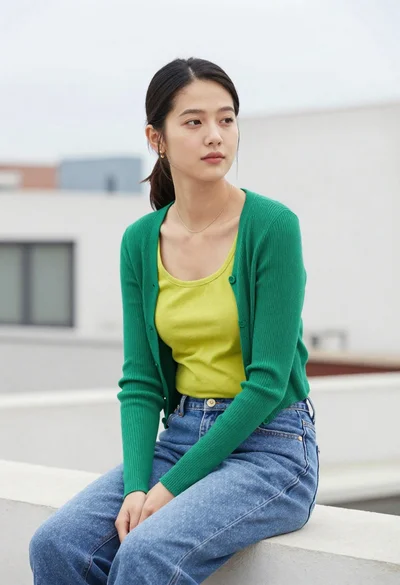
Young woman sitting on rooftop ledge looking away in soft diffused light