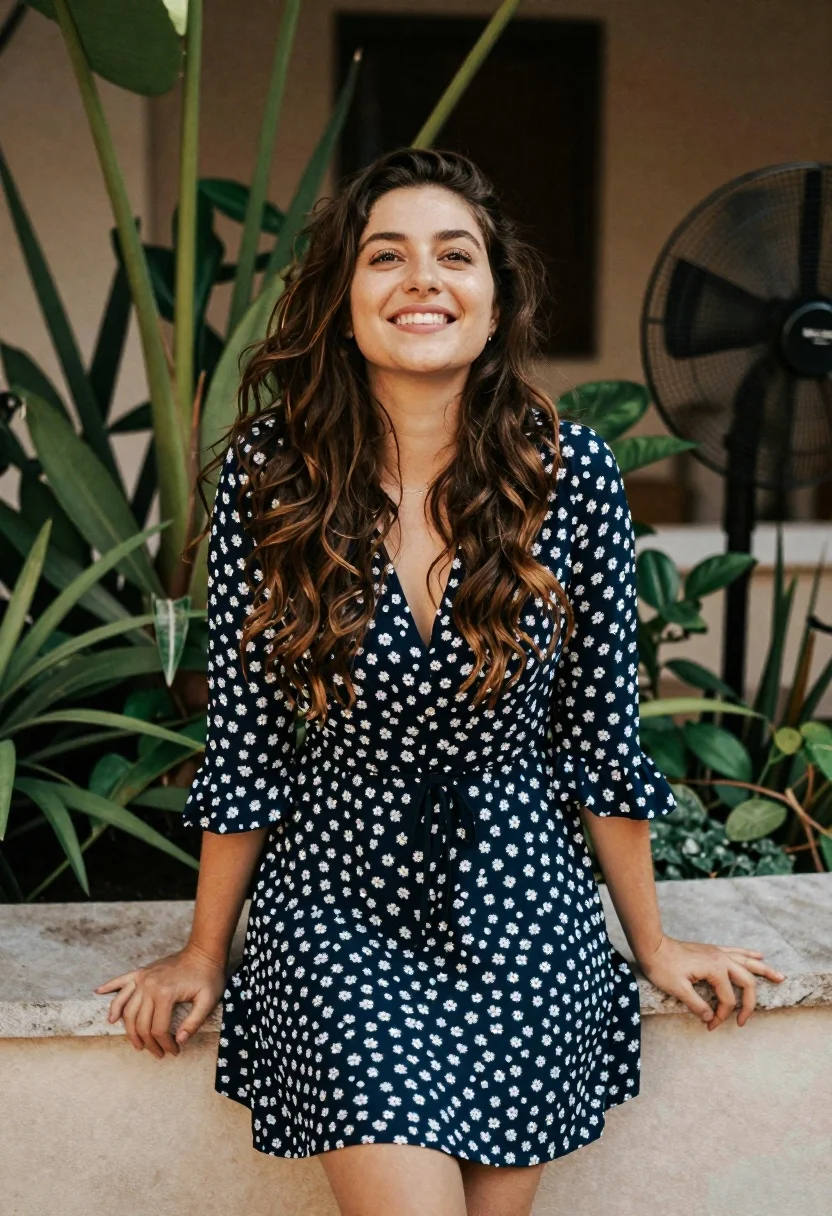
Smiling young woman in blue floral dress leaning against stone ledge
Prompt
A smiling woman with long wavy brown hair stands in a relaxed pose wearing a blue floral dress.

Subject: A young woman with long wavy brown hair and a bright smile looking slightly upward.

Clothing: She wears a navy blue dress covered in small white floral patterns featuring a V-neckline, three-quarter sleeves, and a black drawstring waist.

Action: She stands leaning casually against a light-colored stone ledge with her hands resting on the surface.

Environment: The background features lush green foliage and plants behind her along with a dark standing fan visible to the right.

Lighting: Soft natural light illuminates her face from the front creating gentle shadows and highlighting her smile.

Camera: A medium shot captures her upper body with a shallow depth of field that blurs the background slightly.

Style Details: The image has a candid lifestyle photography aesthetic with warm tones and a focus on natural expression.
Description
This prompt is useful for creating casual portrait sessions, lifestyle blog features, and seasonal catalog imagery. The combination of 'soft natural light' illuminating the face from the front ensures that her 'bright smile' remains the focal point without harsh shadows, while the 'shallow depth of field' keeps the focus tight on her expression despite the detailed background elements like the foliage.
Suggestions
- Change 'navy blue dress' to 'sky blue floral maxi dress' for a lighter feel.
- Replace 'light-colored stone ledge' with 'weathered wooden railing' for more texture.
- Add 'bokeh effect' to the camera details for an even softer background.
Category
Tags
Brown HairBrunetteCasual WearFemaleMedium ShotNatureOutdoorsRealistic
Date added
June 19, 2026
Added by
PromptDexter Team
Related Prompts
More prompts with similar categories and tags.

Smiling young woman in white ruffled dress between green topiary bushes

Young woman in olive saree leaning on railing outdoors during golden hour
Young woman with brown hair holding pink bougainvillea in stone alleyway

Smiling woman in red dress sitting in white macrame hanging chair

Young woman in pink camisole standing in sunlit rolling hills
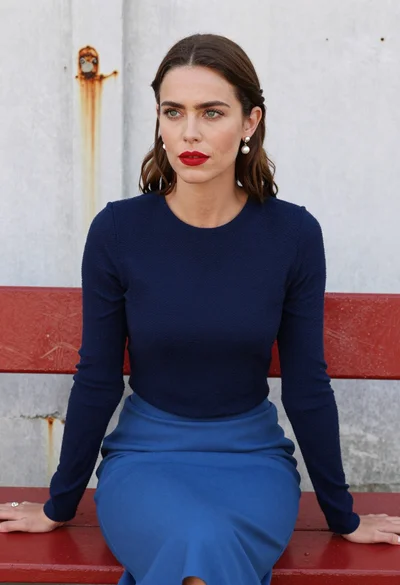
Woman with brown hair seated on red bench against weathered white wall
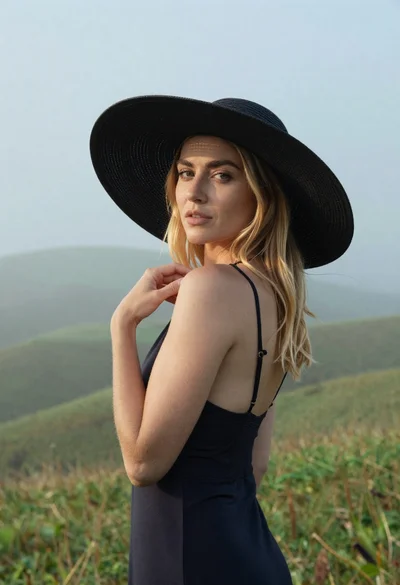
Blonde woman in black hat standing in misty green rolling hills

Smiling young woman in sweater vest within sunny autumn park setting

Young woman with dark hair at wooden table in open air setting
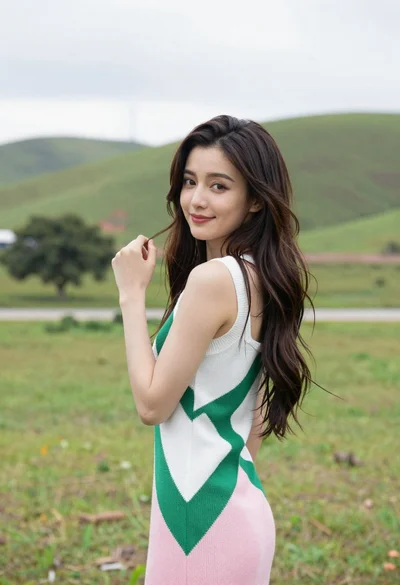
Young woman in patterned dress looking back over grassy hills