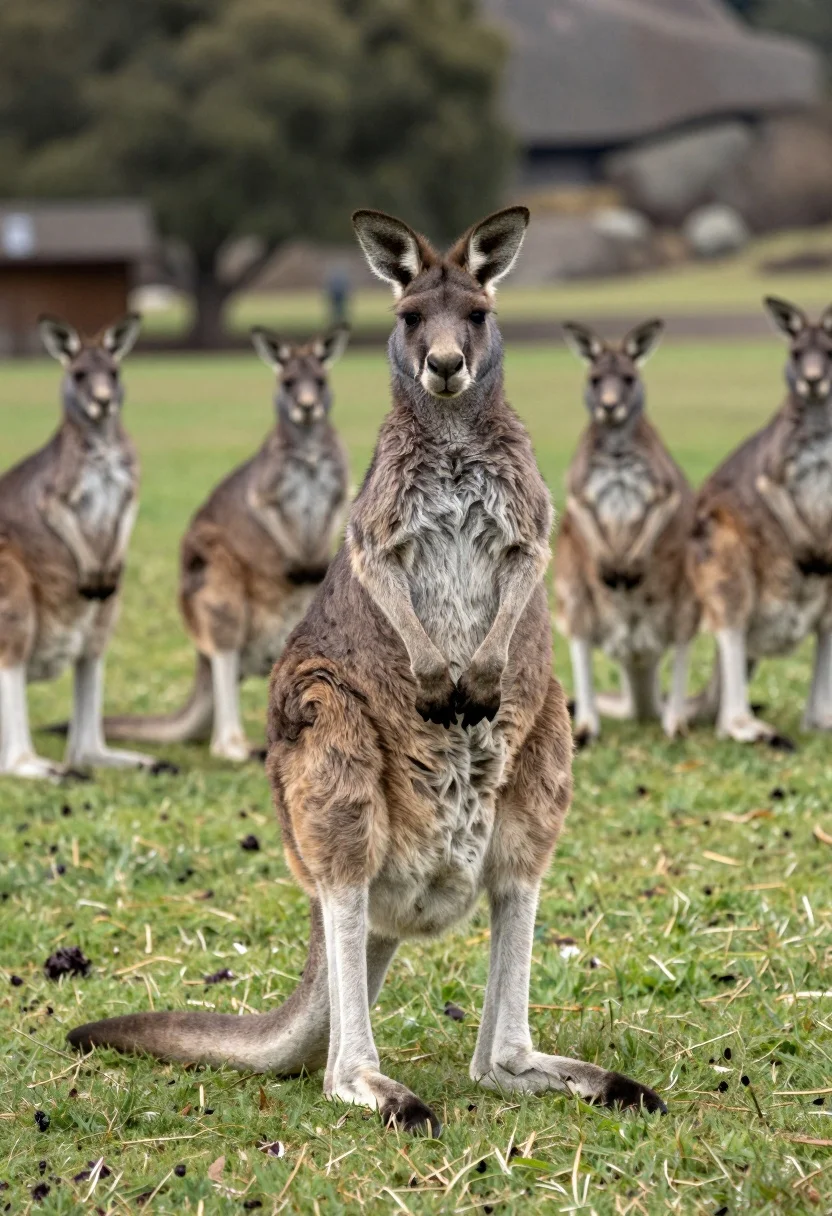
Large kangaroo standing upright in grassy field with blurred background group
Prompt
A large kangaroo stands upright in the foreground on a grassy field, looking directly at the camera with several other kangaroos standing in the blurred background.

Subject: A large grey kangaroo standing upright on its hind legs with its long tail resting on the ground for balance and its front paws held close to its chest.

Action: The main subject stands still facing forward while a group of other kangaroos stand in the background observing or looking around.

Environment: A green grassy field scattered with small dark spots, likely droppings, set against a blurred natural backdrop of trees and rocky terrain.

Camera: Medium shot capturing the full body of the main kangaroo with a shallow depth of field that keeps the foreground sharp while blurring the background subjects.

Lighting: Soft natural daylight illuminating the scene evenly without harsh shadows, creating a calm outdoor atmosphere.

Style Details: Naturalistic wildlife photography style with realistic fur texture and earthy color tones.
Description
This prompt is useful for creating nature documentary stills, zoo exhibit concept art, and educational wildlife guides requiring clear subject focus. The combination of a 'medium shot' on the main kangaroo against a background featuring a 'shallow depth of field' ensures that the primary animal remains sharply detailed while the group in the distance provides context without distracting from the central figure.
Suggestions
- Change 'large grey kangaroo' to 'red kangaroo' for a different color palette.
- Add 'golden hour lighting' to enhance rim light on the fur.
- Replace 'small dark spots' with 'wildflowers' for more visual interest.
Category
Tags
AnimalFull BodyMedium ShotOutdoorsRealistic
Date added
August 5, 2026
Added by
PromptDexter Team
Related Prompts
More prompts with similar categories and tags.
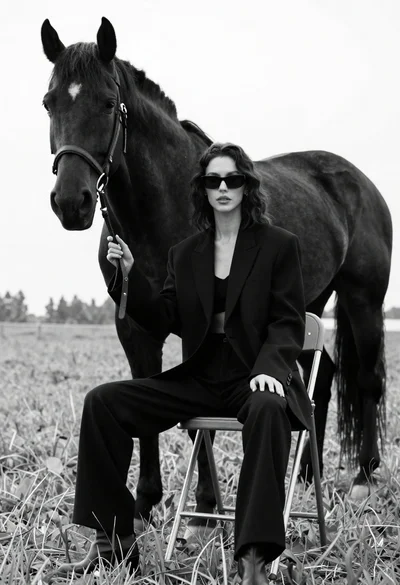
Woman in black outfit sitting on stool with large horse in field
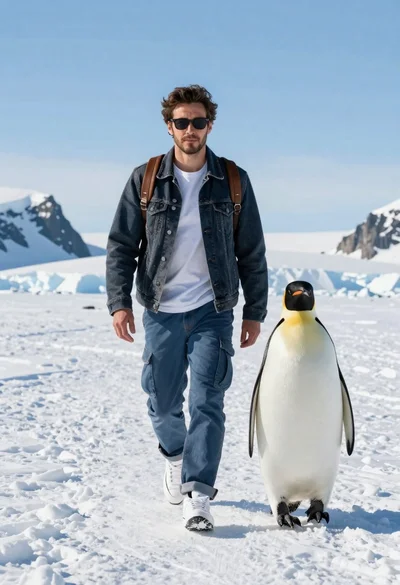
Man and emperor penguin walking together through snowy arctic landscape
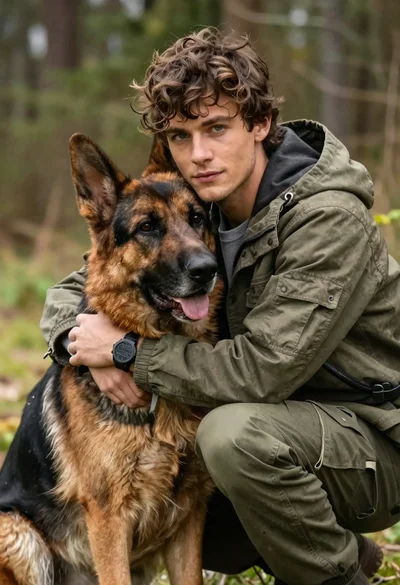
Young man with brown hair embracing a german shepherd in forest
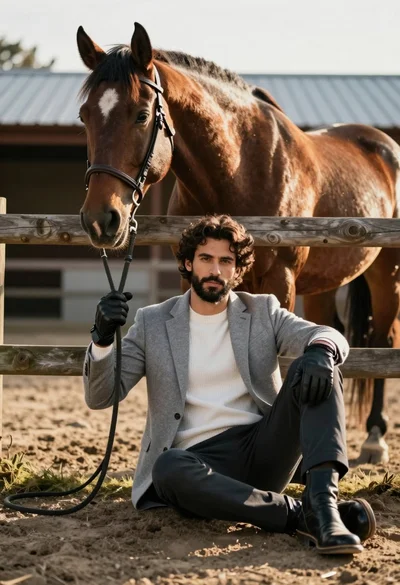
Handsome man with dark curly hair holding reins of large brown horse
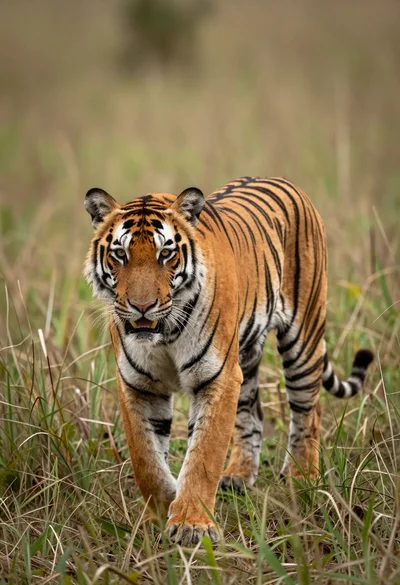
Majestic tiger walking through tall green and dry savanna grass
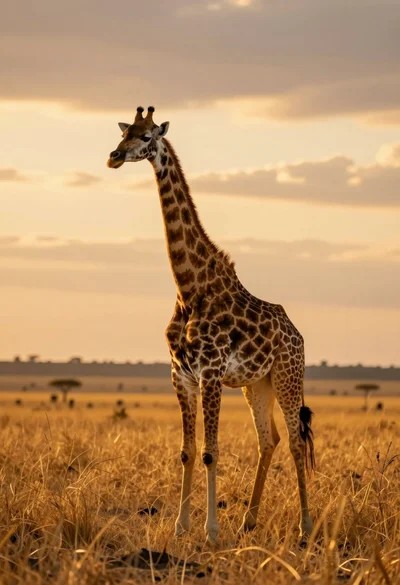
Majestic giraffe standing in golden savanna landscape at sunset
Majestic mountain goat standing on rugged rock formation against deep blue background
Tabby cat sitting alertly on a lush green grassy lawn outdoors
Majestic leopard sitting in profile on rocks overlooking green jungle foliage
Young woman kneeling in deep snow hugging siberian husky dog