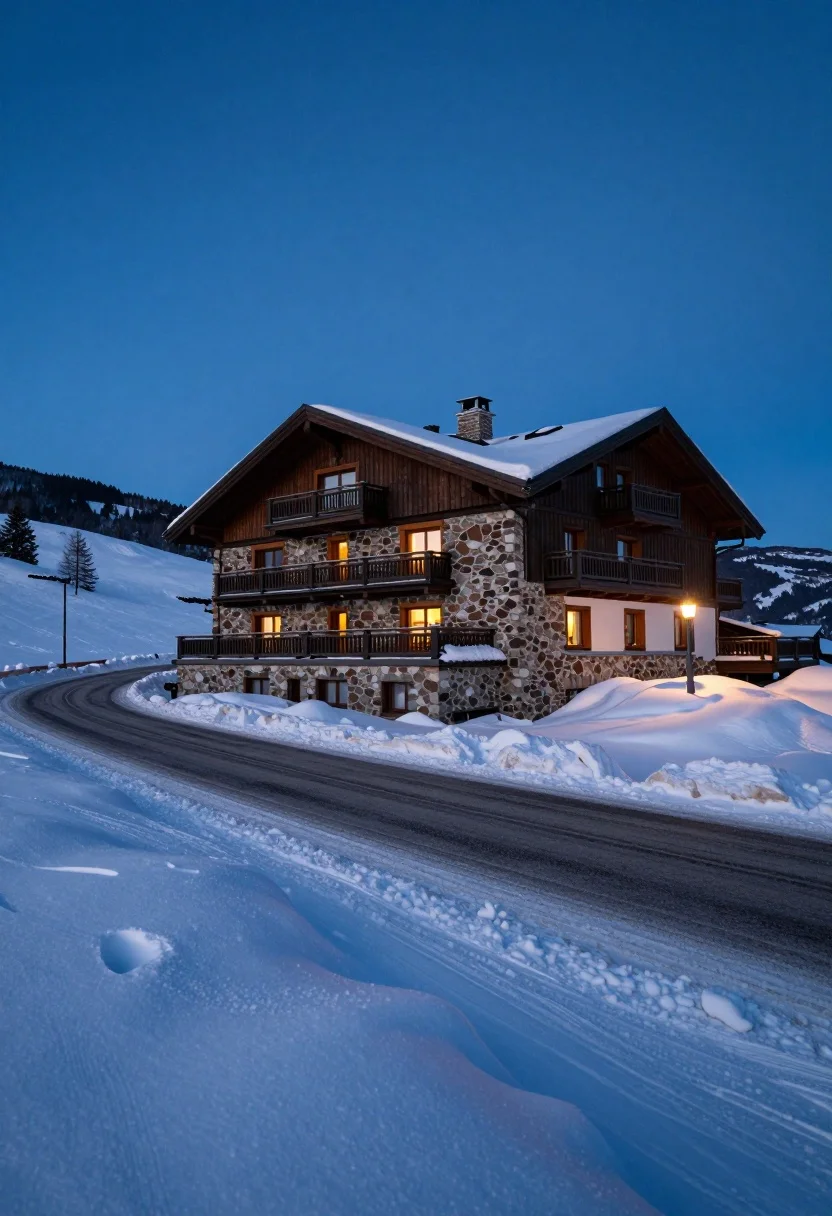
Large stone chalet on snowy hillside under blue hour twilight sky
Prompt
A large stone chalet with a snow-covered roof stands on a snowy hillside next to a winding road.

Subject: A multi-story mountain lodge constructed from rough-hewn brown stones and dark wood siding, featuring multiple balconies with white railings and a prominent chimney pipe rising from the peak of its steep, snow-laden gable roof.

Action: The scene is static with no visible movement, though tire tracks are imprinted in the snow along the road.

Environment: A deep winter landscape dominated by thick, undulating mounds of fresh white snow that bury the lower walls of the house and line the roadside, set against a vast, dark blue twilight sky with distant rolling hills fading into the background.

Camera: The shot is taken from a low angle looking up at the building to emphasize its height, utilizing a wide-angle perspective that captures the expansive snowy foreground and the deep blue expanse of the sky.

Lighting: The scene is illuminated by the soft, cool glow of the blue hour, casting long shadows across the snowdrifts while warm artificial light spills from the windows and balconies, creating a strong contrast between the cold ambient temperature and the cozy interior warmth.

Style Details: The image features a cinematic color palette with deep indigo blues contrasting against the bright white snow and earthy brown tones of the building, rendered with high dynamic range to capture texture in the stone and smoothness of the snow.
Description
This prompt is useful for creating winter travel advertisements, architectural concept art for resorts, and dramatic landscape photography featuring human habitation. The combination of 'low angle' perspective and 'wide-angle perspective' emphasizes the chalet's imposing height against the vastness of the 'deep blue twilight sky', while the contrast between the cool ambient light and the 'warm artificial light' spilling from windows grounds the structure in cozy domesticity.
Suggestions
- Change 'rough-hewn brown stones' to 'slate grey stone' for a more monochromatic feel.
- Swap 'blue hour' for 'overcast midday' to test different shadow qualities.
- Add 'minimalist signage' near the road to suggest habitation.
Category
Tags
Low AngleOutdoorsRealisticWide Shot
Date added
August 5, 2026
Added by
PromptDexter Team
Related Prompts
More prompts with similar categories and tags.
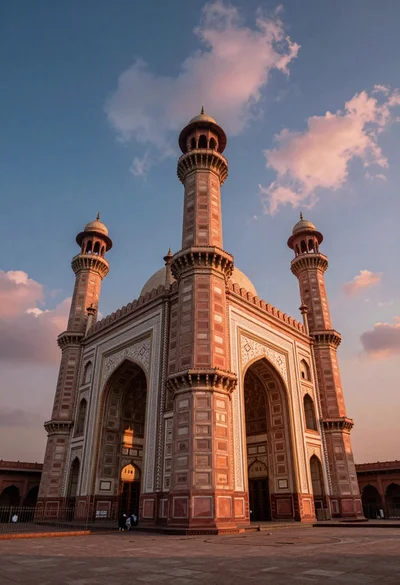
Low angle view of massive historic gateway with towering minarets and arches

Solitary white house by reflective water under vibrant sunset sky

Traditional wooden windmill reflected in calm lake under vibrant sunset sky
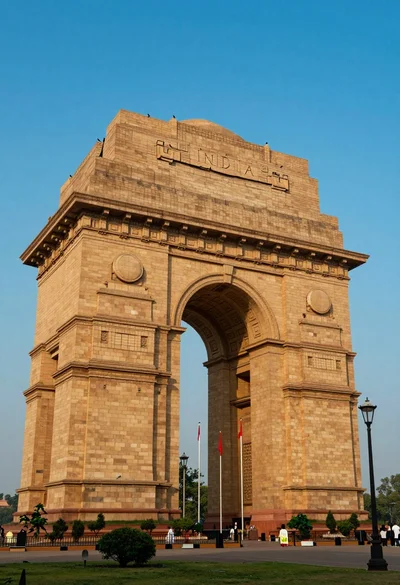
Low angle view of india gate war memorial under golden sunlight
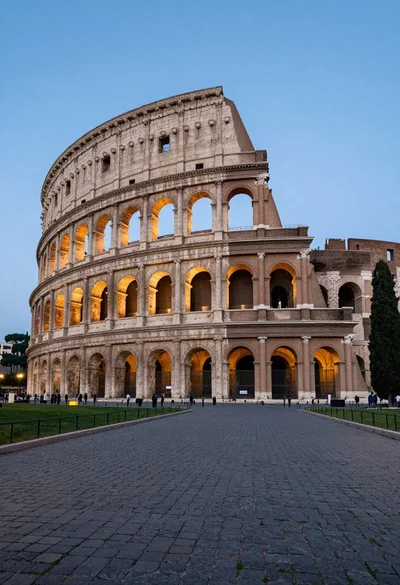
Majestic view of colosseum in rome at twilight with cypress trees
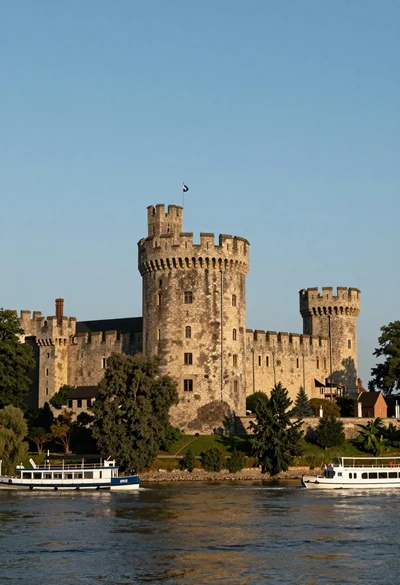
Majestic medieval stone castle overlooking wide river at golden hour
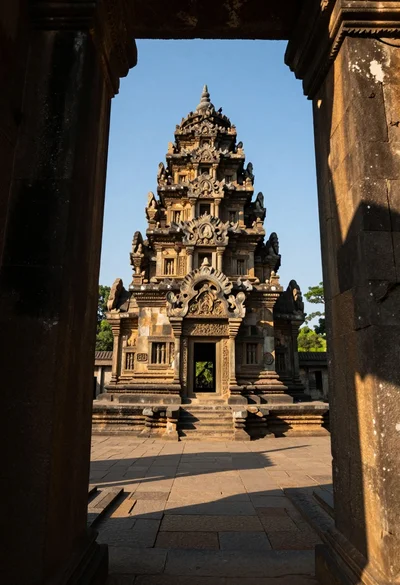
Majestic ancient stone temple viewed through gateway under clear blue sky
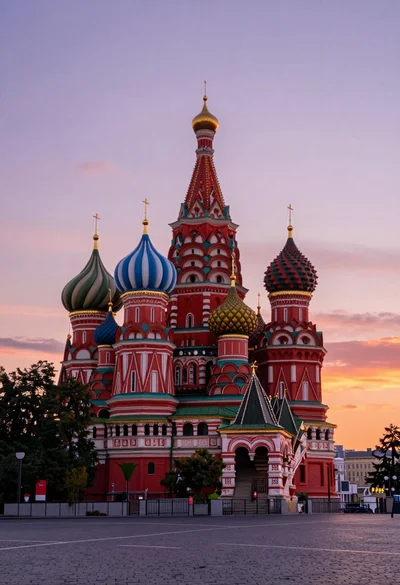
Wide view of st basils cathedral under soft twilight sky with colorful
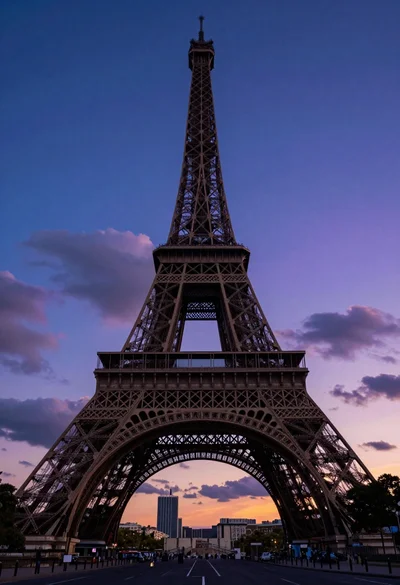
Low angle view of eiffel tower dominating paris twilight sky with city
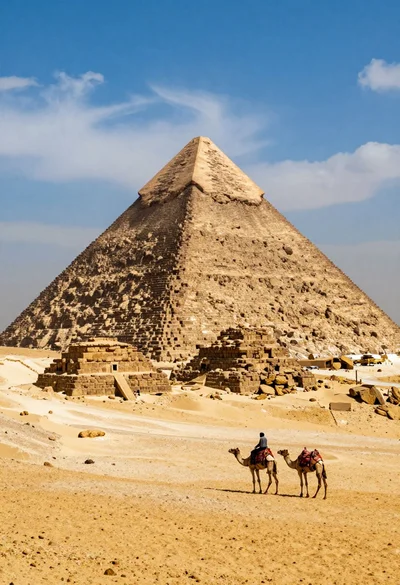
Lone figure riding camel before massive ancient pyramid in vast desert