
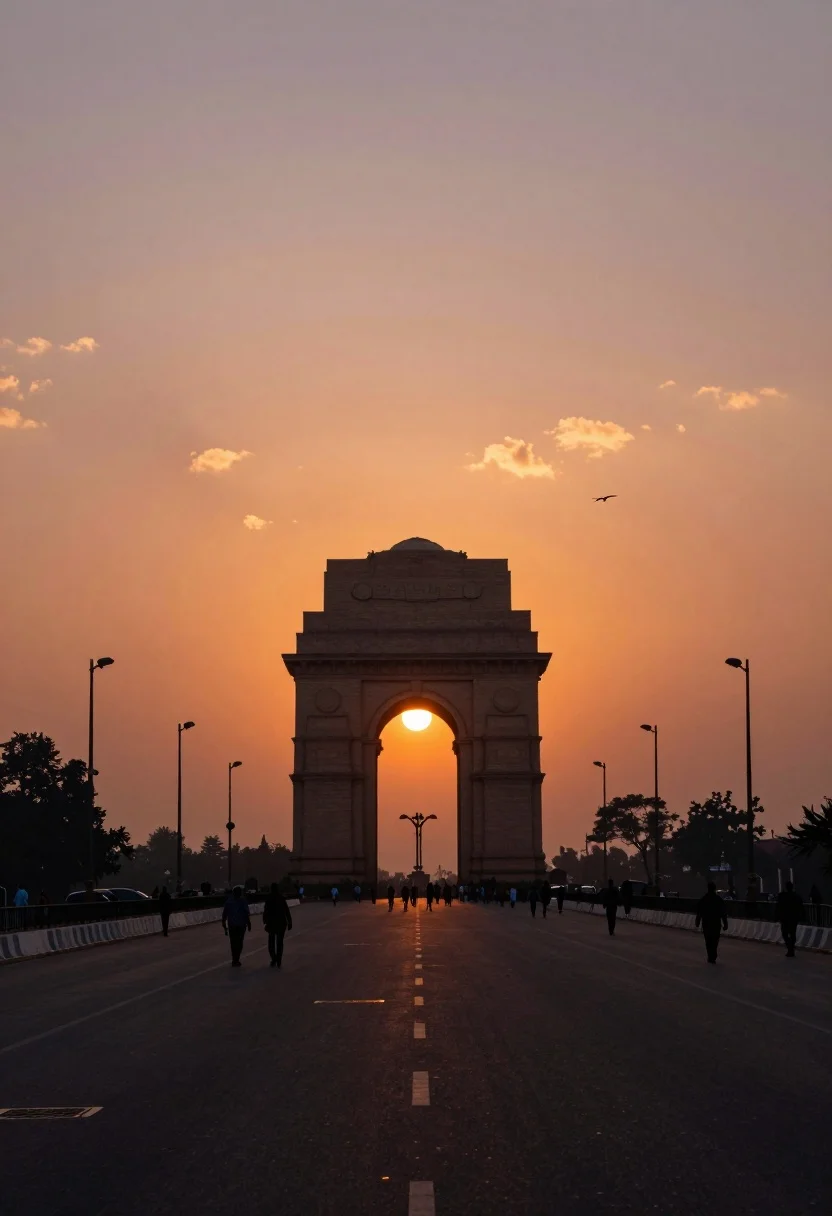
Silhouette of india gate monument at sunset viewed from a low angle
Prompt
A majestic silhouette of the India Gate monument stands centered in the distance under a brilliant orange sunset sky.

Subject: The iconic arch-shaped war memorial stands as a dark silhouette against the vibrant backdrop, flanked by rows of tall lamp posts and distant trees on either side.

Action: Silhouetted figures of pedestrians walk along the wide road leading toward the monument, while a single bird flies high in the sky near the sun.

Environment: The scene is set on a broad avenue with a long, blurred reflection of the setting sun stretching down the center of the asphalt road, bordered by white railings and lined with trees under a hazy horizon.

Camera: The shot utilizes a low-angle perspective looking straight up the road to create strong leading lines that converge at the monument, employing a shallow depth of field that blurs the immediate foreground while keeping the distant arch sharp.

Lighting: A powerful golden hour glow emanates from the setting sun, casting a warm orange hue across the clouds and creating a dramatic backlight that turns all foreground elements into dark silhouettes.

Style Details: The image features a cinematic color palette with deep oranges and purples, high contrast between the bright sky and dark ground, and a soft, atmospheric haze that enhances the mood.
Description
This prompt is useful for creating dramatic travel posters, architectural concept art, and moody movie set visualizations. The combination of 'low-angle perspective' and 'dramatic backlight' ensures all foreground elements are rendered as dark silhouettes against the vibrant sky, which maximizes the monument's imposing shape while the 'soft, atmospheric haze' prevents harsh edges that would detract from a cinematic mood.
Suggestions
- Change 'brilliant orange sunset sky' to 'deep indigo twilight sky' for a cooler tone.
- Add 'anamorphic lens flare' to enhance the cinematic quality of the sun.
- Swap 'asphalt road' for 'wet cobblestone path' to change the reflection.
Category
Tags
Low AngleOutdoorsRealisticRooftopUrbanWide Shot
Date added
July 12, 2026
Added by
PromptDexter Team
Related Prompts
More prompts with similar categories and tags.

Low angle wide shot of massive illuminated ferris wheel over modern city

Majestic illuminated historic building facade under deep blue night sky
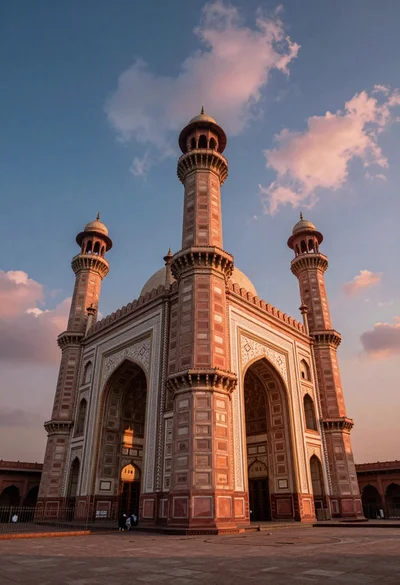
Low angle view of massive historic gateway with towering minarets and arches

Majestic golden domed palace overlooking sprawling cityscape at twilight

High angle aerial view of new york city skyline at twilight featuring

Traditional wooden windmill reflected in calm lake under vibrant sunset sky
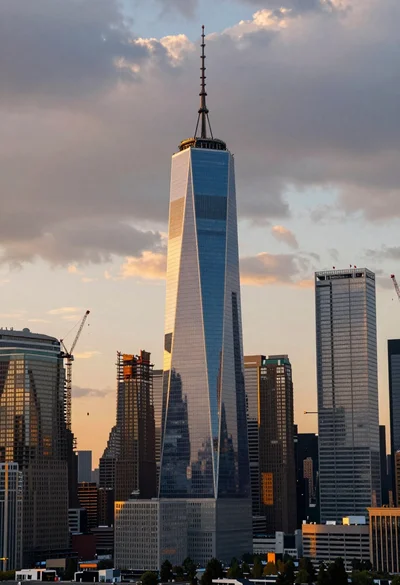
Wide angle view of massive modern skyscraper cityscape at sunset
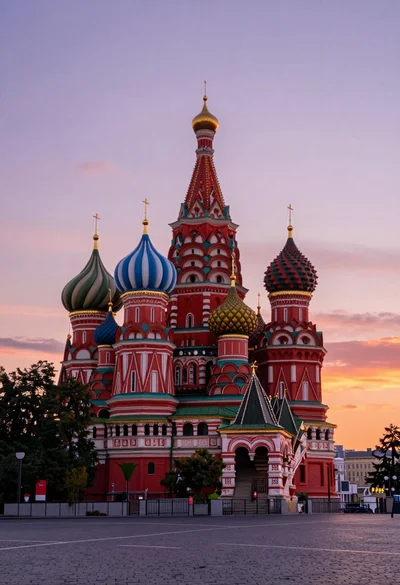
Wide view of st basils cathedral under soft twilight sky with colorful
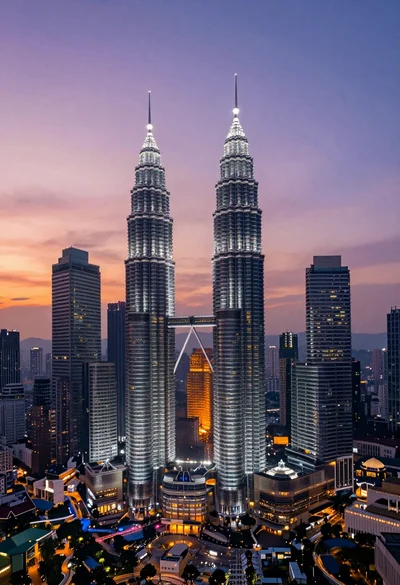
High angle wide shot of twilight cityscape featuring petronas twin towers
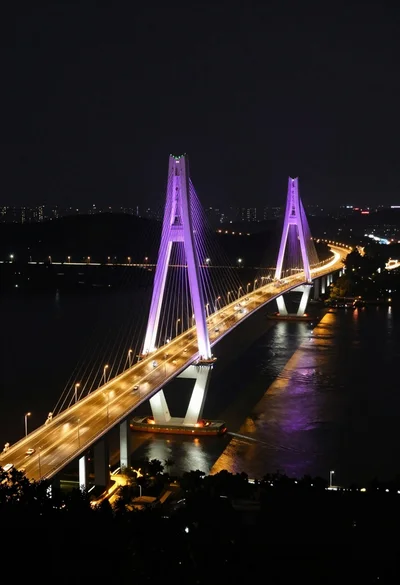
High angle view of majestic cable stayed bridge at night over dark
