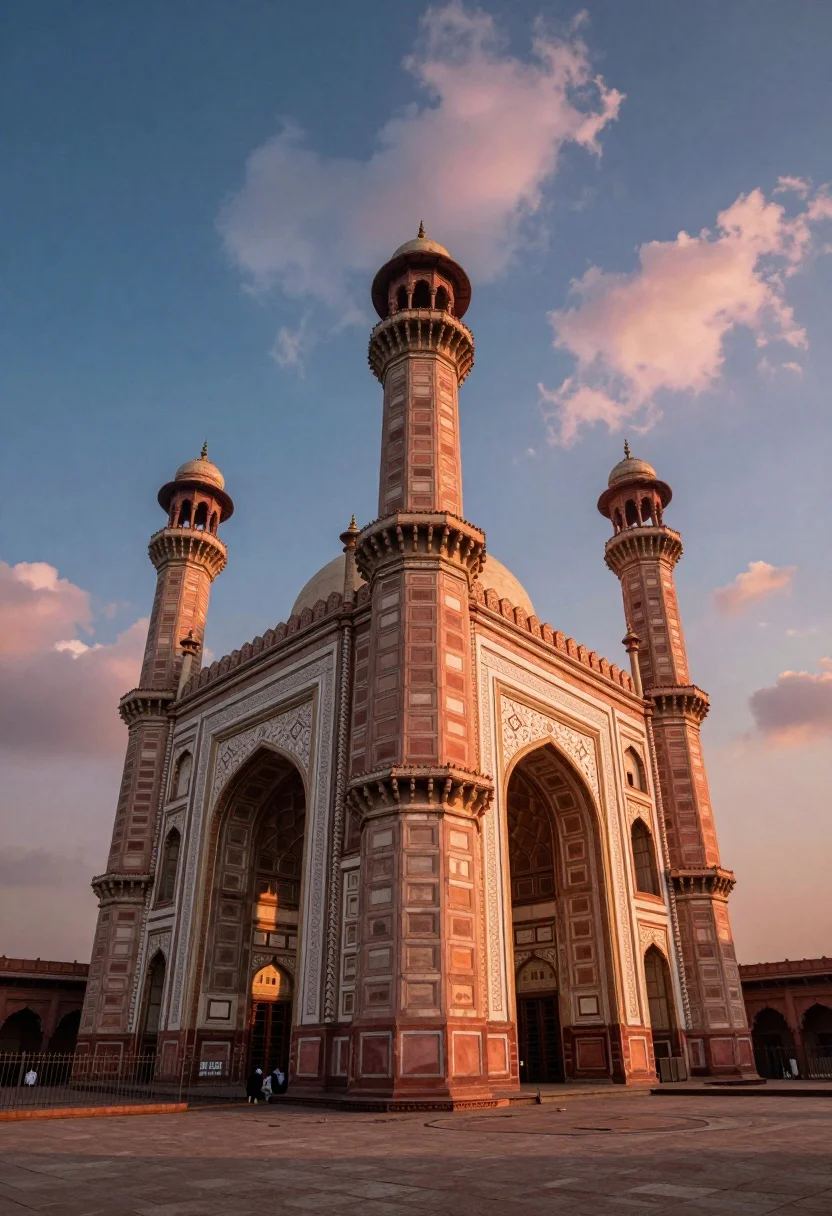
Low angle view of massive historic gateway with towering minarets and arches
Prompt
A majestic low-angle view of a massive historic gateway featuring towering minarets and grand arched entrances.

Subject: A colossal stone gateway structure with intricate architectural details, characterized by three prominent cylindrical towers topped with bulbous domes and a central tall tower rising above the main archway. The facade displays ornate carvings, decorative cornices, and large arched entryways at ground level.

Action: The scene is static with no active movement, though small figures are visible sitting near the base of the structure in the foreground.

Environment: The gateway stands within a wide paved courtyard or plaza enclosed by a metal fence running along the bottom edge. The background consists of a dramatic sky filled with scattered clouds transitioning from deep blue to warm orange and pink hues.

Camera: A low-angle perspective looking upward emphasizes the height and grandeur of the towers, utilizing a wide field of view that captures the full verticality of the architecture against the expansive sky.

Lighting: The scene is illuminated by soft, directional light casting gentle shadows within the arches and highlighting the texture of the stone walls, with a warm glow reflecting off the right side of the structure from the sunset sky.

Style Details: High-contrast visual style with saturated colors, featuring a vibrant blue sky contrasting against warm peach and orange tones on the building and clouds, giving the image a cinematic and dramatic atmosphere.
Description
This prompt is useful for creating epic travel destination photography, historical documentary backdrops, and cinematic concept art for adventure films. The combination of 'low-angle perspective' and 'wide field of view' forces the viewer's eye upward, emphasizing the sheer scale of the gateway against the dramatic sky, while the 'high-contrast visual style' ensures the ornate carvings remain visible despite the saturated colors.
Suggestions
- Change 'deep blue to warm orange and pink hues' to 'overcast grey to pale gold' for a more somber mood.
- Swap 'metal fence running along the bottom edge' for 'sparse desert foliage' to open up the foreground.
- Adjust 'soft, directional light' to 'harsh midday sun' for deeper shadows.
Category
Tags
Low AngleOutdoorsRealisticRuinsWide Shot
Date added
July 12, 2026
Added by
PromptDexter Team
Related Prompts
More prompts with similar categories and tags.

Traditional wooden windmill reflected in calm lake under vibrant sunset sky

Wide view of tower bridge spanning river at sunset under dramatic colorful

Low angle wide shot of massive illuminated ferris wheel over modern city

Majestic illuminated historic building facade under deep blue night sky
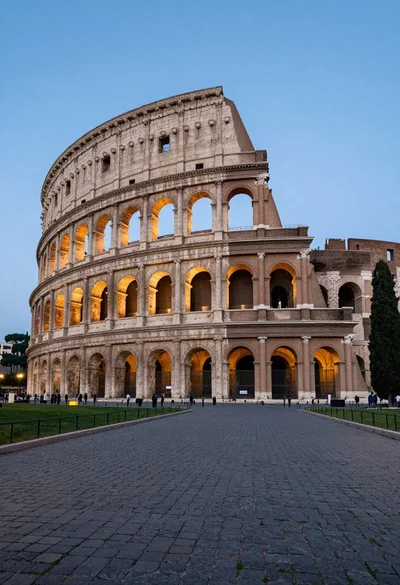
Majestic view of colosseum in rome at twilight with cypress trees

Majestic golden domed palace overlooking sprawling cityscape at twilight
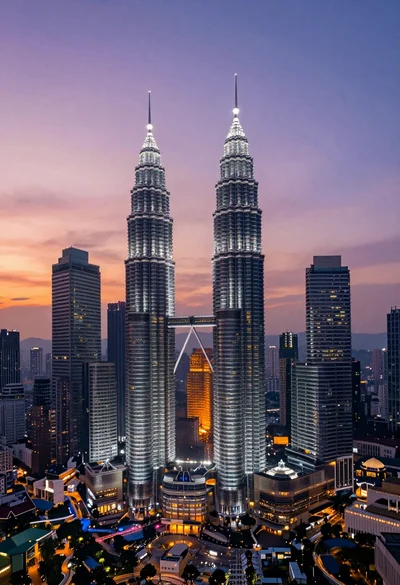
High angle wide shot of twilight cityscape featuring petronas twin towers

High angle aerial view of new york city skyline at twilight featuring
Wide angle view of massive modern skyscraper cityscape at sunset
High angle view of majestic cable stayed bridge at night over dark