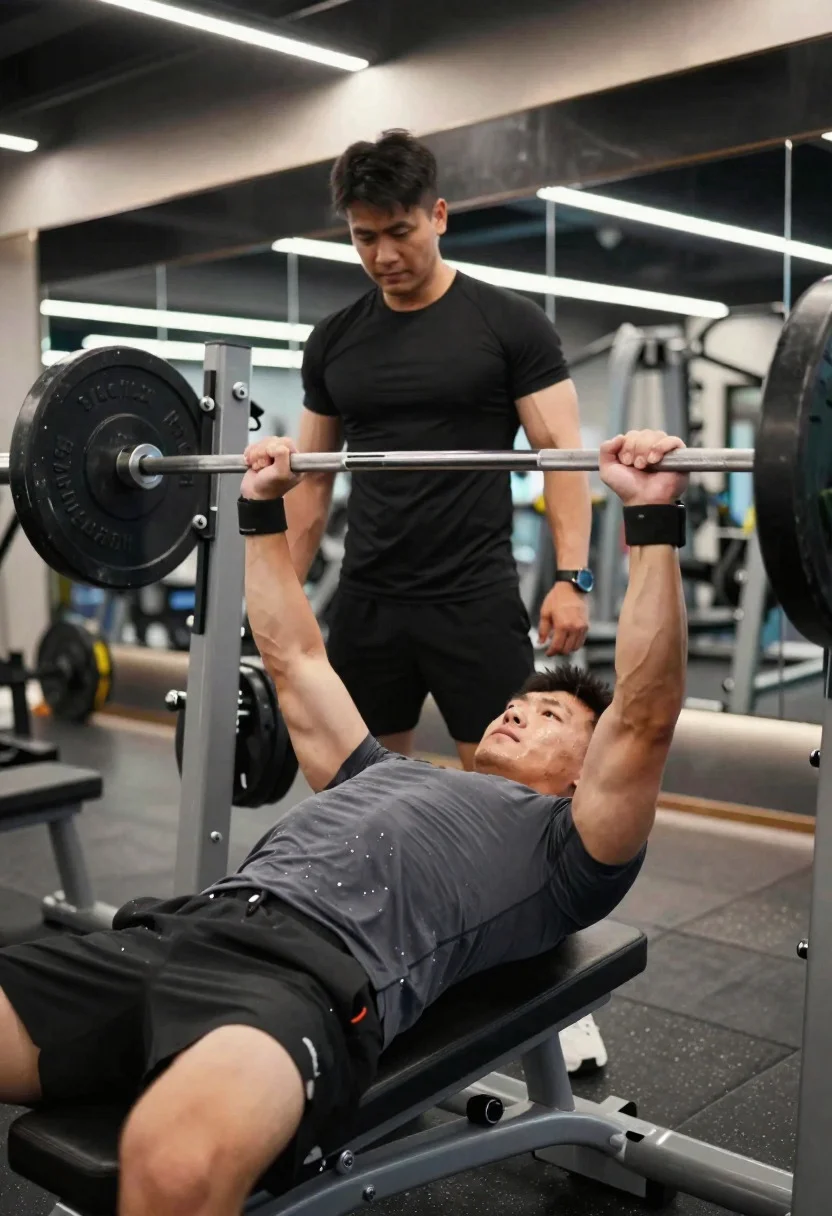
Muscular male athlete performing heavy bench press in modern gym setting
Prompt
Strength training moment capturing focused intensity during a heavy bench press in a modern gym

Subject: muscular male athlete with a concentrated, slightly strained expression, veins visible across arms

Clothing: fitted compression t-shirt and performance shorts, lightly sweat-soaked

Accessories: wrist wraps and a fitness watch

Action: lowering a heavily loaded barbell toward the chest with controlled precision during a bench press

Environment: well-lit contemporary gym with benches, racks, and mirrored walls creating depth

Camera: low-angle close-up from the side of the bench, emphasizing the bar path and upper body tension

Lighting: bright overhead lighting with crisp highlights on muscles and subtle reflections on metal surfaces

Other Subjects: spotter standing behind the bench, slightly out of focus but attentive

Objects: bench press setup with loaded barbell, weight plates, safety clips, gym bench

Interaction: spotter’s hands hovering near the bar, ready to assist while the athlete maintains control

Style Details: realistic fitness photography with sharp detail, balanced contrast, and a clean, professional training aesthetic
Description
This prompt is useful for creating fitness magazine covers, athletic documentary stills, and commercial sportswear advertisements. The combination of 'low-angle close-up' perspective and 'bright overhead lighting with crisp highlights on muscles' forces the viewer to look up at the subject, exaggerating the perceived size of the barbell and emphasizing the visible tension in the athlete’s upper body against the backdrop of a 'modern gym'.
Suggestions
- Change 'fitted compression t-shirt' to 'sweat-soaked tank top' for more visible muscle definition.
- Swap 'bright overhead lighting' for 'dramatic side lighting' to create deeper shadows.
- Add 'shallow depth of field' to blur the background racks and focus solely on the bar.
Category
Tags
Close UpLow AngleMaleRealisticSportswearStudio
Date added
June 19, 2026
Added by
PromptDexter Team
Related Prompts
More prompts with similar categories and tags.
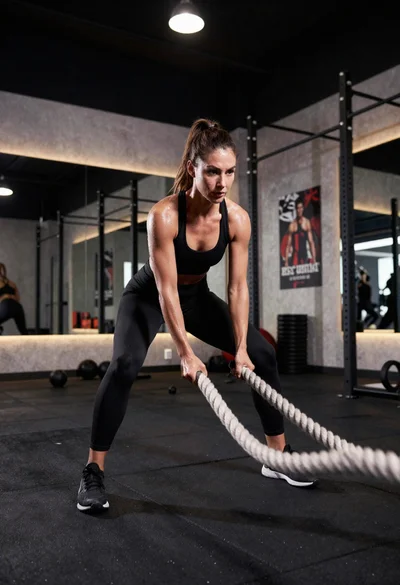
Fit athletic woman slamming battle ropes in modern gym studio
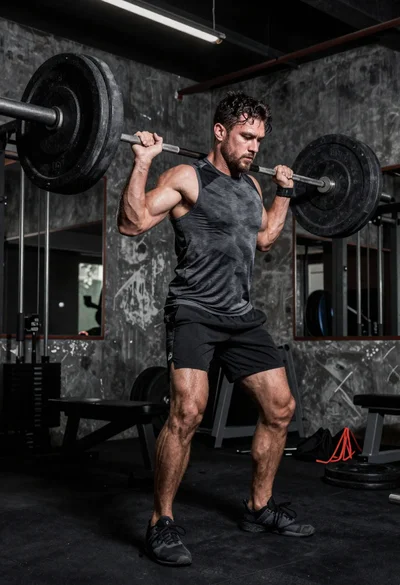
Low angle shot of muscular athlete lifting heavy weights in industrial gym
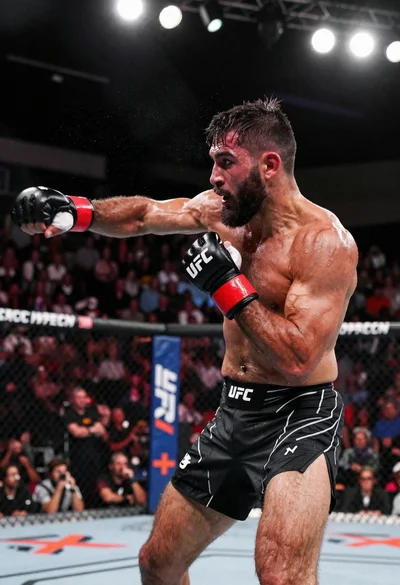
Muscular fighter recoiling from punch in bright arena
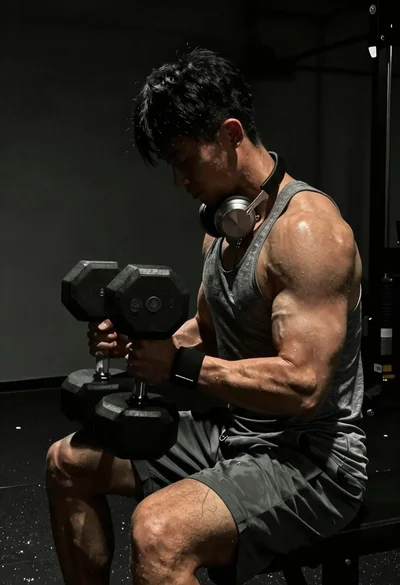
Close up of heavily muscled male athlete performing controlled dumbbell curl
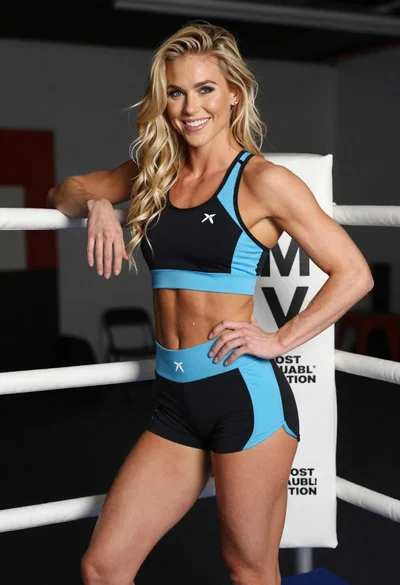
Smiling blonde woman posing confidently inside a boxing ring setting

Studio portrait of a muscular boxer in fighting stance
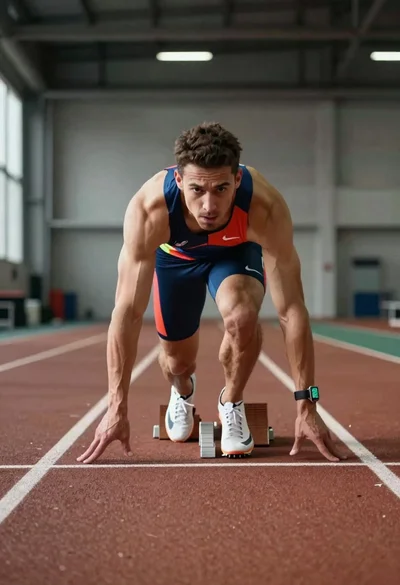
Elite male sprinter launching from starting blocks on indoor track
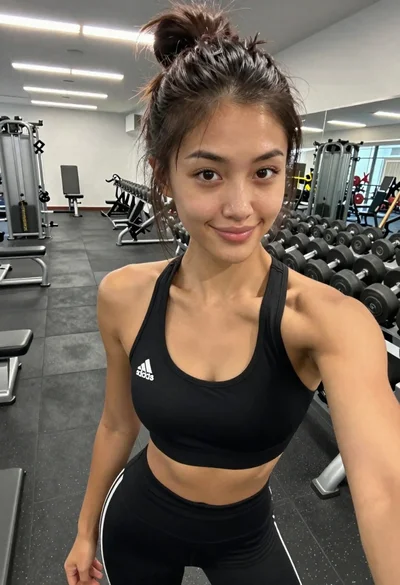
Young woman taking a selfie in a modern gym
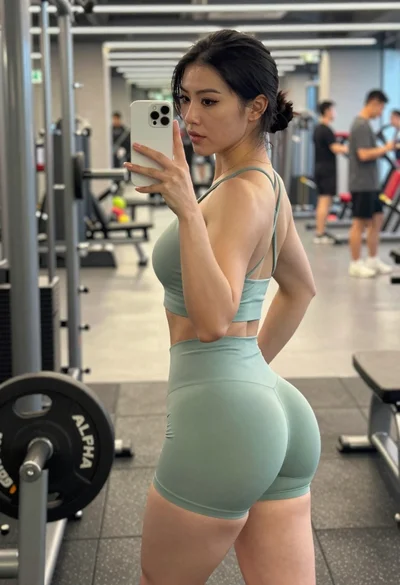
Fit woman taking mirror selfie in gym wearing sage green athletic set
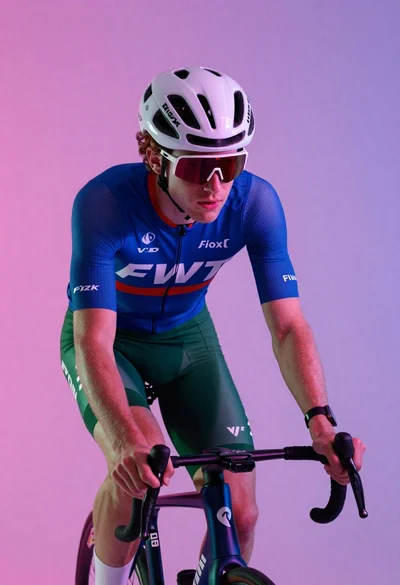
Cyclist in aerodynamic tuck pose studio portrait