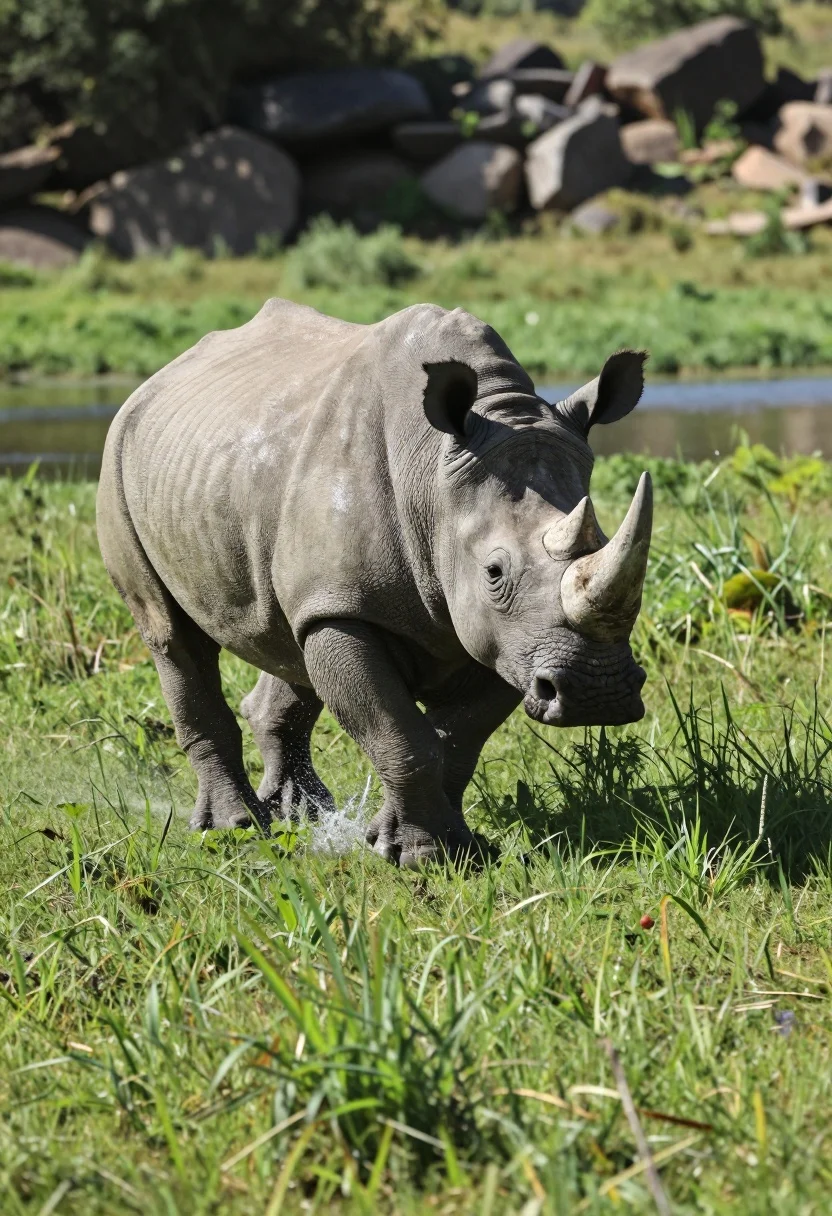
Low angle shot of rhinoceros running through lush green grassy field splashing
Prompt
A large rhinoceros is captured mid-stride running through a lush green grassy field with water splashing around its legs.

Subject: A massive grey rhinoceros with thick, wrinkled skin and a prominent horn on its snout.

Action: The animal is in full motion, sprinting forward with its front left leg lifted high off the ground and water droplets spraying from its hind legs.

Environment: Tall, vibrant green grass surrounds the rhino, with a darker patch of water visible behind it and a rocky bank rising up in the background.

Camera: A low-angle shot taken at eye level with the animal to emphasize its size and speed, utilizing a shallow depth of field that blurs the foreground grass and background foliage.

Lighting: Bright natural daylight illuminates the scene from above, creating strong highlights on the wet skin of the rhino and casting soft shadows beneath it.

Style Details: High-resolution wildlife photography with vivid colors and sharp focus on the subject to capture the dynamic energy of the moment.
Description
This prompt is useful for creating dramatic nature documentary stills, high-impact advertising campaigns for outdoor gear, and action-oriented editorial spreads. The combination of 'low-angle shot' and 'strong highlights on the wet skin' exaggerates the rhino's imposing scale and kinetic energy, making the subject appear more powerful than a standard eye-level capture would allow.
Suggestions
- Change 'lush green grassy field' to 'savanna grassland' for a drier look.
- Add 'dust particles suspended in air' to enhance the sense of speed.
- Swap 'Bright natural daylight' for 'overcast diffused light' to soften the shadows.
Category
Tags
AnimalFull BodyLow AngleNatureOutdoorsRealistic
Date added
July 12, 2026
Added by
PromptDexter Team
Related Prompts
More prompts with similar categories and tags.
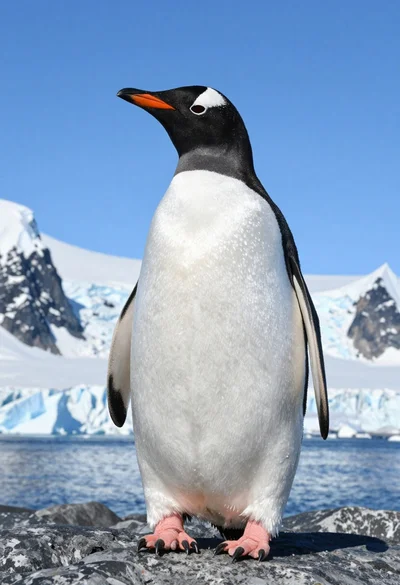
Majestic gentoo penguin standing on dark rock against snowy mountains
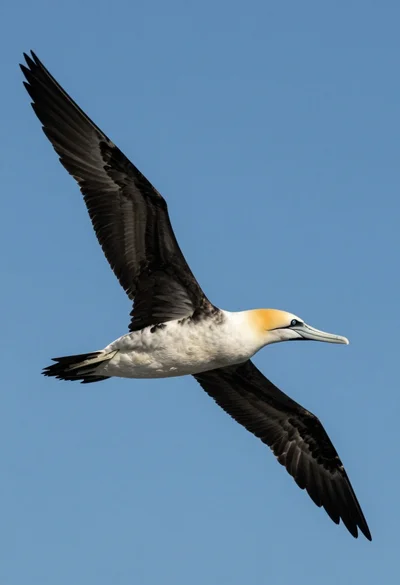
Large seabird soaring through clear blue sky from a low angle view
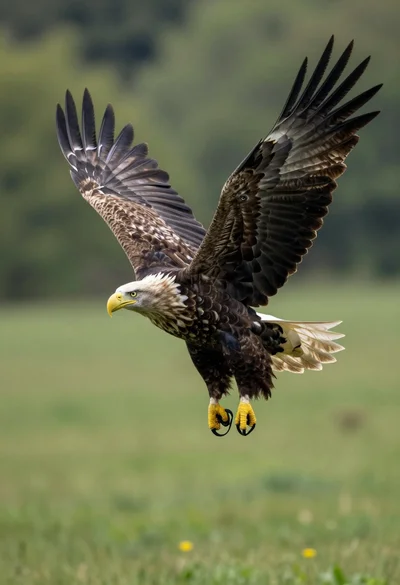
Majestic whitetailed eagle soaring through lush green forest landscape
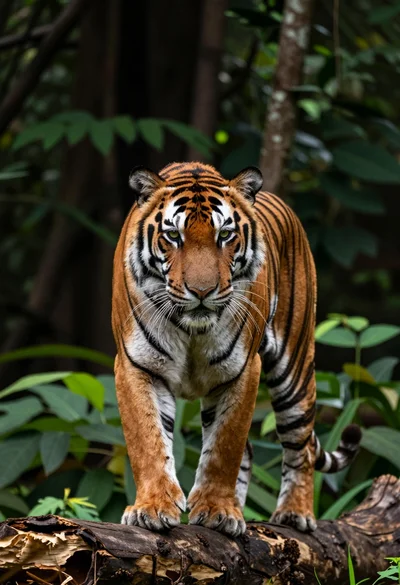
Majestic tiger midstride on a weathered log in a dense forest setting
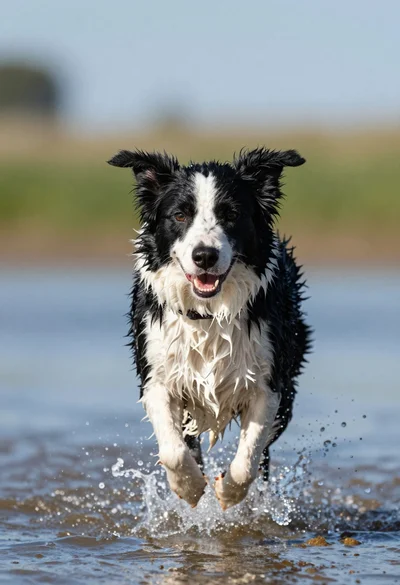
Wet black and white border collie running through splashing water close up
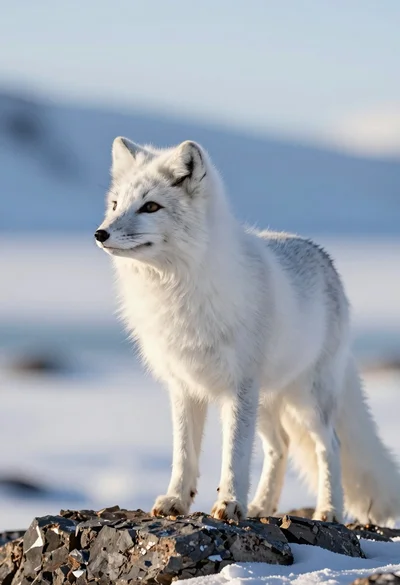
Majestic arctic fox standing alert on dark rocks in snowy landscape
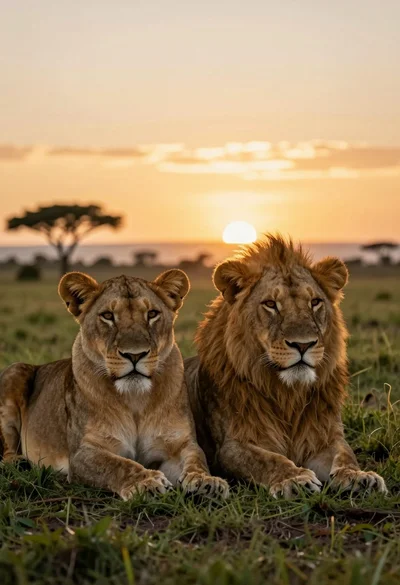
Two majestic lionesses resting side by side in grassy savanna at sunset
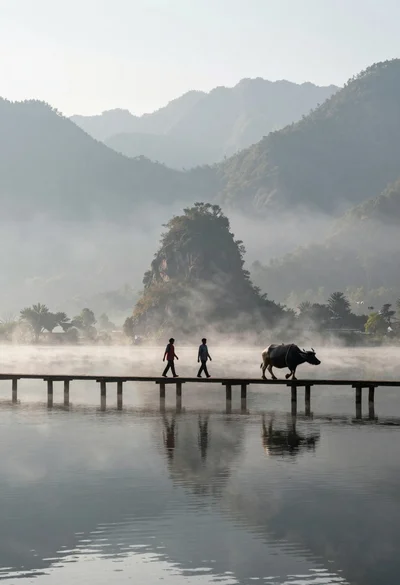
Two figures and buffalo walking across wooden pier over misty lake mountains

Young woman with brown hair and golden retriever under pine tree
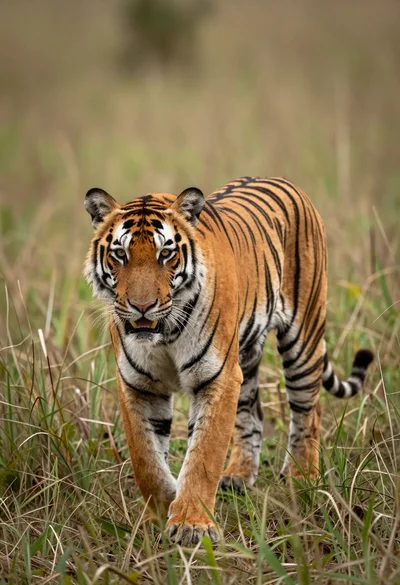
Majestic tiger walking through tall green and dry savanna grass