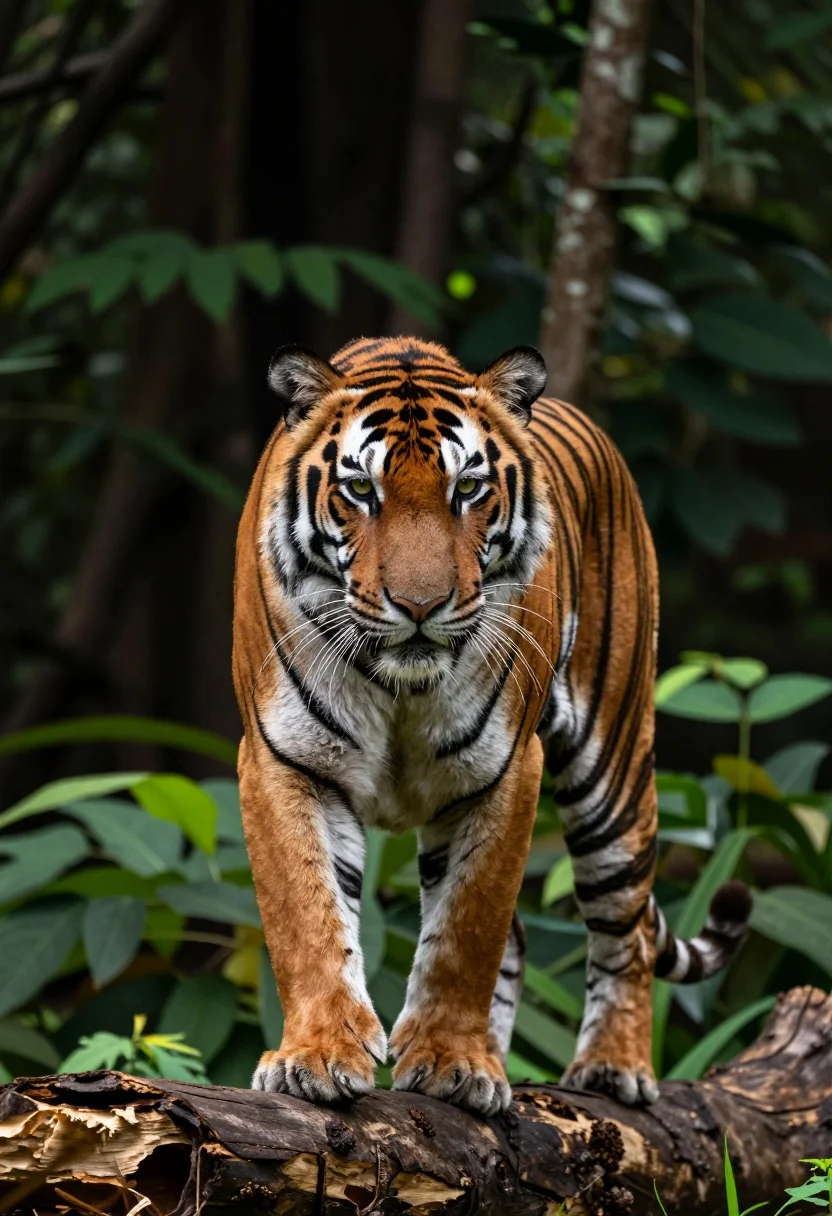
Majestic tiger midstride on a weathered log in a dense forest setting
Prompt
A majestic tiger stands poised on a weathered log in a dense forest.

Subject: A large adult tiger with vibrant orange fur and bold black stripes, featuring a white muzzle, chest, and underbelly, with long white whiskers and intense yellow-green eyes fixed forward.

Action: The tiger is captured mid-stride with its front paws planted firmly on a thick wooden log, conveying a sense of powerful movement and focus.

Environment: A lush, dark green forest background filled with dense foliage and tree trunks that create a natural, wild habitat setting.

Camera: Shot from a low angle looking slightly up at the tiger to emphasize its size and presence, using a shallow depth of field to blur the background and keep the subject sharp.

Lighting: Natural daylight filtering through the canopy, creating soft highlights on the tiger's fur and casting subtle shadows that define its muscular form.

Style Details: Photorealistic wildlife photography with high detail in the fur texture and natural color grading.
Description
This prompt is useful for creating nature documentary stills, wilderness adventure marketing materials, and striking wildlife art prints. The combination of 'low angle' perspective and 'natural daylight filtering through the canopy' serves to monumentalize the tiger, making its powerful form appear dominant against the blurred background achieved by the shallow depth of field.
Suggestions
- Change 'vibrant orange fur' to 'deep russet fur' for a more muted tone.
- Add 'misty atmosphere' to the environment description for added drama.
- Swap 'thick wooden log' for 'moss-covered fallen tree' to enhance realism.
Category
Tags
AnimalForestFull BodyLow AngleNatureOutdoorsRealistic
Date added
July 12, 2026
Added by
PromptDexter Team
Related Prompts
More prompts with similar categories and tags.

Silhouette of two elephants with riders walking across grassy plain at sunset
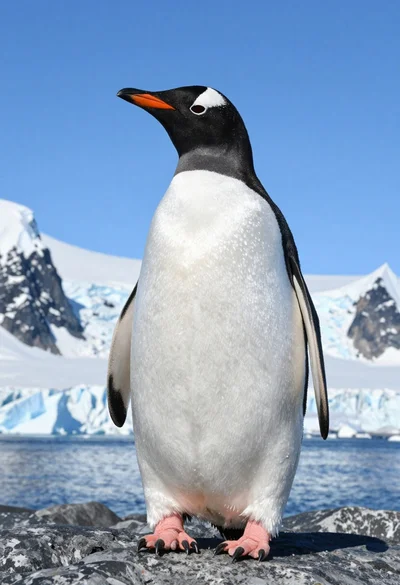
Majestic gentoo penguin standing on dark rock against snowy mountains
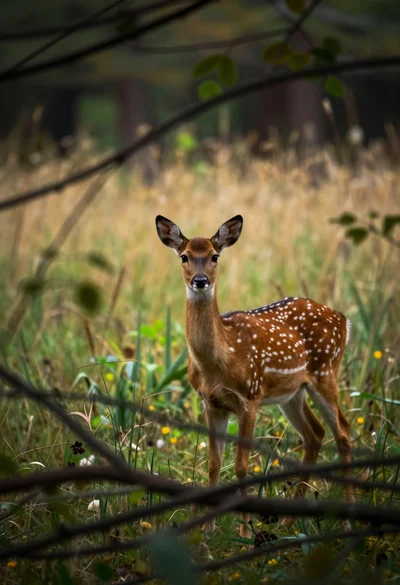
Young spotted fallow deer standing alert in a dense woodland clearing
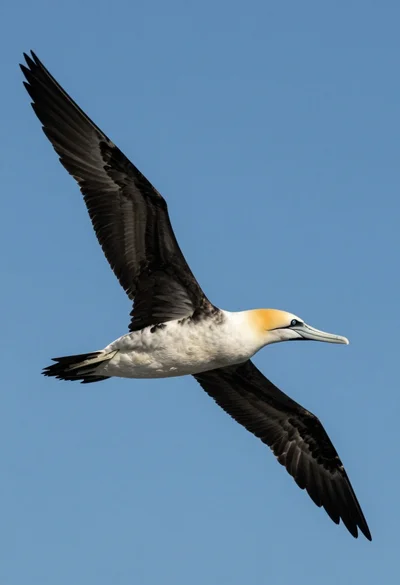
Large seabird soaring through clear blue sky from a low angle view
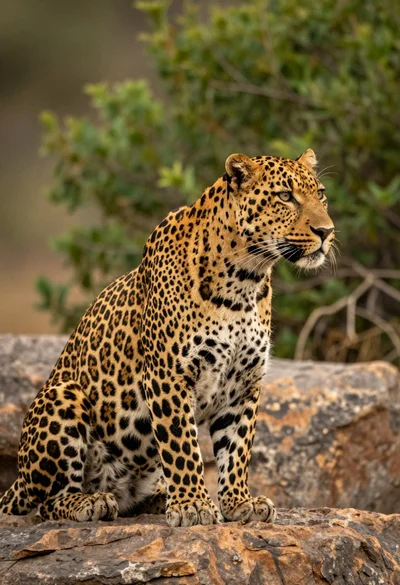
Majestic leopard sitting in profile on rocks overlooking green jungle foliage
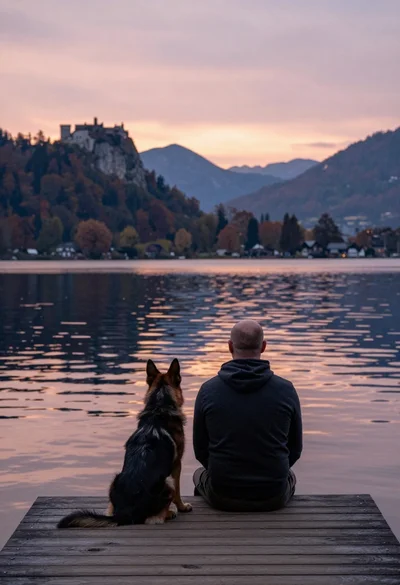
Bald man and german shepherd dog sitting on wooden dock overlooking serene
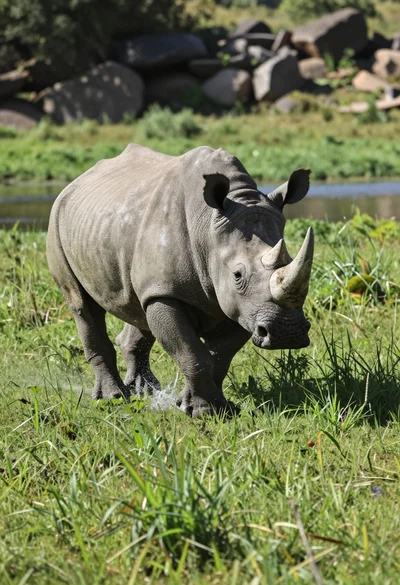
Low angle shot of rhinoceros running through lush green grassy field splashing
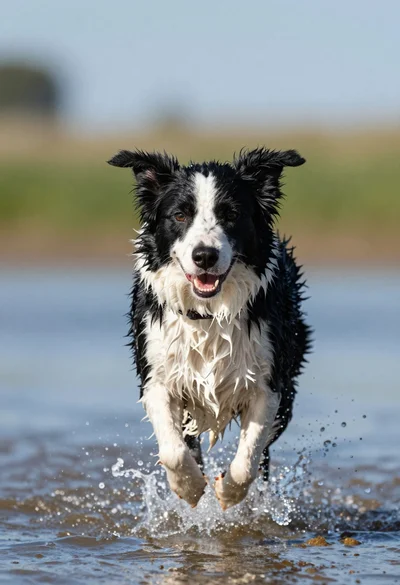
Wet black and white border collie running through splashing water close up
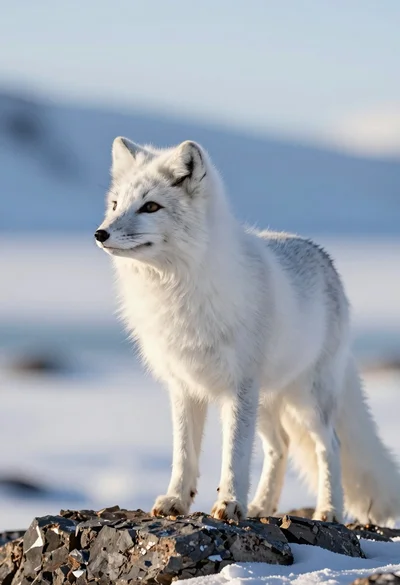
Majestic arctic fox standing alert on dark rocks in snowy landscape
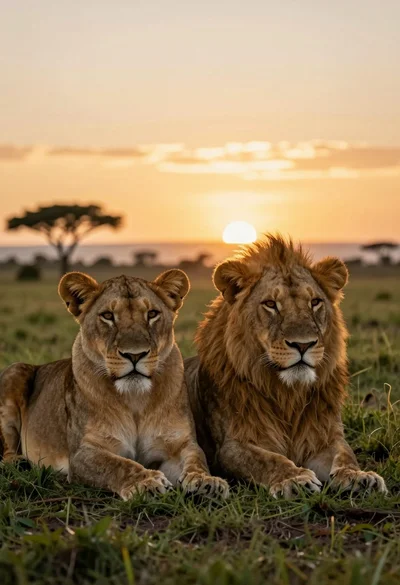
Two majestic lionesses resting side by side in grassy savanna at sunset