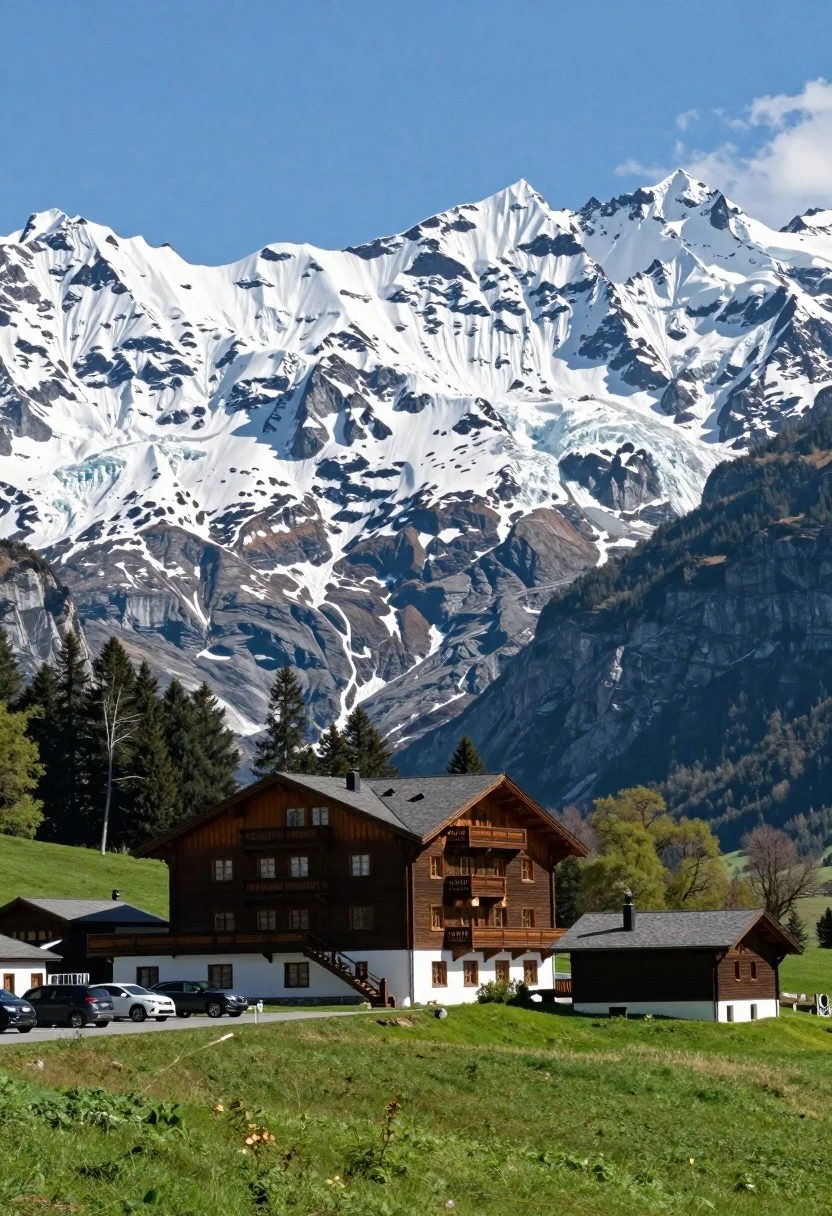
Low angle wide shot of hotel cabin in meadow beneath massive glacier
Prompt
A majestic snow-capped mountain range with a large glacier dominates the background, towering over a lush green meadow in the foreground where a multi-story hotel and small wooden cabin stand nestled among trees.

Subject: A grand multi-story building with a dark roof and external staircases stands prominently in the mid-ground, accompanied by a smaller wooden structure nearby.

Action: The scene is static with no visible movement or activity.

Environment: A vibrant green grassy field fills the foreground, leading to a parking area with cars on the left, while tall evergreen trees frame the buildings and a massive glacier-covered mountain rises steeply in the background under a blue sky.

Camera: The shot is taken from a low angle looking up at the mountains, emphasizing their scale, with a wide composition that captures both the foreground meadow and the towering peaks.

Lighting: Bright natural sunlight illuminates the scene, casting soft shadows on the building and highlighting the snow on the mountains, creating a crisp and clear atmosphere.

Style Details: The image has a realistic photographic quality with vibrant colors and high contrast between the green foreground and white snowy peaks.
Description
This prompt is useful for creating architectural concept art for remote resorts, landscape photography showcasing human integration into wilderness, and travel brochure visuals emphasizing scale. The combination of 'low angle looking up at the mountains' with a 'wide composition' forces the viewer to perceive the sheer verticality of the glacier-covered peaks against the foreground meadow, while specifying 'high contrast between the green foreground and white snowy peaks' ensures the man-made structures do not blend into the natural backdrop.
Suggestions
- Change 'multi-story hotel' to 'rustic lodge' for a more cohesive aesthetic.
- Add 'mist rolling through the valley floor' to increase atmospheric drama.
- Swap 'bright natural sunlight' for 'overcast diffused light' to soften shadows on the cabin.
Category
Tags
ForestLow AngleMountainsNatureOutdoorsRealisticWide Shot
Date added
August 5, 2026
Added by
PromptDexter Team
Related Prompts
More prompts with similar categories and tags.
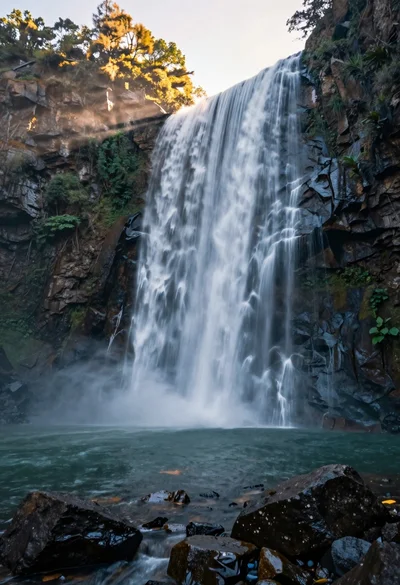
Majestic waterfall cascading over rugged cliff face into serene pool
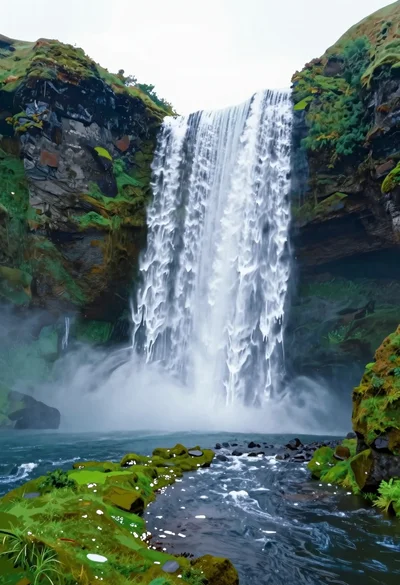
Majestic waterfall plunging into a deep pool surrounded by lush greenery
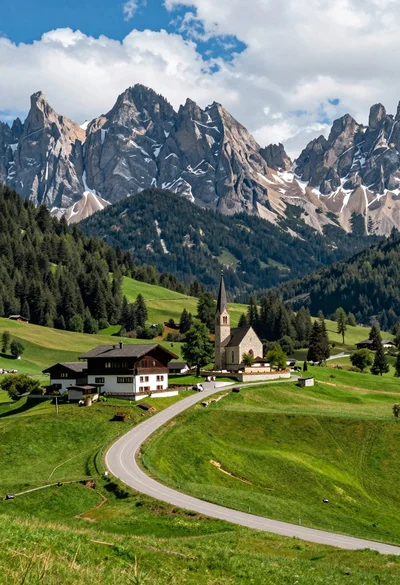
Winding road through alpine meadow toward stone buildings and mountain church
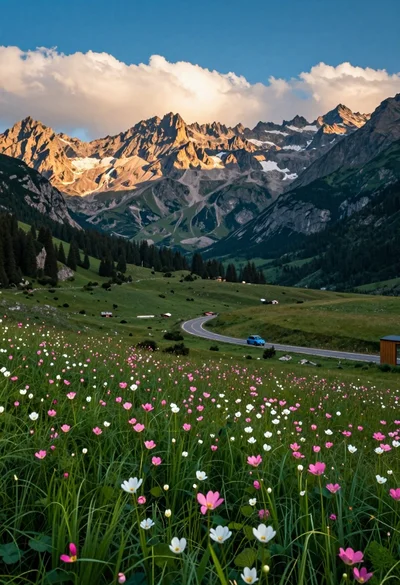
Panoramic view of mountain valley meadow road and towering rocky peaks

High angle wide shot of a majestic waterfall cascading into lush green

Low angle view looking up into the canopy of a flowering tree against a clear sky

Muscular man standing before massive waterfall in lush jungle setting
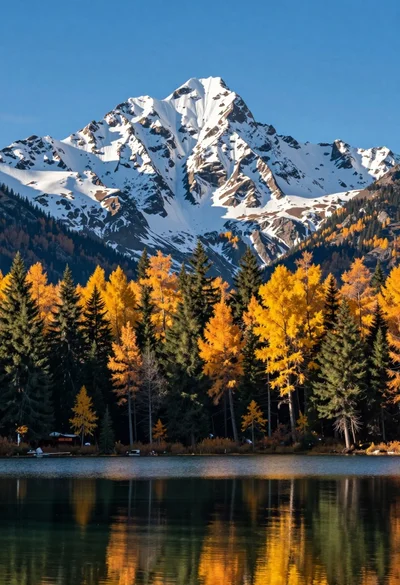
Majestic snow capped mountain range reflected in a calm autumn lake

Solitary hiker silhouette atop mountain peak above sea of clouds at sunrise
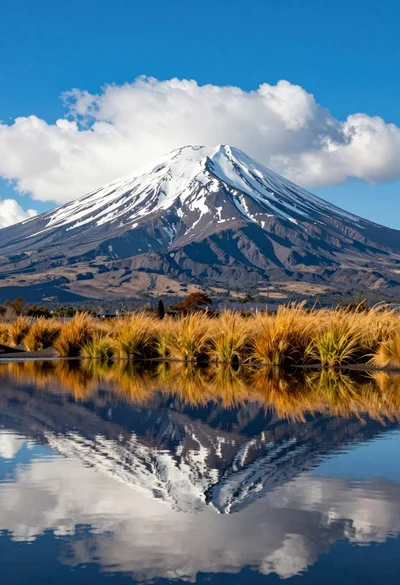
Majestic snowcapped volcano reflected in calm water under vivid blue sky