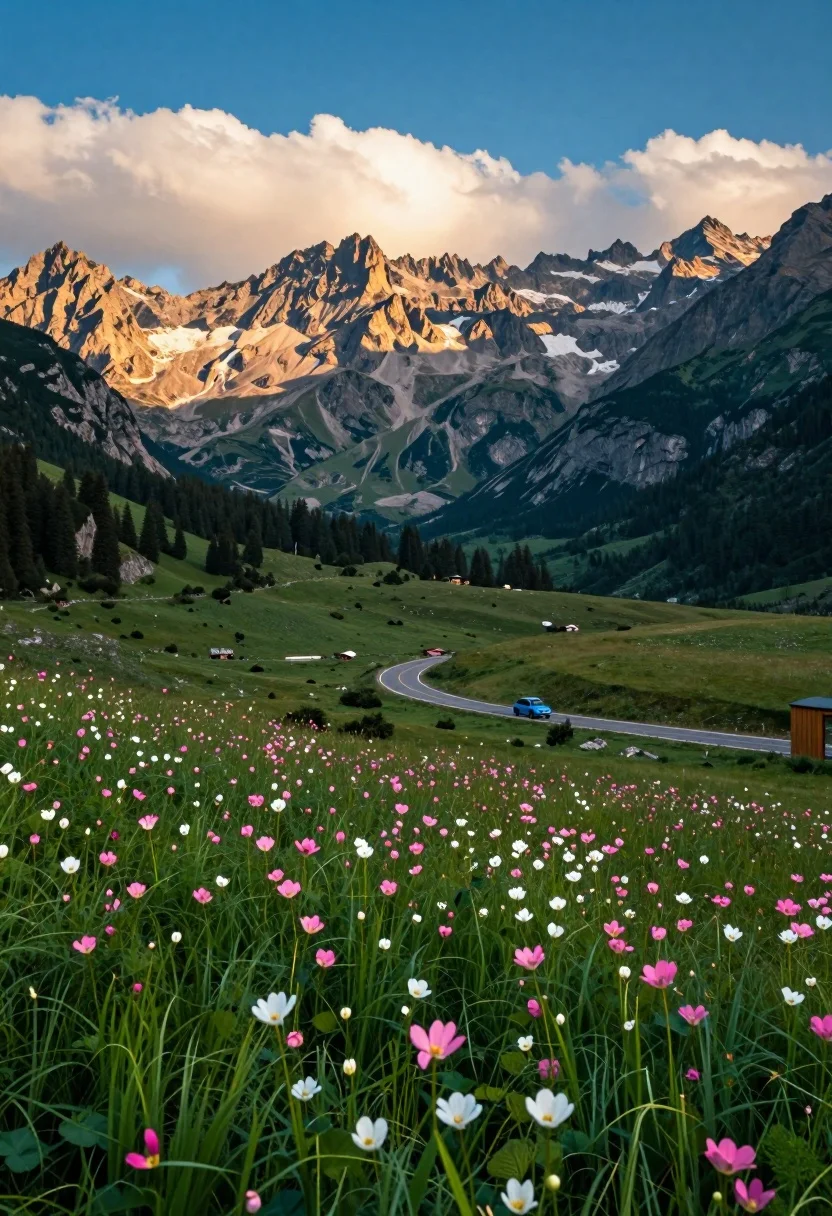
Panoramic view of mountain valley meadow road and towering rocky peaks
Prompt
A breathtaking panoramic view of a lush mountain valley with wildflowers in the foreground and towering rocky peaks in the background.

Subject: A vast meadow filled with tall green grass and scattered pink and white wildflowers dominates the foreground, leading the eye toward a winding asphalt road that curves through the valley floor. In the distance, massive, craggy mountains rise steeply, their faces illuminated by warm sunlight while their peaks are partially shrouded in low-hanging clouds.

Action: A small blue car is driving along the winding road in the middle distance, adding a sense of scale and movement to the landscape.

Environment: The setting is a high-altitude alpine valley surrounded by dense forests on the lower slopes and rugged, barren rock faces on the upper peaks. A wooden structure is partially visible on the far right edge of the frame.

Camera: The image is captured with a wide-angle perspective that emphasizes the grandeur of the mountains and the depth of the valley, utilizing a low vantage point to highlight the texture of the foreground flowers.

Lighting: Warm golden sunlight bathes the mountain faces, creating strong contrast against the cooler blue tones of the sky and shadows in the valley, suggesting late afternoon or early morning light.

Style Details: The image features vibrant, saturated colors with high dynamic range, a slightly cinematic color grading that enhances the greens and blues, and a sharp focus on the foreground flowers while maintaining clarity across the distant peaks.
Description
This prompt is useful for creating breathtaking travel posters, architectural visualization backgrounds, and landscape photography portfolios emphasizing scale. The combination of 'wide-angle perspective' and 'low vantage point' forces the viewer's eye along the winding road toward the massive peaks, while the 'warm golden sunlight' hitting the craggy mountains provides necessary contrast against the cooler blue tones to prevent the scene from looking flat.
Suggestions
- Change 'wildflowers' to 'lupine fields' for a more specific color pop.
- Adjust 'wide-angle perspective' to 'ultra-wide panoramic' for even greater scope.
- Swap 'blue car' for 'vintage red jeep' to change the focal point's character.
Category
Tags
ForestLow AngleMountainsNatureOutdoorsRealisticVehicleWide Shot
Date added
August 5, 2026
Added by
PromptDexter Team
Related Prompts
More prompts with similar categories and tags.
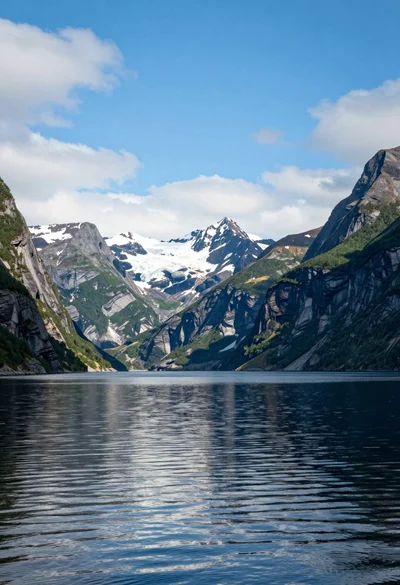
Serene fjord landscape with towering mountains and reflective calm water under bright
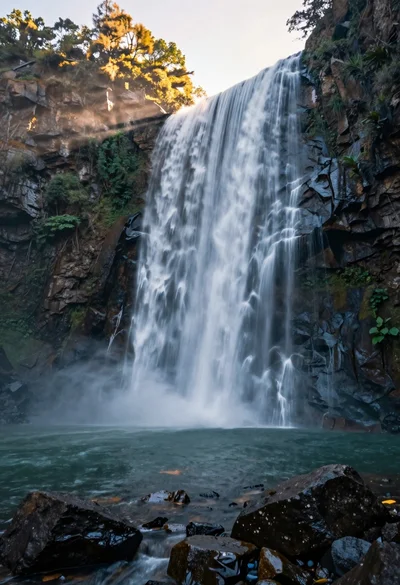
Majestic waterfall cascading over rugged cliff face into serene pool
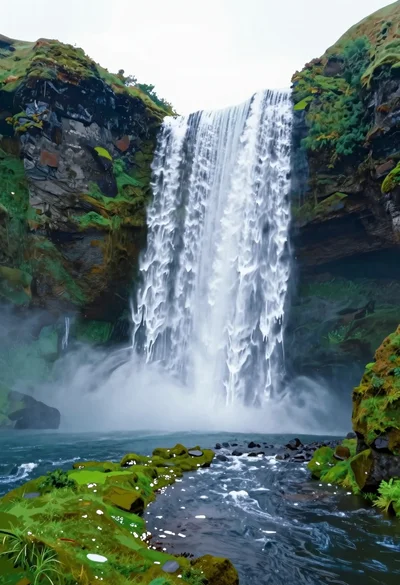
Majestic waterfall plunging into a deep pool surrounded by lush greenery
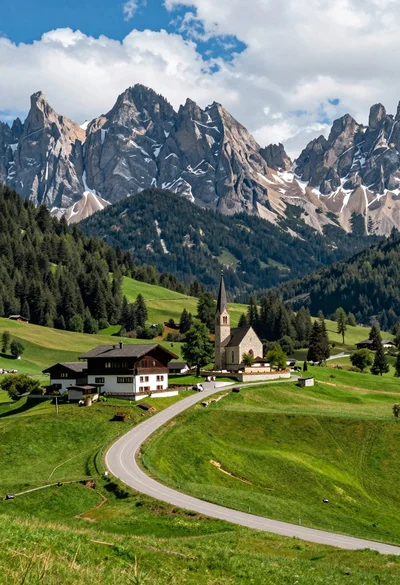
Winding road through alpine meadow toward stone buildings and mountain church
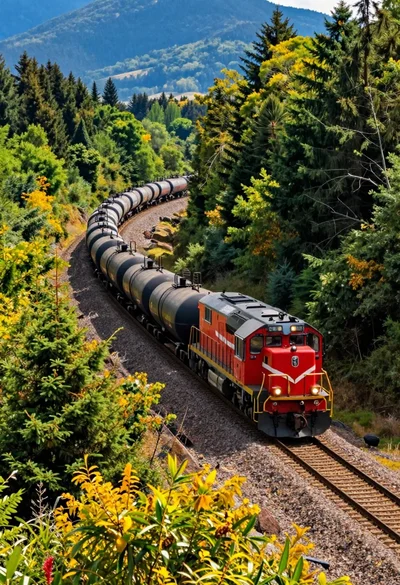
High angle aerial view of freight train through curving forest landscape
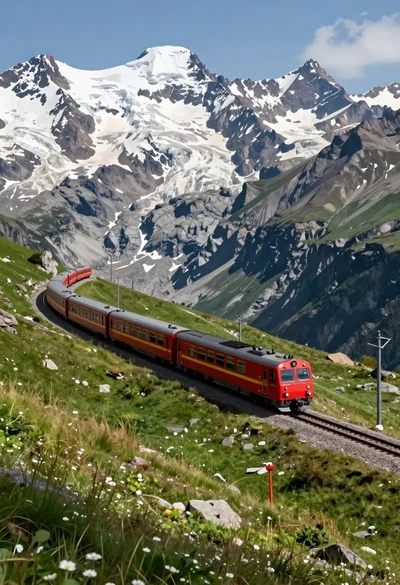
Red passenger train traveling along grassy mountain track with snowcapped peaks
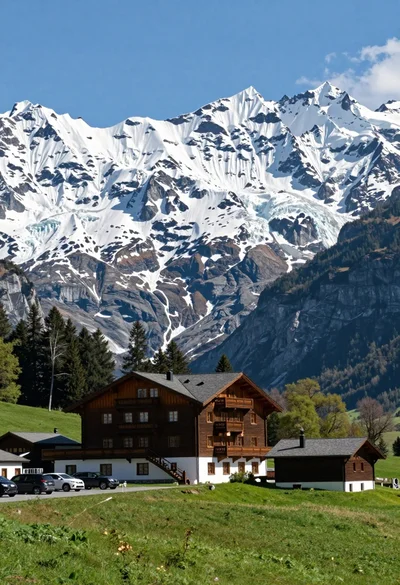
Low angle wide shot of hotel cabin in meadow beneath massive glacier

High angle wide shot of a majestic waterfall cascading into lush green

Low angle view looking up into the canopy of a flowering tree against a clear sky

Muscular man standing before massive waterfall in lush jungle setting