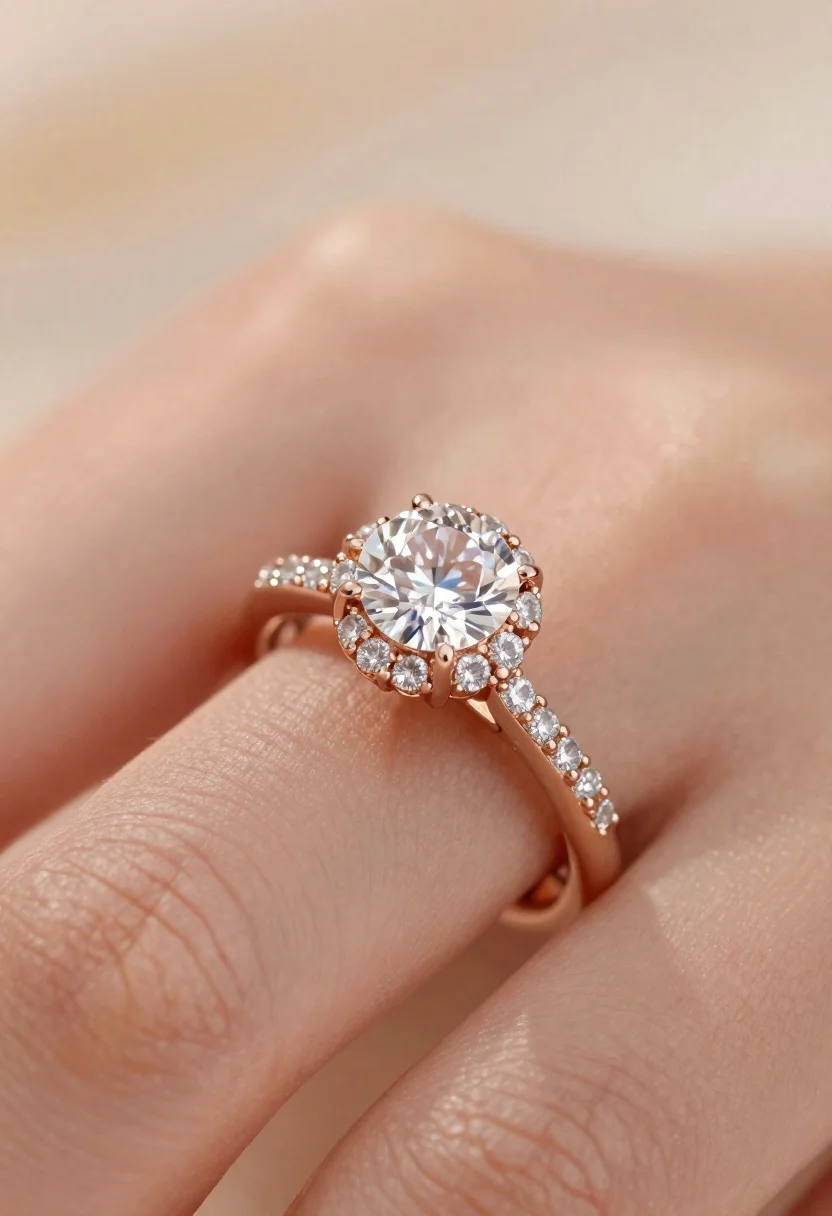
Macro shot of diamond engagement ring on finger
Prompt
Close-up macro shot of a diamond engagement ring on a finger

Subject: large round brilliant-cut center stone surrounded by micro-pav  diamonds in rose gold setting with four prongs and textured twisted band details

Lighting: soft warm ambient light highlighting the brilliance of the gemstone and metallic sheen, gentle shadows defining curvature

Camera: shallow depth of field blurring background skin tones while keeping ring sharply focused.
Description
This prompt is useful for creating high-end jewelry advertisements, e-commerce product listings, and bridal magazine spreads. The combination of 'soft warm ambient light' and 'gentle shadows defining curvature' ensures the diamond's brilliance is captured without harsh reflections, while the 'shallow depth of field blurring background skin tones' isolates the ring as the undisputed focal point.
Suggestions
- Change 'rose gold setting' to 'platinum setting' for a cooler contrast.
- Add 'bokeh effect' to enhance the blurred background.
- Specify 'macro lens, 100mm' for more controlled magnification.
Category
Tags
Macro Shot
Date added
June 19, 2026
Added by
PromptDexter Team
Related Prompts
More prompts with similar categories and tags.
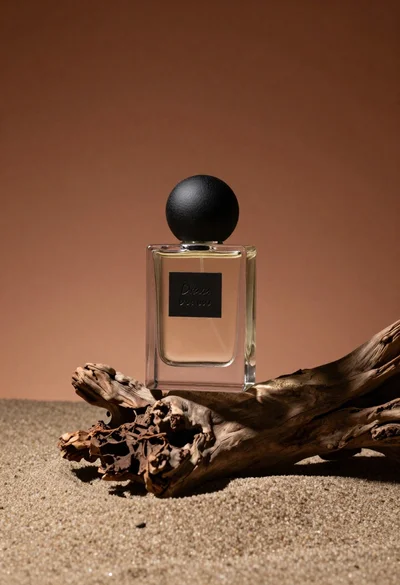
Minimalist perfume bottle on driftwood and sand
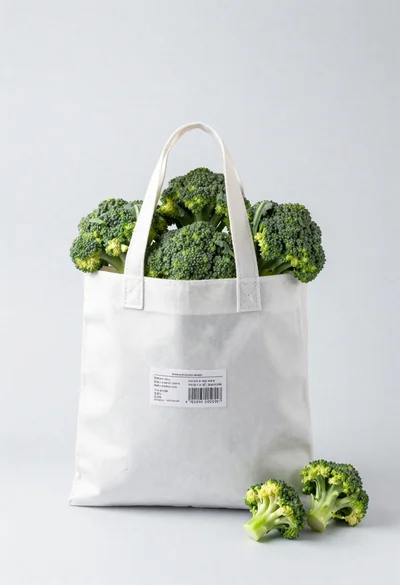
White shopping bag overflowing with fresh broccoli florets

Black makeup tube next to open red pomegranate on beige background
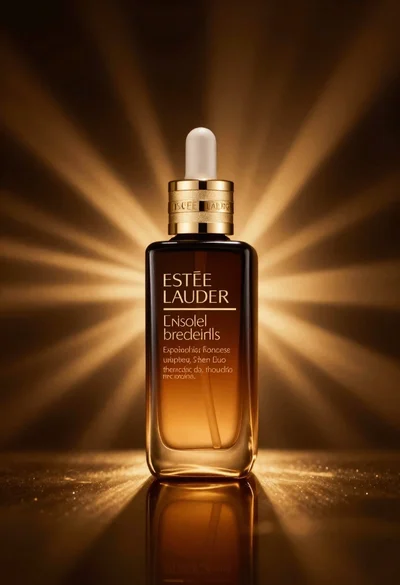
Amber glass bottle with gold pump under dramatic golden light
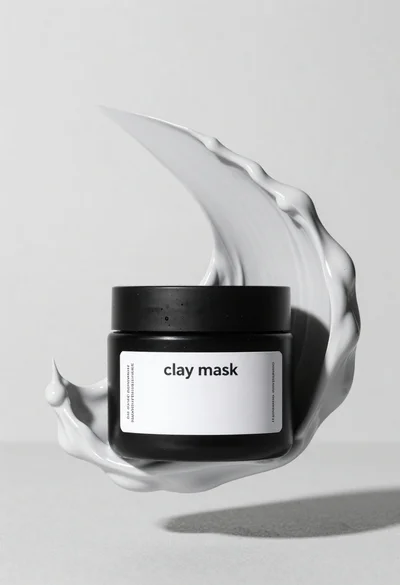
Black jar of clay mask with swirling white cream
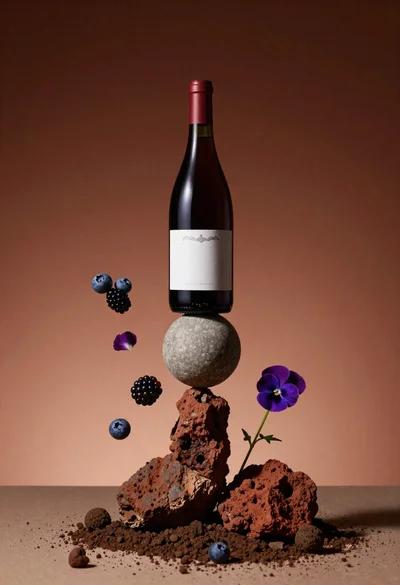
Wine bottle balanced on earth and stone still life
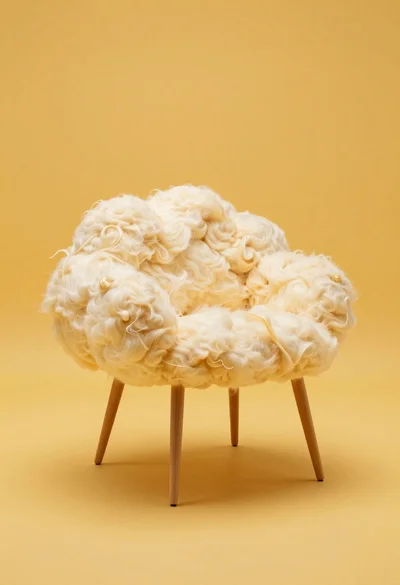
Cloud shaped chair on a yellow background

Golden origami boat on clear blue water