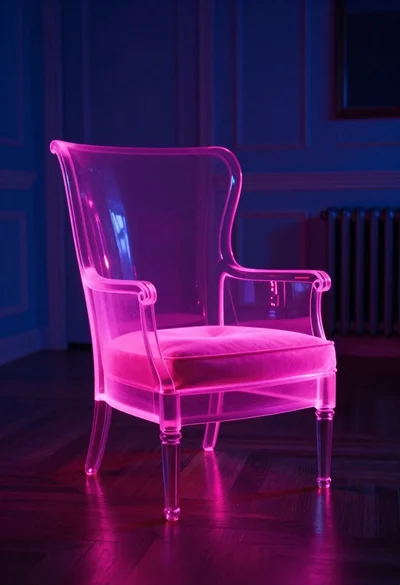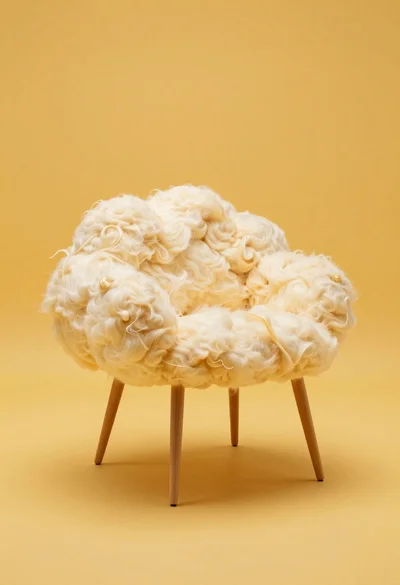
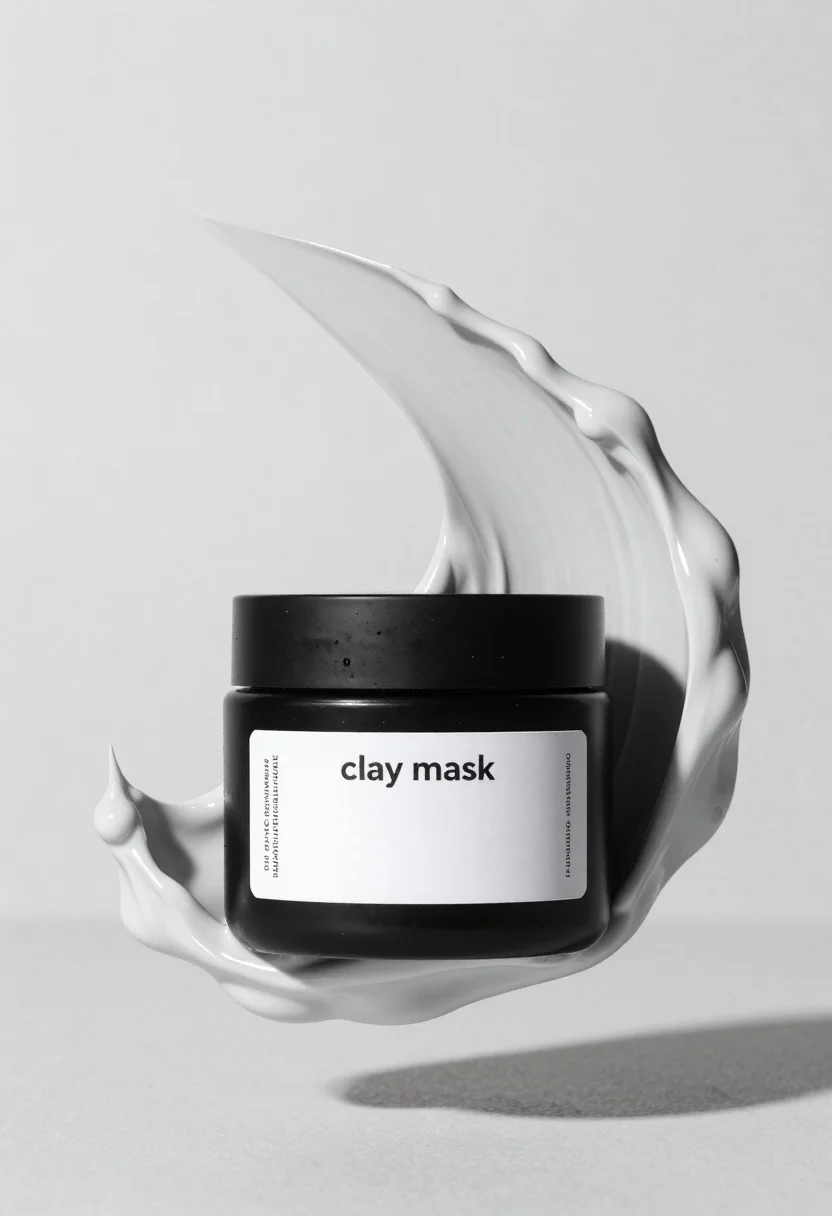
Black jar of clay mask with swirling white cream
Prompt
A sleek black jar of clay mask centered within flowing sculpted cream against an infinite light-gray studio background.

Subject: sleek black jar with a minimalist white label reading “clay mask”.

Objects: massive sculpted swirls of thick gray-white cream flowing dynamically around the jar like liquid marble.

Lighting: soft studio lighting casting gentle shadows beneath the floating composition.

Environment: infinite light-gray background emphasizing the clean product presentation.

Text/Graphics: label includes “clay mask” with smaller descriptive Cyrillic text on both sides.

Style Details: minimalist luxury product photography aesthetic, smooth cosmetic textures, high-end commercial studio composition.
Description
This prompt is useful for creating high-end beauty advertisements, e-commerce product listings, and editorial skincare spreads. The combination of a 'sleek black jar' against an 'infinite light-gray background' ensures the focus remains entirely on the product while the 'massive sculpted swirls of thick gray-white cream' provide necessary visual dynamism that prevents the composition from feeling static.
Suggestions
- Change 'light-gray studio background' to 'polished marble surface' for more grounding.
- Adjust 'soft studio lighting' to 'dramatic side lighting' to enhance shadow depth.
- Swap 'thick gray-white cream' for 'viscous, pearlescent mask' to alter the perceived texture.
Category
Tags
3dMacro ShotStudio
Date added
June 19, 2026
Added by
PromptDexter Team
Related Prompts
More prompts with similar categories and tags.
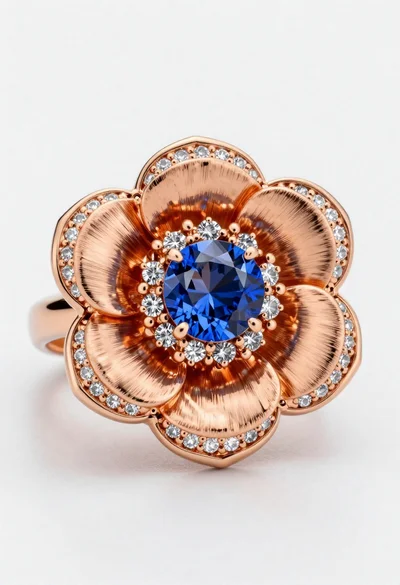
Macro shot of a floral ring with blue sapphire

Black perfume bottle on driftwood surrounded by pink cosmos flowers in purple
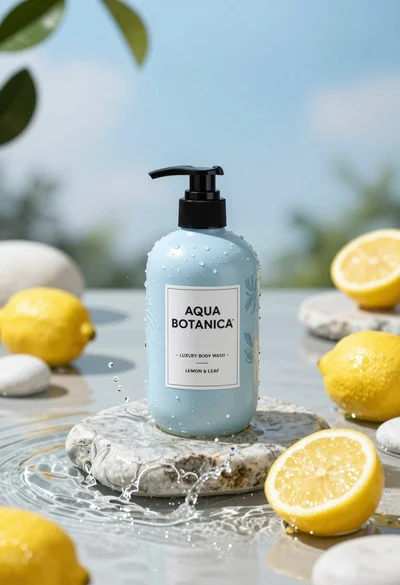
Product shot of light blue body wash bottle with lemons on wet
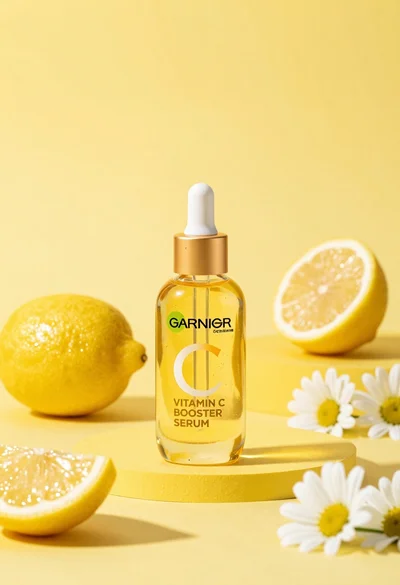
Studio product shot of vitamin c serum bottle with lemons and daisies

High angle shot of lemon soda mojito can splashing water with lime

Three open bags of colorful potato chips exploding against a warm brown

Macro shot of pink soda can with peaches and ice cubes studio
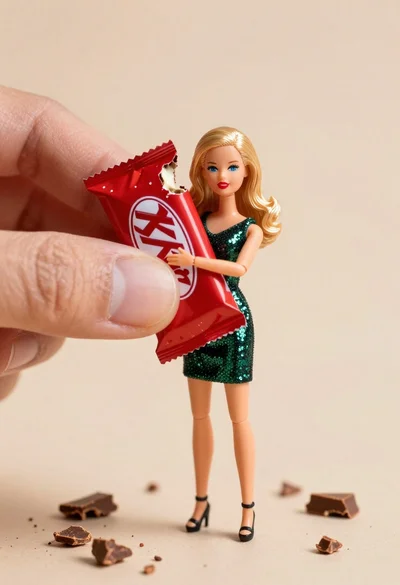
Miniature blonde doll hugging kitkat bar held by giant thumb