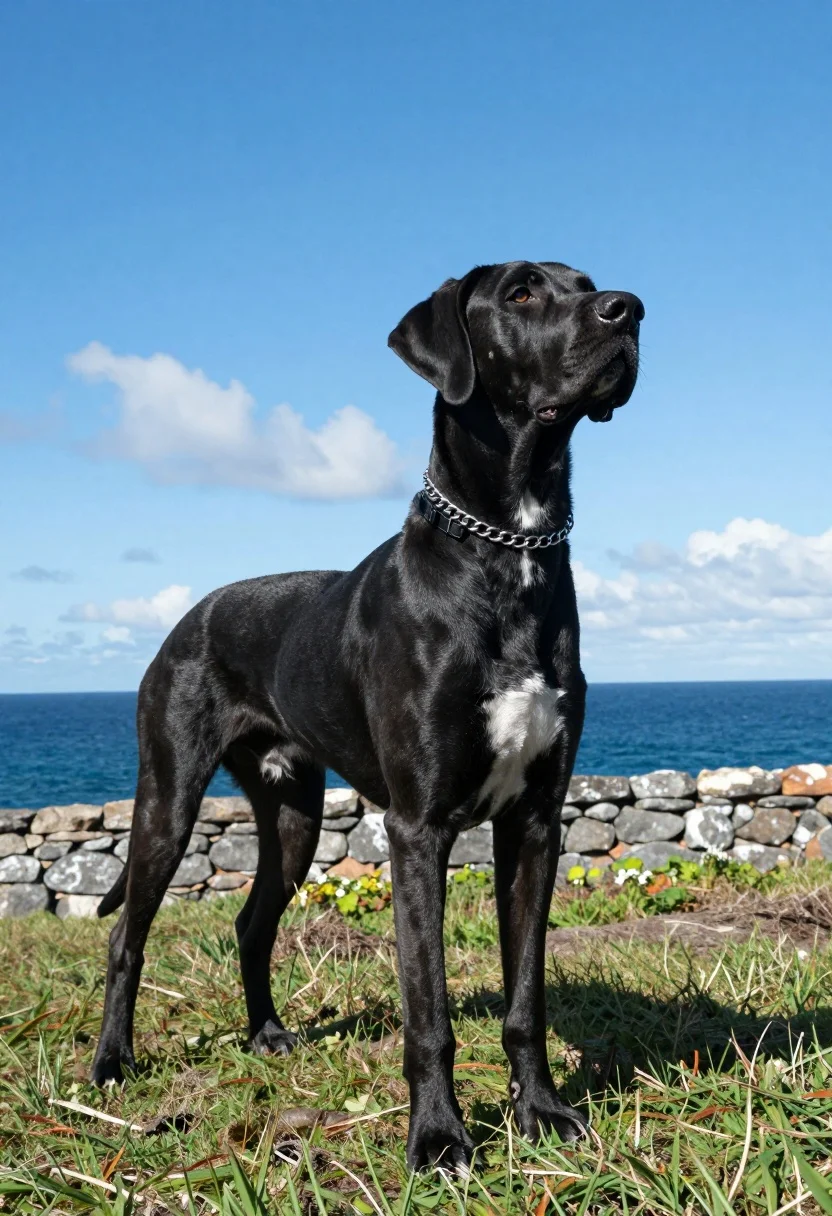
Majestic black great dane standing on grassy cliff overlooking deep blue ocean
Prompt
A majestic black Great Dane stands tall on a grassy cliff overlooking the ocean under a bright blue sky.

Subject: A large black Great Dane with short sleek fur and a distinctive white patch on its chest, wearing a silver chain collar and a black buckle collar.

Action: The dog is standing still in profile, looking upward and to the right with an alert expression.

Environment: The setting is a grassy coastal area with a stone wall in the background, facing a deep blue ocean under a sky filled with scattered white clouds.

Camera: A full-body shot taken from a low angle that emphasizes the dog's height, using a wide lens to capture the expansive seascape behind it.

Lighting: Bright natural sunlight illuminates the scene from above and slightly in front, creating strong highlights on the dog’s glossy coat and casting soft shadows beneath its legs.

Style Details: High-resolution photographic realism with vivid colors, sharp focus on the subject, and a clean composition that balances the animal against the scenic backdrop.
Description
This prompt is useful for creating dramatic pet portraiture, cinematic nature photography, and high-end advertising campaigns featuring large breeds. The combination of 'low angle' perspective and 'wide lens' ensures the Great Dane appears monumental against the vastness of the seascape, while 'bright natural sunlight' accentuates the 'glossy coat' texture necessary for impactful commercial appeal.
Suggestions
- Change 'deep blue ocean' to 'turbulent turquoise water' for more visual interest.
- Add 'dramatic cloud formations' to the sky description for more mood.
- Swap 'silver chain collar' for 'leather harness' if you want a different material focus.
Category
Tags
AnimalBlack HairFull BodyLow AngleOutdoorsRealisticWide Shot
Date added
August 5, 2026
Added by
PromptDexter Team
Related Prompts
More prompts with similar categories and tags.
Romantic couple walking on beach with white horse at golden hour

Silhouette of two elephants with riders walking across grassy plain at sunset
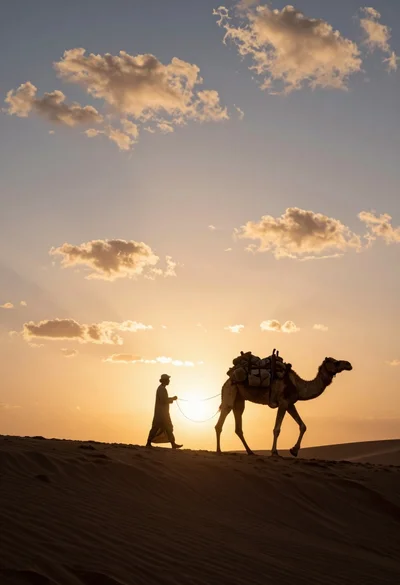
Dramatic silhouette of man leading camel across desert ridge at vibrant sunset
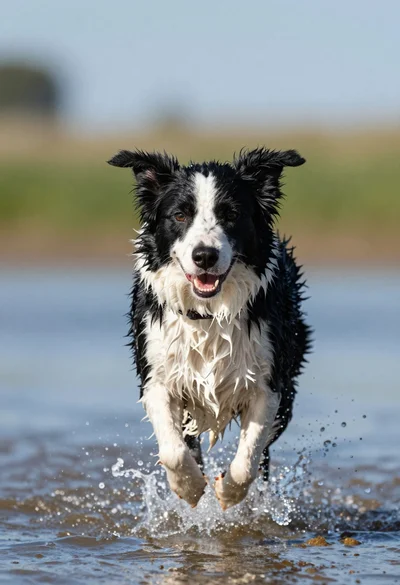
Wet black and white border collie running through splashing water close up
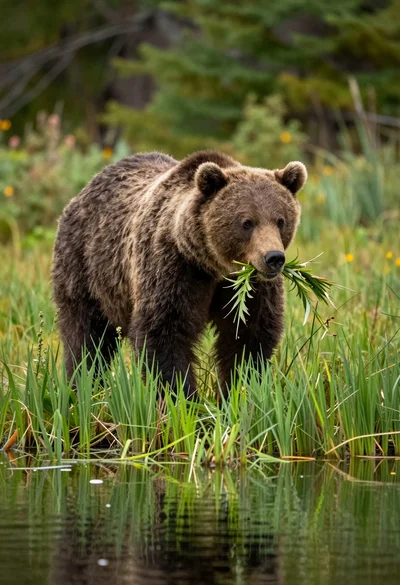
Large brown bear walking through tall green grass near reflective water surface
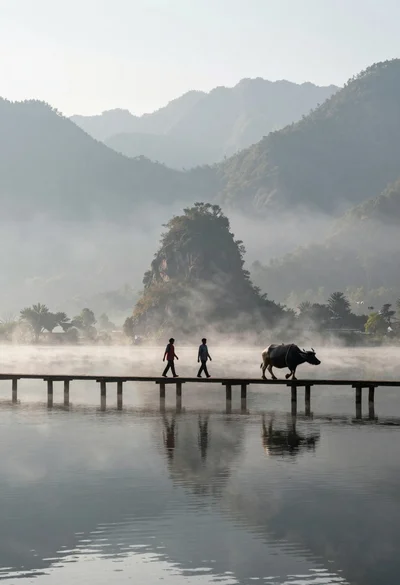
Two figures and buffalo walking across wooden pier over misty lake mountains
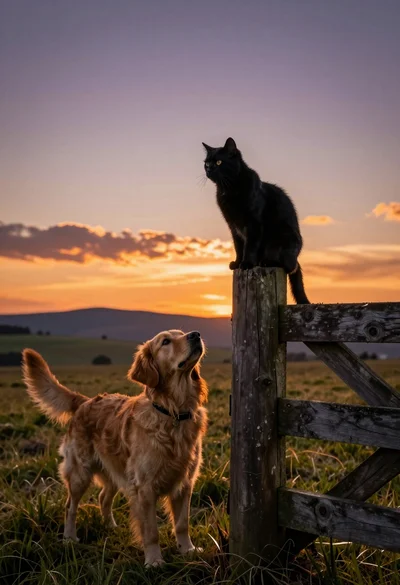
Black cat on fence post looking at golden retriever in grassy field
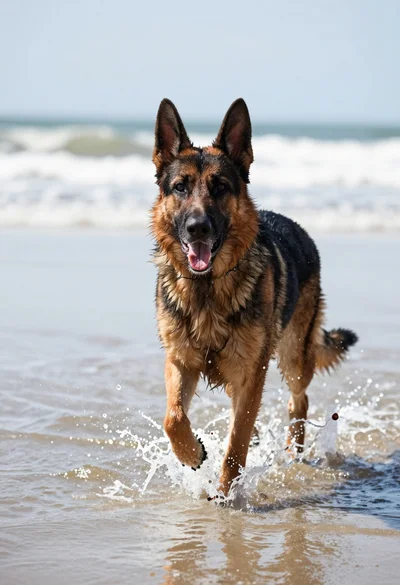
German shepherd dog running through shallow coastal water splashing with excitement
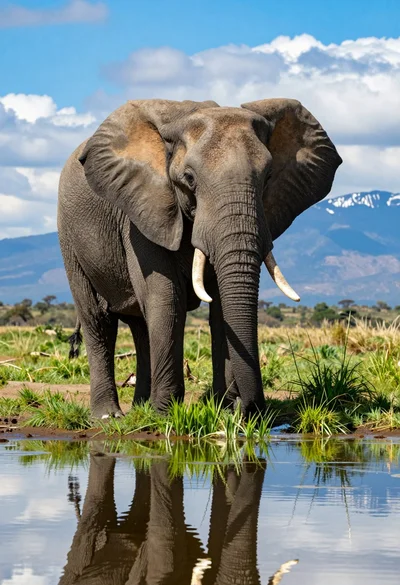
Majestic african elephant standing in shallow water reflecting against savanna backdrop
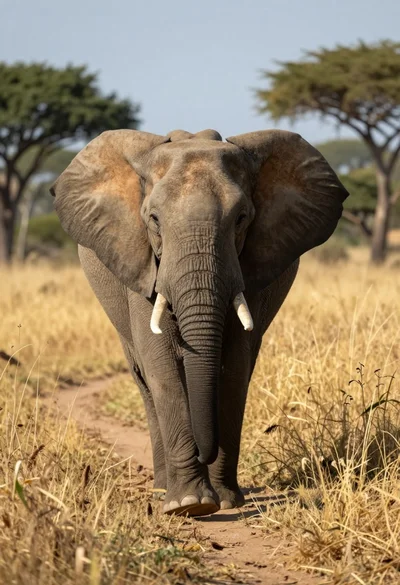
Massive african elephant walking through tall golden grass at low angle