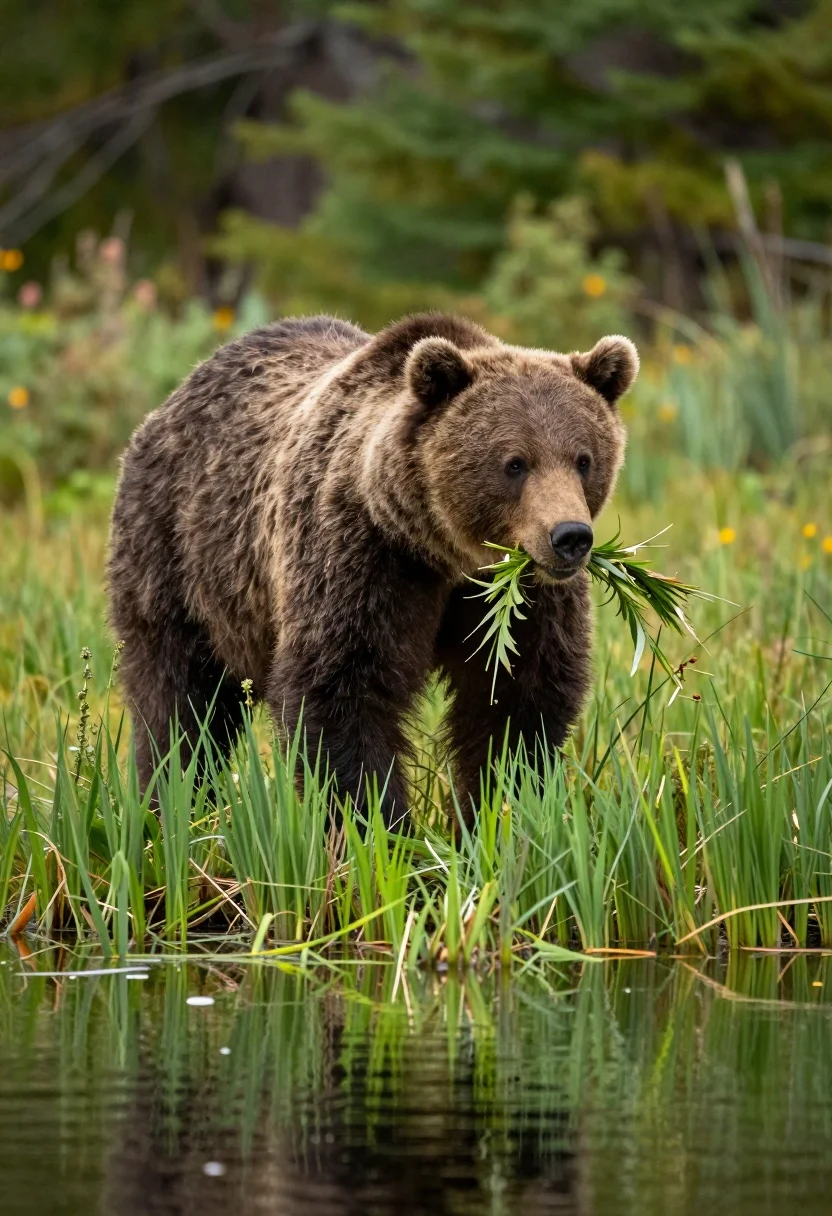
Large brown bear walking through tall green grass near reflective water surface
Prompt
A large brown bear stands in tall green grass with a mouthful of vegetation, its reflection visible in the water below.

Subject: A massive brown bear with thick fur and dark ears stands facing slightly to the right while holding a handful of green grass or weeds in its mouth.

Action: The bear is captured mid-stride walking through the grassy terrain with its head lowered slightly as it carries the vegetation.

Environment: The setting is a lush natural landscape featuring vibrant green grass in the foreground and a blurred background of forest foliage, with a body of water at the bottom reflecting the scene.

Camera: The shot utilizes a shallow depth of field to keep the bear in sharp focus while blurring the distant background, framed from a low angle that emphasizes the animal's size against the water line.

Lighting: Soft natural daylight illuminates the scene evenly, highlighting the texture of the fur and casting gentle shadows within the grass without harsh contrast.

Style Details: The image has a realistic photographic quality with high detail in the fur texture and a smooth bokeh effect in the background.
Description
This prompt is useful for creating wildlife documentary stills, nature magazine spreads, and immersive video concept art. The combination of 'low angle' perspective and 'shallow depth of field' forces the viewer to acknowledge the bear's imposing scale while keeping its fur texture sharp against a soft bokeh background, which mimics professional natural history photography.
Suggestions
- Change 'brown bear' to 'grizzly bear' for a different fur pattern.
- Adjust 'vibrant green grass' to 'golden reeds' for an autumn feel.
- Replace 'soft natural daylight' with 'overcast diffused light' to minimize harsh shadows.
Category
Tags
AnimalForestFull BodyLow AngleOutdoorsRealisticWide Shot
Date added
August 5, 2026
Added by
PromptDexter Team
Related Prompts
More prompts with similar categories and tags.

Silhouette of two elephants with riders walking across grassy plain at sunset
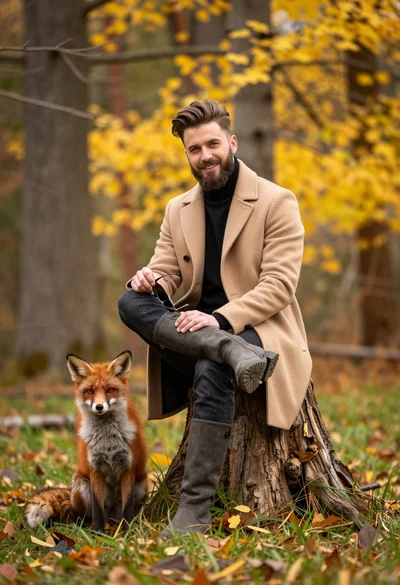
Man in beige coat and boots sitting by red fox in autumn
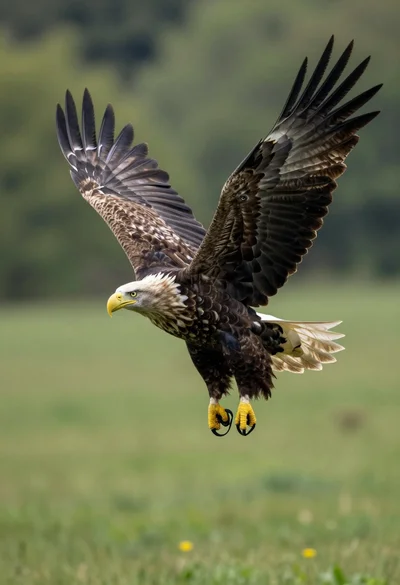
Majestic whitetailed eagle soaring through lush green forest landscape
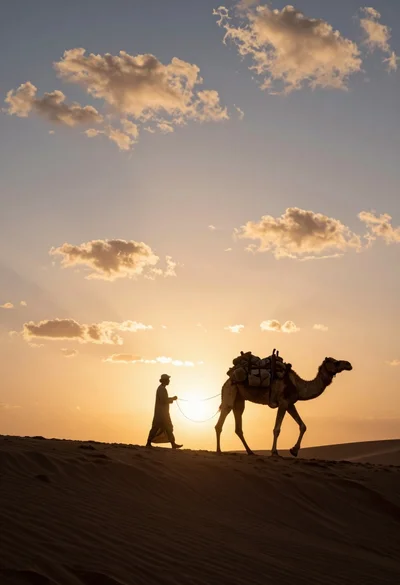
Dramatic silhouette of man leading camel across desert ridge at vibrant sunset
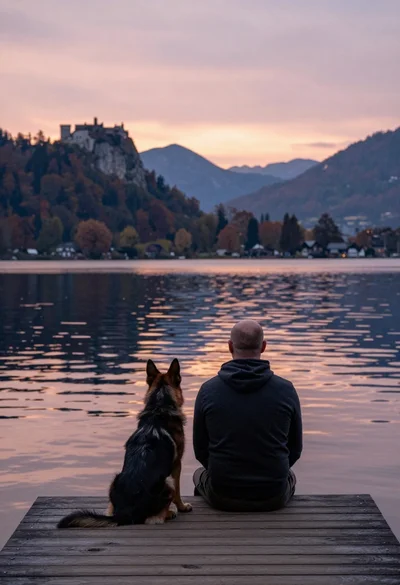
Bald man and german shepherd dog sitting on wooden dock overlooking serene
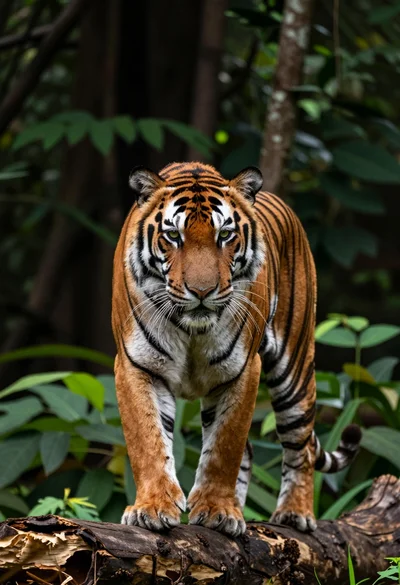
Majestic tiger midstride on a weathered log in a dense forest setting
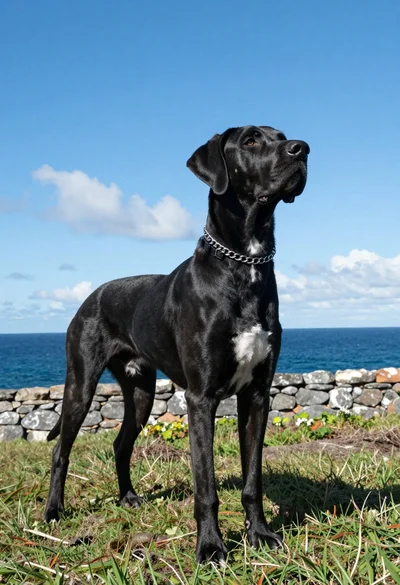
Majestic black great dane standing on grassy cliff overlooking deep blue ocean
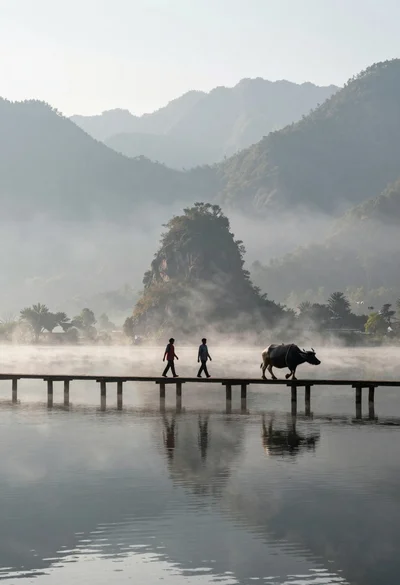
Two figures and buffalo walking across wooden pier over misty lake mountains
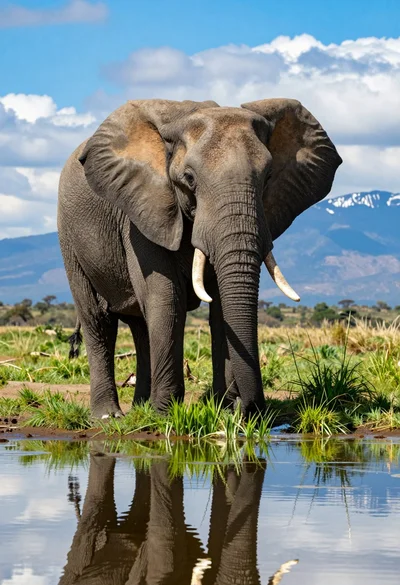
Majestic african elephant standing in shallow water reflecting against savanna backdrop
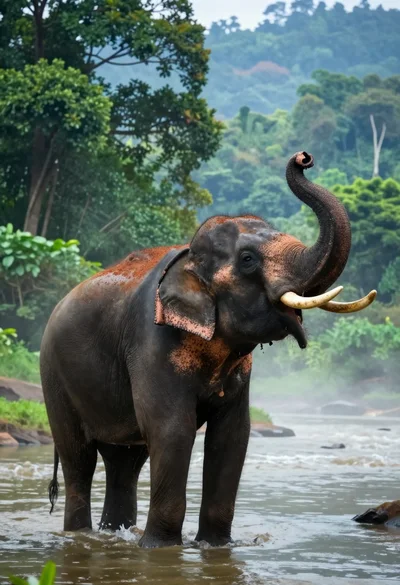
Majestic asian elephant standing in misty river amidst lush tropical rainforest foliage