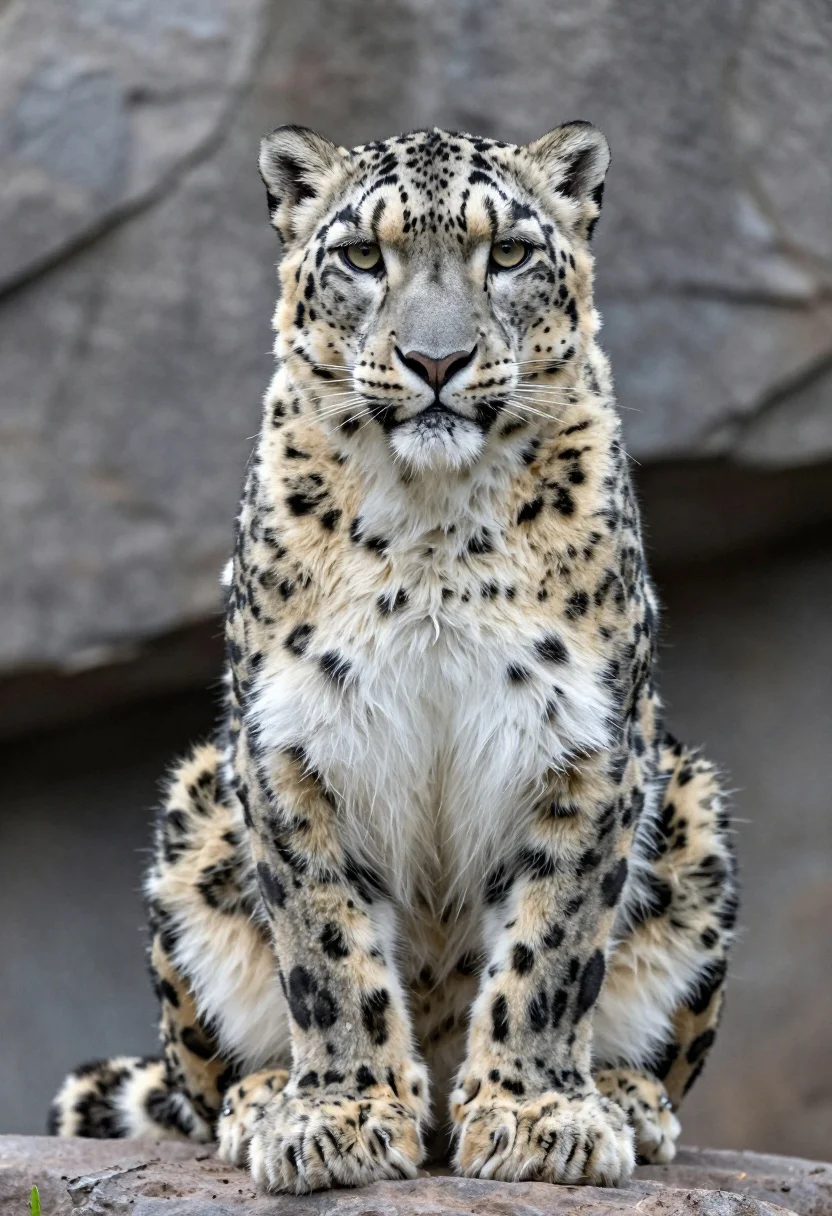
Majestic snow leopard sitting on rocks gazing forward in mountainous habitat
Prompt
A majestic snow leopard sits upright on a rocky surface, gazing directly forward with piercing yellow eyes and a calm, alert expression.

Subject: A large snow leopard with thick white fur covered in distinctive black rosettes and spots, featuring a broad chest, muscular forelegs, and a short tail partially visible behind it.

Action: The animal is seated still in a poised, attentive posture with its front paws resting on the ground and ears perked forward.

Environment: A blurred background of gray rock formations suggests a mountainous or rocky habitat, providing a naturalistic setting that emphasizes the subject.

Camera: A medium close-up shot captures the leopard from the chest up, with a shallow depth of field that keeps the face in sharp focus while softly blurring the background.

Lighting: Soft, diffused daylight illuminates the scene evenly, highlighting the texture of the fur and casting subtle shadows that define the contours of the body without harsh contrast.

Style Details: High-resolution wildlife photography with natural color grading, fine detail in fur texture, and a realistic rendering style typical of professional nature documentation.
Description
This prompt is useful for creating high-end wildlife editorial spreads, scientific illustration concepts, and dramatic nature documentary stills. The combination of 'soft, diffused daylight' with the 'shallow depth of field' ensures that the leopard's face remains sharply defined against a softly rendered background, which prevents distracting details in the 'rocky surface' from pulling focus away from its piercing gaze.
Suggestions
- Change 'piercing yellow eyes' to 'deep amber eyes' for a warmer tone.
- Add 'cinematic volumetric lighting' to enhance the drama of the scene.
- Swap 'gray rock formations' for 'slate and lichen-covered rocks' for more visual interest.
Category
Tags
AnimalMedium ShotNatureOutdoorsPortrait ShotRealistic
Date added
July 12, 2026
Added by
PromptDexter Team
Related Prompts
More prompts with similar categories and tags.
Majestic polar bear resting on rugged snow covered ice formation under deep
Majestic tiger walking through tall green and dry savanna grass
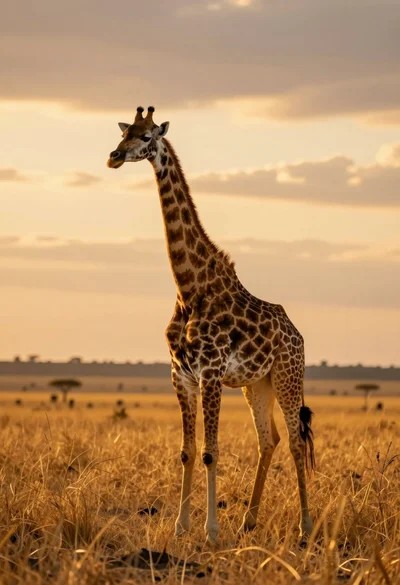
Majestic giraffe standing in golden savanna landscape at sunset
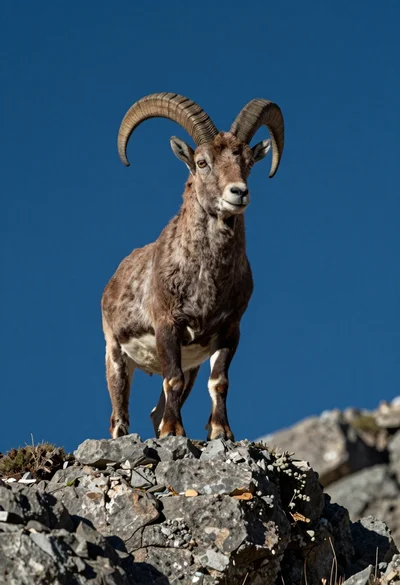
Majestic mountain goat standing on rugged rock formation against deep blue background
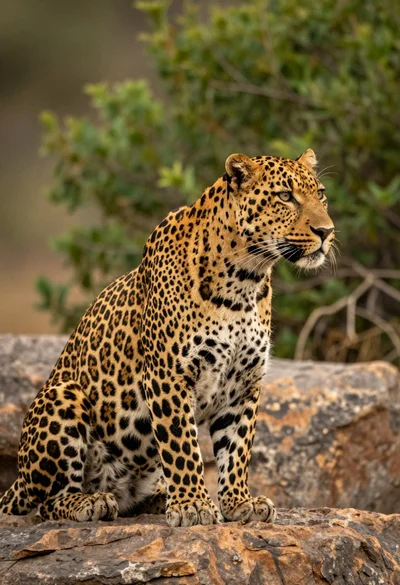
Majestic leopard sitting in profile on rocks overlooking green jungle foliage
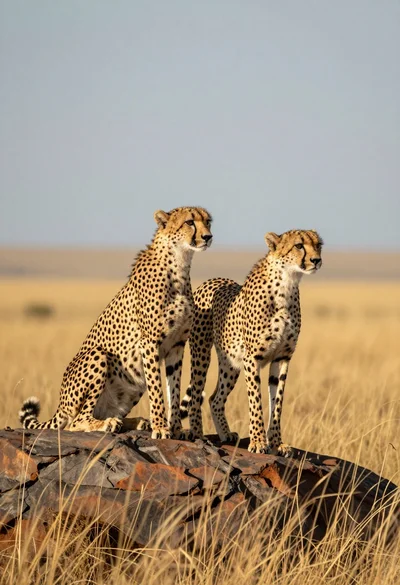
Two cheetahs standing on rocky outcrop in golden savanna landscape
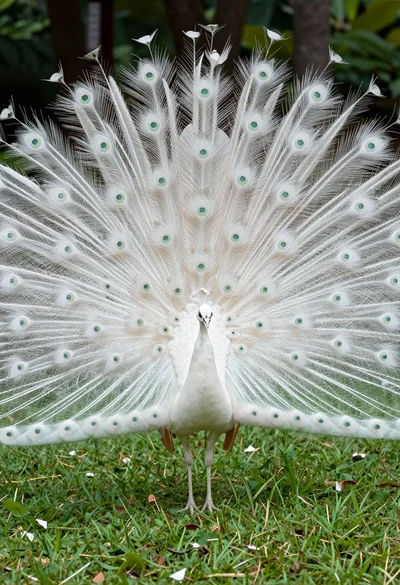
Majestic white peacock displaying its full tail feathers in a lush green
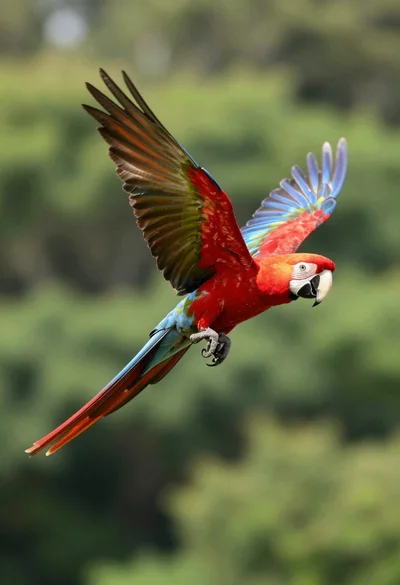
Vibrant scarlet macaw in midflight against a lush green forest backdrop
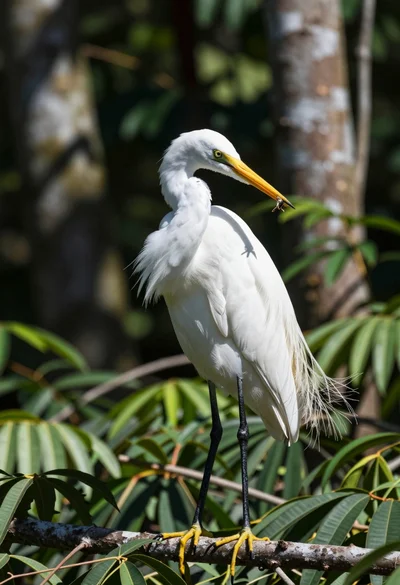
Majestic white egret standing on branch in lush green forest setting
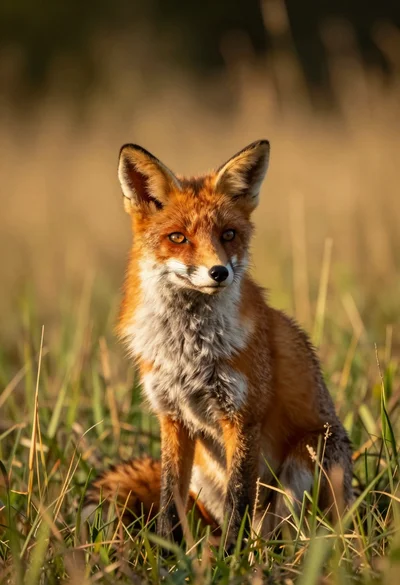
Close up portrait of a red fox sitting in tall golden grass