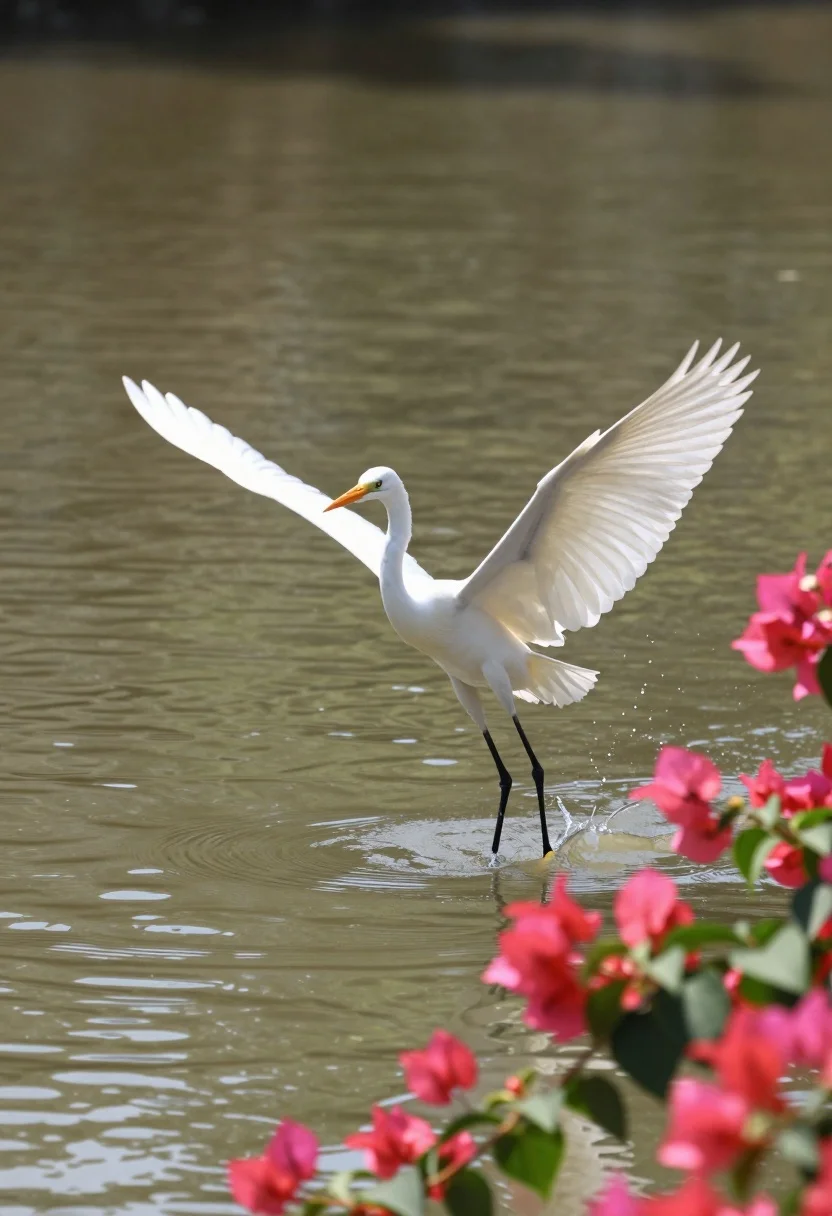
Majestic white egret flying low over calm river near pink bougainvillea
Prompt
A majestic white egret with wings spread wide is captured mid-flight just above the surface of a calm river.

Subject: A large white egret featuring bright orange beak and long black legs, positioned centrally in the frame with its wings fully extended.

Action: The bird is hovering low over the water, creating small ripples and splashes directly beneath its feet as it prepares to land or take off.

Environment: A murky brown river fills the background, framed by vibrant pink bougainvillea flowers and green leaves in the foreground on the right side.

Camera: Shot with a telephoto lens from a slightly elevated angle, utilizing a shallow depth of field that keeps the bird sharp while blurring the floral foreground and distant water reflections.

Lighting: Natural sunlight illuminates the scene from above, casting soft highlights on the egret's white feathers and creating gentle ripples in the water surface.

Style Details: The image possesses a serene, documentary aesthetic with natural color grading and a focus on wildlife photography composition.
Description
This prompt is useful for creating nature documentary stills, fine art wildlife prints, and editorial travel spreads focusing on local fauna. The combination of 'telephoto lens from a slightly elevated angle' ensures the egret remains the sharp focal point against the blurred floral foreground, while the 'natural sunlight illuminates the scene from above' provides necessary highlights to define the texture of the white feathers.
Suggestions
- Change 'murky brown river' to 'crystal clear river' for better contrast.
- Swap 'vibrant pink bougainvillea flowers' for 'deep purple wisteria' for a different color pop.
- Add 'motion blur on wings tips' to emphasize speed.
Category
Tags
AnimalNatureOutdoorsRealistic
Date added
July 12, 2026
Added by
PromptDexter Team
Related Prompts
More prompts with similar categories and tags.

Silhouette of two elephants with riders walking across grassy plain at sunset
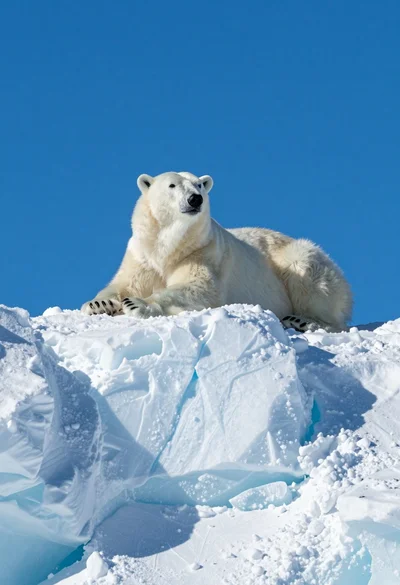
Majestic polar bear resting on rugged snow covered ice formation under deep
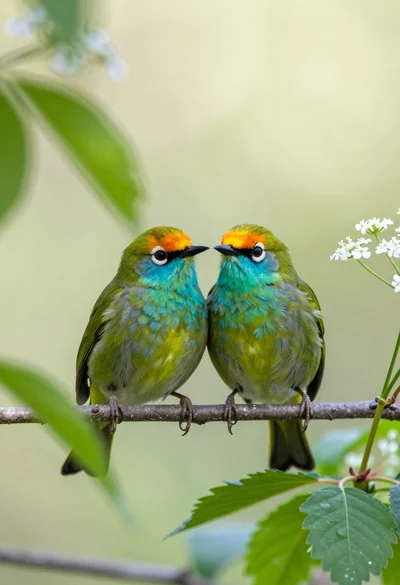
Two vibrant green birds perched closely on a twig amidst soft foliage
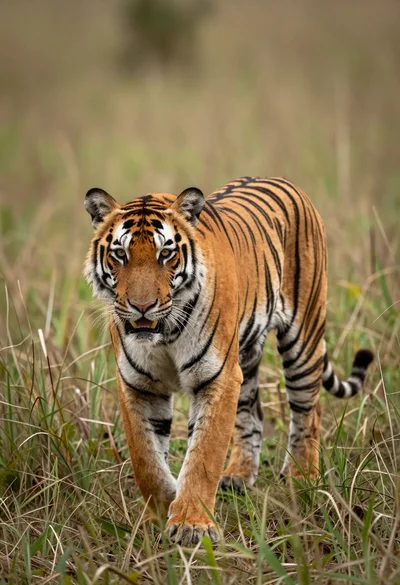
Majestic tiger walking through tall green and dry savanna grass
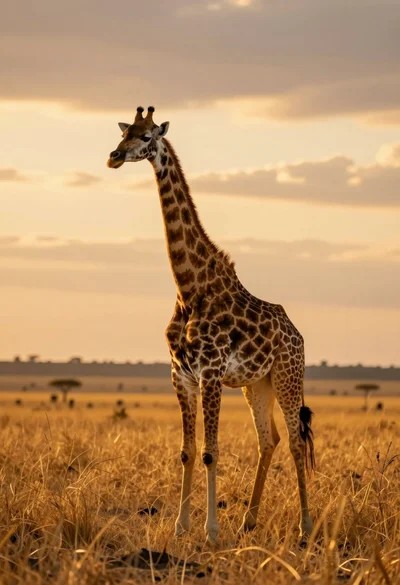
Majestic giraffe standing in golden savanna landscape at sunset
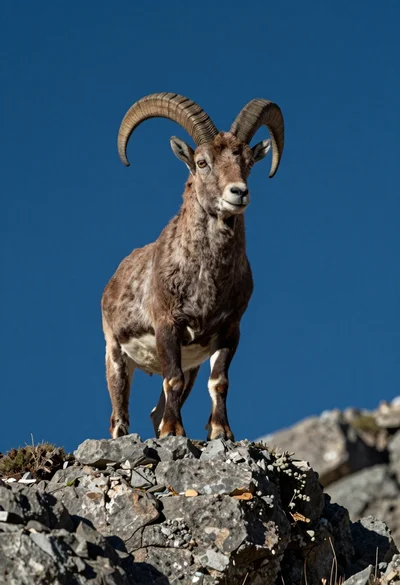
Majestic mountain goat standing on rugged rock formation against deep blue background
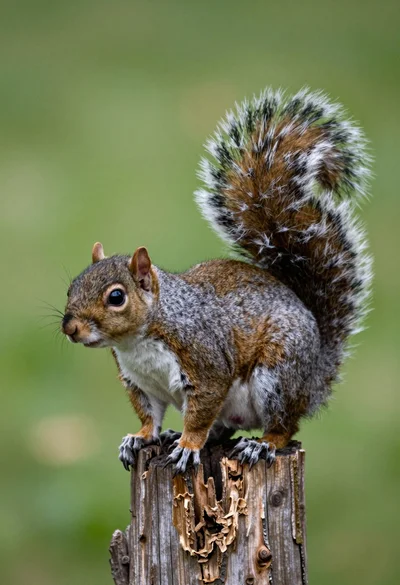
Close up photograph of a grey squirrel on a wooden stump against
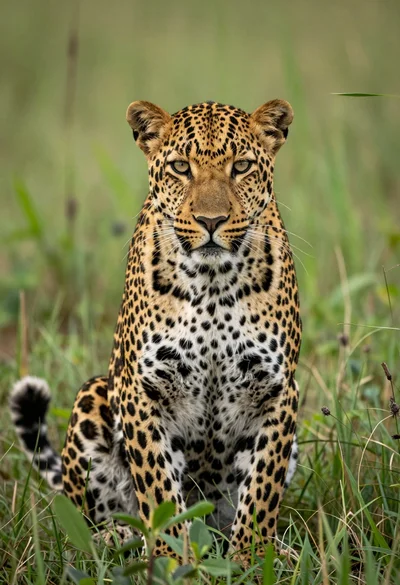
Majestic leopard sitting alert in lush green savanna grassland close up
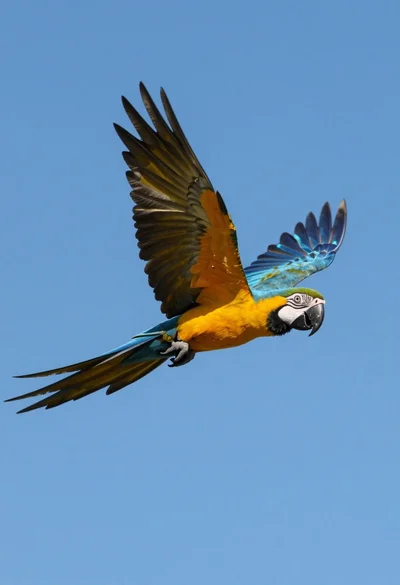
Majestic blue and yellow macaw soaring through clear bright blue open sky
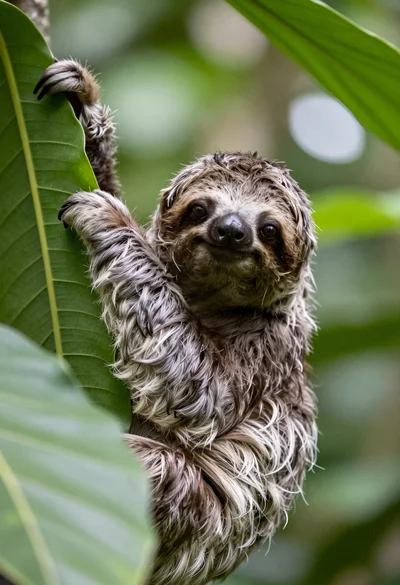
Close up portrait of baby sloth on large green leaf in lush