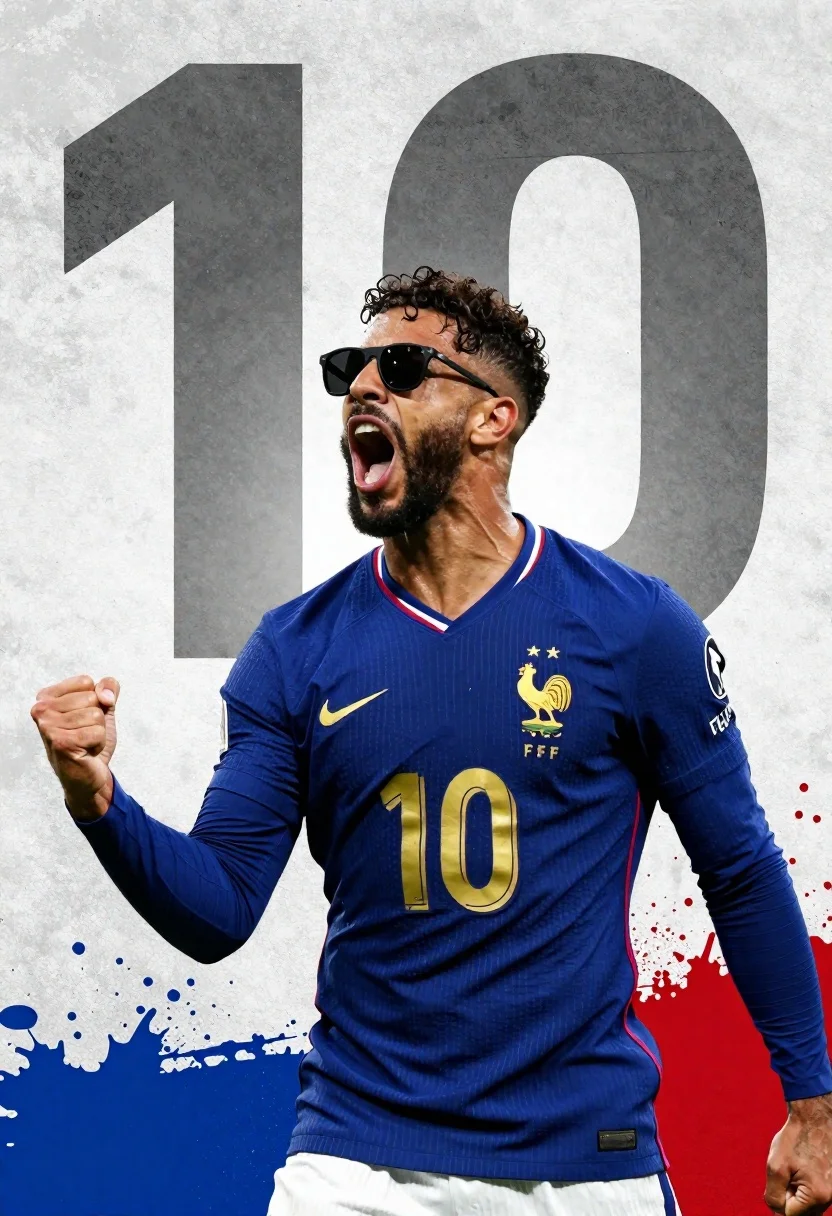
Male football player in blue jersey celebrating with fist raised
Prompt
A dynamic sports poster featuring a male football player in a blue jersey celebrating with his fist raised and mouth open in triumph.

Subject: A man with dark curly hair, a beard, and sunglasses wearing a deep blue long-sleeved football jersey with the number 10 on the front.

Clothing: The jersey is dark blue with gold numbering and features a Nike swoosh, a rooster crest with two stars above it, and the letters FFF below the crest. A small French flag trim is visible at the collar and sleeve cuff.

Action: The player in the foreground is celebrating enthusiastically with his right fist clenched near his chest and his head tilted back slightly.

Environment: The background features a large, faded graphic of the number 10 in grey against a textured concrete-like surface.

Lighting: Dramatic lighting highlights the player's face and jersey while casting soft shadows that emphasize the depth of the image.

Style Details: High-contrast cinematic composition with splashes of blue and red paint effects at the bottom edges, resembling a stylized sports magazine cover or promotional artwork.
Description
This prompt is useful for creating athletic poster designs, sports merchandise mockups, and high-energy editorial features celebrating victory. The combination of 'dramatic lighting' emphasizing facial contours alongside the 'high-contrast cinematic composition' ensures that the subject pops against the textured background, making the celebratory action feel immediate rather than posed.
Suggestions
- Change 'deep blue long-sleeved football jersey' to a specific team color like 'crimson red kit' for brand consistency.
- Add 'sweat droplets visible on skin' to enhance the intensity of the celebration.
- Replace 'concrete-like surface' with 'wet stadium turf' for more immediate action.
Category
Tags
Dark SkinFull BodyMaleOutdoorsRealistic
Date added
June 26, 2026
Added by
PromptDexter Team
Related Prompts
More prompts with similar categories and tags.
Male soccer player kicking white ball on grass field with vibrant light
Black man with dreadlocks freefalling through white clouds in black jumpsuit
Muscular man in blue pool splashing water under sunlight
Muscular man with torch in dark night water
Young soccer player in argentina jersey against cosmic fire and lightning
Snowboarder jumping off slope in metallic green suit against bright snow
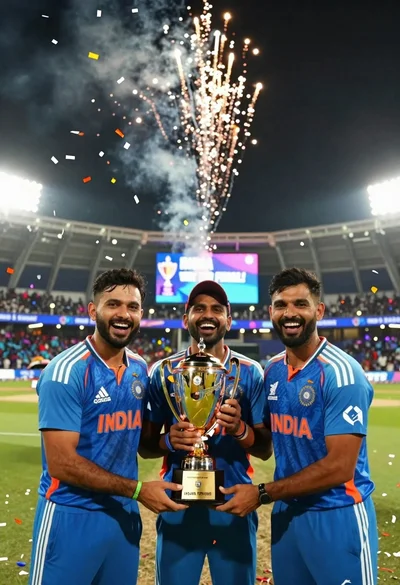
Three indian cricket players celebrating victory with a gold trophy under fireworks

Fit male cyclist in black gear stands next to mountain bike on