
Male soccer player kicking white ball on grass field with vibrant light
Prompt
A dynamic soccer player in mid-kick striking a white ball on a grass field with vibrant light trails swirling around his legs.

Subject: A male soccer player with short dark hair and an intense focused expression, wearing a red and green jersey with the number 7 visible on the front.

Clothing: He wears a red long-sleeved jersey with green accents, matching green shorts, red socks, and white cleats.

Action: The player is captured in a powerful kicking motion, leaning forward with his right leg extended to strike the ball while his left arm is raised for balance.

Environment: A dark, moody stadium setting with a grassy pitch under a dramatic sky filled with heavy clouds and beams of golden light breaking through from above.

Camera: Shot from a low angle emphasizing the player's height and power, with a shallow depth of field that blurs the background to isolate the subject.

Lighting: Dramatic high-contrast lighting with strong backlighting creating a halo effect around the player and illuminating the clouds, while colored light trails add a surreal glow near his feet.

Objects: A white soccer ball is in motion near the player's foot, kicking up small particles of grass and dirt from the ground.

Style Details: Cinematic digital art style with vivid color grading, glowing neon light streaks in purple and teal, and a painterly texture that blends realism with fantasy elements.
Description
This prompt is useful for creating dramatic sports advertising campaigns, concept art for video games, and dynamic athletic portraiture. The combination of 'low angle' perspective and 'dramatic high-contrast lighting' emphasizes the player's power by making him loom large against the moody stadium backdrop, while the 'glowing neon light streaks in purple and teal' injects a necessary surreal energy beyond simple realism.
Suggestions
- Change 'red and green jersey' to 'black and gold jersey' for a more premium feel.
- Swap 'vivid color grading' for 'muted cinematic grading' to tone down the saturation.
- Add 'sweat droplets visible on skin' to enhance the physical exertion.
Category
Tags
Dark SkinFull BodyLow AngleMaleOutdoorsRealistic
Date added
June 23, 2026
Added by
PromptDexter Team
Related Prompts
More prompts with similar categories and tags.
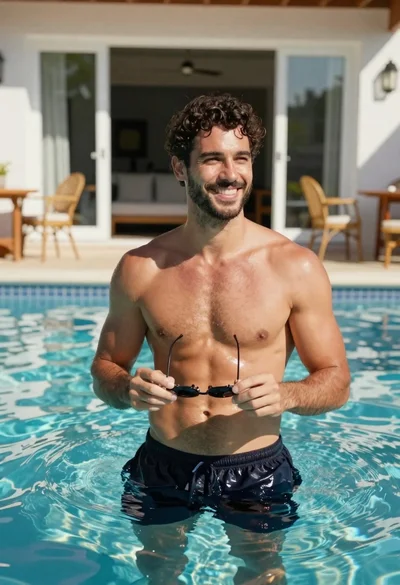
Handsome man in blue pool water on sunny day

Young soccer player in argentina jersey against cosmic fire and lightning
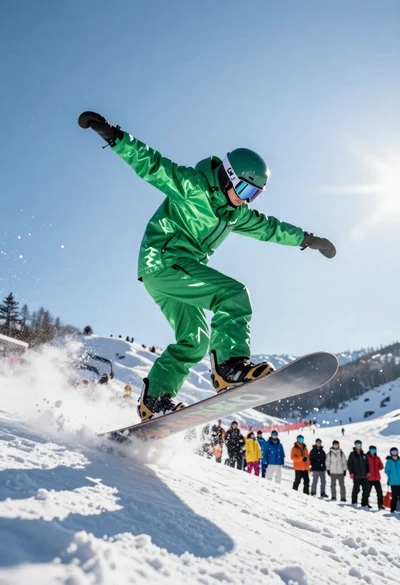
Snowboarder jumping off slope in metallic green suit against bright snow
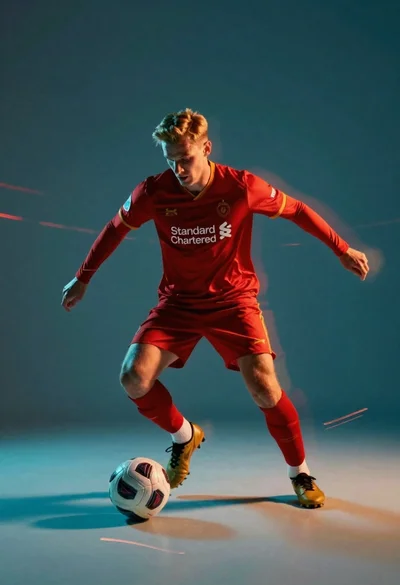
Male soccer player in red jersey dribbling ball with motion blur

Fit woman in pink athletic wear standing on an asphalt track under
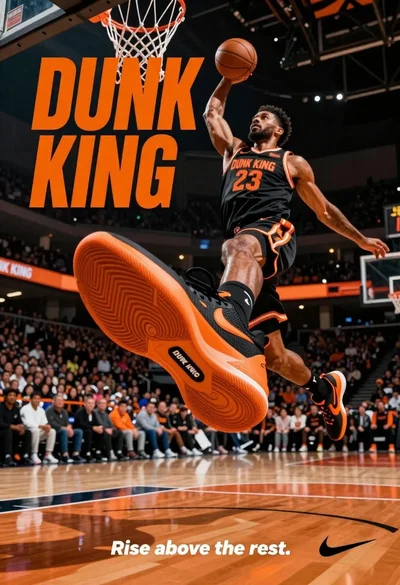
Muscular male basketball player midair dunking with large orange sneaker
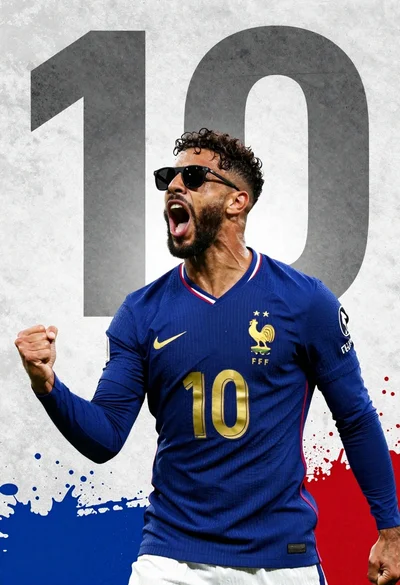
Male football player in blue jersey celebrating with fist raised

Fit male cyclist in black gear stands next to mountain bike on