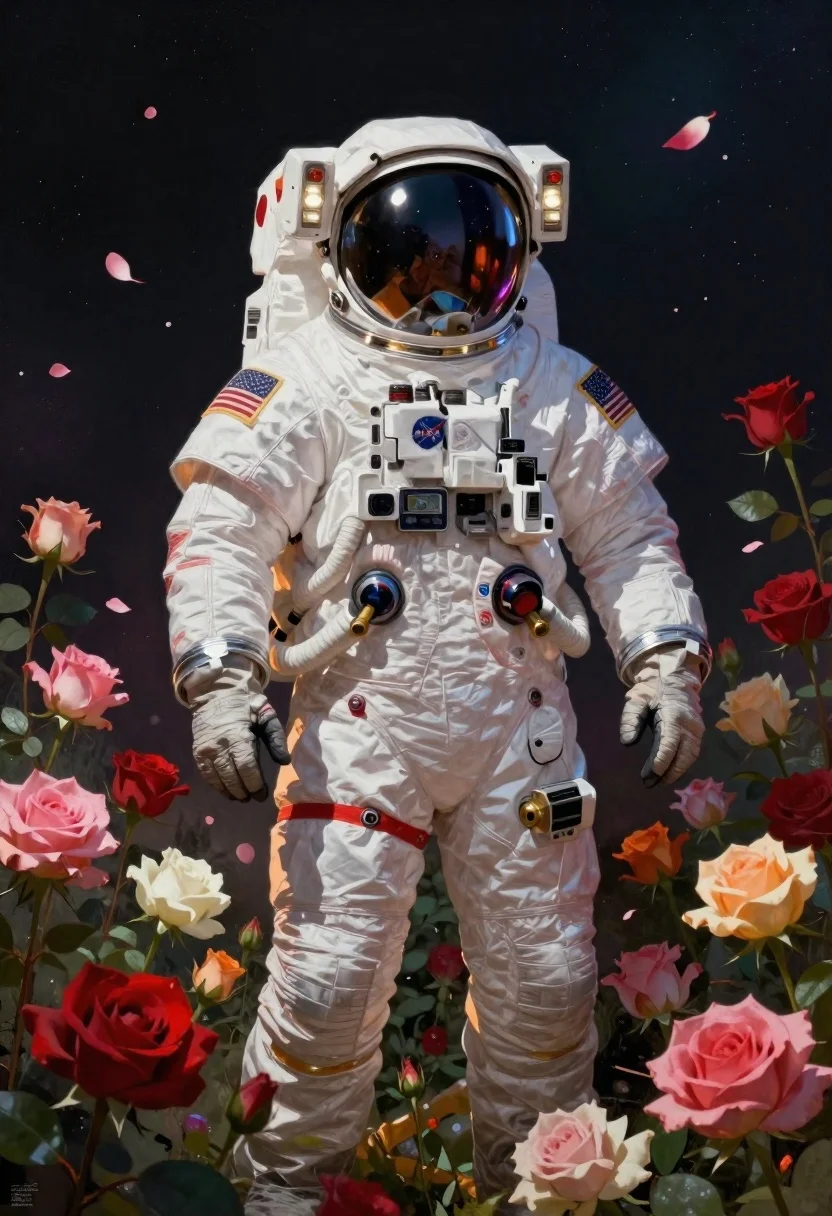
Astronaut surrounded by vibrant red and pink roses
Prompt
Digital painting; an astronaut in a white EVA suit stands surrounded by vibrant red and pink roses against a dark cosmic background.

Subject: Astronaut wearing a pristine white spacesuit with a reflective visor helmet, featuring mission patches including the NASA logo on the chest and a United States flag on the left shoulder.

Clothing: Detailed textured fabric of the space suit showing wrinkles and folds; multiple utility pouches and connectors are visible near the waist, along with brass-colored valves attached to hoses running down the torso. The wrist cuff is thick and gold-toned at the bottom edge.

Environment: A lush garden filled with blooming roses in shades of deep red, pink, orange, white, and cream; petals float gently around the figure as if caught mid-air or drifting from above.

Lighting: Dramatic directional lighting that highlights the astronaut's suit while casting soft shadows between flowers; warm ambient glow enhances floral textures without overpowering contrast.

Style Details: Highly detailed digital art style with painterly brushwork, rich color saturation, and cinematic composition blending realism with surreal elegance.
Description
This prompt is useful for creating surreal sci-fi concept art, album cover designs, and high-concept editorial illustrations. The combination of 'pristine white spacesuit' against the 'vibrant red and pink roses' utilizes 'dramatic directional lighting' to create a striking contrast that prevents the subject from looking flat, while the inclusion of floating petals adds necessary visual movement to the otherwise static cosmic setting.
Suggestions
- Change 'deep red, pink, orange, white, and cream' to focus on only magenta and crimson for color consistency.
- Add 'bokeh effect' to the background roses to enhance the depth of field.
- Modify 'brass-colored valves' to be made of polished chrome for a more futuristic feel.
Category
Tags
Digital ArtFull BodyNatureSpace
Date added
June 19, 2026
Added by
PromptDexter Team
Related Prompts
More prompts with similar categories and tags.
Biomechanical bird on rock near cyberpunk skyscrapers
Man and woman on moonscape under starry sky
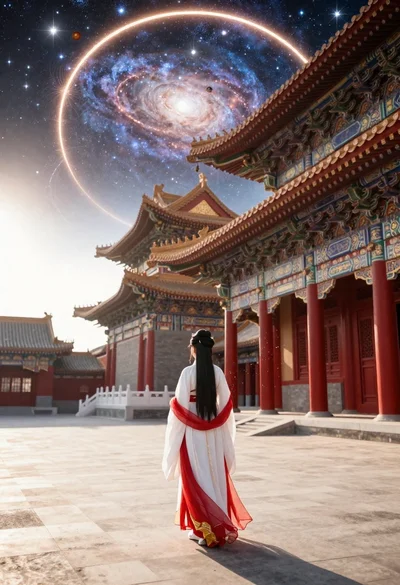
Figure in hanfu dress before cosmic portal in courtyard
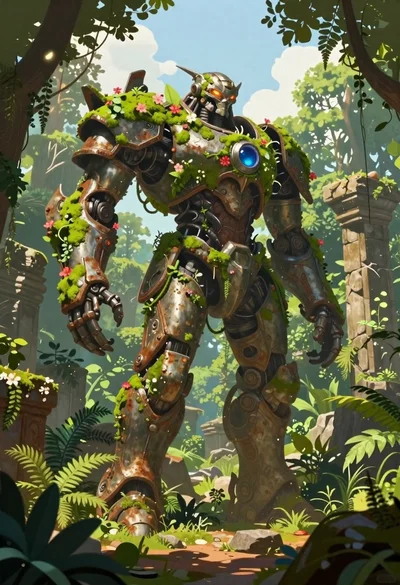
Biomechanical guardian in overgrown ancient ruins
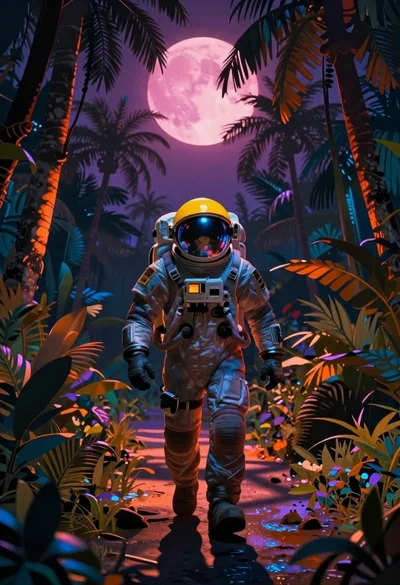
Astronaut walking through a surreal glowing jungle path
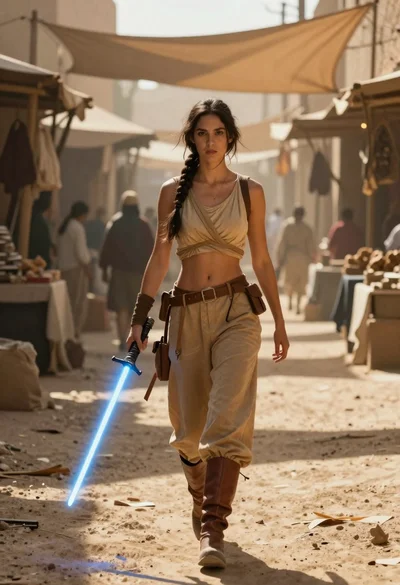
Woman with lightsaber in dusty marketplace alleyway
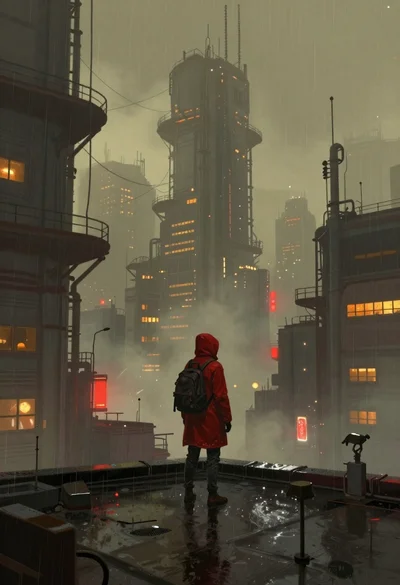
Lone figure on wet rooftop in cyberpunk cityscape
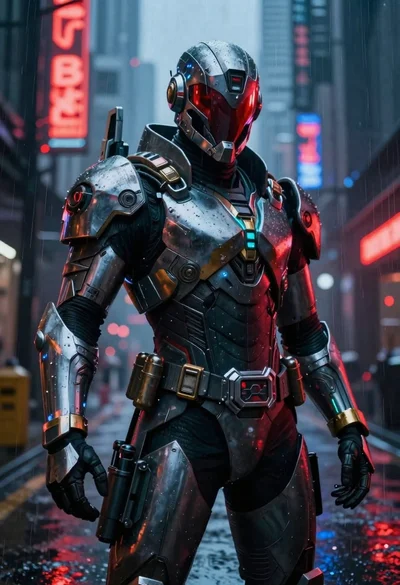
Cyberpunk warrior in rainy neon lit city alleyway
