
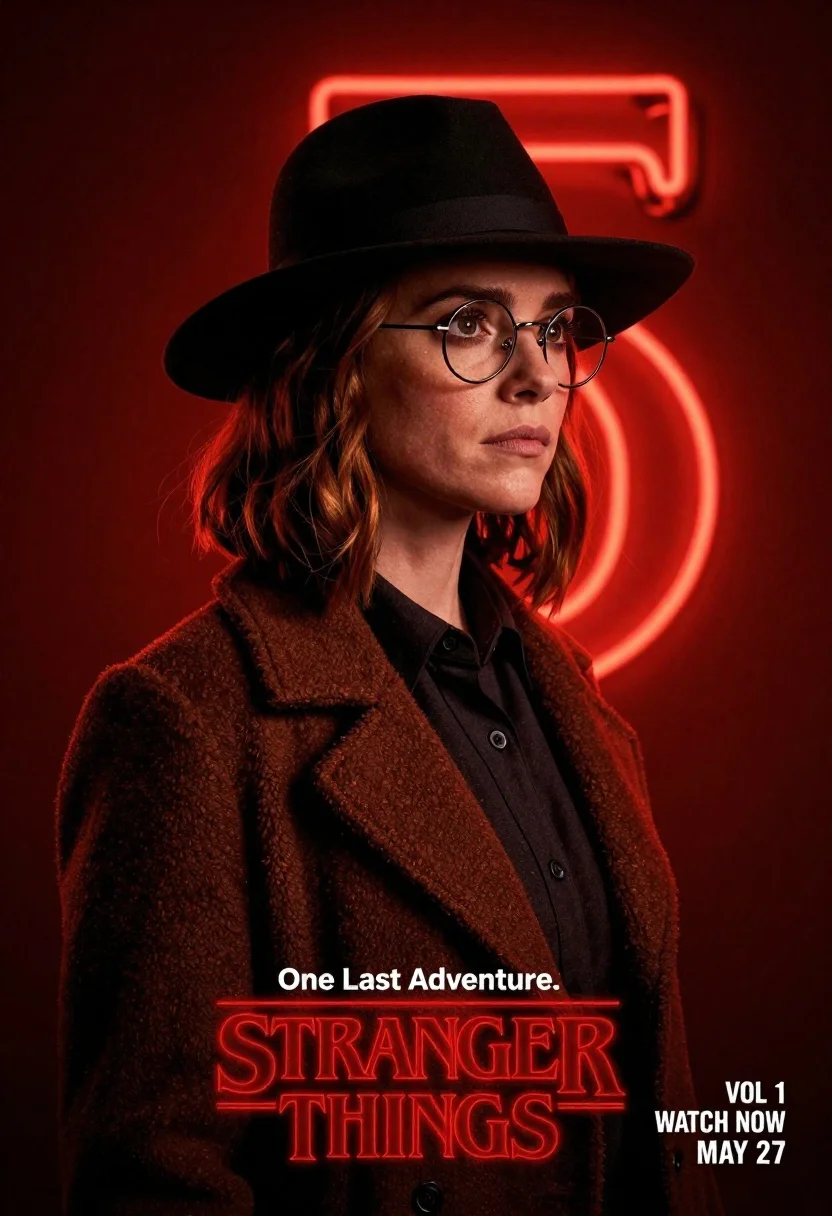
Woman in black fedora and wool coat against red neon background
Prompt
A woman with shoulder-length reddish-brown hair stands in a three-quarter profile facing right against a deep red background.

Subject: A woman with a serious expression and soft features, wearing round wire-rimmed glasses and a black fedora hat that casts a shadow over her forehead.

Clothing: She wears a dark charcoal or black button-up shirt underneath a textured brown wool coat with wide lapels.

Action: Her head is turned slightly to the right in profile, her gaze directed forward, and her expression is neutral and contemplative.

Environment: The background is a solid, deep red void dominated by a large, glowing red neon number "5" behind her head.

Lighting: Dramatic lighting with a strong red glow emanating from the neon sign, casting highlights on her hair and face while leaving parts of her features in shadow.

Camera: A medium close-up shot framed to capture her upper body and head, utilizing a shallow depth of field that keeps the subject sharp against the glowing background.

Text/Graphics: White text reading "One Last Adventure." appears above the show's title logo, which reads "STRANGER THINGS" in red neon-style lettering with the Netflix logo below it, and additional text in the bottom right corner indicates "VOL 1 WATCH NOW MAY 27".

Style Details: High-contrast cinematic composition with a moody atmosphere, utilizing a distinct color palette of deep reds, blacks, and browns to create a mysterious and intense visual tone.
Description
This prompt is useful for creating movie poster mockups, neo-noir character portraits, and atmospheric promotional key art. The combination of 'dramatic lighting' with the 'deep red background' and 'black fedora hat that casts a shadow over her forehead' establishes an immediate sense of mystery, which is crucial for genre marketing materials where mood supersedes clarity.
Suggestions
- Change 'textured brown wool coat' to 'trench coat' for a different silhouette.
- Swap 'red neon number "5"' for a more abstract glowing shape.
- Adjust the expression from 'neutral and contemplative' to 'looking directly at viewer' for stronger engagement.
Category
Tags
3/4 AngleBrown HairFemaleMedium ShotPortrait ShotRealisticRed HairUrban
Date added
June 21, 2026
Added by
PromptDexter Team
Related Prompts
More prompts with similar categories and tags.
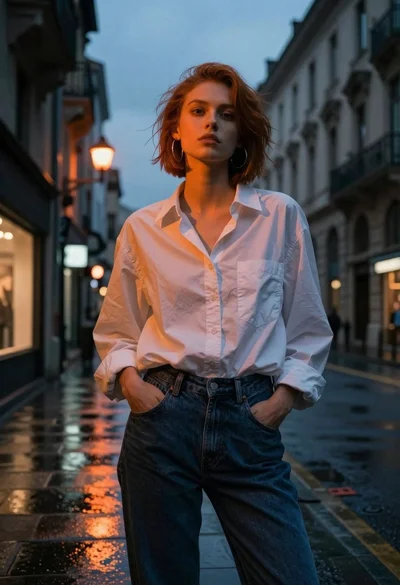
Young woman in white shirt on wet european street at dusk
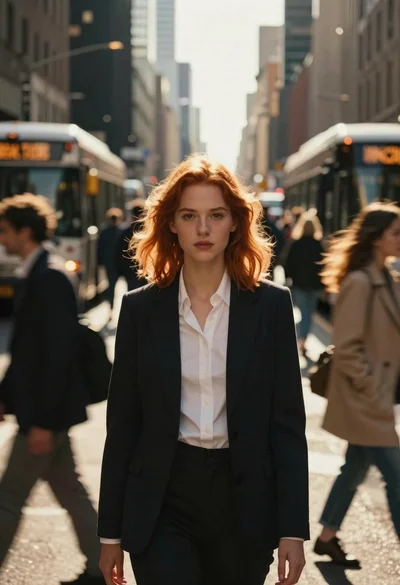
Young woman with red hair in blazer on busy city street
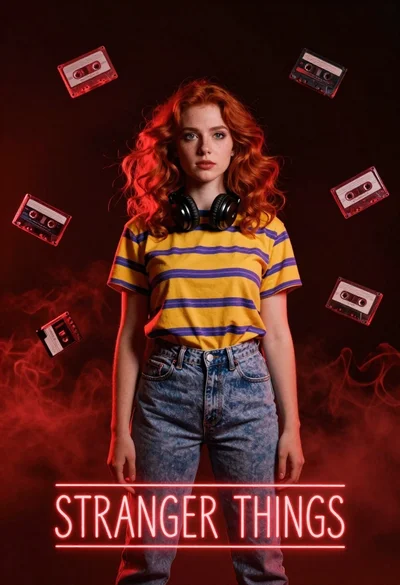
Young woman with red hair and headphones in smoky red light
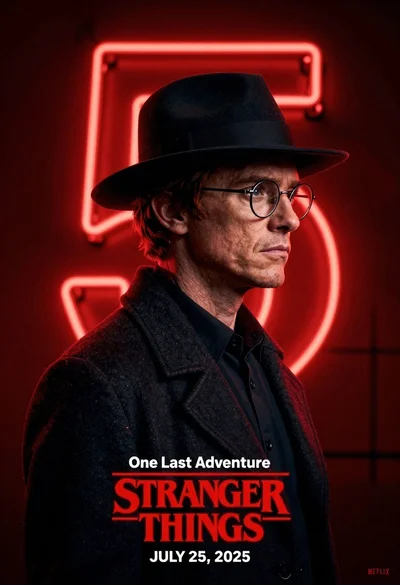
Man in black fedora and glasses posing before glowing neon number five
Sad young woman in trench coat leaning against glass door at night
Young woman in leather jacket standing on subway platform at night

East asian woman in black leather jacket on bustling chinese street at
Young woman in trench coat looking over shoulder in dark brick alley
