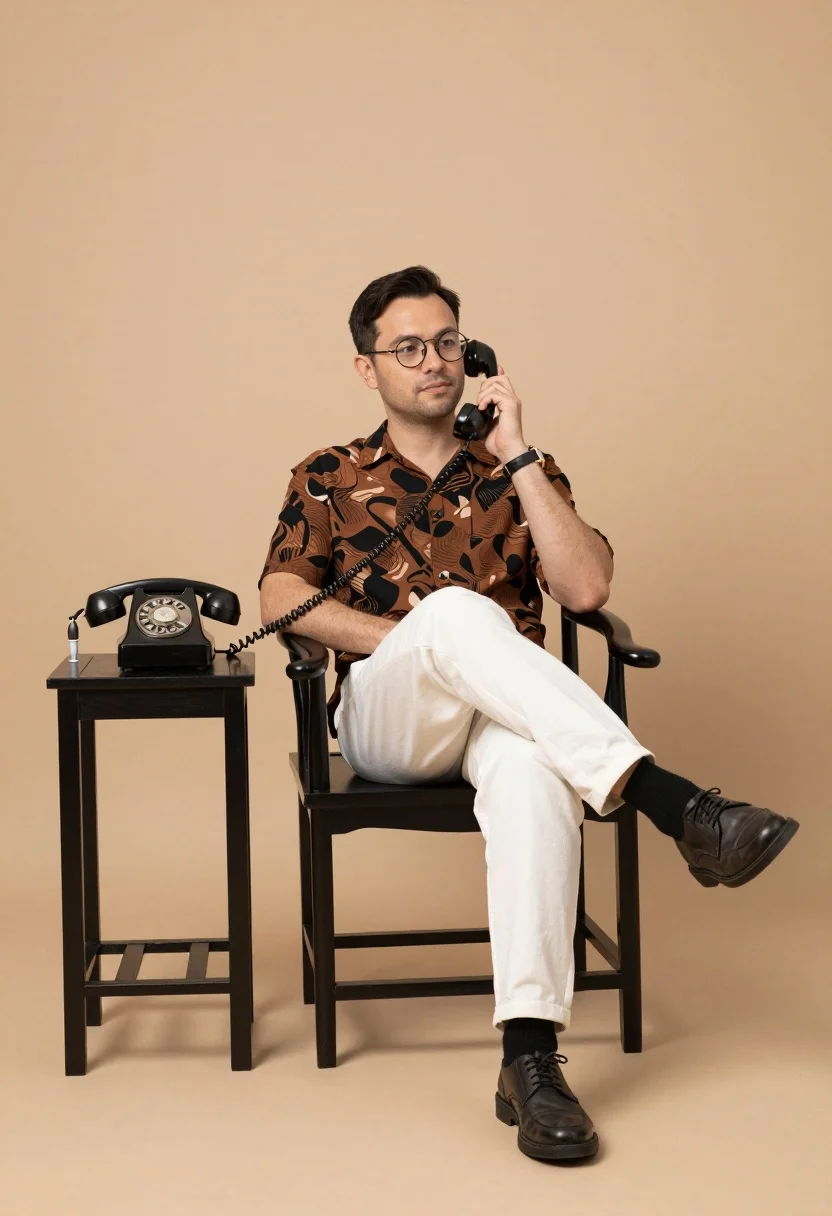
Man in patterned shirt sitting casually with vintage telephone receiver in studio
Prompt
A man sits casually in a studio setting, holding an old-fashioned telephone receiver to his ear with a relaxed expression.

Subject: A man wearing round glasses and a patterned short-sleeved shirt is seated on a black wooden chair.

Clothing: He wears a brown and black abstract print button-down shirt, white trousers, black socks, and dark lace-up shoes. A wristwatch is visible on his left arm.

Action: The man leans back in the chair with one leg crossed over the other, resting his foot on a black block. He holds a vintage telephone receiver to his ear while looking away from the camera.

Environment: The setting is a minimalist studio with a solid beige background and floor. A small black wooden table stands beside him holding an antique rotary phone.

Objects: An antique black rotary telephone sits on a small wooden side table next to the chair. A small figurine stands atop the phone base.

Camera: The shot is taken from a low angle, emphasizing the subject's relaxed posture and the height of the furniture against the plain backdrop.

Lighting: Soft studio lighting illuminates the scene evenly, casting gentle shadows behind the man and furniture to create depth.

Style Details: The image has a clean, high-quality photography aesthetic with warm color tones and a focus on vintage styling.
Description
This prompt is useful for creating character studies for literary magazines, vintage advertisement mockups, and editorial portraits emphasizing nostalgia. The combination of 'low angle' perspective and the 'soft studio lighting' ensures that the subject's relaxed posture and the texture of the 'patterned short-sleeved shirt' are given prominence against the minimalist beige backdrop, preventing any visual clutter from distracting from the narrative moment.
Suggestions
- Change 'brown and black abstract print button-down shirt' to 'tropical floral patterned shirt' for a brighter feel.
- Swap 'black wooden chair' for 'mid-century modern armchair' to update the furniture style.
- Adjust 'soft studio lighting' to 'directional key light' to add more dramatic shadow contrast.
Category
Tags
Brown HairCasual WearIndoorsLow AngleMaleMedium ShotRealisticStudio
Date added
July 12, 2026
Added by
PromptDexter Team
Related Prompts
More prompts with similar categories and tags.
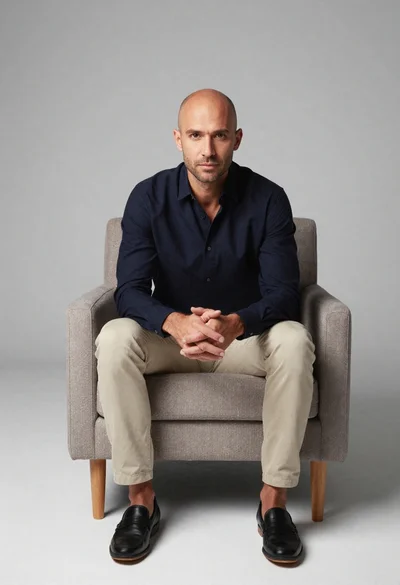
Studio portrait of man in armchair against gray background
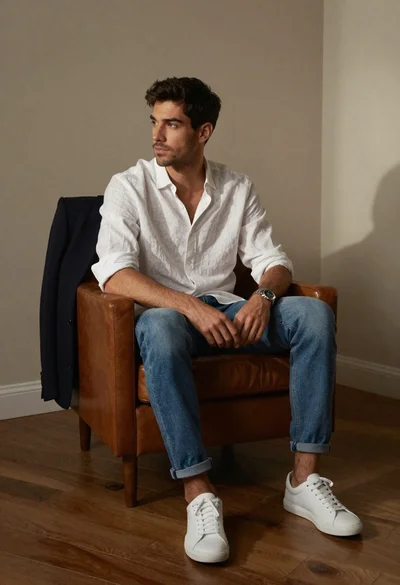
Stylish man sitting on leather armchair in minimalist room

Man in suit sitting on classic red car outdoors
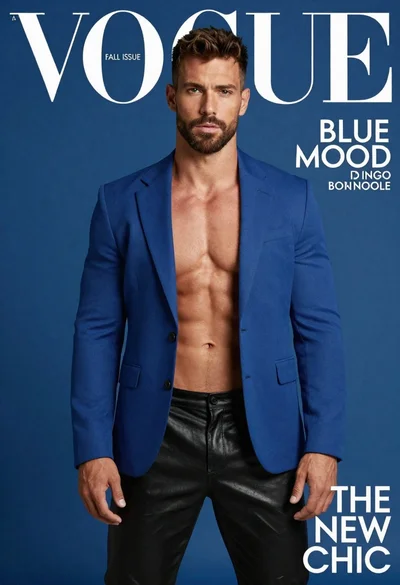
Muscular man in blue blazer on solid deep blue background
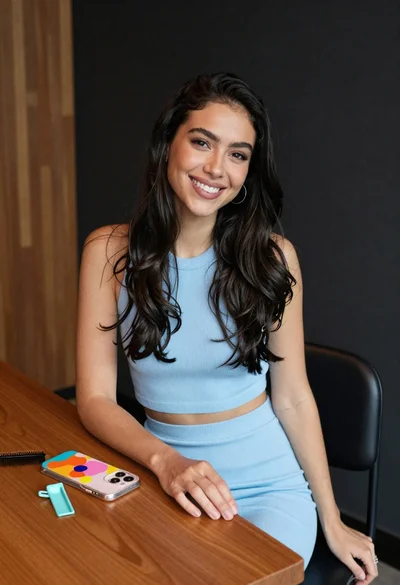
Smiling woman with dark hair at wooden table wearing blue ribbed outfit
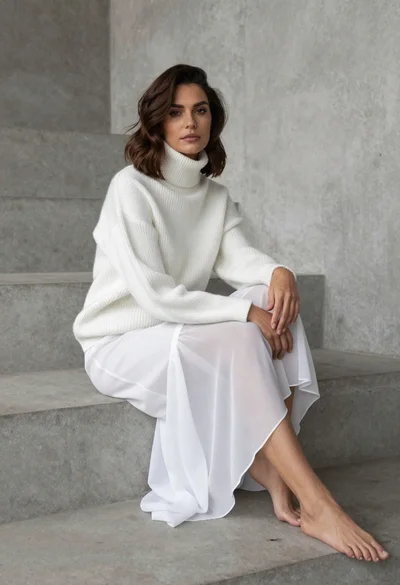
Woman in white ribbed sweater sitting on concrete steps fashion portrait
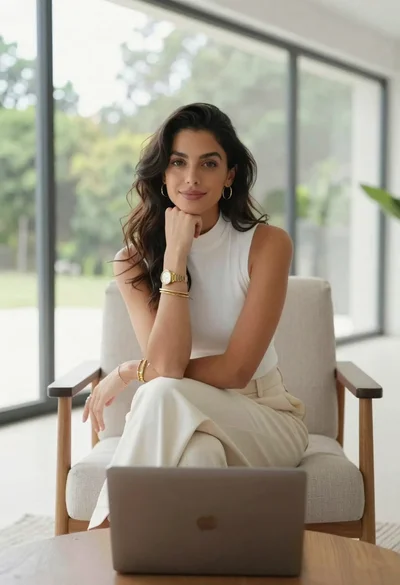
Woman seated in armchair near large windows with greenery
Man sitting casually in studio against plain backdrop
Young man in bulls jersey on brick storefront
Young man on train listening to music at golden hour
