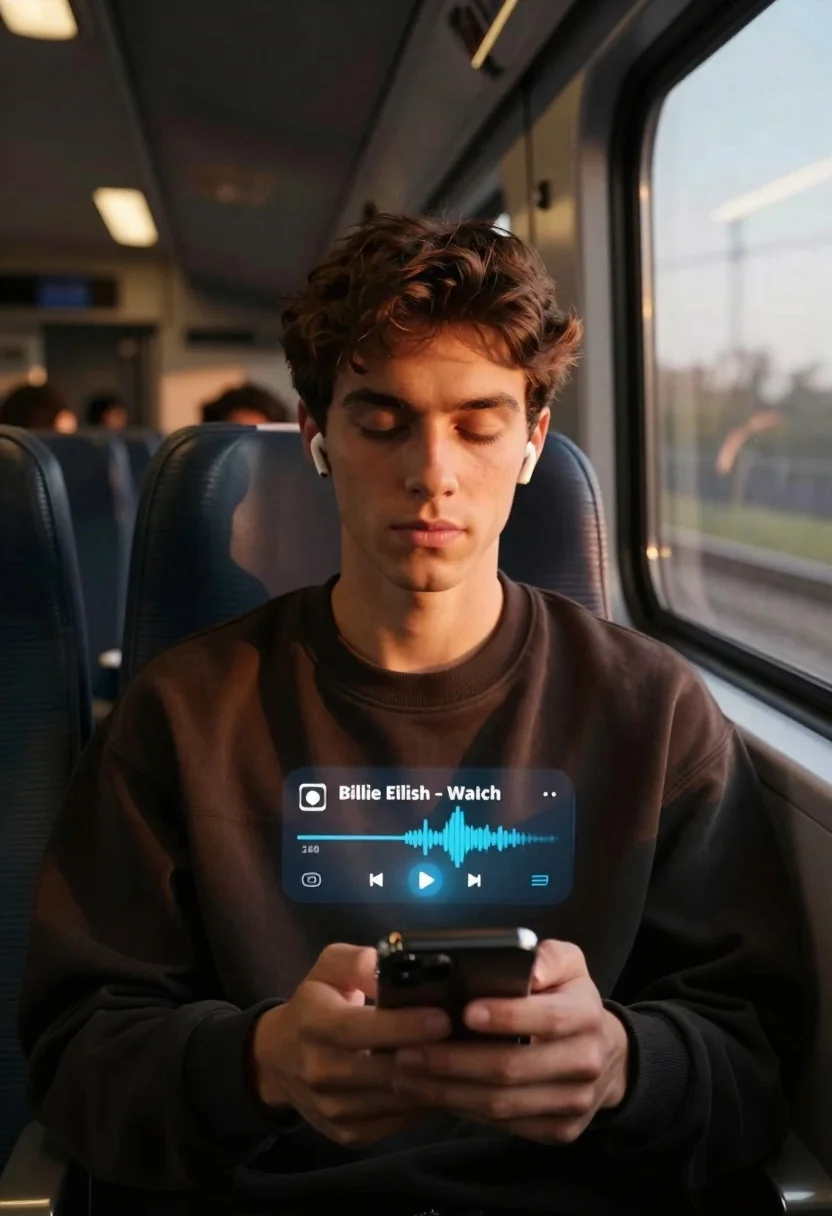
Young man on train listening to music at golden hour
Prompt
A photorealistic close-up of a young man seated on a train with eyes closed in quiet reflection

Subject: A dark-haired youth wearing white wireless earbuds and holding a smartphone with both hands at chest level, displaying an intense, peaceful expression as he listens to music.

Clothing: He wears a loose-fitting, deep brown or black crewneck sweatshirt that catches the warm light along his shoulders.

Environment: The interior of a moving train car features rows of dark seats and large windows on the right side, with blurred scenery passing by outside in soft daylight.

Lighting: Golden hour sunlight streams through the window from the right, casting strong highlights on his face while leaving the rest of the cabin dimly lit for cinematic contrast.

Camera: Medium shot framed slightly low angle to emphasize intimacy and mood, shallow depth-of-field blurring background passengers and interior details behind him.

Text/Graphics: A translucent digital music player overlay floating mid-air displays 'Billie Eilish - Watch' with playback controls and a waveform visualizer, suggesting an augmented reality or holographic interface effect.
Description
This prompt is useful for creating cinematic character portraits, sci-fi narrative stills, and moody editorial spreads depicting introspection during travel. The combination of 'golden hour sunlight streams through the window from the right' with a 'shallow depth-of-field blurring background passengers' achieves a focused intimacy that isolates the subject while grounding him in a recognizable, yet stylized, environment.
Suggestions
- Change 'deep brown or black crewneck sweatshirt' to 'charcoal grey technical fabric' for a more sci-fi feel.
- Adjust 'soft daylight' outside to 'overcast sky' for less harsh contrast.
- Swap 'translucent digital music player overlay' for 'holographic data stream interface' to enhance the AR element.
Category
Tags
Casual WearClose UpIndoorsLow AngleMaleMedium ShotRealistic
Date added
June 19, 2026
Added by
PromptDexter Team
Related Prompts
More prompts with similar categories and tags.

Studio portrait of man in armchair against gray background
Young man with dark wavy hair sitting in dimly lit cafe interior
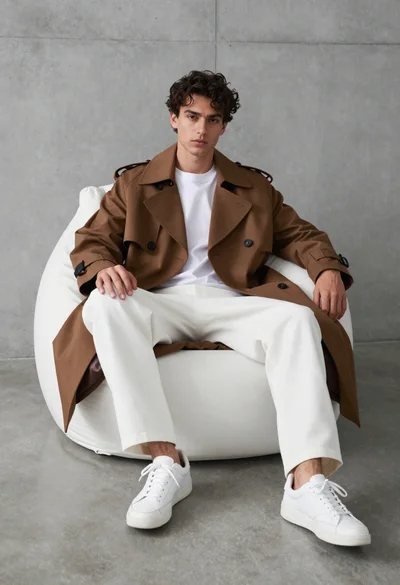
Young man in trench coat sitting on white beanbag chair against grey
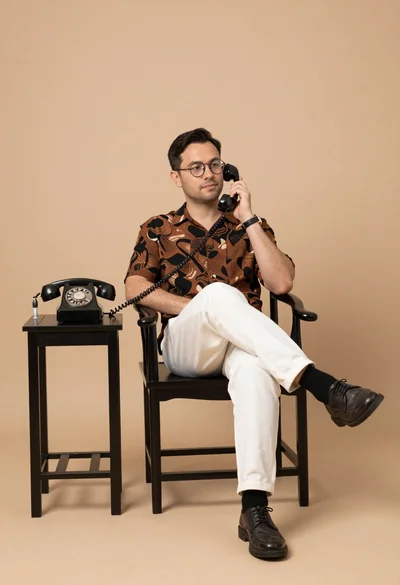
Man in patterned shirt sitting casually with vintage telephone receiver in studio

Smiling woman with dark hair at wooden table wearing blue ribbed outfit

Young man in bulls jersey on brick storefront
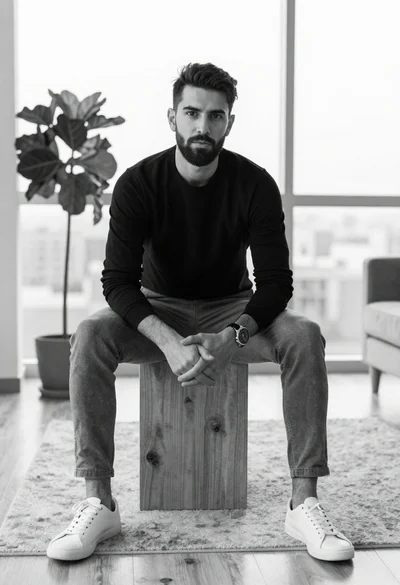
Black and white portrait of man sitting in modern living room
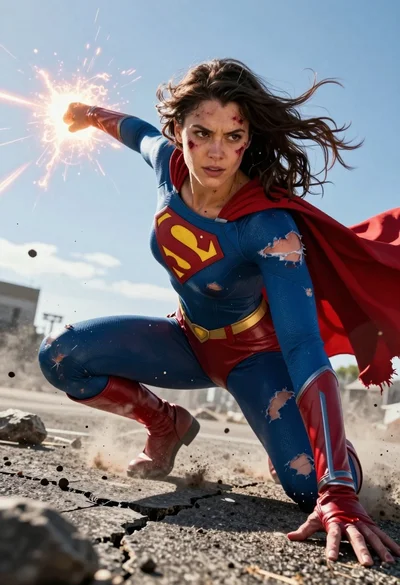
Hyperrealistic low angle shot of superhero crouching on cracked asphalt debris