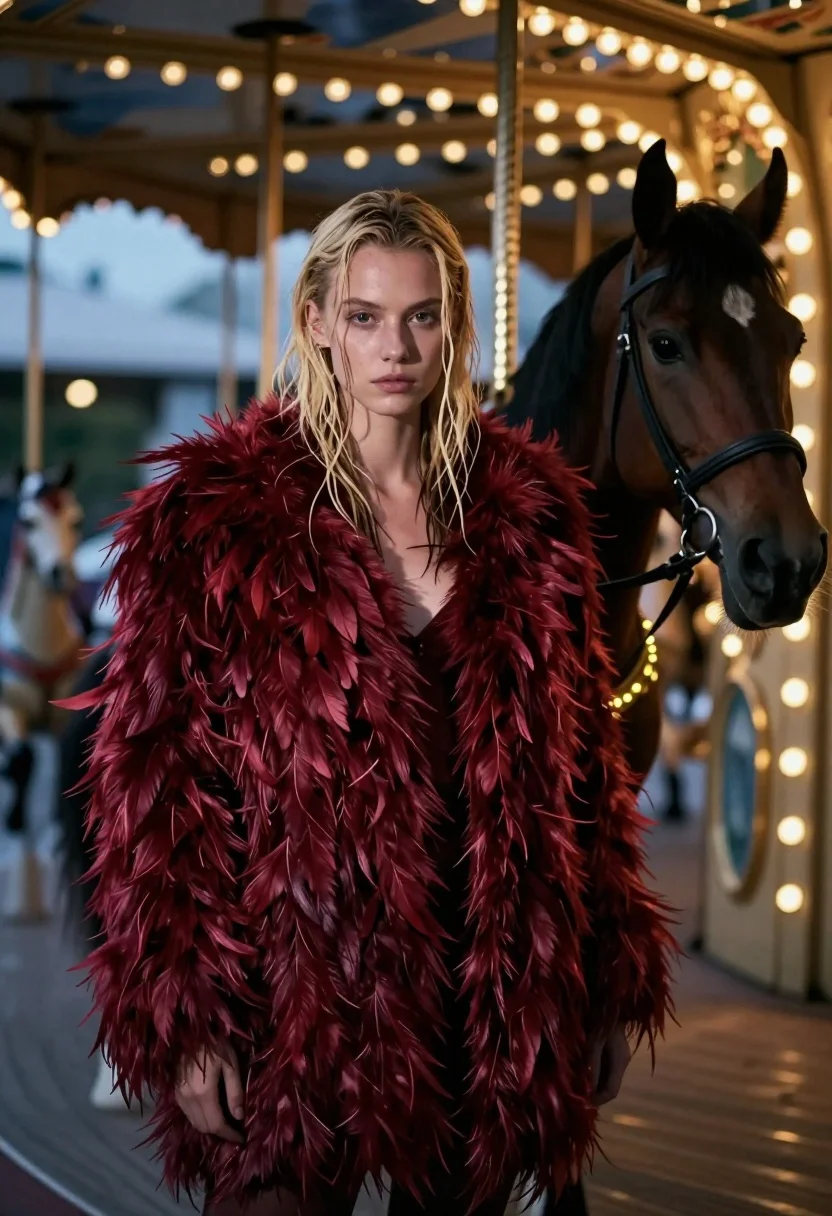
Woman in red feather coat stands near brown horse inside dimly lit
Prompt
A young woman with wet blonde hair stands in the foreground wearing a voluminous deep red feathered coat.

Subject: A fair-skinned woman with wet, shoulder-length blonde hair parted in the middle and intense dark eyes looking directly at the camera.

Clothing: She wears a large, textured maroon feather coat that covers her shoulders and torso completely.

Action: She stands still with a serious expression and neutral posture while facing forward.

Environment: The setting is a dimly lit carousel interior with blurred vertical poles and warm bokeh lights in the background.
Second

Subject: A brown horse stands behind her to the right, adorned with a bridle and a string of glowing yellow lights wrapped around its neck and chest.

Lighting: The scene features soft, atmospheric lighting with a cool blue haze contrasting against the warm glow of the carousel bulbs and the deep red tones of the coat.

Camera: A medium shot captures the subject from the waist up with a shallow depth of field that blurs the background elements to emphasize the foreground figure.

Style Details: The image has a cinematic, moody aesthetic with high contrast between the dark shadows and bright highlights, resembling a stylized film still.
Description
This prompt is useful for creating dramatic editorial fashion spreads, cinematic character portraits, and themed album art evoking vintage mystery. The combination of 'cool blue haze' contrasting against the 'warm bokeh lights' establishes a moody atmosphere that prevents the deep red coat from looking flat, while the shallow depth of field ensures the viewer's focus remains sharply on the woman and horse.
Suggestions
- Change 'deep red feathered coat' to 'velvet opera cloak' for a different texture.
- Swap 'wet blonde hair' for 'damp brunette hair' to alter the mood.
- Adjust 'dimly lit carousel interior' to 'rainy cobblestone alleyway' for a new environment.
Category
Tags
AnimalBlondeFair SkinFemaleMedium ShotRealistic
Date added
July 12, 2026
Added by
PromptDexter Team
Related Prompts
More prompts with similar categories and tags.
Woman with leopard in feathered coat against misty carnival lights at night
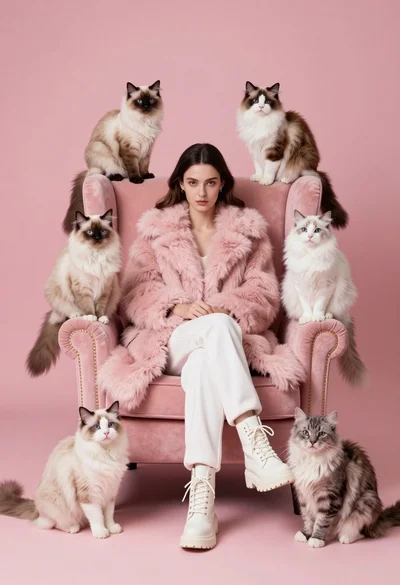
Woman in pink fur coat surrounded by six fluffy cats on pink
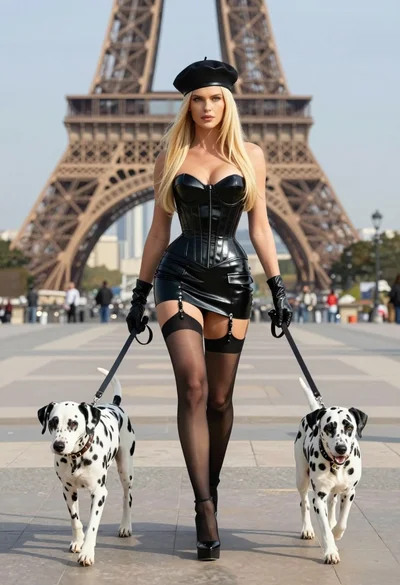
Blonde woman in black latex corset walking with two dalmatians near eiffel
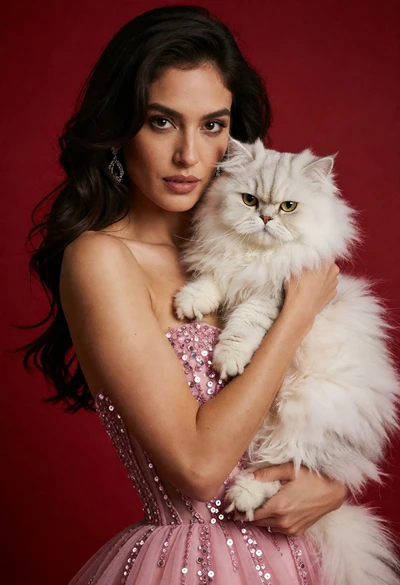
Poised woman in pink sequin gown holding white persian cat against red
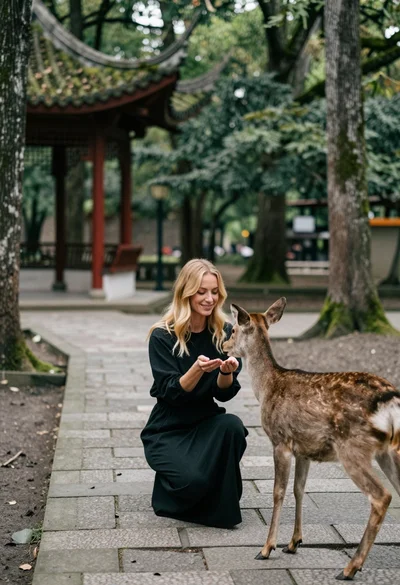
Woman feeding deer on stone path near asian pavilion in lush forest
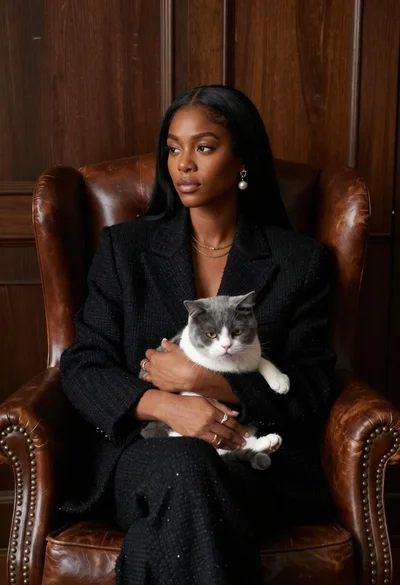
Woman in black blazer holding grey and white cat on leather armchair
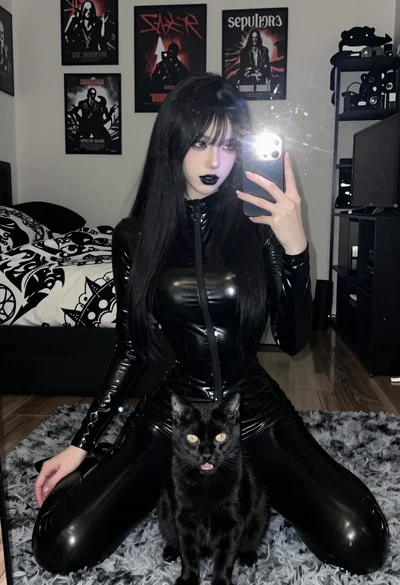
Young woman in black latex suit taking mirror selfie with cat present
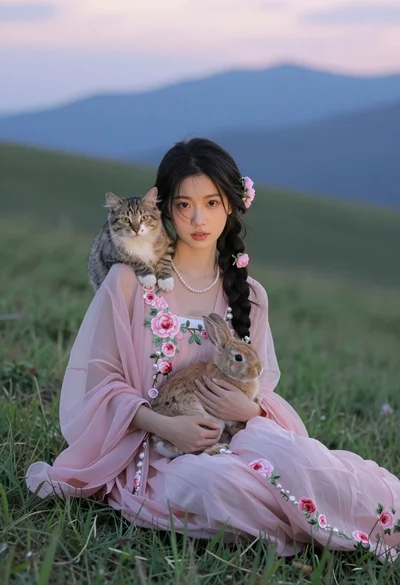
Young woman in pink floral dress holding rabbit with cat on grassy
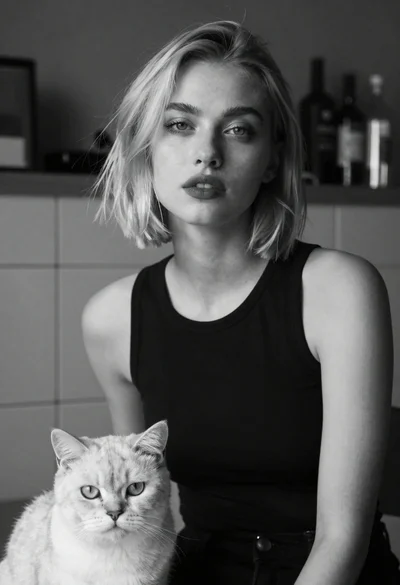
Monochrome portrait of woman with cat indoors
Smiling young woman holding a fluffy cream cat against neutral background