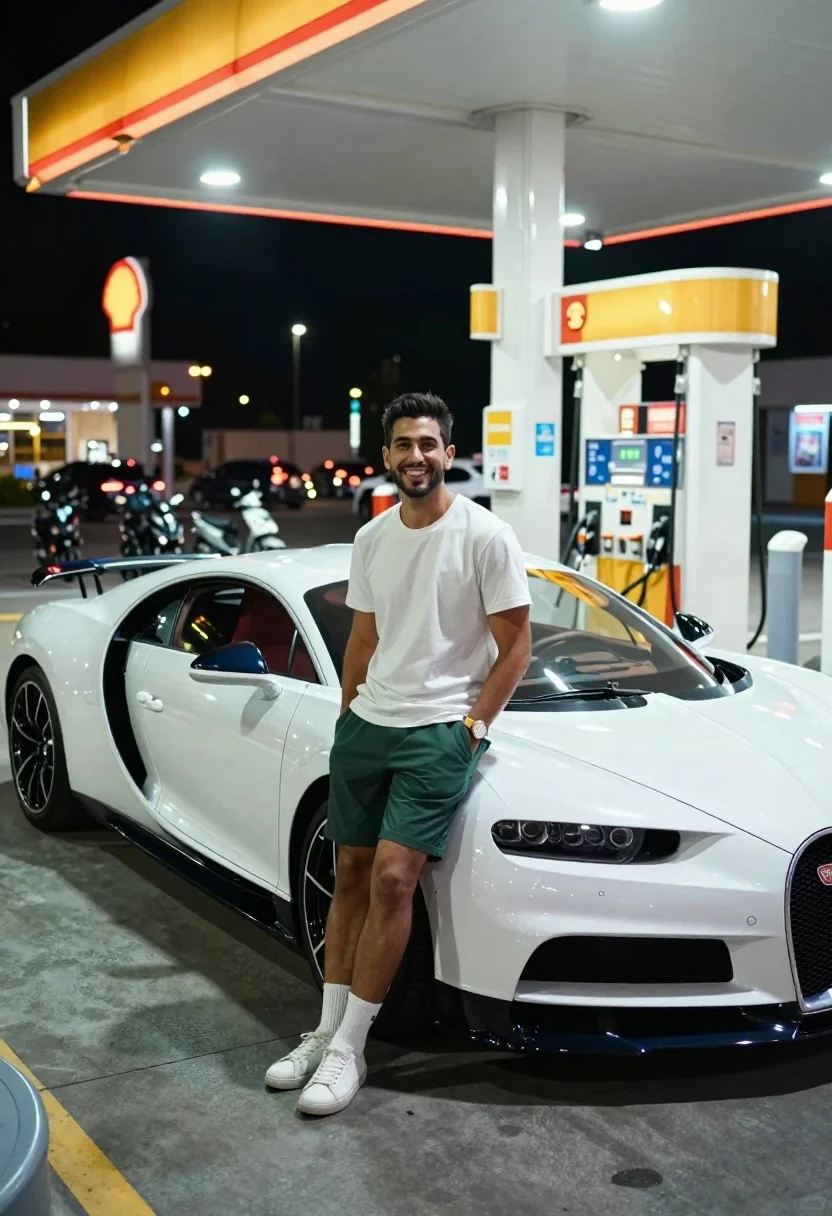
Man leaning against white bugatti chiron at brightly lit gas station at
Prompt
A confident man leans casually against the front fender of a white Bugatti Chiron at a Shell gas station at night.

Subject: A young man with dark hair and a short beard stands smiling directly at the camera, leaning back against the car with his hands in his pockets.

Clothing: He wears a plain white crew-neck t-shirt, dark green shorts, white socks, and white sneakers, accessorized with a wristwatch on his left arm.

Action: The subject is posing for a portrait, looking relaxed and happy while resting his weight against the vehicle.

Environment: The scene takes place at a brightly lit Shell gas station at night, featuring illuminated orange signage and pumps in the background.

Camera: The shot uses a medium framing with a shallow depth of field to blur the busy background traffic into soft bokeh while keeping the subject and car sharp.

Lighting: Bright artificial overhead lights illuminate the scene from above, creating strong reflections on the car's glossy white paint and casting distinct shadows on the pavement.

Subject: A large white Bugatti Chiron with red interior accents and black wheels is parked prominently next to the man.

Objects: Several motorcycles and scooters are visible in the blurred background, along with distant city buildings lit up at night.

Text/Graphics: The Shell logo glows orange on the station canopy, and a partial license plate reading R4 ND is visible on the car's front bumper.

Style Details: The image features high-contrast urban night photography with vibrant colors, sharp focus on the foreground, and a cinematic atmosphere.
Description
This prompt is useful for creating automotive lifestyle advertisements, gritty urban editorial spreads, and concept car showcases. The combination of 'bright artificial overhead lights' generating strong reflections on the glossy white paint, paired with the 'shallow depth of field' blurring background traffic into soft bokeh, directs all viewer attention to the subject and vehicle while maintaining a high-contrast cinematic atmosphere.
Suggestions
- Change 'Shell gas station' to 'neon-lit industrial loading dock' for a different backdrop.
- Swap 'plain white crew-neck t-shirt' for 'black leather jacket' to increase contrast.
- Adjust 'bright artificial overhead lights' to 'harsh sodium vapor lighting' for a grittier feel.
Category
Tags
Casual WearMaleMedium ShotRealisticStreetUrbanVehicle
Date added
July 3, 2026
Added by
PromptDexter Team
Related Prompts
More prompts with similar categories and tags.
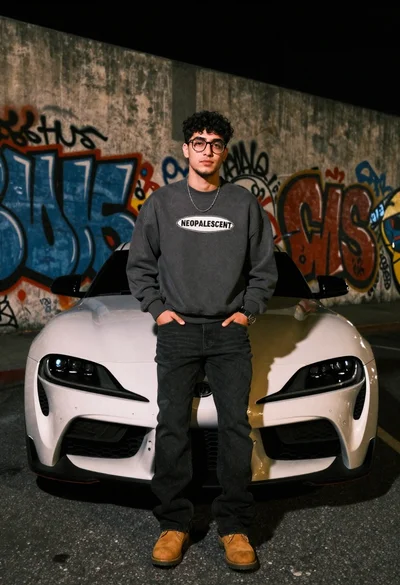
Young man leaning on white sports car graffiti street at night

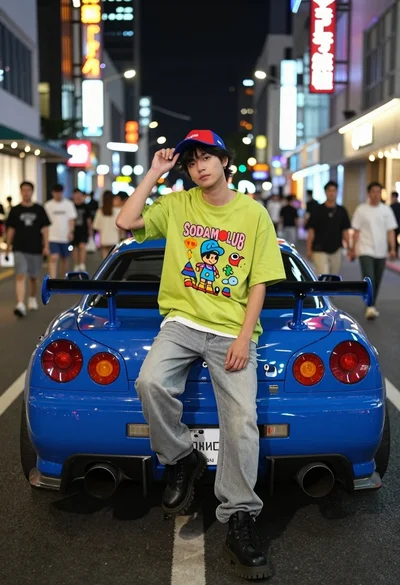
Young man leaning on a modified sports car in city night
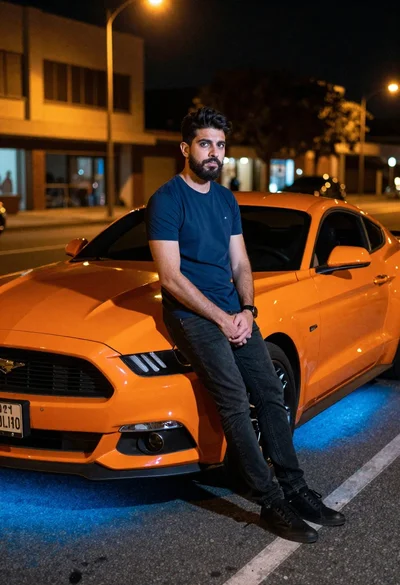
Man leaning on orange mustang at night city street
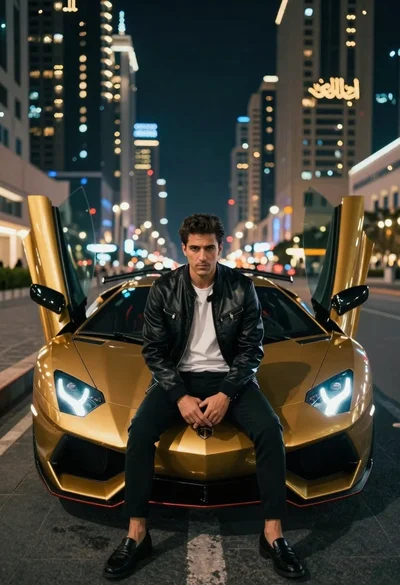
Man in leather jacket sitting on golden sports car at night
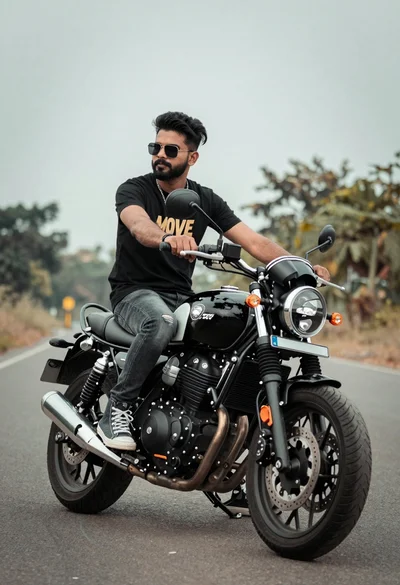
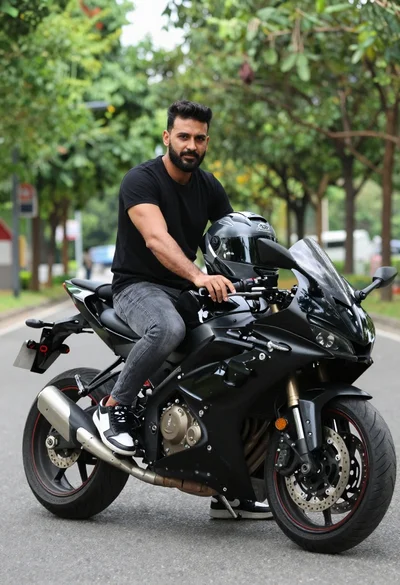
Man sitting on black motorcycle on paved road under cloudy sky
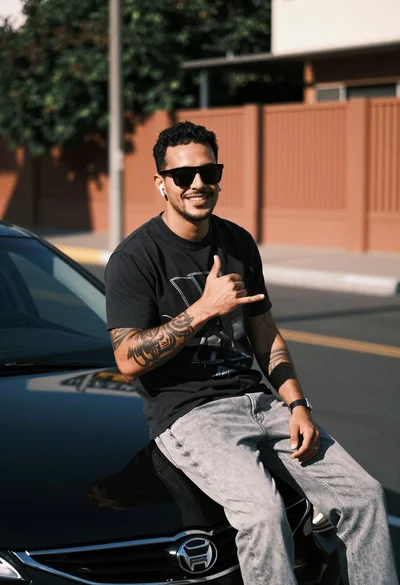
Smiling man with tattoos sitting on black car in urban street setting
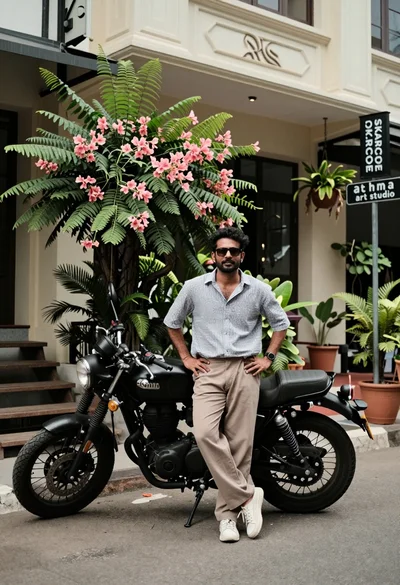
Man standing by black motorcycle on urban street with greenery backdrop
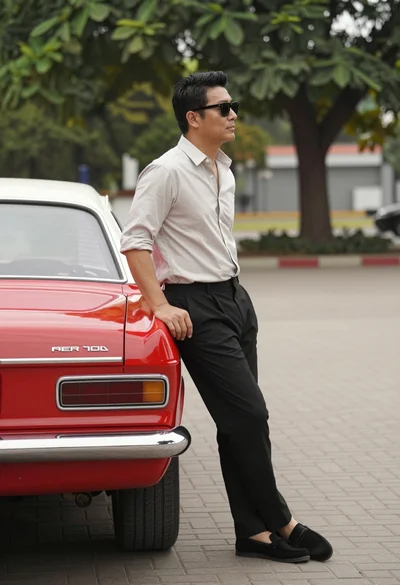
Man leaning against a vintage red car on paved brick area outdoors
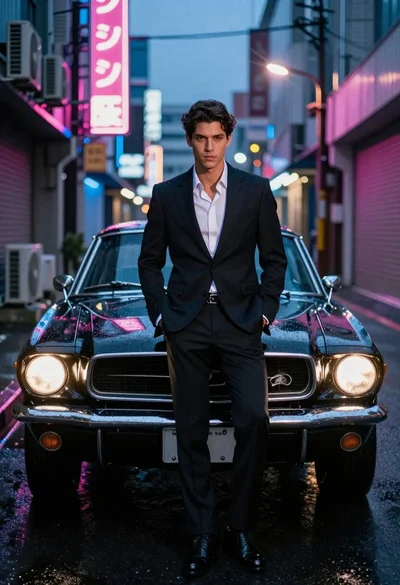
Man in suit with classic car on wet neon street
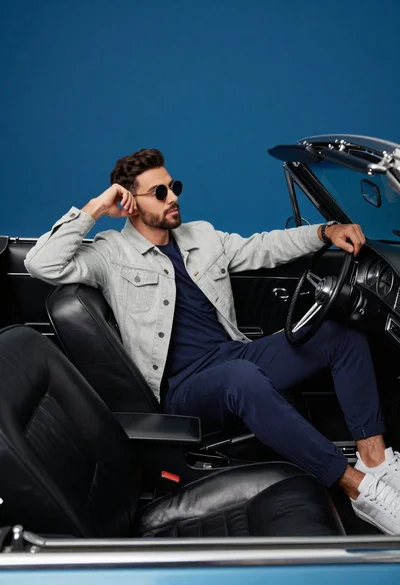
Stylish man in vintage convertible against blue background