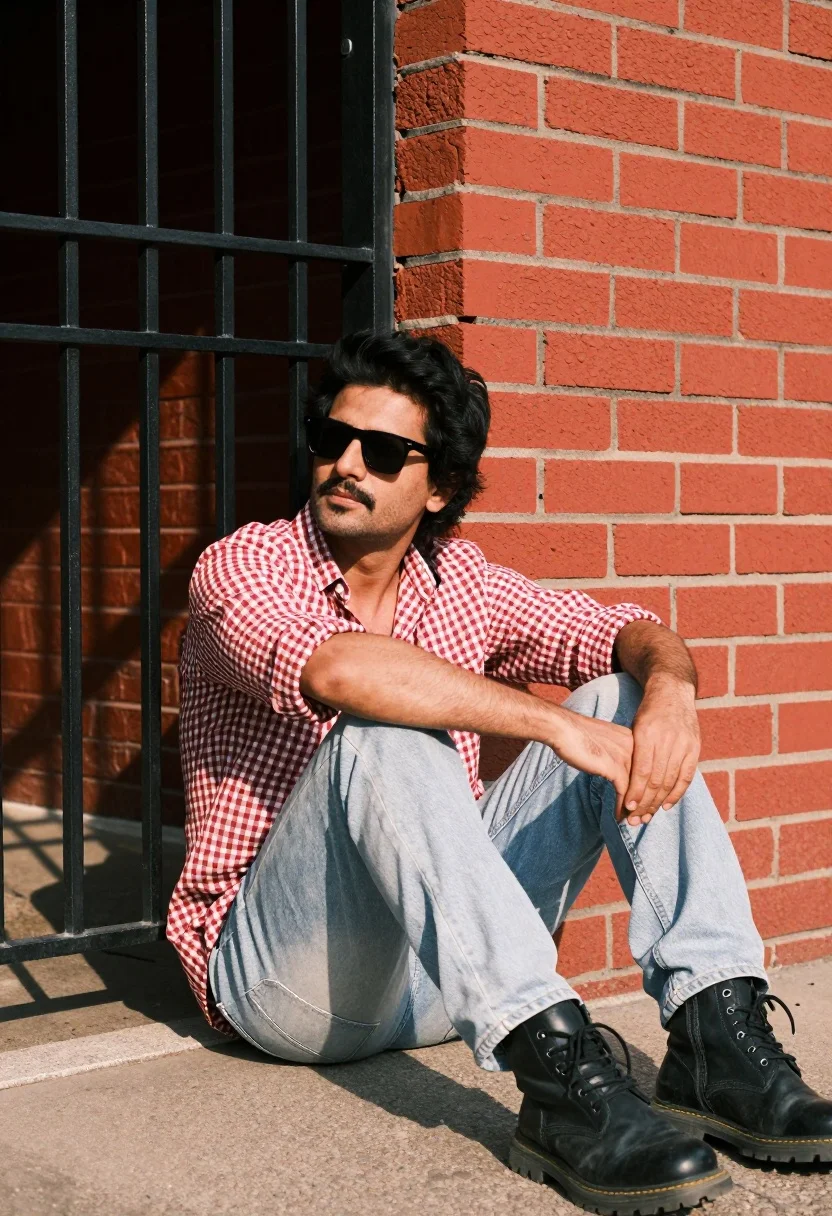
Man sitting casually by red brick wall next to black metal gate
Prompt
A man sits casually on the ground in front of a red brick wall next to a black metal gate.

Subject: A man with dark hair and sunglasses looking away from the camera with a relaxed expression.

Clothing: He wears a red and white checkered button-down shirt, light-colored jeans, and chunky black boots.

Action: He is seated with his legs bent and hands resting on his knees in a casual pose.

Environment: The setting features a vibrant red brick wall background and a black metal gate structure to the left.

Lighting: Warm sunlight illuminates the scene from the right side, casting soft shadows against the wall.

Camera: Shot at eye level with a medium framing that captures the subject from the knees up.

Style Details: High-quality photography with vibrant colors and a slight film grain texture.
Description
This prompt is useful for creating editorial street portraits, character studies for film concepts, and lifestyle magazine features requiring an urban backdrop. The combination of 'warm sunlight' casting soft shadows against the 'vibrant red brick wall' grounds the subject in a specific time and place, while specifying 'high-quality photography with vibrant colors' ensures the resulting image avoids looking flat or overly processed for print use.
Suggestions
- Change 'red and white checkered button-down shirt' to 'denim chambray shirt' for more tonal harmony.
- Add 'shallow depth of field' to isolate the subject from the background elements.
- Swap 'chunky black boots' for 'sleek leather loafers' for a different stylistic feel.
Category
Tags
MaleMedium ShotOutdoorsRealisticStreetUrban
Date added
August 5, 2026
Added by
PromptDexter Team
Related Prompts
More prompts with similar categories and tags.
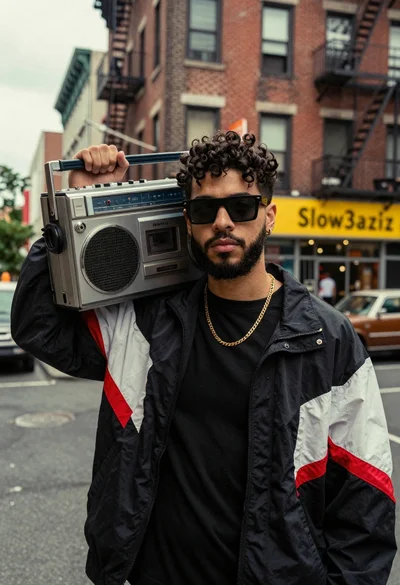
Young man with dark curly hair holding silver boombox on urban street
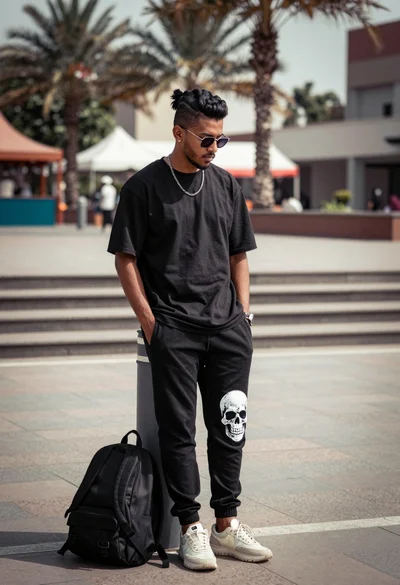
Man leaning against bollard in urban plaza with palm trees background
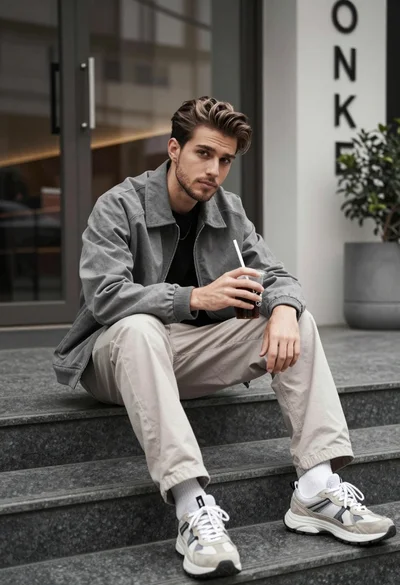
Young man sitting on stone steps holding drink in urban outdoor setting
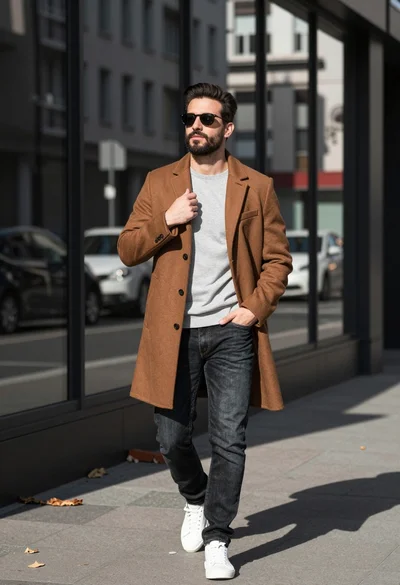
Stylish man walking on urban street in brown coat and jeans
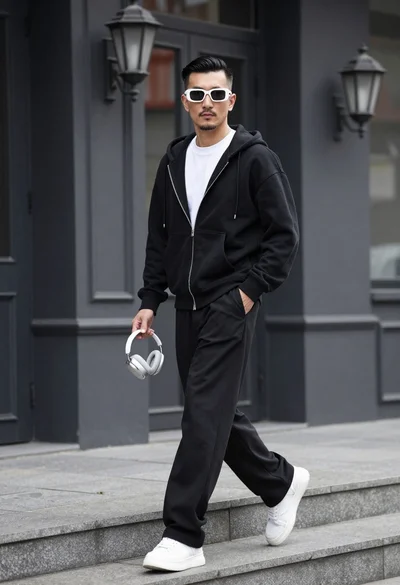
Stylish man walking down stone steps in front of dark building facade
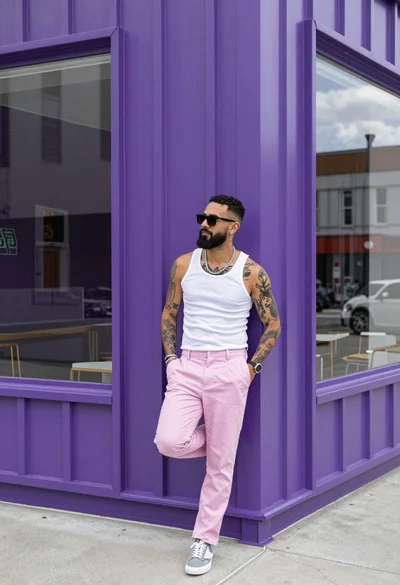
Man leaning against purple corrugated metal wall near large glass window
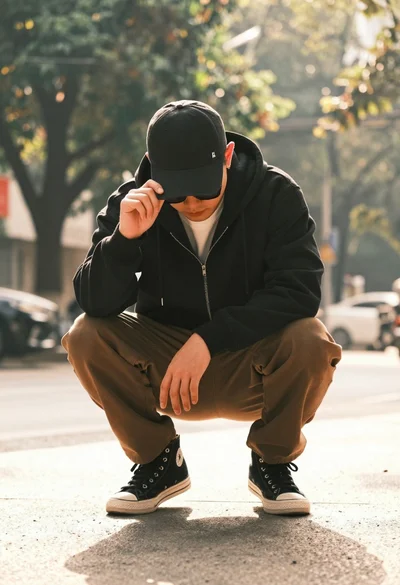
Man crouching low in urban setting adjusting cap with vintage film look
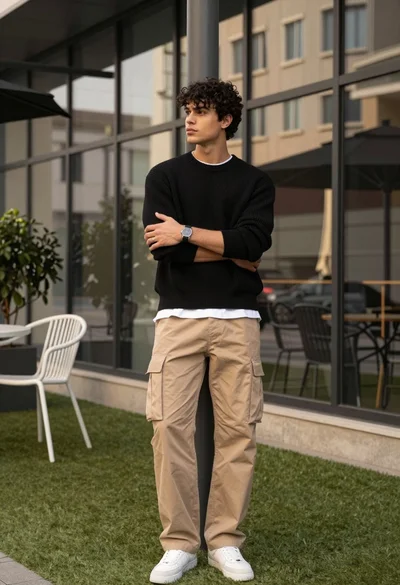
Stylish man in black sweater and cargo pants outdoors near glass building

Stylish man leaning against concrete wall in an urban outdoor setting
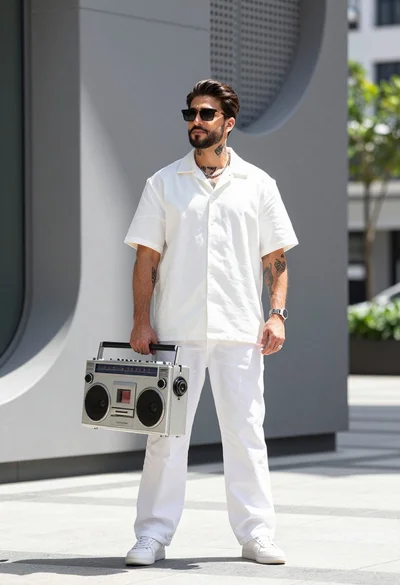
Stylish man holding vintage boombox against modern grey architectural backdrop outdoors