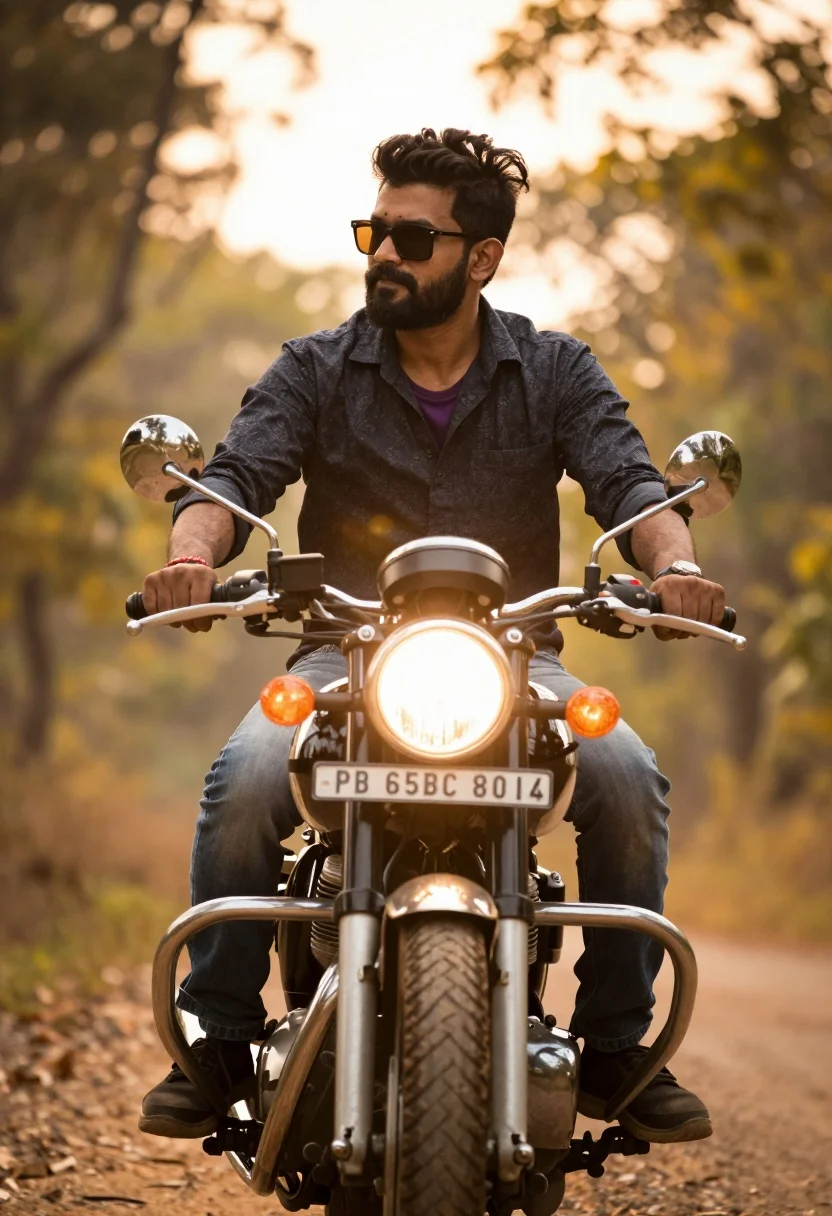
Man sitting confidently on vintage motorcycle against glowing forest sunset backdrop
Prompt
A man sits confidently on a vintage motorcycle with its headlight glowing brightly in the center of the frame.

Subject: A man with a beard and sunglasses riding a classic motorcycle.

Clothing: He wears a dark patterned button-up shirt over a purple t-shirt, paired with jeans and sneakers.

Action: He grips the handlebars while looking off to the side with a composed expression.

Environment: The background is a soft-focus blur of golden trees and foliage, suggesting a forest path during sunset.

Camera: The shot is framed from a low angle looking up at the rider, emphasizing the bike's height against the warm backdrop.

Lighting: Strong backlighting creates a glowing halo effect around the subject, with the motorcycle headlight adding a bright focal point.

Objects: A license plate reading PB 65BC 8014 is visible on the front of the motorcycle.

Style Details: The image features a cinematic color grade with warm golden tones and a shallow depth of field that blurs the background.
Description
This prompt is useful for creating automotive editorial spreads, moody travel posters, and character-driven narrative stills. The combination of 'low angle looking up at the rider' and 'strong backlighting' dramatically exaggerates the motorcycle's presence while the 'shallow depth of field' ensures that the glowing forest foliage remains an atmospheric backdrop rather than a distracting element.
Suggestions
- Change 'dark patterned button-up shirt' to 'leather jacket' for a tougher aesthetic.
- Swap 'golden trees and foliage' for 'misty redwood grove' for a different mood.
- Adjust 'low angle looking up at the rider' to 'eye level medium shot' for more direct engagement.
Category
Tags
ForestLow AngleMaleMedium ShotRealisticStreetwearVehicle
Date added
July 12, 2026
Added by
PromptDexter Team
Related Prompts
More prompts with similar categories and tags.
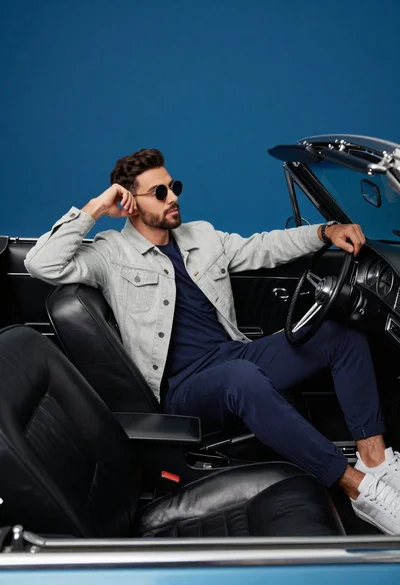
Stylish man in vintage convertible against blue background

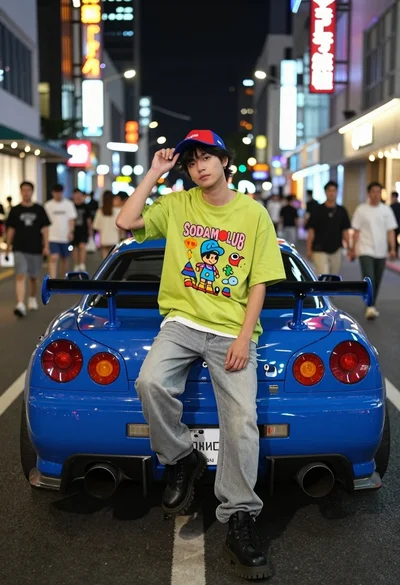
Young man leaning on a modified sports car in city night
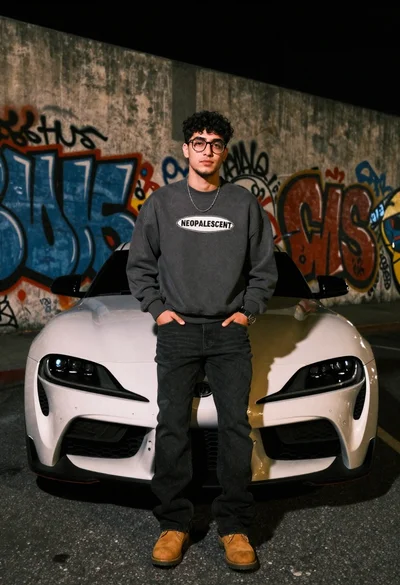
Young man leaning on white sports car graffiti street at night
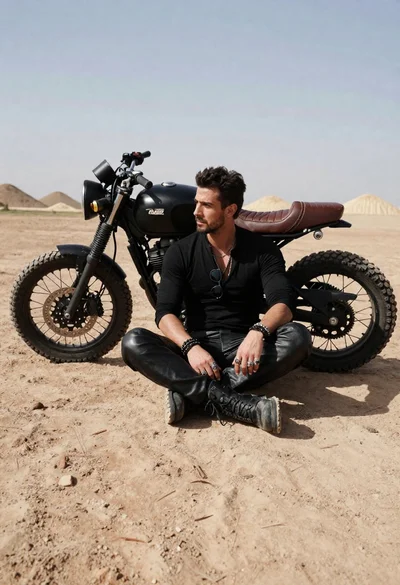
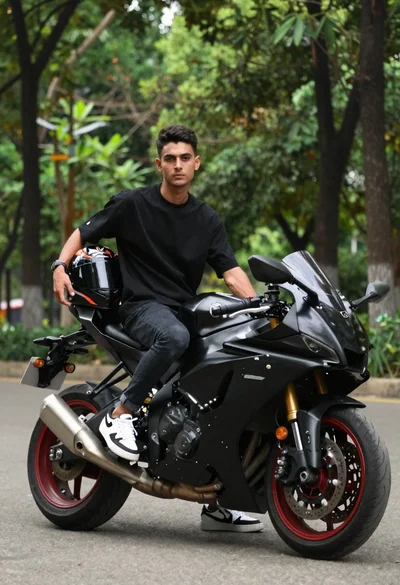
Rugged man sitting by black motorcycle in dusty lot
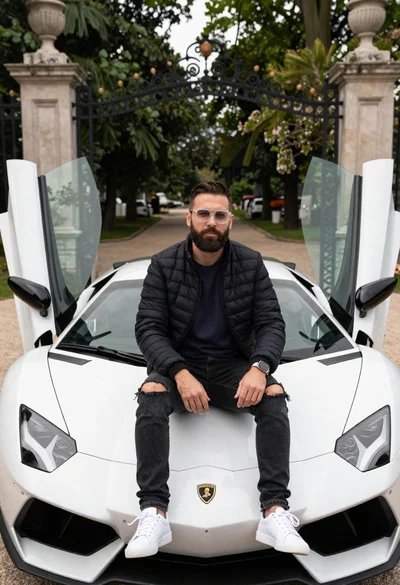
Bearded man sitting on white sports car at estate gate
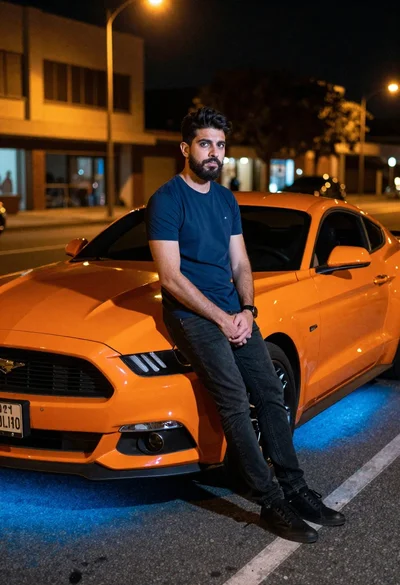
Man leaning on orange mustang at night city street
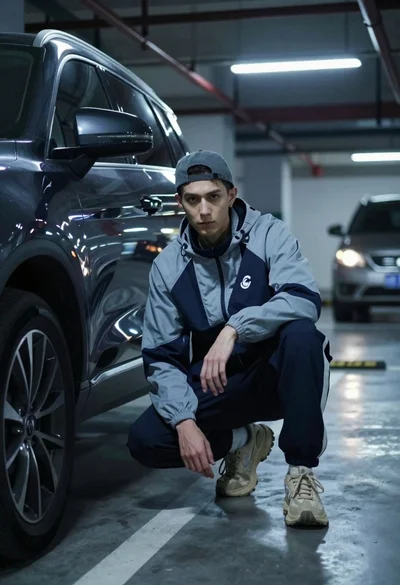
Young man crouching by dark suv in dimly lit underground parking garage
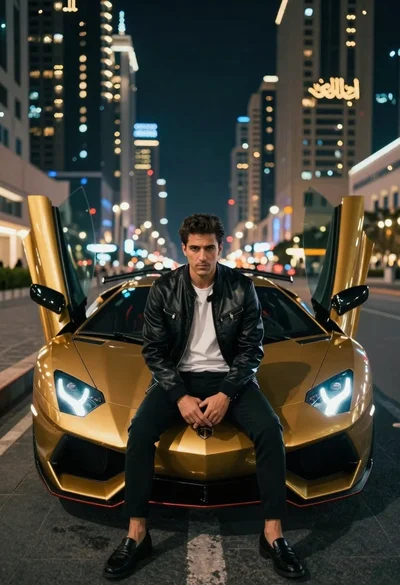
Man in leather jacket sitting on golden sports car at night
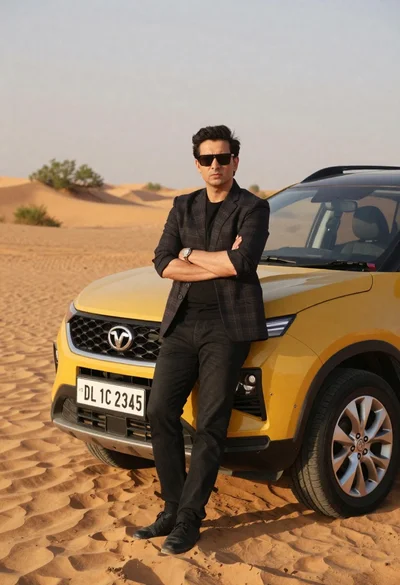
Confident man in blazer standing by yellow suv in desert
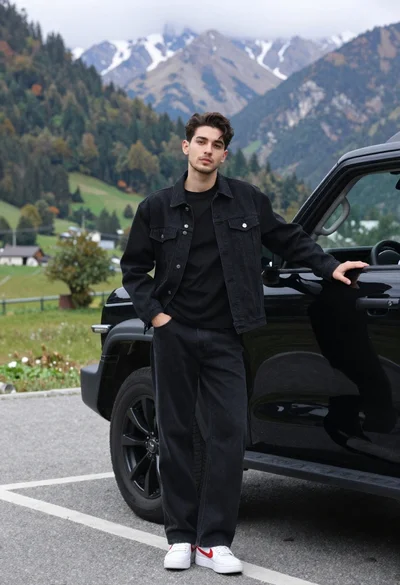
Stylish young man in black denim jacket leaning on suv in mountain