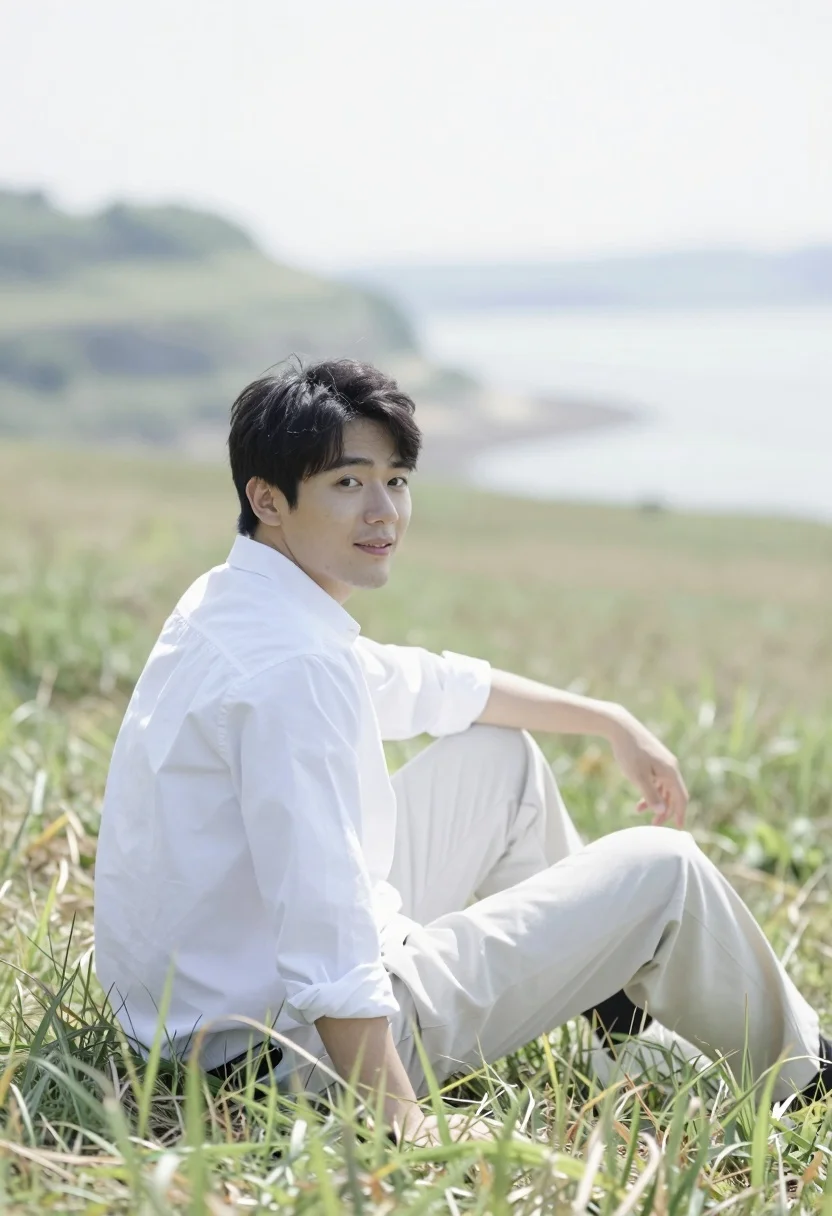
Man sitting in grassy field looking back over shoulder with water background
Prompt
A man sits casually in a grassy field with a hazy landscape and water visible in the background.

Subject: A man is seated on the ground, looking back over his shoulder at the camera with a slight smile.

Clothing: He wears a white long-sleeved shirt and light-colored trousers.

Action: His posture is relaxed as he sits with legs extended, one hand resting near his knee.

Environment: Tall grass surrounds him in the foreground, while a blurred background features rolling hills or cliffs and a body of water under a bright sky.

Camera: The shot uses a shallow depth of field to keep the subject sharp while softening the distant scenery into a dreamy blur.

Lighting: Bright, diffused daylight creates a high-key, airy atmosphere with soft shadows and a washed-out feel.

Style Details: The image has a soft-focus aesthetic with a slightly hazy color palette that emphasizes the bright white tones of the clothing against the green grass.
Description
This prompt is useful for creating cinematic portraiture, editorial lifestyle spreads, and serene travel advertisements. The combination of 'shallow depth of field' keeping the subject sharp while softening the distant scenery into a dreamy blur, paired with 'bright, diffused daylight,' ensures that the focus remains intimately on the man's relaxed posture against the hazy backdrop.
Suggestions
- Change 'white long-sleeved shirt' to 'light blue chambray shirt' for more color contrast.
- Adjust 'hazy landscape' to 'misty mountain range' for a different mood.
- Swap 'shallow depth of field' for 'bokeh effect' for stronger background separation.
Category
Tags
Casual WearFull BodyMaleMedium ShotNatureOutdoorsRealisticWide Shot
Date added
August 5, 2026
Added by
PromptDexter Team
Related Prompts
More prompts with similar categories and tags.
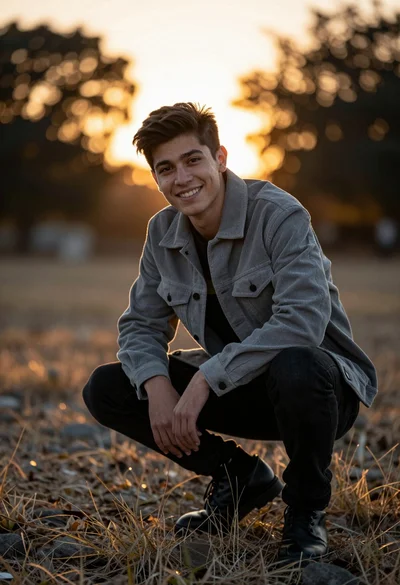
Young man crouching outdoors with golden sunset backlighting through trees
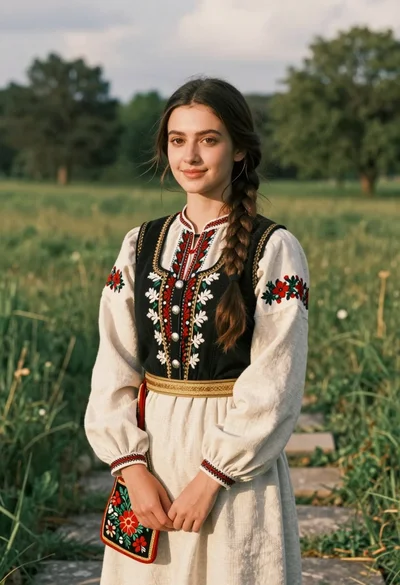
Young woman in traditional embroidered attire standing in a lush green meadow
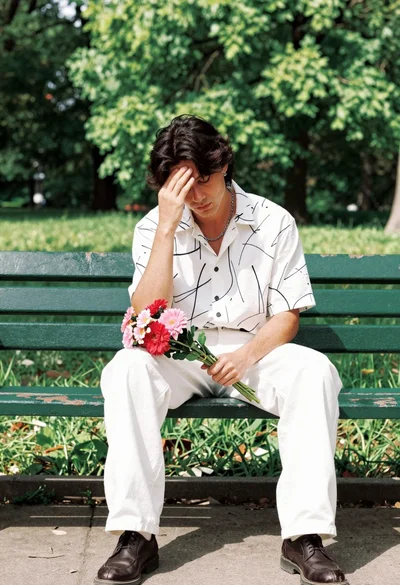
Man sitting on park bench holding flowers in pensive pose outdoors
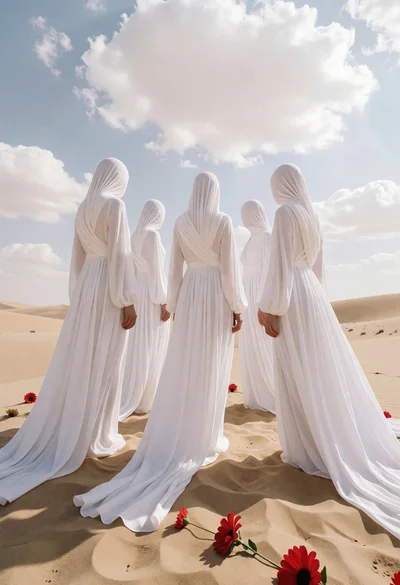
Five faceless figures in white gowns on vast sandy dunes under cloudy
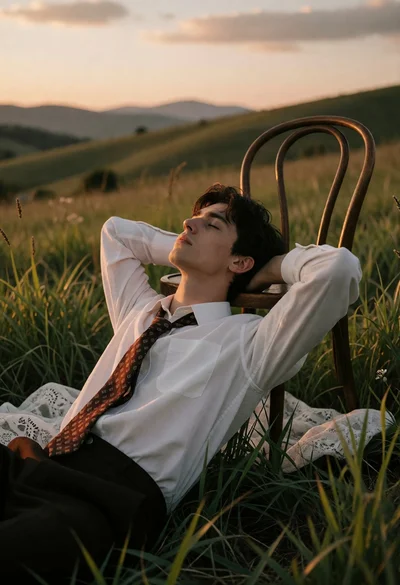
Young man resting on chair in grassy field during golden hour sunset
Hyperrealistic low angle shot of superhero crouching on cracked asphalt debris

Woman in brown corduroy sitting in golden dry grass at sunset
Young man in brown sweater on rocky outcrop overlooking twilight city

Woman in white dress holding lotus flower in shallow pool with fish
Young couple embracing in a lush rose garden during golden hour