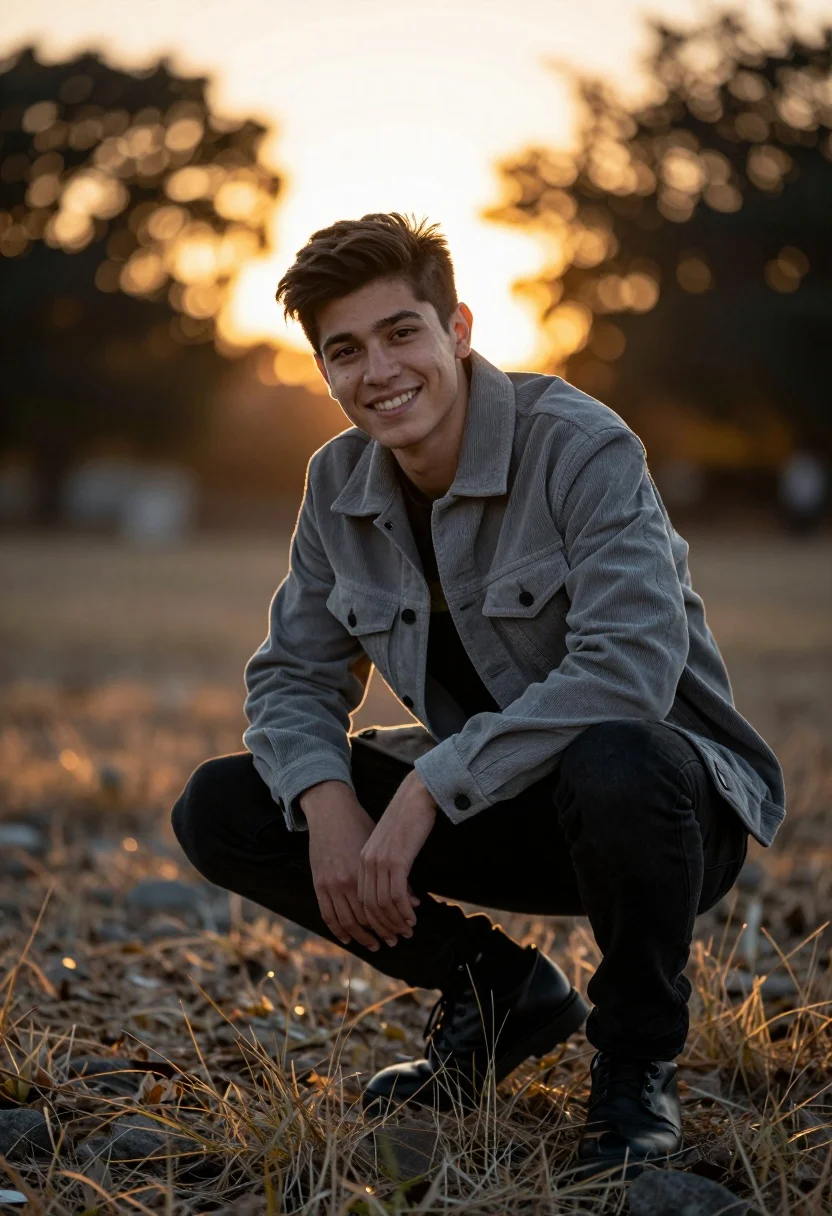
Young man crouching outdoors with golden sunset backlighting through trees
Prompt
A young man crouching outdoors with a warm golden sunset glowing behind him.

Subject: A smiling young man with dark hair looking directly at the camera.

Clothing: He wears a grey corduroy jacket over a black t-shirt and black jeans.

Action: He is in a low crouch with his hands clasped together near his knees, leaning slightly forward.

Environment: The setting is an outdoor area with dry grass and rocks in the foreground, set against a blurred background of trees and foliage.

Camera: The shot uses a shallow depth of field to create a soft bokeh effect from the sun behind the subject, framing him centrally.

Lighting: Strong backlighting from the setting sun creates a bright rim light around his silhouette and casts a warm glow on the scene.

Objects: A small logo is visible on the left chest of his jacket.

Style Details: The image has a cinematic color grading with high contrast between the dark foreground and the bright background, resembling a professional portrait photograph.
Description
This prompt is useful for creating cinematic editorial portraits, nature-themed advertising campaigns, and moody personal branding imagery. The combination of 'strong backlighting' producing a 'bright rim light' against the 'shallow depth of field' ensures the subject pops from the background while the 'cinematic color grading' maintains a high contrast that directs focus to the man's expression.
Suggestions
- Change 'grey corduroy jacket' to 'olive green waxed jacket' for an alternative earthy tone.
- Swap 'dry grass and rocks' for 'moss-covered forest floor' to change the foreground texture.
- Adjust 'low crouch' to 'seated on a fallen log' for a different body posture.
Category
Tags
Casual WearLow AngleMaleMedium ShotNatureOutdoorsPortrait ShotRealistic
Date added
August 5, 2026
Added by
PromptDexter Team
Related Prompts
More prompts with similar categories and tags.
Romantic couple embracing on a rooftop balcony at twilight
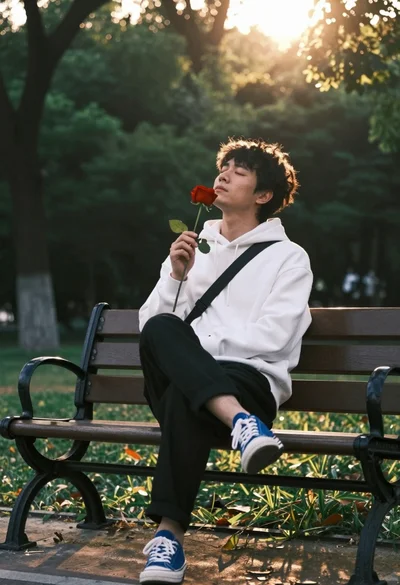
Man sitting on park bench holding red rose in golden hour sunlight
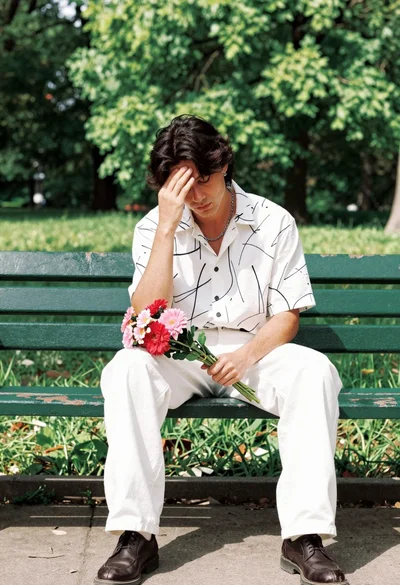
Man sitting on park bench holding flowers in pensive pose outdoors
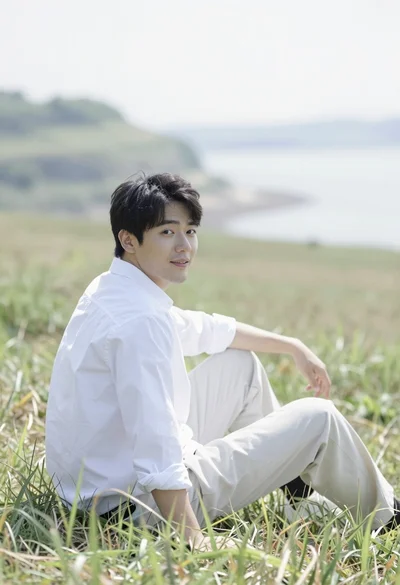
Man sitting in grassy field looking back over shoulder with water background
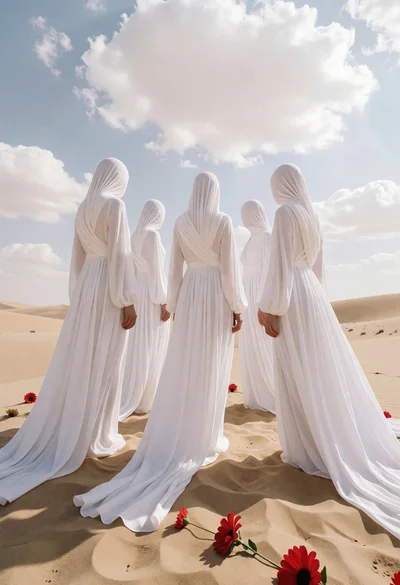
Five faceless figures in white gowns on vast sandy dunes under cloudy
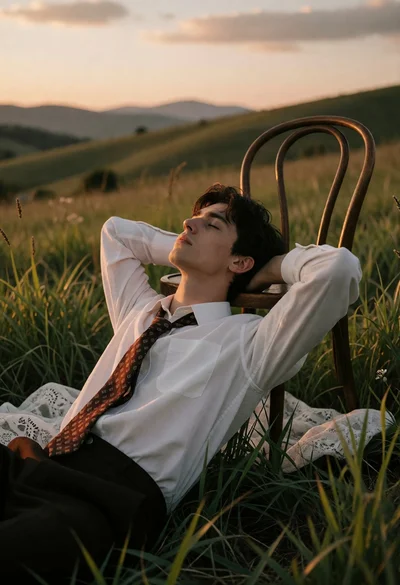
Young man resting on chair in grassy field during golden hour sunset
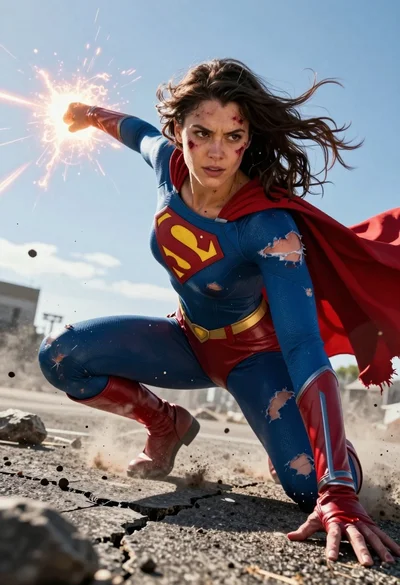
Hyperrealistic low angle shot of superhero crouching on cracked asphalt debris
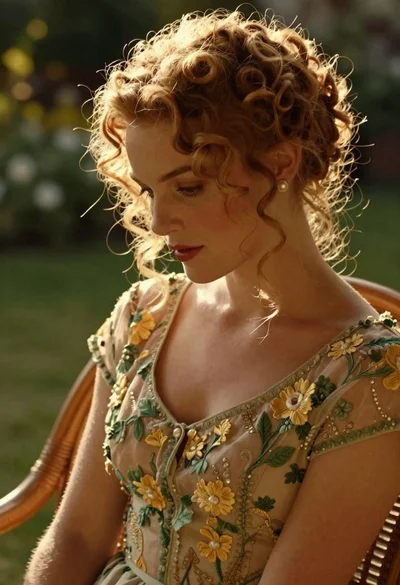
Woman with reddish blonde curly hair in vintage dress garden setting

Woman in brown corduroy sitting in golden dry grass at sunset
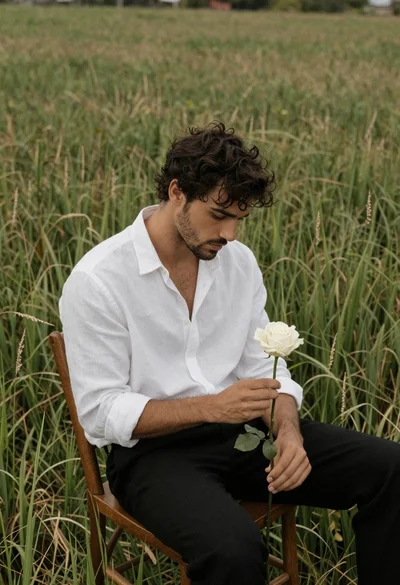
Handsome man with wavy dark hair holding white rose in grass field