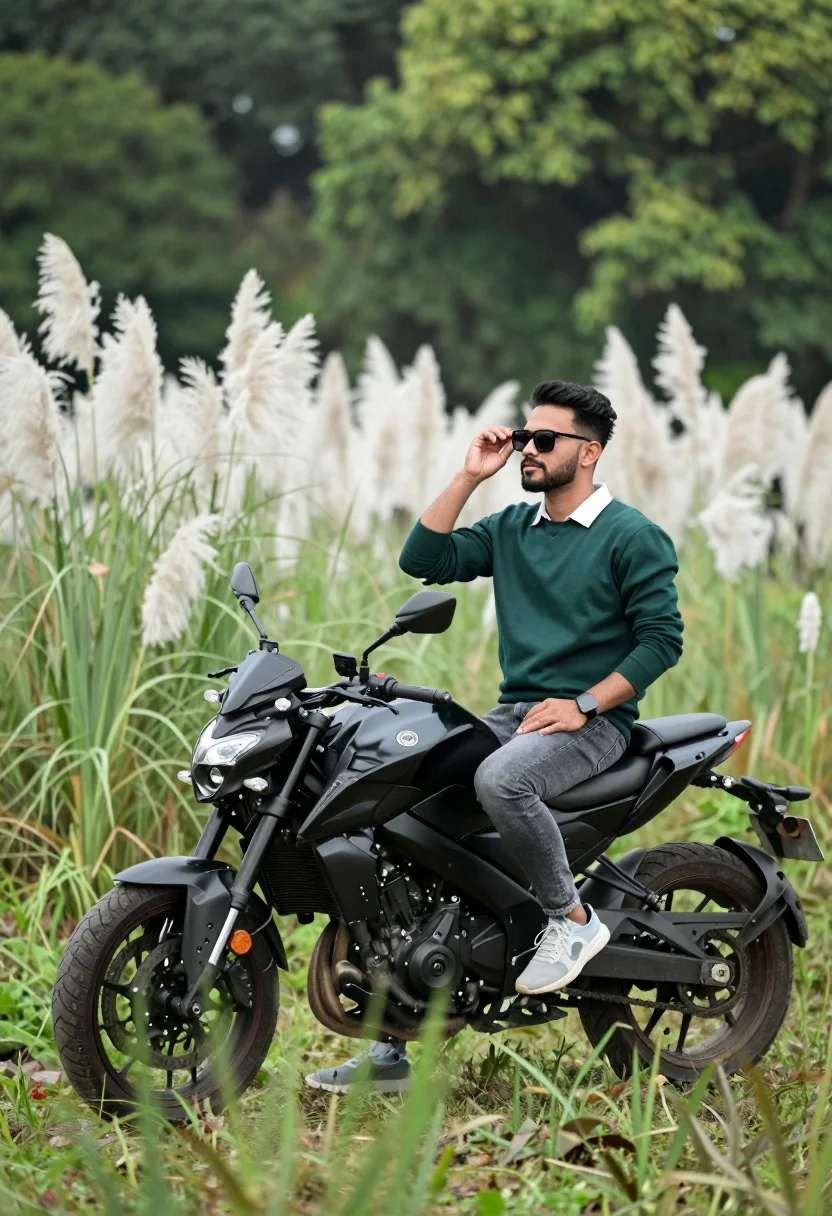
Man sitting on black motorcycle in tall grass with blurred forest background
Prompt
A man sits casually on a black motorcycle in a field of tall grass and white pampas grass with a blurred green forest background.

Subject: A man wearing sunglasses and looking off to the side while resting his hand near his face.

Clothing: He wears a dark green long-sleeved sweater with a white collar, grey jeans, and light-colored sneakers.

Action: The man is seated in a relaxed pose on the bike, adjusting his sunglasses with one hand while the other rests on his knee.

Environment: The setting is an outdoor field filled with tall green grass and feathery white pampas grass, backed by out-of-focus lush green trees.

Camera: The shot uses a shallow depth of field to blur the background, capturing the subject from a slightly low angle that emphasizes the motorcycle.

Lighting: Soft natural daylight illuminates the scene evenly, creating gentle highlights on the foliage and the subject without harsh shadows.

Objects: A black sport motorcycle with visible front forks and handlebars is positioned in the foreground amidst the vegetation.

Style Details: The image has a polished, high-quality photography aesthetic with vibrant colors and a smooth bokeh effect.
Description
This prompt is useful for creating automotive lifestyle advertisements, editorial menswear features, and moody outdoor brand campaigns. The combination of 'shallow depth of field' and the 'blurred green forest background' ensures that the focus remains sharply on the man and the black motorcycle, while the 'soft natural daylight' prevents harsh shadows that would distract from the subject's casual pose.
Suggestions
- Change 'dark green long-sleeved sweater' to a specific brand name for better realism.
- Swap 'white pampas grass' for 'golden wheat stalks' to change the season.
- Adjust 'slightly low angle' to 'eye level' if you want more direct engagement from the subject.
Category
Tags
AnimalBrown HairCasual WearFull BodyLow AngleMaleMedium ShotNatureOutdoorsRealisticSportswearStreetwearVehicle
Date added
August 5, 2026
Added by
PromptDexter Team
Related Prompts
More prompts with similar categories and tags.
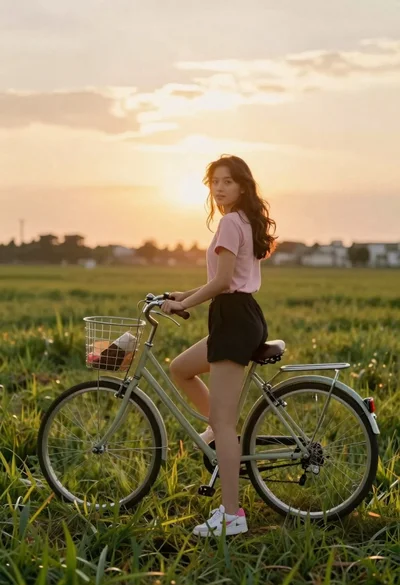
Young woman in pink shirt holding vintage bicycle in grassy field
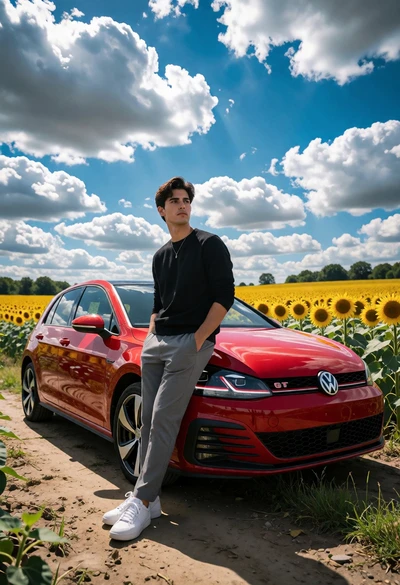
Young man beside red vw gti in vast sunflower field under bright
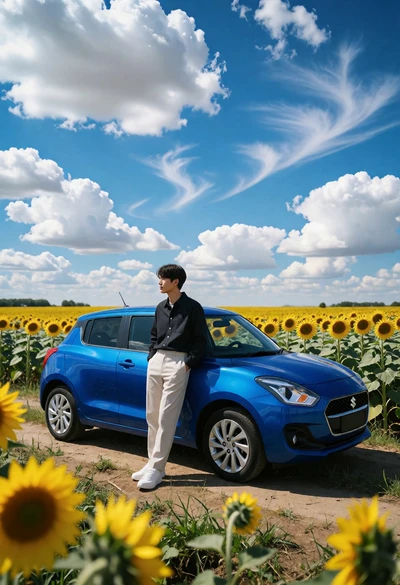
Young man leaning on blue hatchback in vast sunflower field under bright
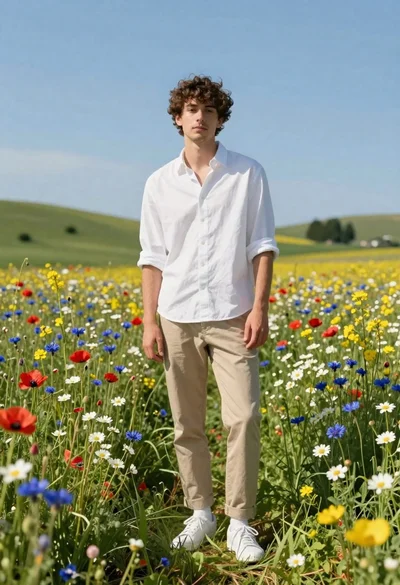
Young man in white shirt standing in wildflower meadow under blue sky
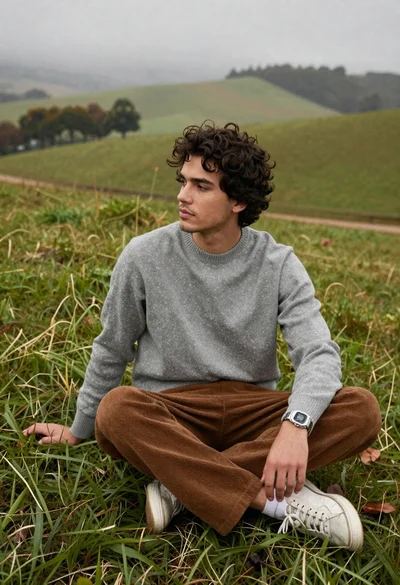
Young man in grey sweater on green hillside overlooking misty distant hills

Young man in striped shirt standing in an autumnal forest clearing bokeh
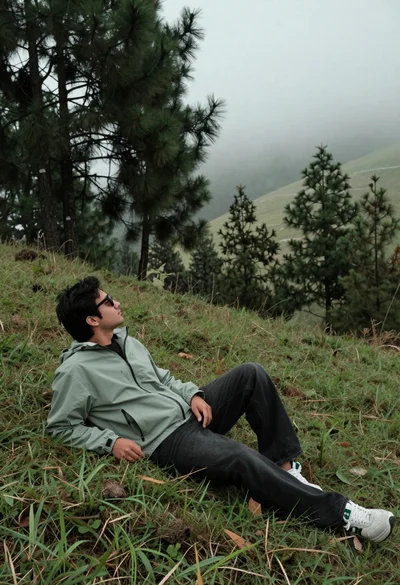
Man reclining on grassy hillside looking up at misty forest landscape
Man sitting casually on fallen log in sun dappled forest setting
Young woman in red blouse on dark rock overlooking misty mountain valley
Young woman with brown hair walking through a grassy field with bicycle