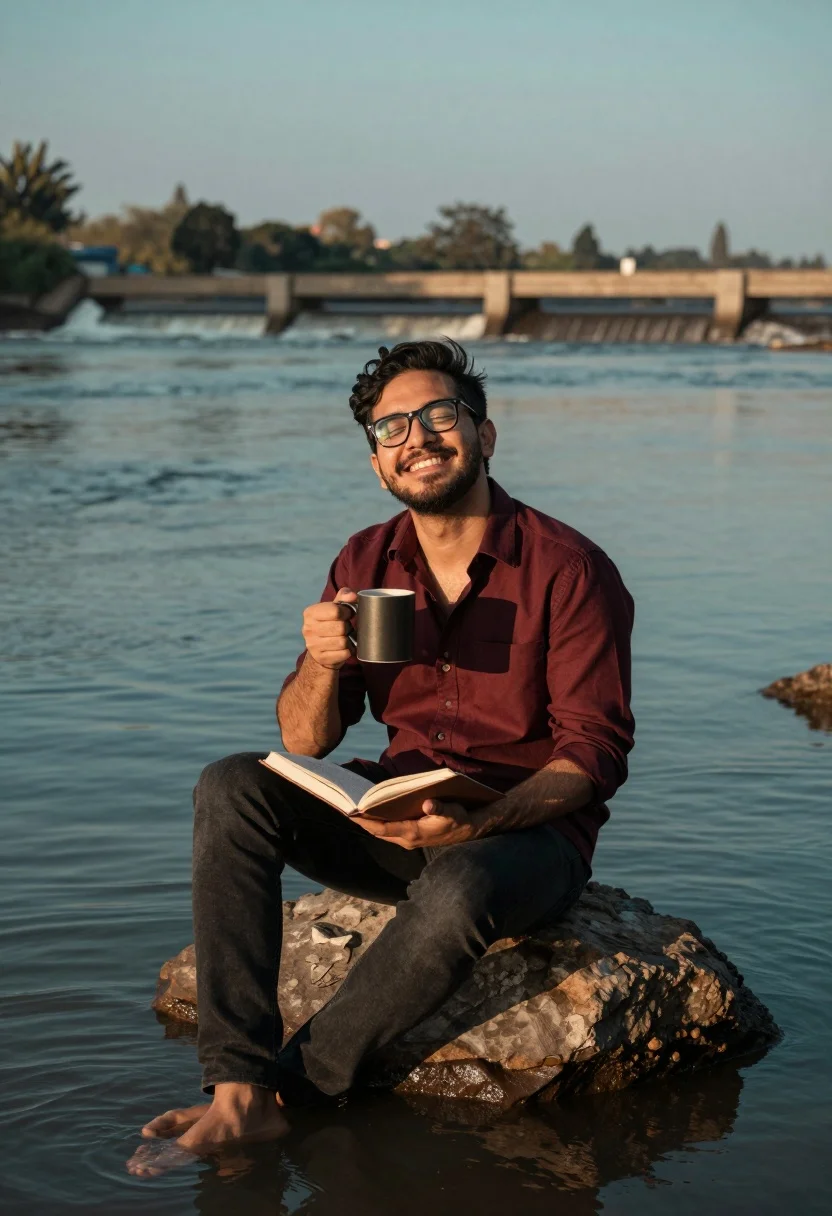
Man sitting on rock by river holding mug and book in soft
Prompt
A man sits barefoot on a large rock at the edge of a flowing river, holding a dark mug in one hand and an open book in his lap while smiling broadly with his eyes closed.

Subject: A man wearing glasses and a red shirt sitting on a rock by the water.

Clothing: He wears a maroon button-down shirt with the top buttons undone and dark jeans.

Action: The man is seated, holding a mug to his chest and an open book on his lap, looking upward with a joyful expression.

Environment: A wide river flows behind him with a low concrete weir or dam structure in the distance under a soft sky.

Camera: Medium shot capturing the subject from the knees up with a shallow depth of field that blurs the background water and distant shore.

Lighting: Soft, warm natural light suggests late afternoon or early evening, creating a gentle glow on the man's face and the water surface.

Objects: A dark ceramic mug and an open book are held by the subject.

Style Details: The image has a cinematic color grade with teal and orange tones, high dynamic range, and a polished photographic finish.
Description
This prompt is useful for creating contemplative editorial portraits, narrative scene stills for film pitches, and lifestyle advertising featuring moments of quiet reflection. The combination of 'soft, warm natural light' with the 'teal and orange tones' establishes a cinematic mood that complements the subject's joyful expression while the shallow depth of field ensures the focus remains tightly on the man and his objects.
Suggestions
- Change 'maroon button-down shirt' to 'light blue linen shirt' for a more airy feel.
- Swap 'dark ceramic mug' for 'weathered wooden mug' to change the material contrast.
- Adjust 'teal and orange tones' to 'muted earth tones' for a less saturated look.
Category
Tags
Brown HairMaleMedium ShotOutdoorsRealistic
Date added
August 5, 2026
Added by
PromptDexter Team
Related Prompts
More prompts with similar categories and tags.
Man sitting on park bench holding flowers in pensive pose outdoors
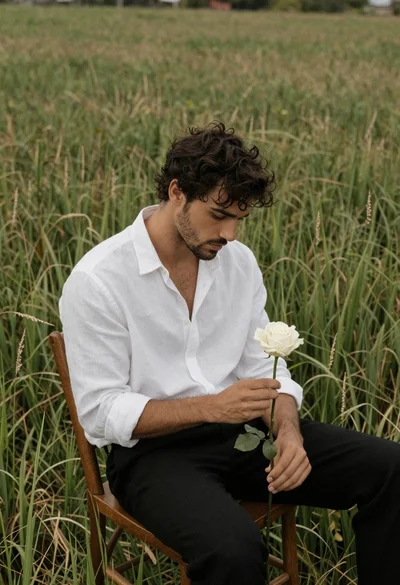
Handsome man with wavy dark hair holding white rose in grass field
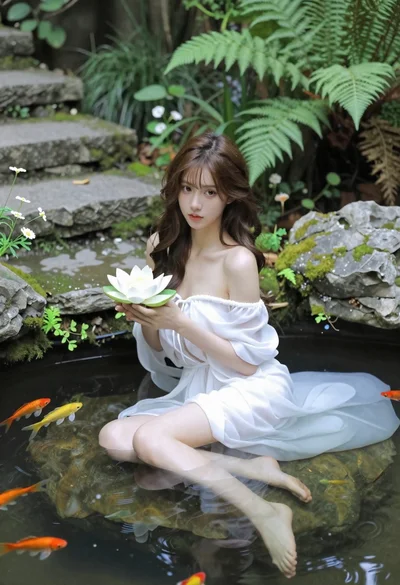
Woman in white dress holding lotus flower in shallow pool with fish
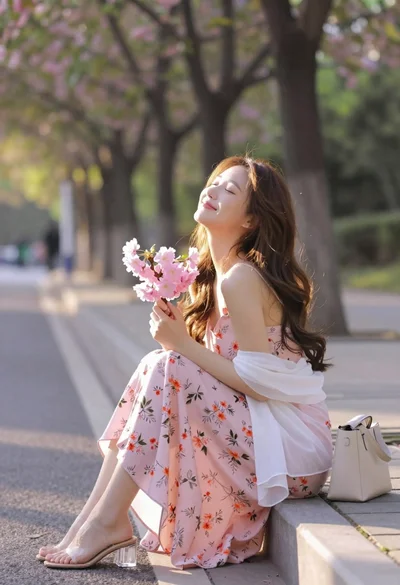
Young woman in pink floral dress holding cherry blossoms in sunlit park
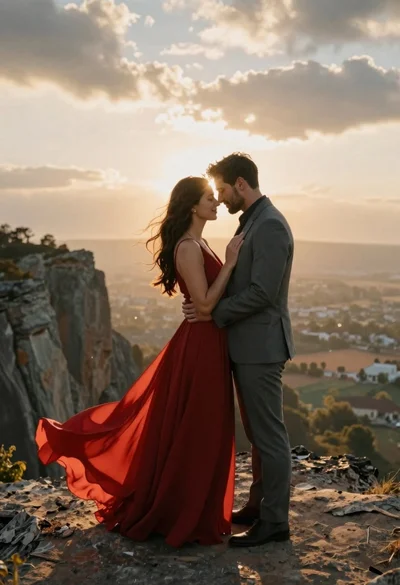
Romantic couple embracing on a rocky cliff at sunset with golden light
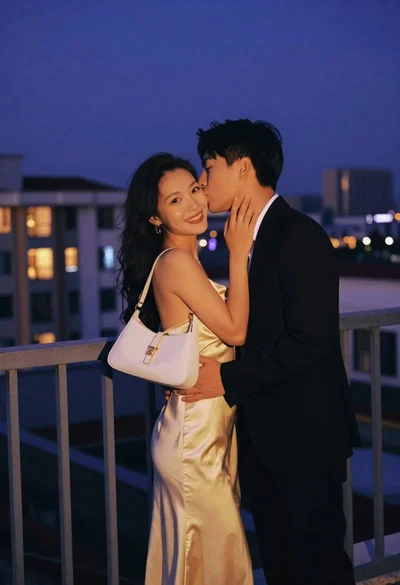
Romantic couple embracing on a rooftop balcony at twilight
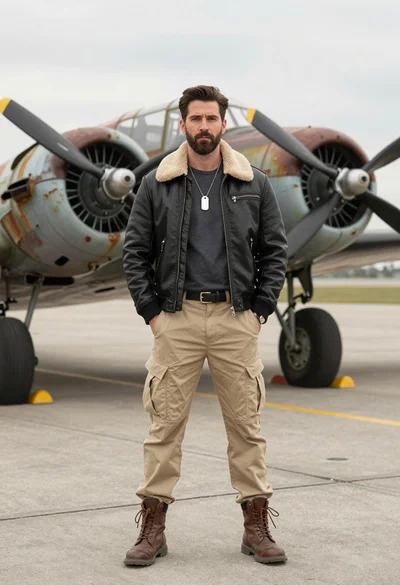
Handsome man in leather jacket standing before a vintage propeller aircraft on
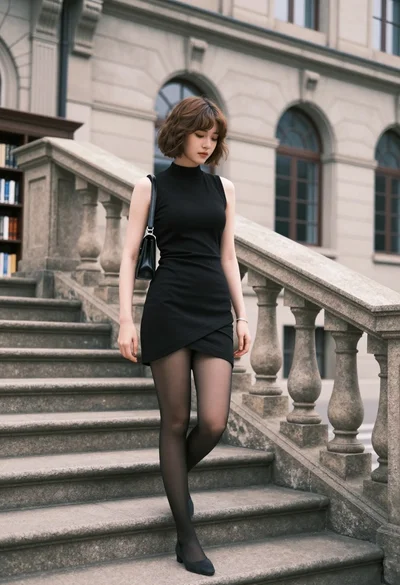
Young woman in black dress standing on stone steps before classical building
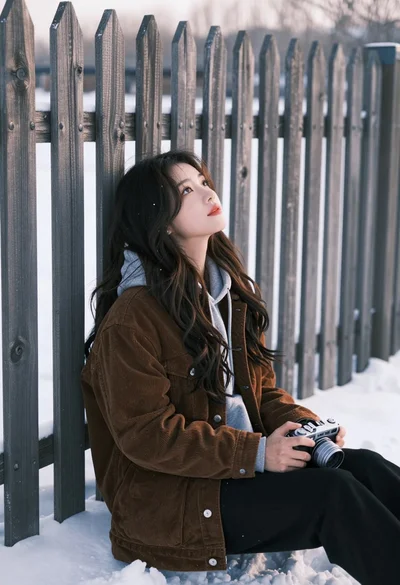
Young woman with dark wavy hair sitting by wooden fence in snowy
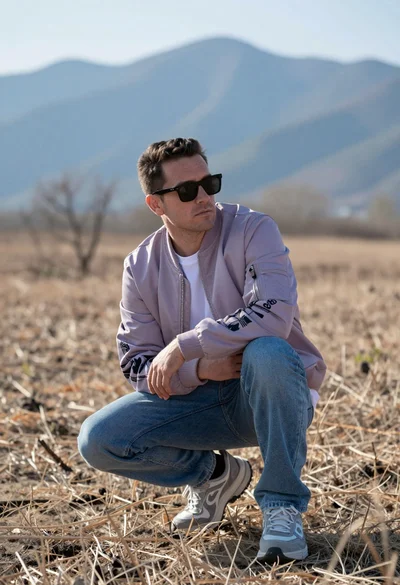
Man crouching in dry field looking at hazy blue mountains backdrop