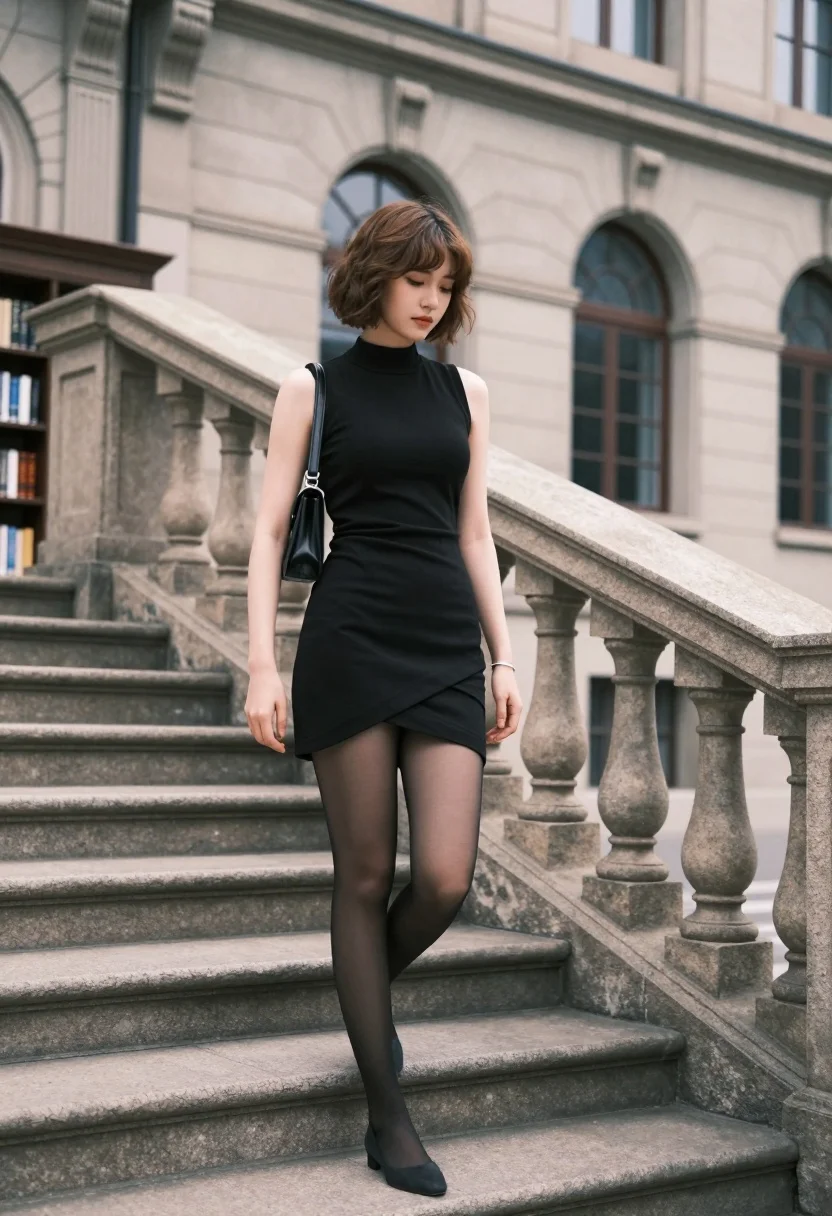
Young woman in black dress standing on stone steps before classical building
Prompt
A young woman with a short brown bob stands on stone steps in front of a grand building.

Subject: A young woman with fair skin and a short, wavy brown bob haircut that frames her face. She has a contemplative expression with her eyes cast downward.

Clothing: She wears a sleeveless black dress featuring a high neck collar and an asymmetrical hemline that is shorter in the front. She is wearing sheer black tights and dark shoes. A thin silver bracelet adorns her left wrist, and she carries a small black shoulder bag on her right side.

Action: She stands with one leg slightly forward, resting her left hand casually on the stone balustrade of the staircase while her right arm hangs relaxed by her side.

Environment: The setting is an outdoor urban location featuring a large, classical-style building with arched windows and light-colored stone masonry in the background. To the left, there is a dark wooden bookshelf structure visible behind her.

Camera: The shot is a medium-full length view taken from a slightly low angle looking up at the subject, emphasizing the height of the staircase and the architecture.

Lighting: Soft, natural daylight illuminates the scene, casting gentle shadows and highlighting the texture of the stone steps and the woman's hair.

Style Details: The image has a cinematic fashion photography aesthetic with a shallow depth of field that blurs the background architecture to focus attention on the subject.
Description
This prompt is useful for creating editorial fashion spreads, architectural mood boards, and character-driven narrative stills. The combination of 'low angle' perspective and 'shallow depth of field' directs the viewer's eye immediately to the subject by softening the background architecture, while the 'sleeveless black dress' against light stone masonry provides high contrast ideal for dramatic portraiture.
Suggestions
- Change 'short, wavy brown bob haircut' to 'sleek straight brown hair' for a more severe look.
- Swap 'light-colored stone masonry' for 'weathered travertine' to add texture variation.
- Adjust the action by having her looking directly at the camera instead of casting her eyes downward.
Category
Tags
Brown HairCasual WearFair SkinFemaleLow AngleMedium ShotOutdoorsRealisticUrban
Date added
August 5, 2026
Added by
PromptDexter Team
Related Prompts
More prompts with similar categories and tags.
Confident woman in red top standing on wet cobblestone city street
Young woman in blue blazer walking forward in profile against a ring

Blonde woman in black gown posing on city street near ritz london
Young woman in traditional embroidered attire standing in a lush green meadow

Woman in black coat standing in golden grass field with rolling hills
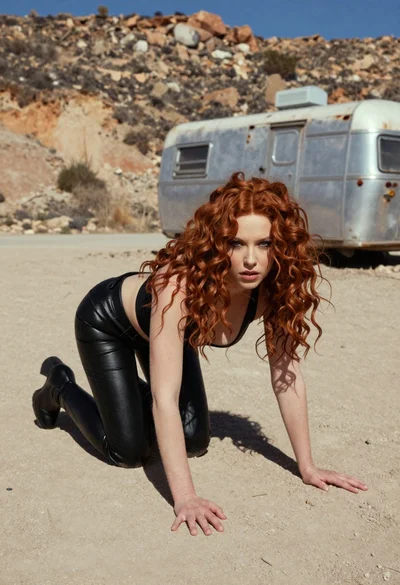
Woman crawling on dusty hillside in black leather outfit low angle
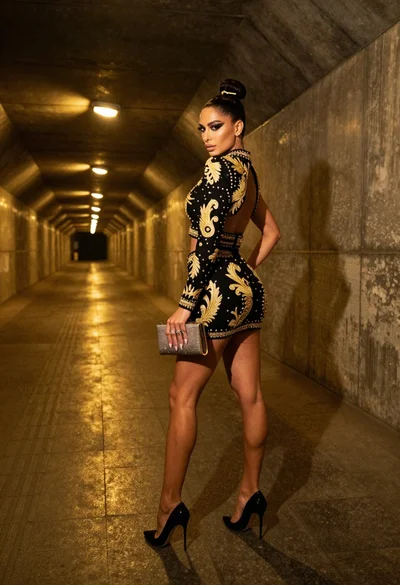
Glamorous woman in black gold outfit posing in concrete subway tunnel
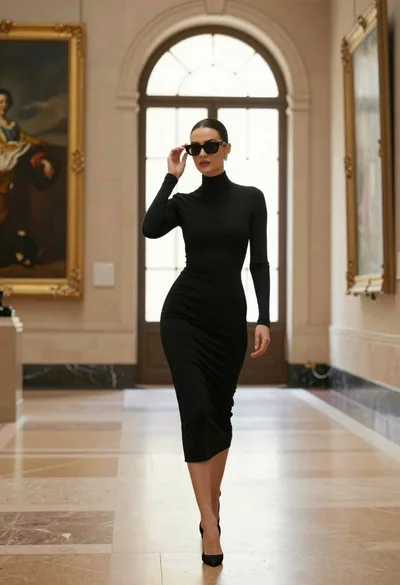
Confident woman in black dress walks through elegant museum hallway adjusting sunglasses
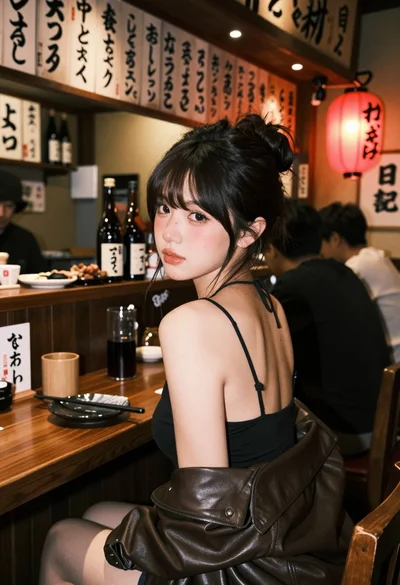
Young woman at wooden counter in dimly lit japanese izakaya bar setting

Confident woman with brown hair sitting at dark desk in dimly lit