
Glamorous woman with red curls leaning on tree holding pink flowers
Prompt
A glamorous woman with voluminous red curls leans against a textured tree trunk while holding a bouquet of pink and white flowers.

Subject: A woman with striking red hair styled in large, bouncy curls that frame her face. She has fair skin, defined eyebrows, and is looking slightly upward with a confident expression. Her lips are painted a bold red color.

Clothing: She wears a fitted, long-sleeved dress in a solid medium blue tone. The dress features a V-neckline and appears to be made of a smooth fabric that drapes elegantly over her figure.

Action: She is leaning casually against a large tree trunk with one hand tucked behind her back, holding a bouquet of pink and white flowers near her waist. Her posture is relaxed yet poised.

Environment: The background suggests an outdoor setting with soft-focus greenery and hints of a building or structure in the distance, creating a natural and serene atmosphere.

Camera: The shot is a medium close-up framed from a slightly low angle that emphasizes her presence and height. The composition centers on her upper body and face, capturing her full profile against the tree.

Lighting: Soft, diffused daylight illuminates the scene evenly, highlighting the texture of her hair and the folds in her dress without harsh shadows. The lighting enhances the natural beauty of her features and the vibrant colors of her outfit.

Style Details: The image has a classic Hollywood glamour aesthetic with rich color saturation and smooth skin tones typical of mid-20th century photography. The overall mood is elegant, timeless, and cinematic.
Description
This prompt is useful for creating vintage portraiture, editorial beauty shots, and period-appropriate character concept art. The combination of 'classic Hollywood glamour aesthetic' with 'soft, diffused daylight' ensures the rich color saturation highlights both the 'voluminous red curls' and the smooth drape of the medium blue dress without introducing distracting harsh shadows that would undermine the timeless mood.
Suggestions
- Change 'medium close-up' to 'full body shot' for more environmental context.
- Swap 'solid medium blue tone' for 'emerald velvet' to increase richness.
- Add 'Kodachrome film grain' to enhance the vintage feel.
Category
Tags
BrunetteFair SkinFemaleFull BodyMedium ShotRealisticRed Hair
Date added
June 19, 2026
Added by
PromptDexter Team
Related Prompts
More prompts with similar categories and tags.
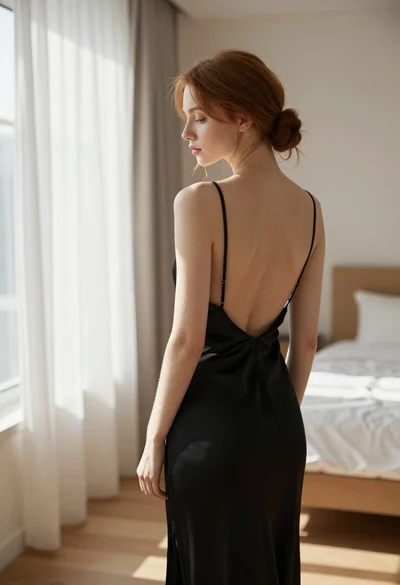
Young woman in black slip dress standing by window in bright bedroom
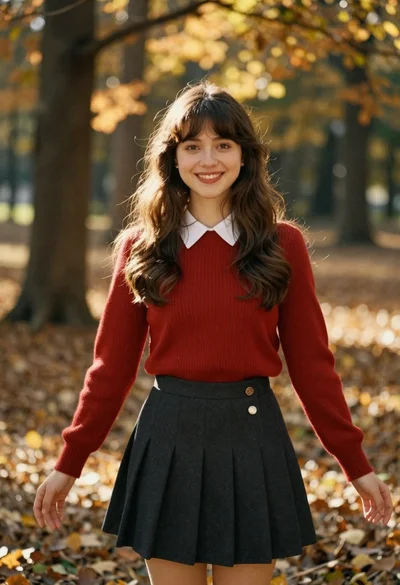
Smiling young woman in red sweater in sunlit forest
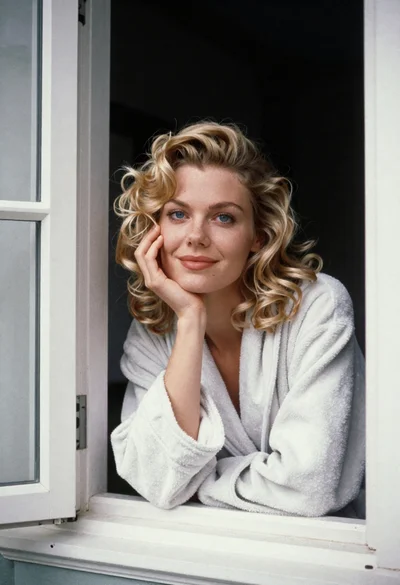
Medium close up portrait of blonde woman in bathrobe by window

Smiling young woman in white ruffled dress between green topiary bushes
Young woman pointing playfully at cheek in deep red studio dress
Young woman in navy embroidered traditional dress indoors medium shot
Red haired woman in workshop with tools background
Young woman in red top peeking from behind garden hedge at night
Young woman reclining on beige leather sofa overlooking blurred cityscape at night
Young woman in red top and white trousers on city sidewalk at
