
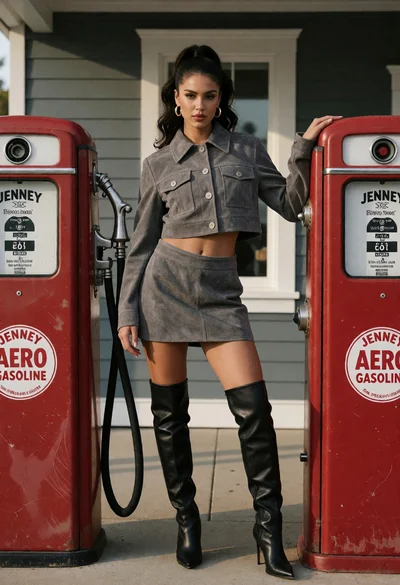
Woman in suede jacket posing between vintage red gas pumps by a
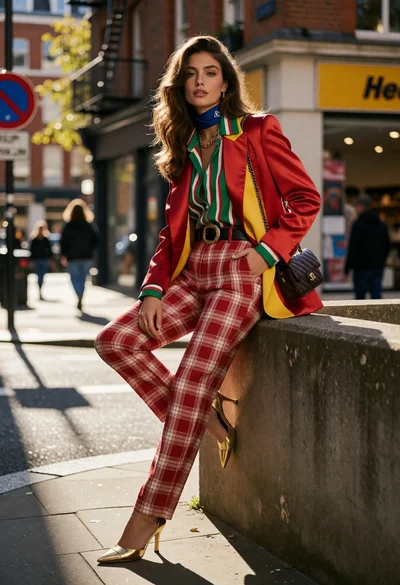
Stylish woman posing on city street corner with eclectic layered fashion ensemble
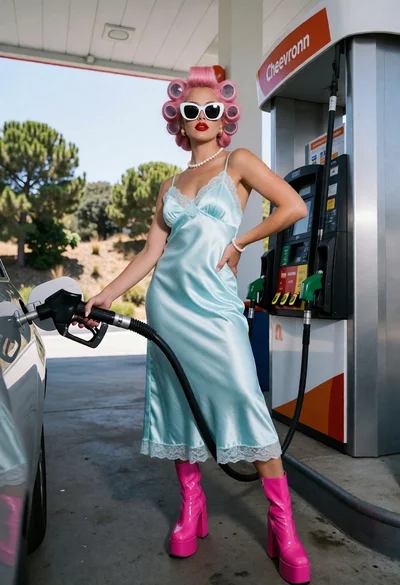
Woman with pink hair in satin slip dress at modern gas station

Young woman taking a playful selfie on suburban street under bright sunlight
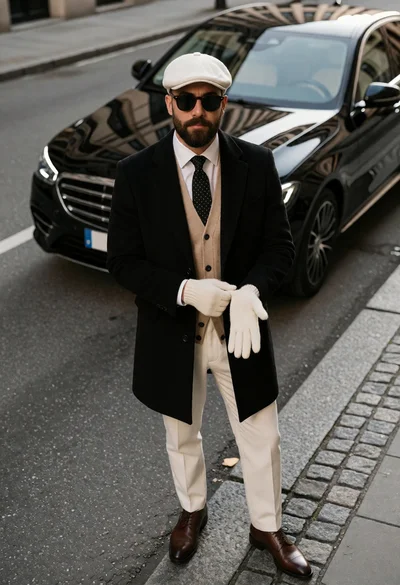
Man in overcoat and flat cap standing on city street next to
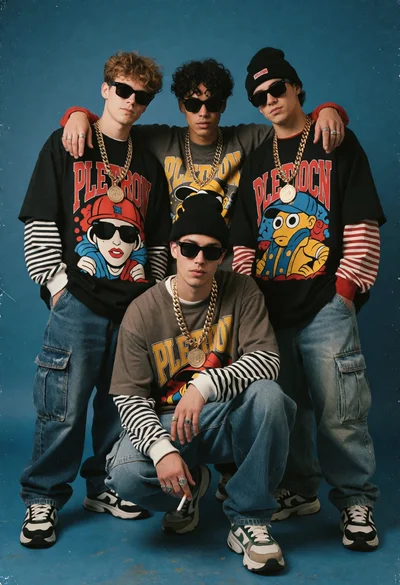
Four young men in nineties hip hop fashion against a solid blue
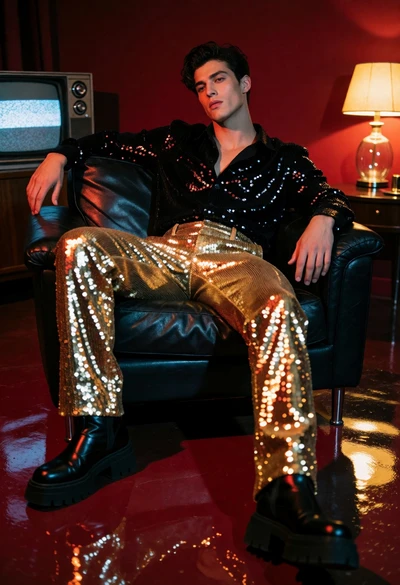
Stylish man in black leather chair with red walls and sequins
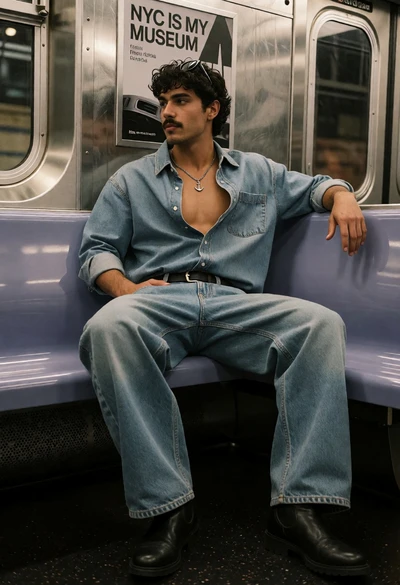
Young man seated on subway seat inside moving train car interior
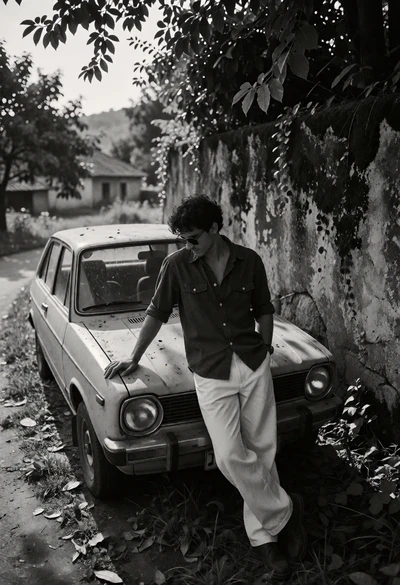
Young man leaning on vintage hatchback by mossy stone wall in rural
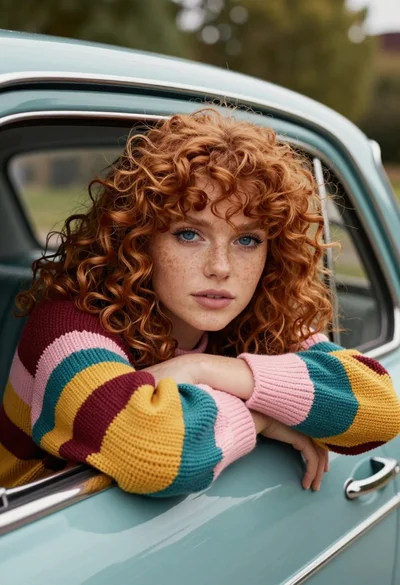
Woman with red curly hair leaning from vintage teal car window outdoors
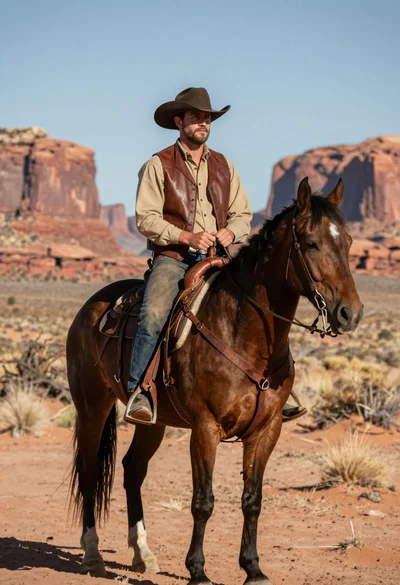
Rugged cowboy on dark brown horse in vast desert with red rock
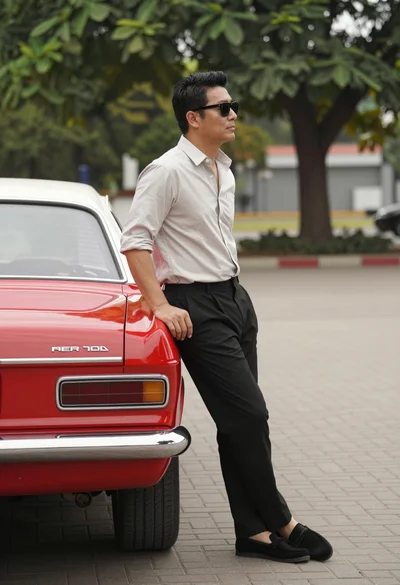
Man leaning against a vintage red car on paved brick area outdoors
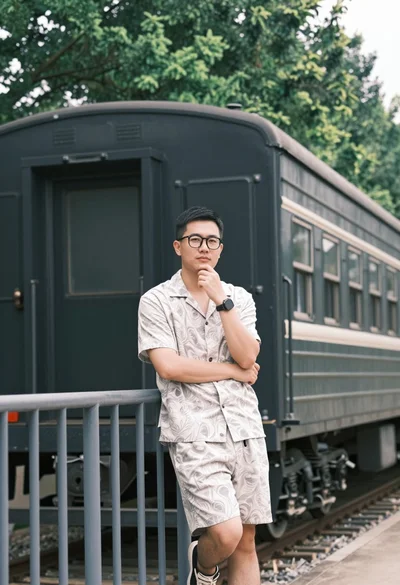
Man leaning on railing near old train carriage with blurred forest background
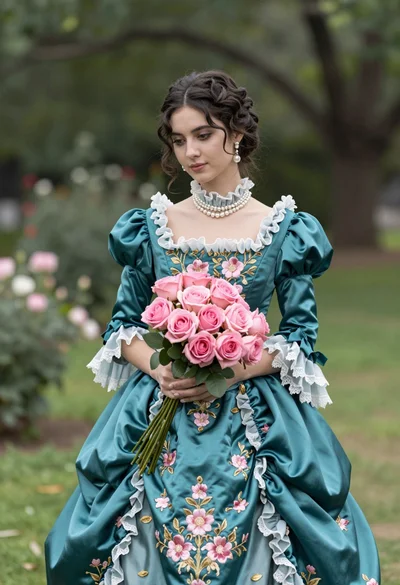
Young woman in teal victorian gown holding pink roses in lush garden
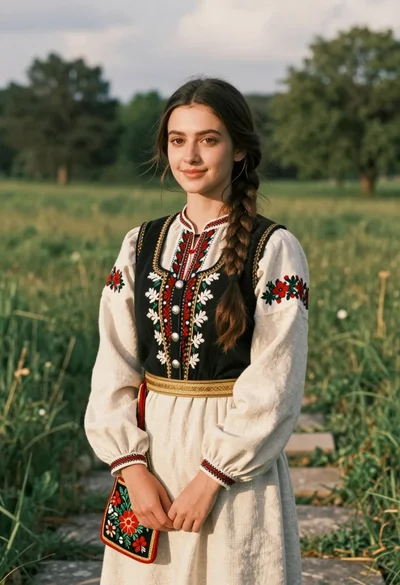
Young woman in traditional embroidered attire standing in a lush green meadow

Young woman with dark hair smiling at table in retro dining room
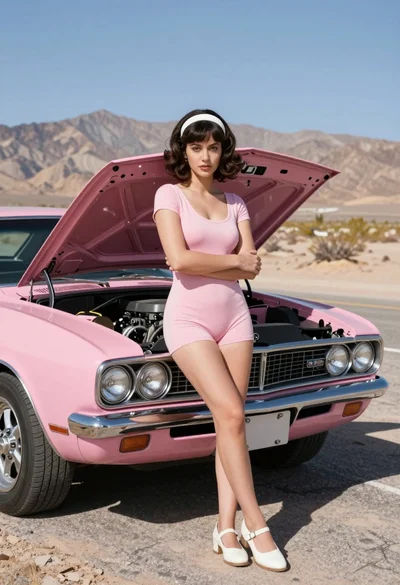
Confident woman in pink romper leaning on vintage car on desert road
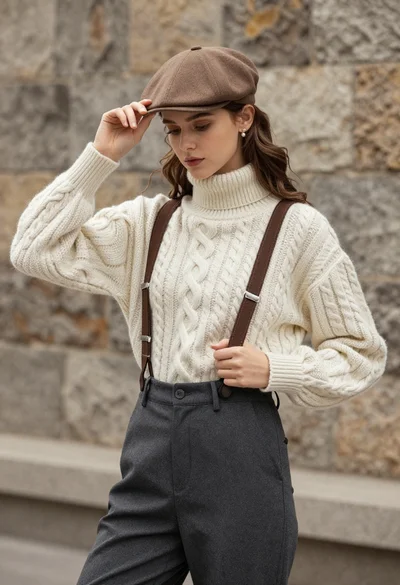
Young woman in cable knit sweater by blurred textured stone wall background
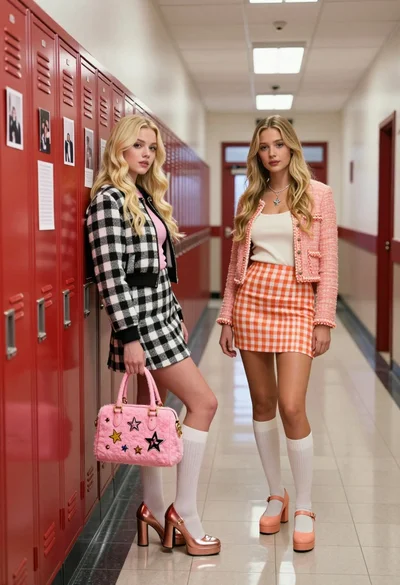
Two blonde women posing in a school hallway next to red lockers
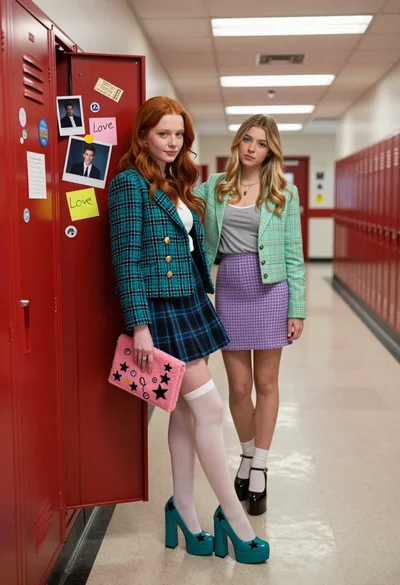
Two young women in school hallway by open red locker filled with
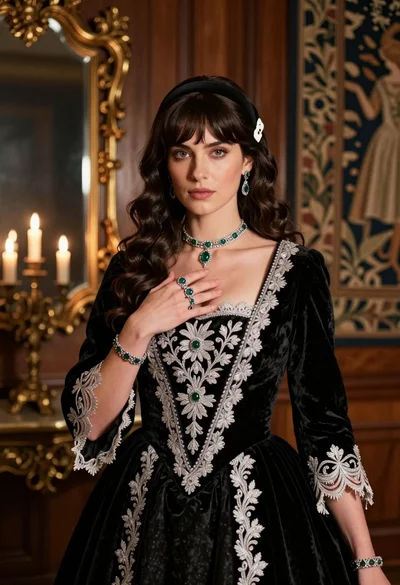
Fair skinned woman in black velvet gown inside luxurious room setting
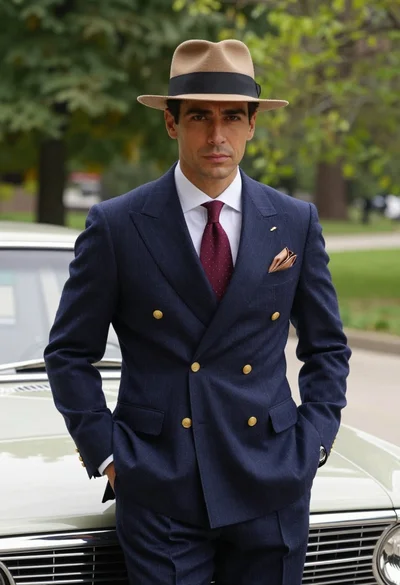
Confident man in vintage suit leaning on classic car in lush park
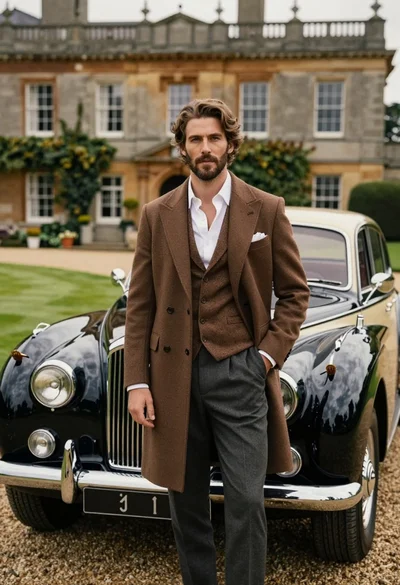
Handsome man in brown overcoat standing by vintage luxury car near manor
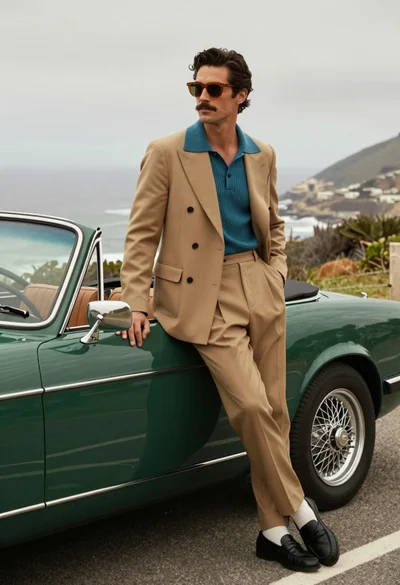
Stylish man in suit leaning on vintage green convertible car by the

Vintage illustrated portrait of woman with dark hair and red lipstick

Vintage comic book illustration of woman in black offtheshoulder top with cream
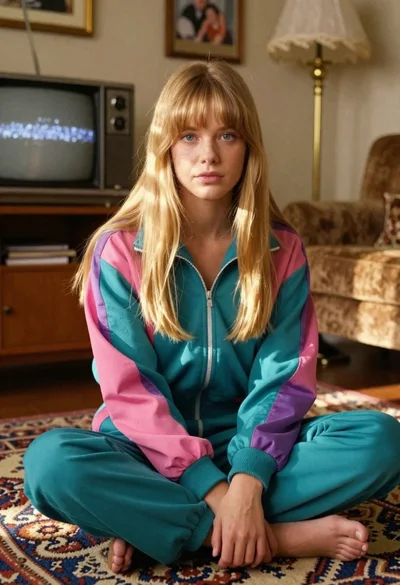
Young blonde woman in retro tracksuit sitting crosslegged on carpet in vintage

Fair skinned woman with wet blonde bob in white sweater standing indoors
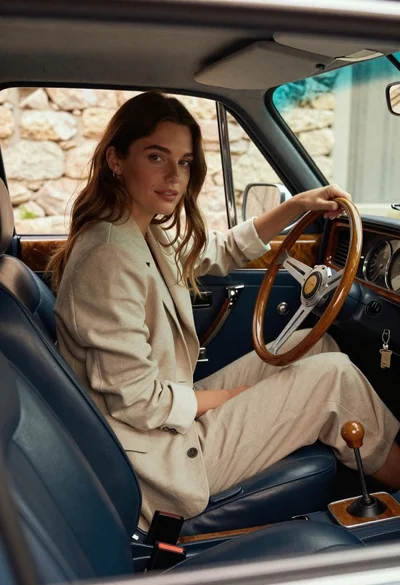
Woman in beige blazer sitting in vintage car driver seat

Glamorous woman in red strapless gown stands elegantly on an ornate balcony
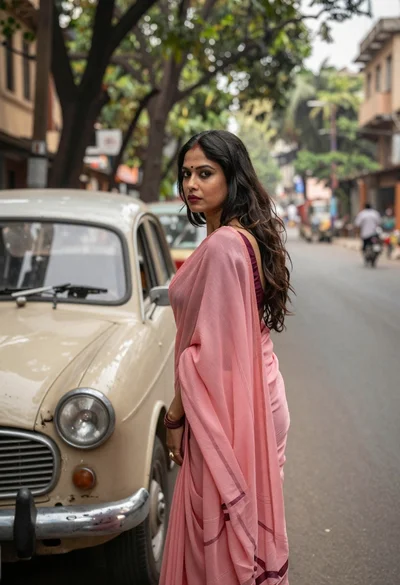
Woman in pink saree standing beside a vintage car on city street
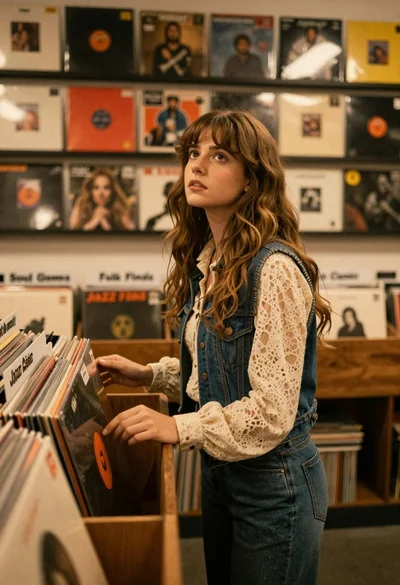
Young woman with brown hair browsing vinyl records in cozy store
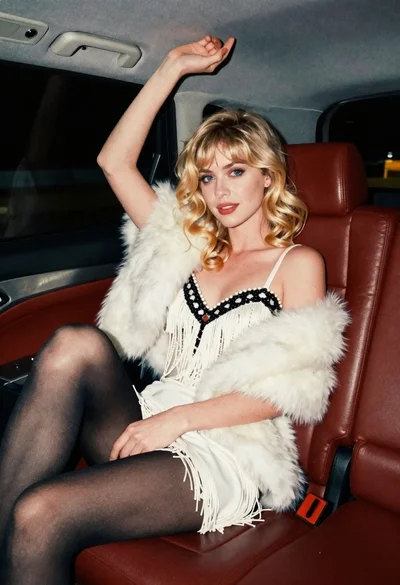
Glamorous blonde woman in white dress seated inside a vintage car
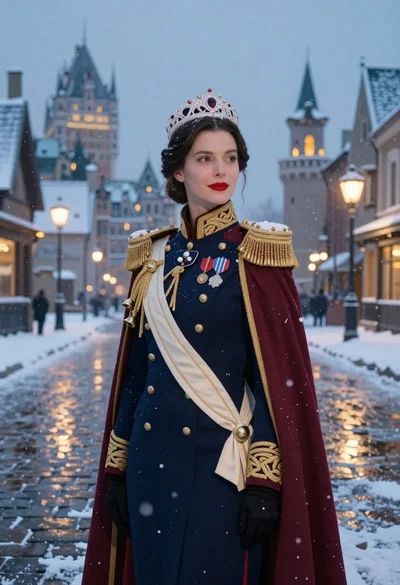
Woman in military uniform on snowy cobblestone street
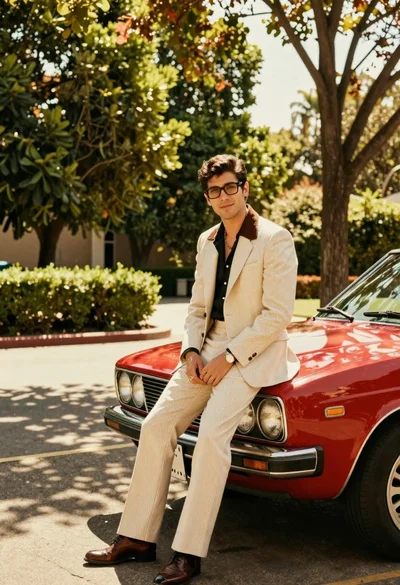
Man in suit sitting on classic red car outdoors
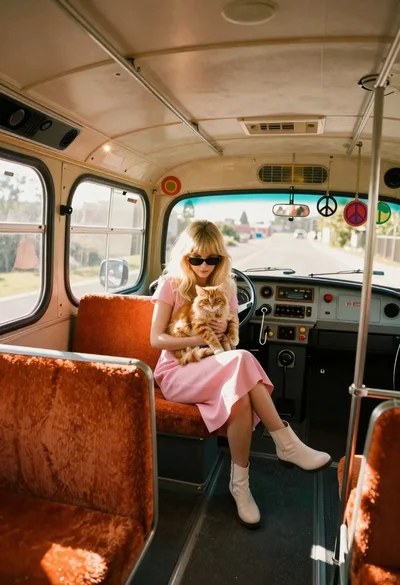
Blonde woman with cat on vintage bus seat

Woman leaning against classic car on autumn street
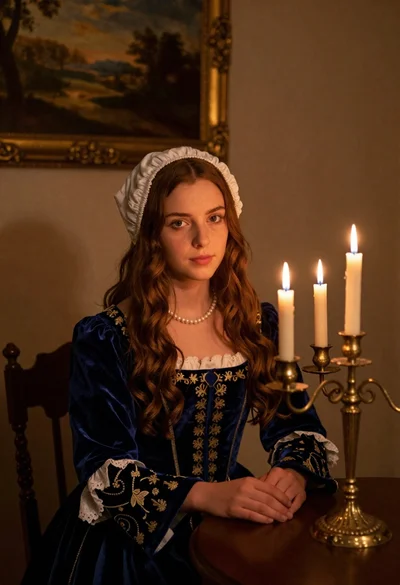
Young woman in blue velvet dress with candelabra in dimly lit room
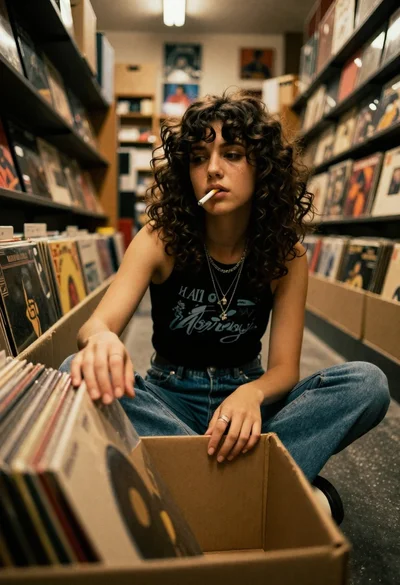
Young woman in black tank top sitting among vinyl records in store
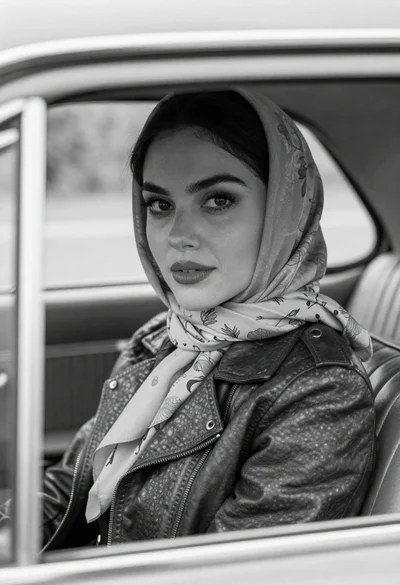
Black and white portrait of woman in vintage car
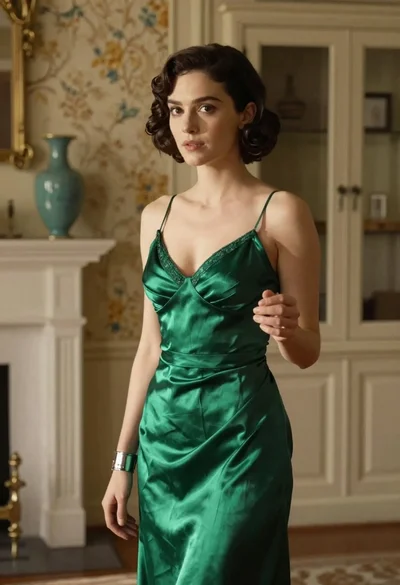
Woman in green satin slip dress standing in sunlit elegant interior room
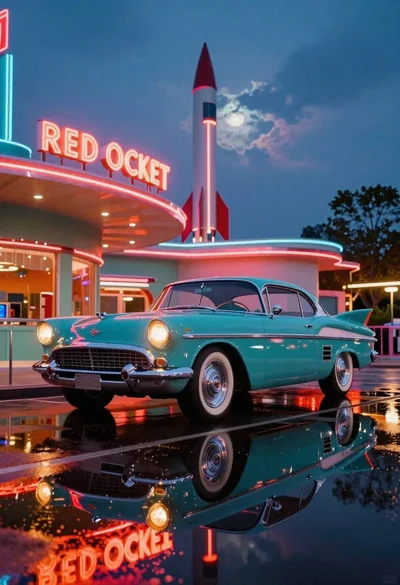
Teal retro car before midcentury diner at twilight
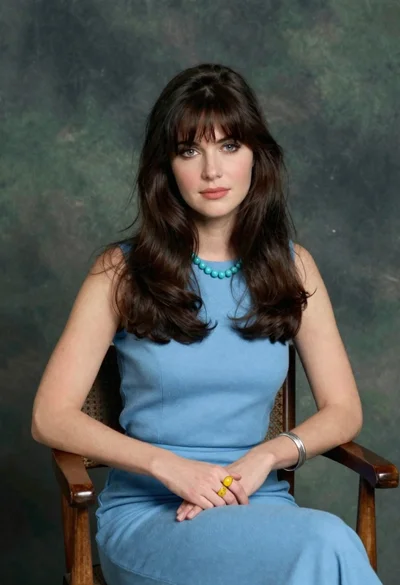
Woman with dark brown hair seated in wooden chair against green backdrop
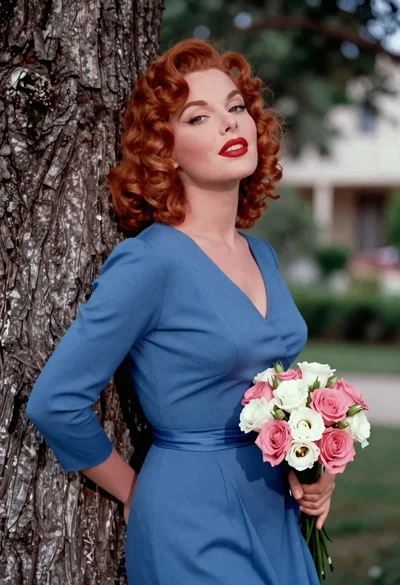
Glamorous woman with red curls leaning on tree holding pink flowers

Medium close up portrait of blonde woman in bathrobe by window

Rugged soldier with shotgun in arid desert landscape

Woman in striped dress seated in armchair
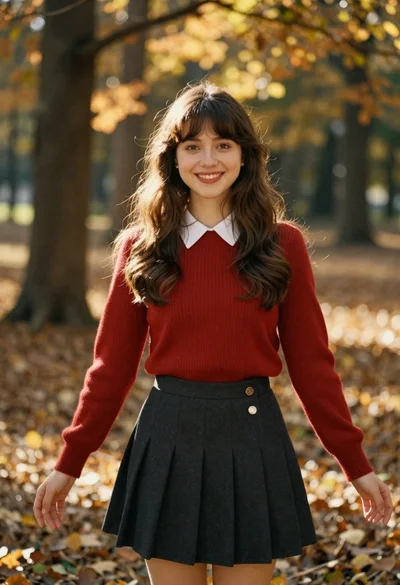
Smiling young woman in red sweater in sunlit forest