

Medium close up portrait of woman in satin dress against green ivy
Prompt
A woman with dark hair stands in a moody portrait against a wall covered in lush green ivy.

Subject: A woman with long, dark brown hair featuring soft bangs and a deep side part. She has fair skin, defined eyebrows, and full lips that are slightly pursed. Her gaze is directed straight at the camera with a confident expression.

Clothing: She wears a luxurious, champagne-colored satin halter dress with a plunging neckline that reveals her chest and midriff. The fabric drapes elegantly over her shoulders and features a high neck collar. A large diamond ring is visible on her right hand.

Action: She stands facing forward in a relaxed pose with her arms hanging loosely by her sides, exuding a calm and alluring demeanor.

Environment: The background consists of a textured white wall densely covered in vibrant green ivy leaves. To the left, a dark interior space is partially visible through an opening or window, along with a glimpse of an air conditioning unit at the bottom.

Lighting: The scene is lit with dramatic, low-key lighting that creates high contrast between the bright highlights on her skin and dress and the deep shadows in the background. The light appears to come from the front, accentuating the sheen of the satin fabric and the contours of her face.

Camera: The shot is a medium close-up framed vertically, capturing her from the thighs up. The angle is straight-on with a shallow depth of field that keeps the subject sharp while softly blurring the background foliage.

Style Details: The image has a cinematic, high-fashion aesthetic with a cool color temperature and a grainy texture reminiscent of film photography.
Description
This prompt is useful for creating editorial fashion moodboards, luxury perfume advertisements, and sophisticated character portraits. The combination of 'dramatic, low-key lighting' accentuating the sheen on the 'champagne-colored satin halter dress' against the deep shadows prevents flat illumination, while the 'shallow depth of field' ensures the viewer focuses solely on her confident gaze and the visible diamond ring.
Suggestions
- Change 'champagne-colored satin' to 'emerald green velvet' for a richer color pop.
- Adjust 'dramatic, low-key lighting' to 'soft box illumination' for less harsh shadows.
- Swap 'grainy texture reminiscent of film photography' for 'hyperdetailed digital photograph' for modern clarity.
Category
Tags
BrunetteFair SkinFemaleIndoorsMedium ShotPortrait ShotRealistic
Date added
June 19, 2026
Added by
PromptDexter Team
Related Prompts
More prompts with similar categories and tags.

Young woman in black graphic tshirt against white paneled wall
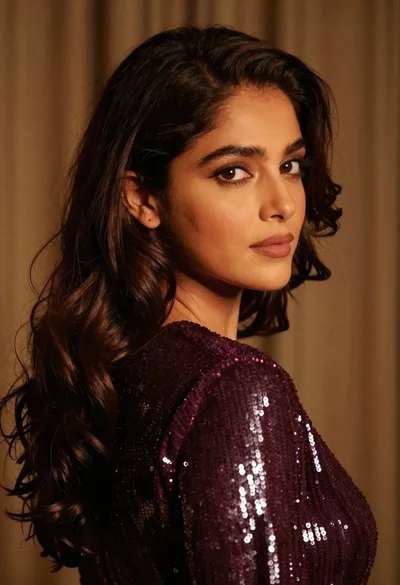
Close up portrait of woman with dark brown hair looking over shoulder

Poised woman in black gown posing indoors with dramatic low key lighting

Fair skinned woman in black blazer against white studio wall
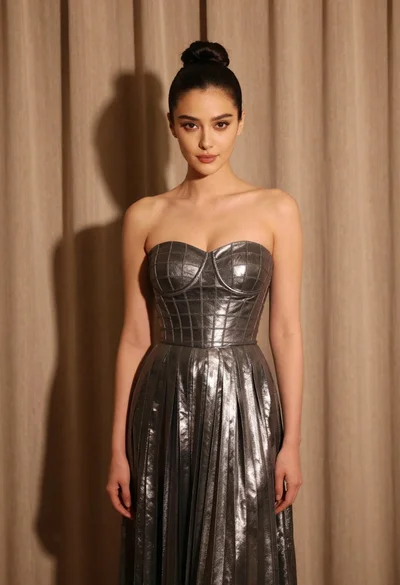
Woman in silver gown against warm draped curtain backdrop medium shot

Woman with brown hair in white top and black skirt indoors
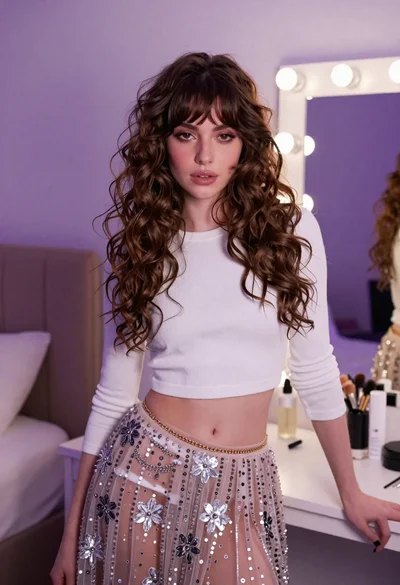
Young woman in white crop top and sequined skirt in decorated bedroom
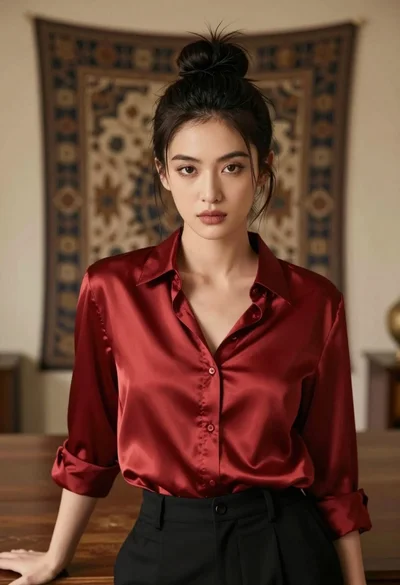
Medium close up portrait of woman in red satin shirt indoors
Close up portrait of woman in sequined top against beige curtain backdrop

Blonde woman in black lace gown standing in opulent room setting
