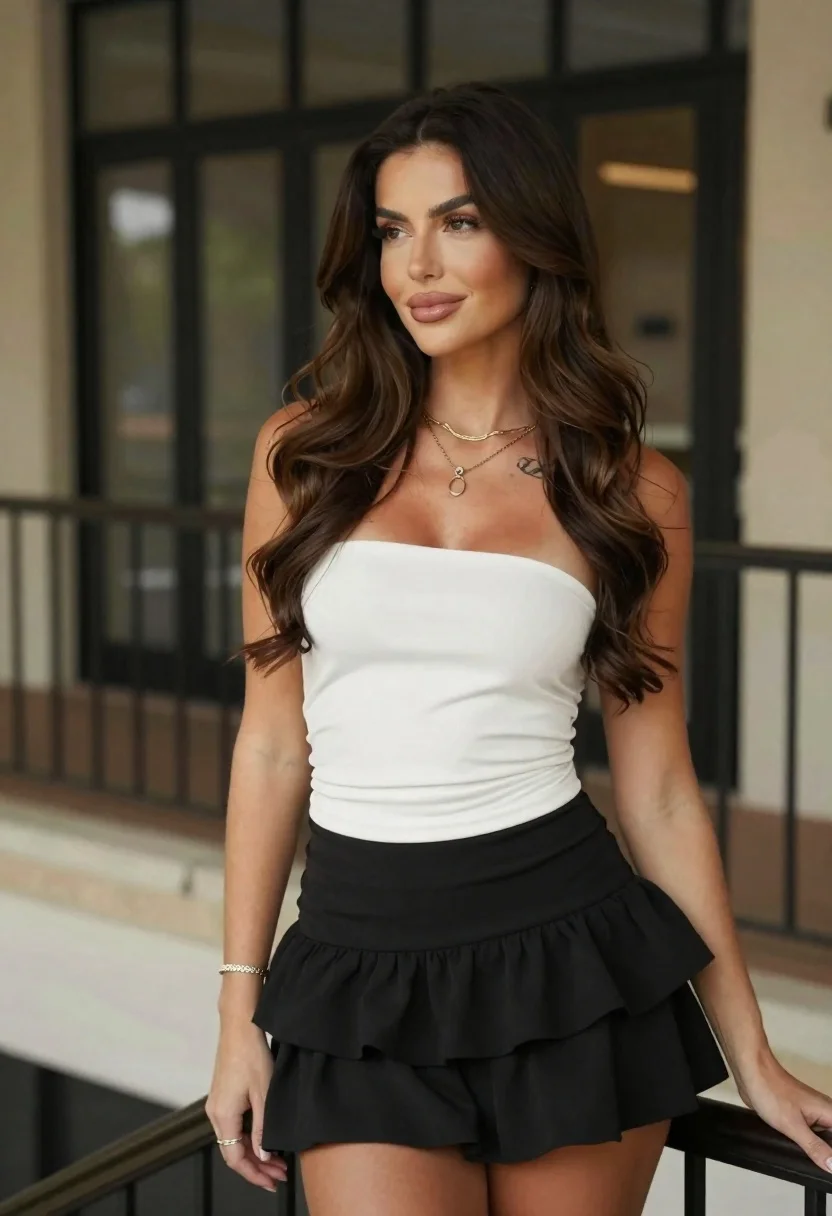
Woman with brown hair in white top and black skirt indoors
Prompt
A confident woman with long wavy brown hair stands indoors near a railing, looking slightly to the side with a soft smile.

Subject: A woman with fair skin and long dark brown wavy hair cascading over her shoulders. She has defined eyebrows, subtle makeup with glossy lips, and a small tattoo visible on her upper left chest.

Clothing: She wears a white strapless ruched tube top that hugs the torso, paired with a black tiered mini skirt. She is accessorized with layered gold necklaces featuring a pendant, a thin bracelet on her right wrist, and a ring on her left hand.

Action: She stands in a relaxed pose, leaning slightly against a dark railing with her right arm extended along it. Her gaze is directed off-camera to the right, and she has a calm, pleasant expression.

Environment: The setting appears to be an indoor or semi-outdoor space with a blurred background showing architectural elements like windows or glass doors and a stone ledge.

Camera: Medium shot capturing the subject from the waist up, framed slightly from the side angle with a shallow depth of field that keeps the focus sharp on her while blurring the background.

Lighting: Soft, diffused lighting illuminates her face and upper body evenly, creating gentle highlights without harsh shadows, suggesting an ambient indoor light source.

Style Details: High-resolution photography with natural skin texture, realistic color grading, and a polished portrait aesthetic.
Description
This prompt is useful for creating lifestyle magazine features, character concept art for film stills, and e-commerce lookbooks showcasing casual apparel. The combination of 'soft, diffused lighting' and the 'shallow depth of field' ensures that the focus remains entirely on the subject's 'white strapless ruched tube top' and expression, preventing distracting background details from pulling attention away from the clothing or mood.
Suggestions
- Change 'dark brown wavy hair' to 'auburn curly hair' for a different color tone.
- Swap 'black tiered mini skirt' for 'denim A-line skirt' to alter the casual feel.
- Adjust 'soft, diffused lighting' to 'rim light from the left' for more drama.
Category
Tags
Brown HairBrunetteCasual WearFair SkinFemaleIndoorsMedium ShotPortrait ShotRealisticSide Profile
Date added
June 19, 2026
Added by
PromptDexter Team
Related Prompts
More prompts with similar categories and tags.
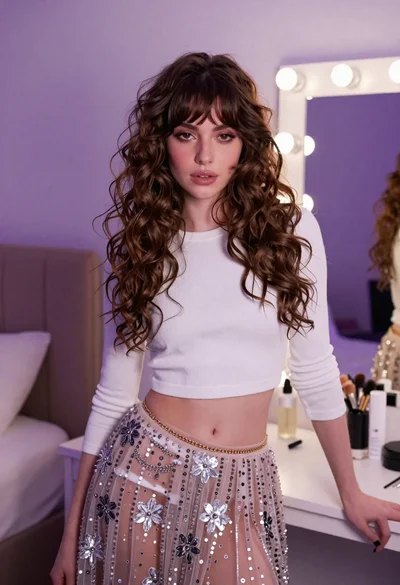
Young woman in white crop top and sequined skirt in decorated bedroom

Young woman in white lace dress seated against soft floral backdrop

Young woman in blue denim jacket posing against pale pink seamless background

Young woman seated on grey sofa against pink wall fashion portrait
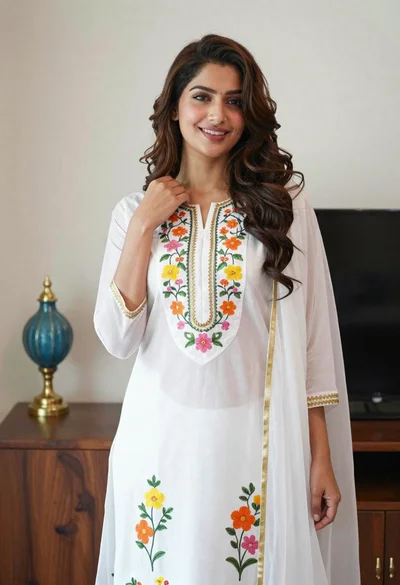
Smiling woman in floral kurta dress indoors with sheer dupatta drape

Blonde woman in striped swimsuit seated on sofa indoors studio shot
Young woman in navy jumpsuit posing indoors with soft expression

Blonde woman in cream sweater sitting on beige couch

Glamorous woman posing in shimmering two piece outfit against green backdrop
Fair skinned woman in black blazer against white studio wall