
Medium close up portrait of woman with dark hair indoors
Prompt
A woman with dark hair styled in a short bob and adorned with blue fabric flowers rests her chin on her hands while smiling gently at the camera.

Subject: A woman with dark skin and dark brown hair cut into a short, layered bob style. She has prominent makeup featuring defined eyebrows, eyeliner, and mascara. Her expression is soft and engaging as she looks directly forward.

Clothing: She wears a sleeveless teal top made of a shiny, satin-like fabric that catches the light. A thin gold ring is visible on her finger.

Action: She leans forward slightly with both hands cupping her chin in a relaxed pose. Her head is tilted slightly to one side.

Environment: The setting appears to be an indoor room with white walls. A portion of a blue and pink abstract painting hangs on the wall behind her left shoulder. Blurred items, possibly bags or containers, are visible on a surface in the background to the right.

Lighting: Bright, soft lighting illuminates her face from the front, creating gentle highlights on her skin and the sheen of her top without harsh shadows.

Camera: The shot is a medium close-up framed at eye level with a shallow depth of field that keeps the subject sharp while blurring the background.

Style Details: The image has a candid, portrait photography aesthetic with natural color tones and a focus on capturing a genuine expression.
Description
This prompt is useful for creating intimate editorial portraits, character studies for film concept art, and beauty advertisement mockups. The combination of 'bright, soft lighting' and the 'shallow depth of field' ensures that the subject remains the absolute focus by softening distracting background elements like the abstract painting, while the 'shiny, satin-like fabric' adds a controlled point of visual interest to the composition.
Suggestions
- Change 'blue fabric flowers' to 'pearl accents' for a more sophisticated touch.
- Swap 'teal top' for 'emerald velvet' to increase textural contrast.
- Adjust 'medium close-up' to 'headshot' if you want to emphasize the makeup.
Category
Tags
Brown HairBrunetteDark SkinFemaleIndoorsMedium ShotPortrait ShotRealistic
Date added
June 19, 2026
Added by
PromptDexter Team
Related Prompts
More prompts with similar categories and tags.
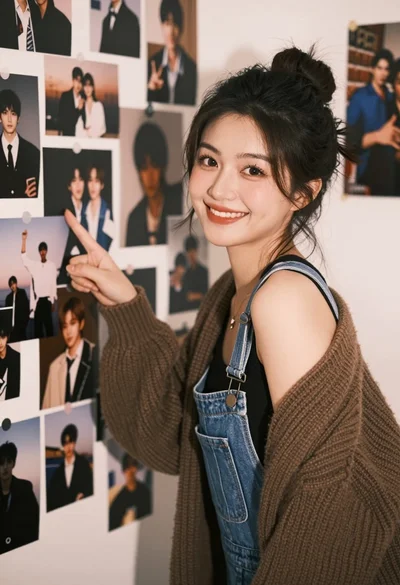
Young woman pointing at photo collage on wall in warm indoor setting
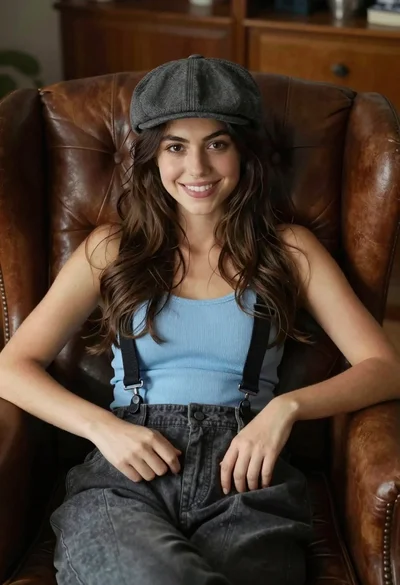
Young woman with brown hair sitting in a leather armchair indoors
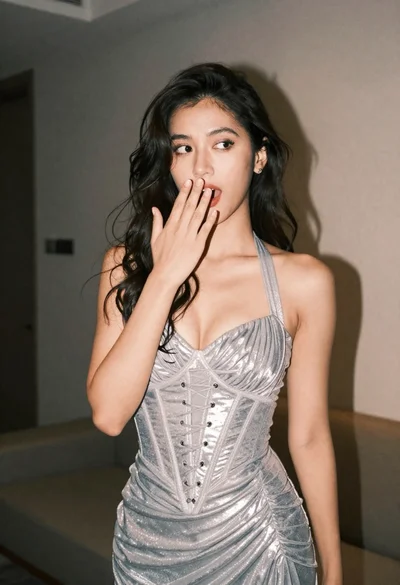
Woman in shimmering silver halter dress posing indoors with playful gesture
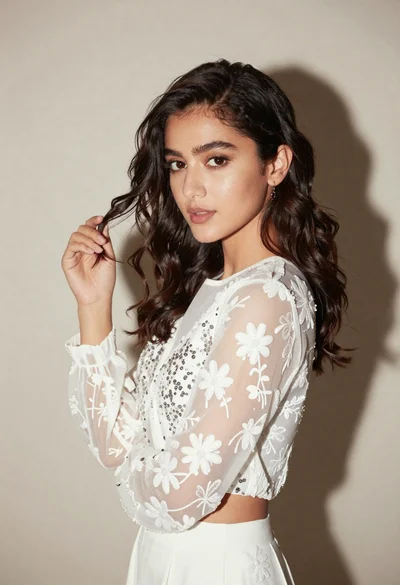
Young woman in white embroidered blouse posing against a plain studio background
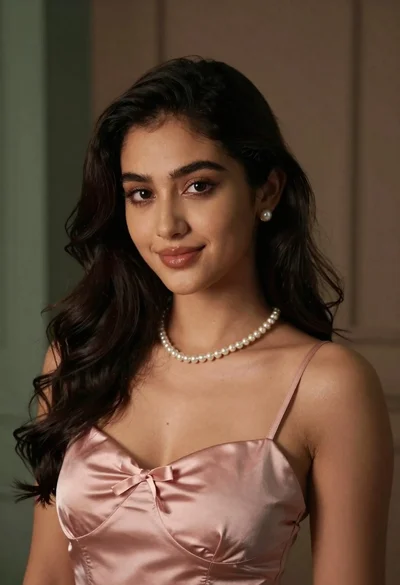
Medium close up portrait of young woman with dark wavy hair
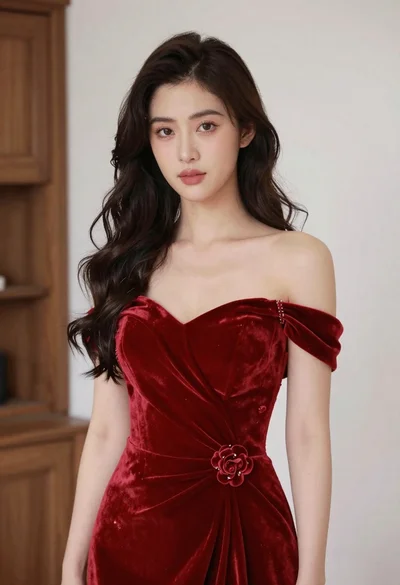
Young woman in red velvet gown standing indoors against white wall
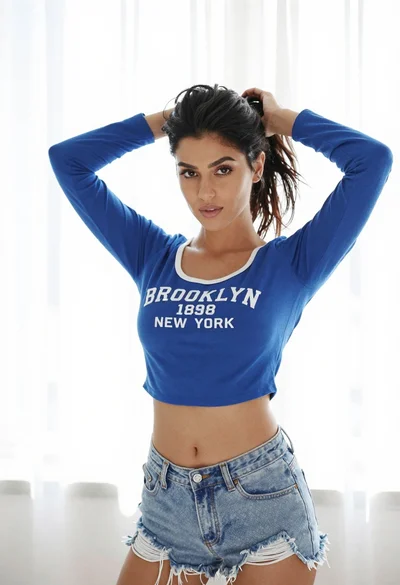
Young woman adjusting dark wavy hair indoors with sheer curtains backdrop
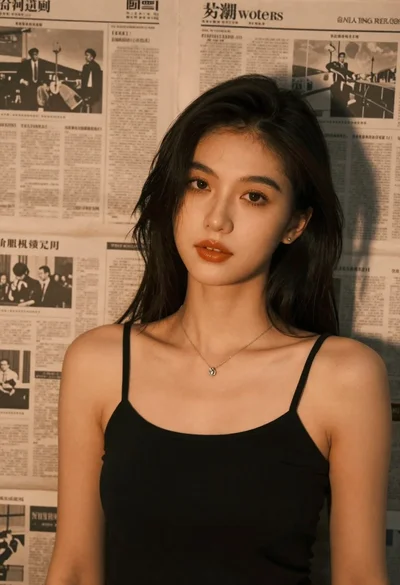
Brunette woman leaning against aged newspaper wall

Woman with brown wavy hair sitting indoors near white shelves
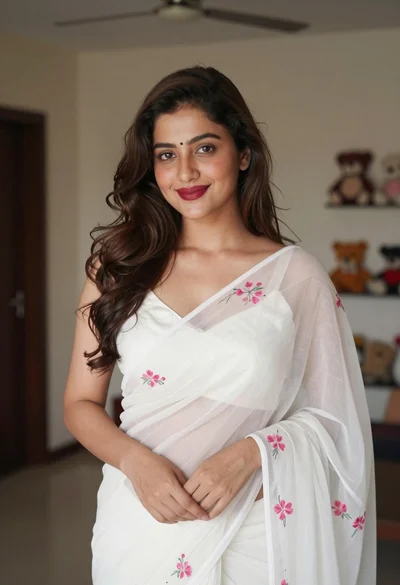
Young woman in white embroidered saree smiling indoors with soft natural light