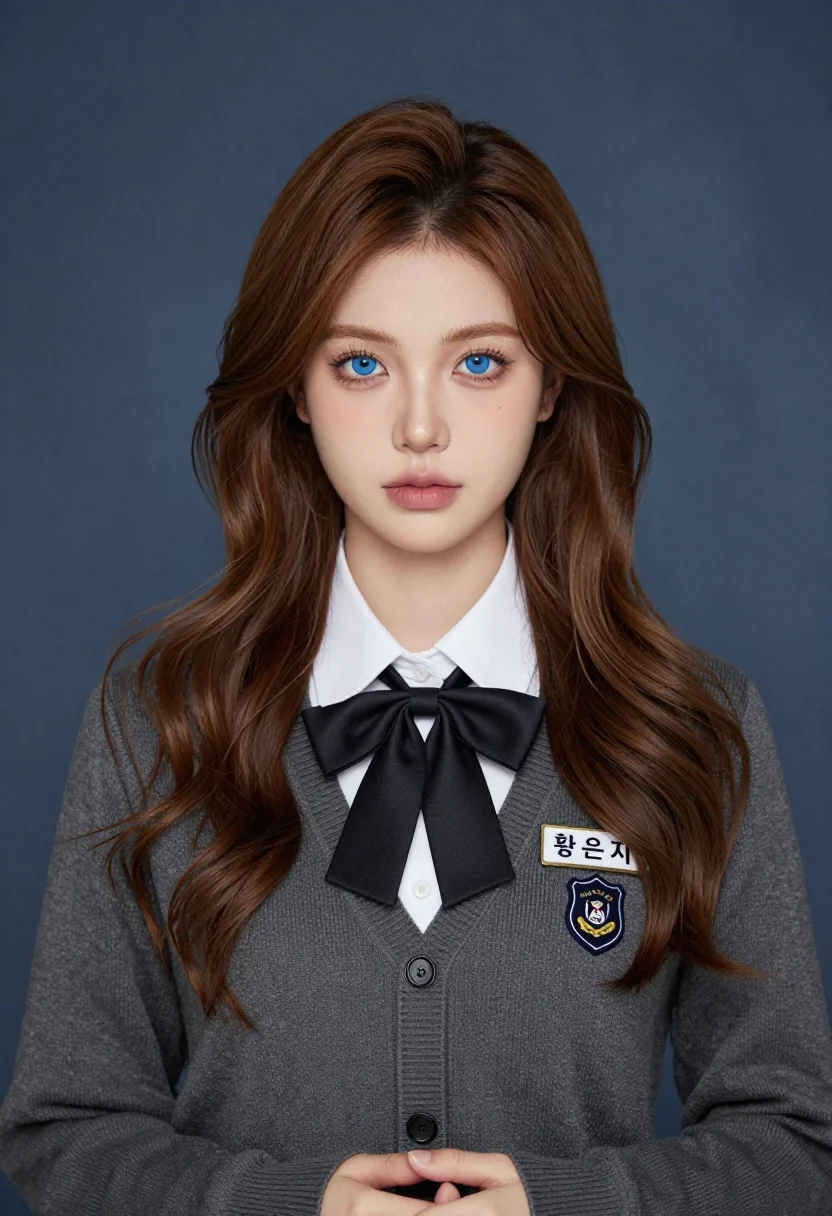
Medium close up portrait of young woman in cardigan against blue studio
Prompt
A portrait of a young woman with long wavy brown hair and striking blue eyes looking directly at the camera.

Subject: A young woman with fair skin, long wavy light brown hair parted in the middle, and piercing blue eyes. Her expression is neutral and composed.

Clothing: She wears a dark grey knitted cardigan sweater over a crisp white collared shirt. A large black satin bow tie is tied neatly at her neck. On her left chest, there is a rectangular name tag with Korean text reading "황은지" and a shield-shaped school crest below it.

Action: She stands facing forward with her hands clasped gently in front of her waist. Her gaze is direct and steady.

Environment: The background is a smooth, mottled blue-grey studio backdrop that provides a neutral contrast to the subject.

Camera: A medium close-up shot framed from the chest up, utilizing a soft depth of field that keeps the subject in sharp focus while slightly blurring the background.

Lighting: Soft, diffused studio lighting illuminates her face evenly, creating gentle highlights on her forehead and nose with minimal harsh shadows.

Style Details: The image has a polished, high-definition photographic quality with realistic skin textures and fabric details, resembling a professional school portrait or character illustration.
Description
This prompt is useful for creating academic yearbook mockups, character concept art for dramas, and formal profile headshots. The combination of 'soft, diffused studio lighting' with the 'mottled blue-grey studio backdrop' ensures that the subject's face remains evenly lit without harsh shadows, which is crucial for maintaining a polished, professional look while allowing the dark grey cardigan to provide necessary contrast against the background.
Suggestions
- Change 'dark grey knitted cardigan sweater' to 'tweed blazer' for a more formal academic feel.
- Swap 'piercing blue eyes' for 'hazel eyes' if you want a warmer tone.
- Adjust 'medium close-up shot framed from the chest up' to 'head and shoulders portrait' for tighter focus.
Category
Tags
Fair SkinFemaleMedium ShotPortrait ShotRealisticStudio
Date added
July 3, 2026
Added by
PromptDexter Team
Related Prompts
More prompts with similar categories and tags.
Smiling young woman in maroon velvet and mint saree studio portrait
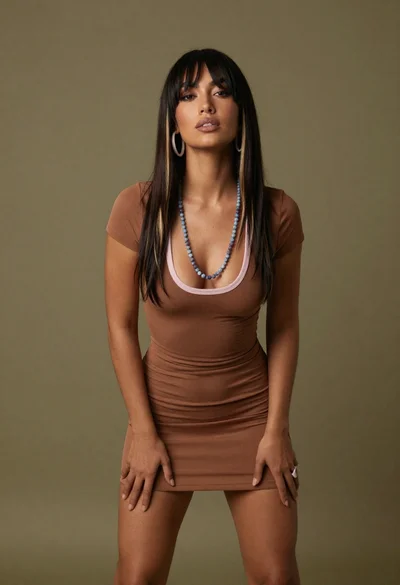
Medium full length portrait of woman in brown mesh dress
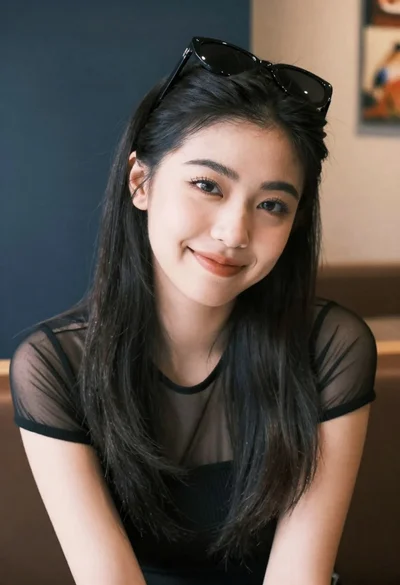
Medium close up portrait of young woman wearing black top and sunglasses
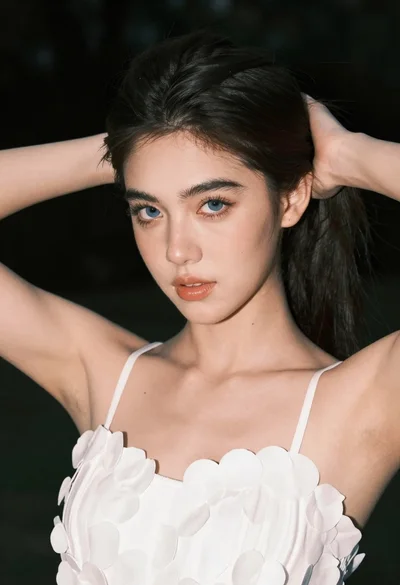
Close up portrait of young woman with blue eyes in white top
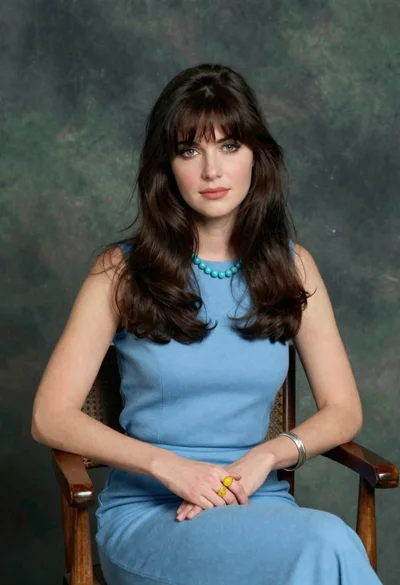
Woman with dark brown hair seated in wooden chair against green backdrop
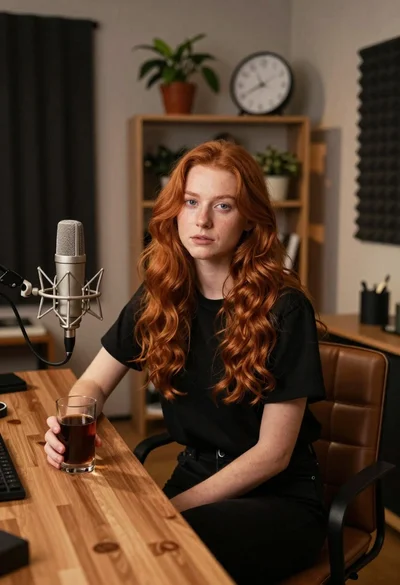
Young woman with red hair seated at wooden desk in cozy studio
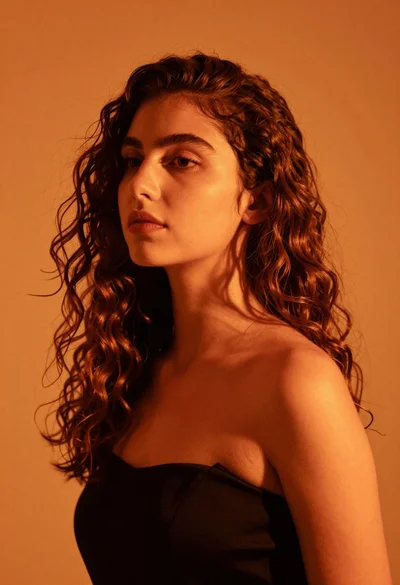
Close up portrait of woman with brown hair against solid orange background
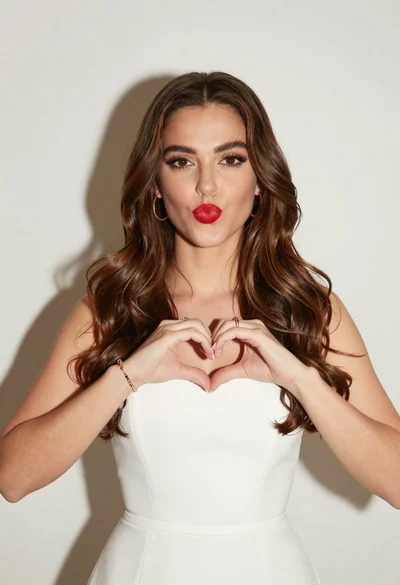
Woman with brown hair forming heart shape in white strapless dress
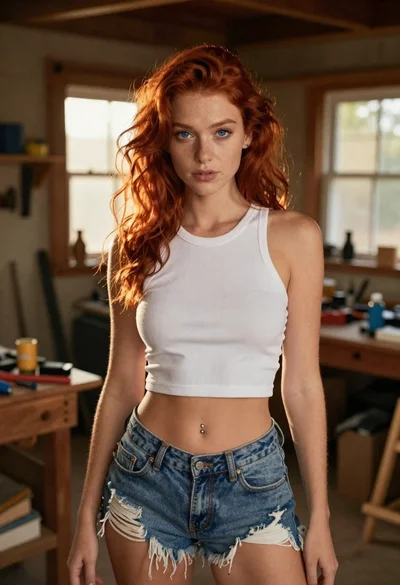
Red haired woman in workshop with tools background
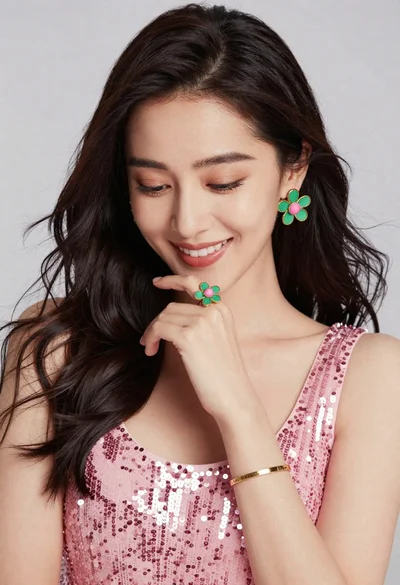
Portrait of smiling woman in pink sequin dress with flower earrings