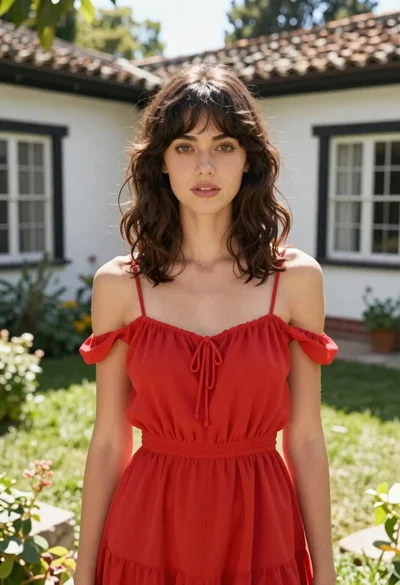
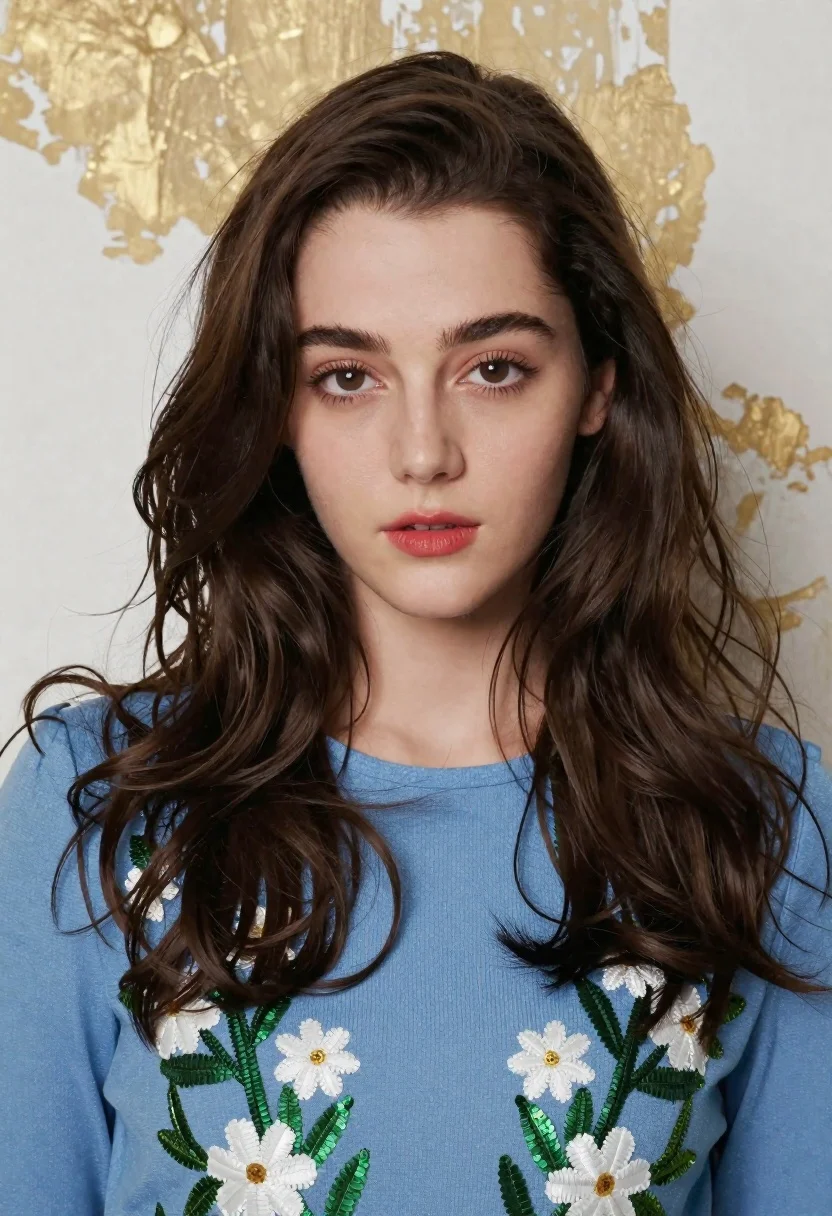
Medium close up portrait of young woman with dark hair
Prompt
A close-up portrait of a young woman with dark brown hair looking directly at the camera.

Subject: A young woman with fair skin and long, dark brown wavy hair that falls loosely around her shoulders. She has large expressive eyes with defined eyelashes and wears red lipstick. Her expression is neutral and direct.

Clothing: She wears a light blue long-sleeved top featuring intricate floral embroidery on the chest area, including white flowers and green leaves made of thread or sequins.

Lighting: Soft, diffused lighting illuminates her face evenly from the front, creating gentle shadows that define her features without harsh contrast.

Environment: The background is a textured wall with a mottled appearance, showing patches of gold or beige paint over a white base.

Camera: A medium close-up shot framed to focus on her upper body and face, with a shallow depth of field that keeps the subject sharp while slightly blurring the background.

Style Details: High-quality fashion photography with a polished, editorial aesthetic and rich color saturation.
Description
This prompt is useful for creating beauty editorials, character portraits for book covers, and high-end commercial advertising campaigns. The combination of 'soft, diffused lighting' ensuring even illumination across the face, paired with the 'intricate floral embroidery' on the light blue top, directs focus precisely onto the subject while the shallow depth of field prevents the mottled background from becoming a distraction.
Suggestions
- Change 'red lipstick' to 'nude lipstick' for a more subdued editorial feel.
- Swap 'light blue long-sleeved top' for 'black velvet blouse' to increase contrast.
- Adjust 'mottled appearance' to 'smooth concrete texture' for a modern backdrop.
Category
Tags
Fair SkinFemaleMedium ShotPortrait ShotRealistic
Date added
June 19, 2026
Added by
PromptDexter Team
Related Prompts
More prompts with similar categories and tags.
Blonde woman in black hat standing in misty green rolling hills

Young woman in olive saree leaning on railing outdoors during golden hour
Blonde woman at a bar counter in dimly lit pub

Young woman with dark hair at wooden table in open air setting

Woman with black hair leaning indoors by glass railing in bright modern

Blonde woman smiling with green lollipop in brightly lit candy store
Young woman pointing playfully at cheek in deep red studio dress

Young woman in black crop top and cream trousers indoors looking over
Smiling young woman in maroon velvet and mint saree studio portrait
Smiling young woman in maroon top standing outdoors with blurred background
