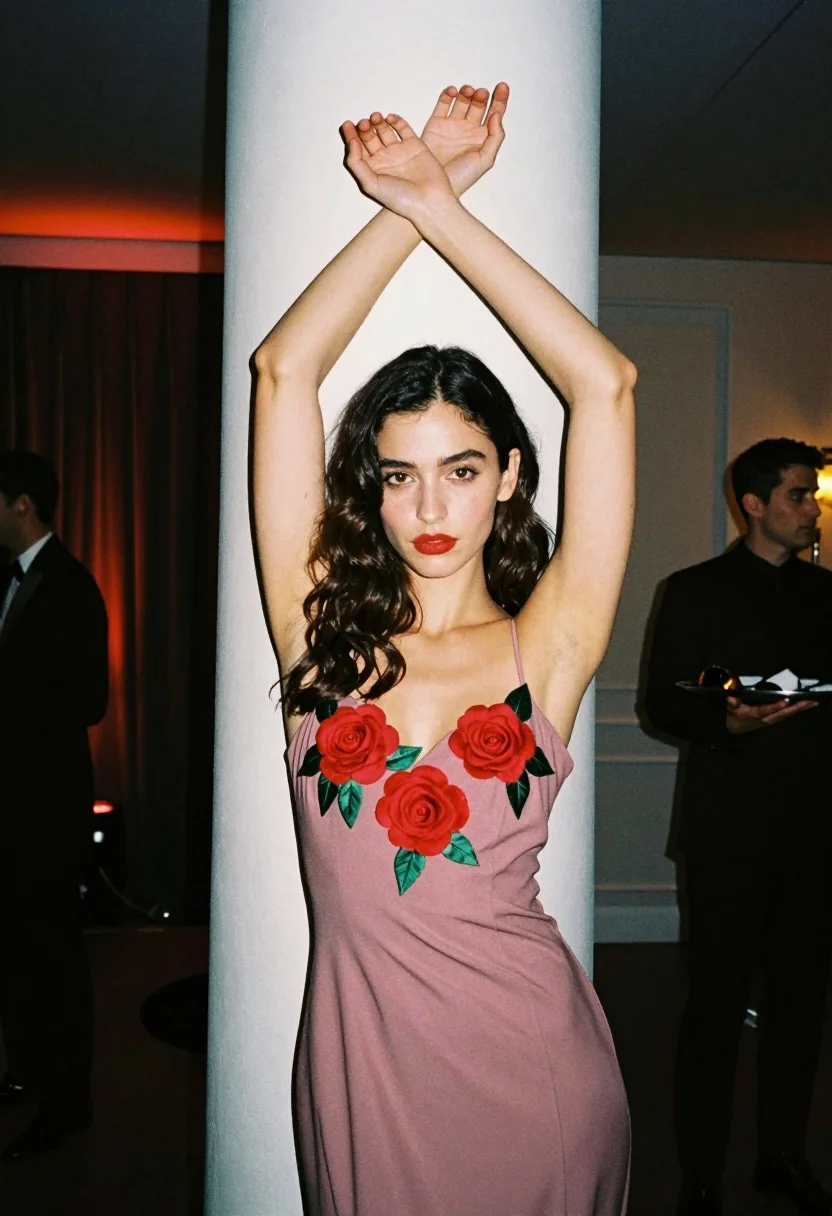
Medium closeup portrait of woman in rose slip dress indoors
Prompt
A woman with dark wavy hair stands in a dimly lit room, posing with her arms raised above her head and crossed at the wrists.

Subject: A young woman with long, dark, wavy hair parted in the middle, featuring fair skin and striking red lipstick.

Clothing: She wears a dusty rose or mauve-colored sleeveless slip dress adorned with large, three-dimensional red rose appliqués and green leaves running down the front of the bodice.

Action: Her arms are extended upward and crossed at the wrists above her head in an elegant gesture; she looks directly at the camera with a neutral expression.

Environment: The setting appears to be an indoor event or party space, featuring a white pillar behind her, dark curtains to the left, and a blurred figure of a man holding a tray in the background on the right.

Lighting: The scene is lit by soft ambient light that highlights her face and upper body against the darker surroundings, with warm red accent lighting visible in the background on the left.

Camera: The shot is a medium close-up framed vertically, capturing the subject from the thighs up with a shallow depth of field that blurs the background elements.

Style Details: The image has a film photography aesthetic characterized by natural color tones, slight grain, and a candid, editorial fashion vibe.
Description
This prompt is useful for creating intimate portraiture for magazine editorials, conceptual beauty campaigns, or fine art mood boards focusing on romance. The combination of 'dusty rose or mauve-colored sleeveless slip dress' with the 'warm red accent lighting' directs focus onto the subject's upper body while the 'shallow depth of field' ensures that background elements like the blurred figure do not distract from the central narrative.
Suggestions
- Change 'dark wavy hair' to 'wet, slicked-back hair' for a more dramatic feel.
- Swap 'dusty rose or mauve-colored' for 'deep burgundy' to intensify the color palette.
- Adjust 'soft ambient light' to 'single spotlight' to create harsher shadows.
Category
Tags
Fair SkinFemaleIndoorsMedium ShotPortrait ShotRealistic
Date added
July 3, 2026
Added by
PromptDexter Team
Related Prompts
More prompts with similar categories and tags.
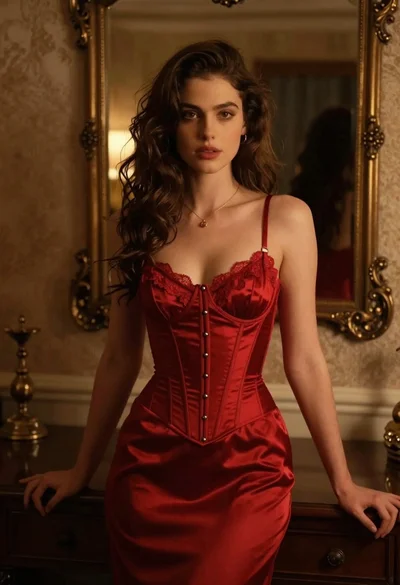
Woman in red corset dress standing in dimly lit room with ornate

Blonde woman in black coat leaning against white wall by window

Blonde woman in black slip dress winking at table in upscale restaurant
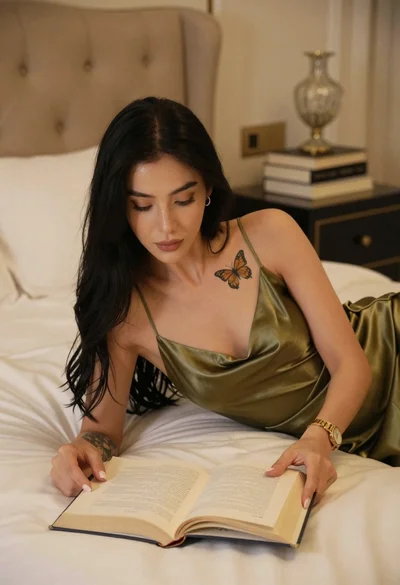
Woman in olive green silk dress and long black hair reading book on bed
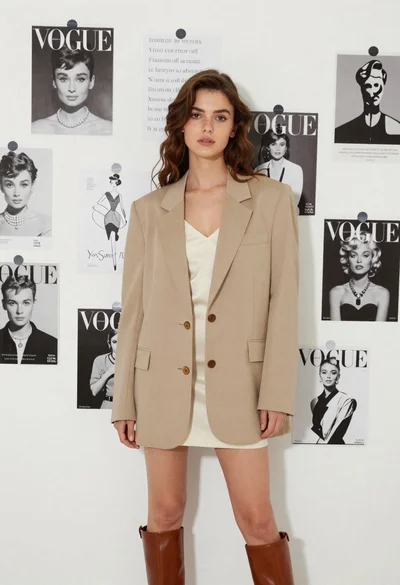
Stylish young woman in oversized blazer standing before fashion magazine wall
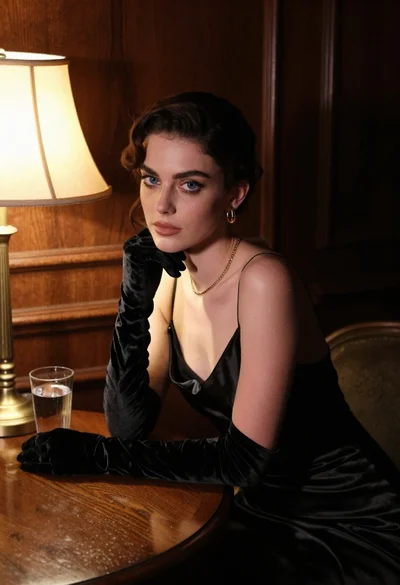
Woman in black satin dress and opera gloves at a wooden table
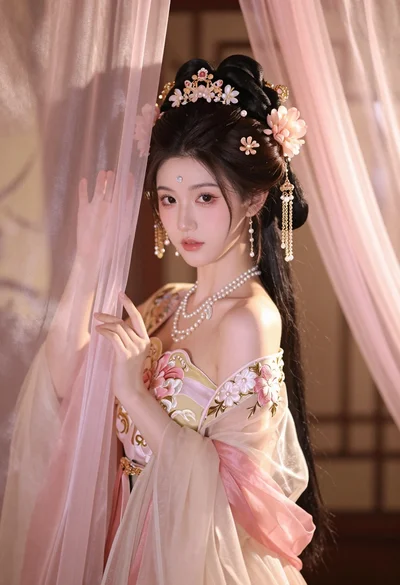
Young woman in pale pink gown holding sheer curtains indoors softly lit
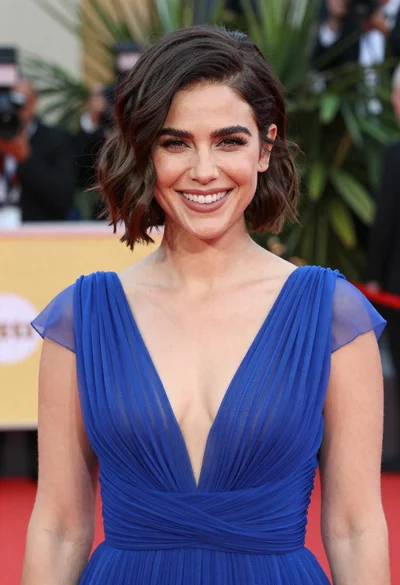
Smiling woman in royal blue gown on red carpet with green foliage

Young woman in silver sequin top and lace dress against beige wall

Woman in black dress by window overlooking ocean at golden hour