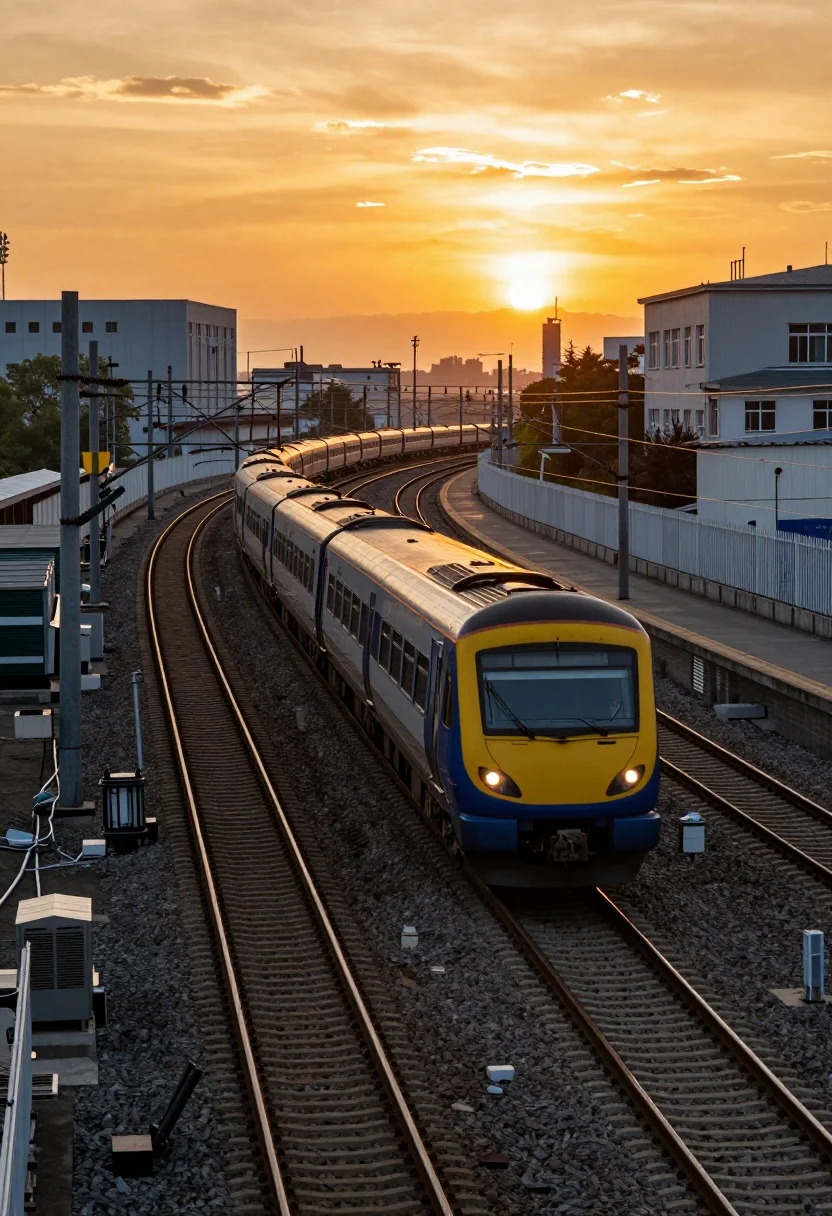
Modern commuter train curving through urban yard at golden hour sunset
Prompt
A modern commuter train with a yellow and blue front glides along a curved track under a dramatic golden sunset sky.

Subject: A long passenger train featuring a bright yellow nose cone with a blue lower panel and dark grey body, moving towards the viewer on a set of railway tracks.

Action: The train is traveling forward along a curving track that leads into the distance.

Environment: An urban railway yard setting with multiple parallel tracks, overhead power lines, utility poles, industrial buildings in the background, and a white fence lining the platform area.

Camera: High-angle shot looking down at the train from an elevated position, capturing the curvature of the tracks and the depth of the scene.

Lighting: Intense warm golden hour lighting with a vibrant orange and yellow sky that casts a strong backlight on the horizon, creating silhouettes against the bright sun.

Style Details: High-contrast photography with vivid color saturation emphasizing the sunset hues against the industrial grey tones of the tracks and train.
Description
This prompt is useful for creating architectural visualization studies, cinematic travel sequences, and concept art depicting urban infrastructure at magic hour. The combination of 'high-angle shot' looking down over a 'curving track' emphasizes the industrial geometry while the 'intense warm golden hour lighting' backlights the scene, allowing the vibrant orange sky to contrast sharply with the dark grey body of the train.
Suggestions
- Change 'yellow and blue front' to 'matte black and chrome' for a more severe modern look.
- Add 'volumetric fog' to enhance the depth between tracks.
- Swap 'utility poles' for 'minimalist concrete pylons' to clean up the background.
Category
Tags
High AngleRealisticUrbanVehicle
Date added
July 12, 2026
Added by
PromptDexter Team
Related Prompts
More prompts with similar categories and tags.
Purple muscle car driving through city at sunset
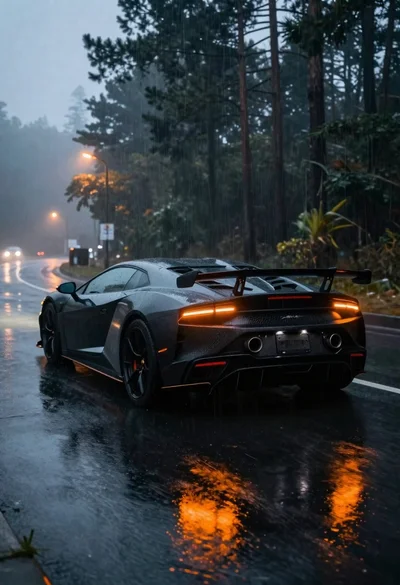
Black sports car on wet asphalt road in misty forest
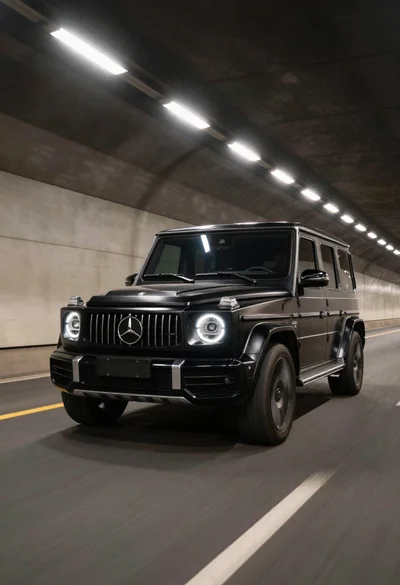
Black luxury suv driving through a concrete tunnel
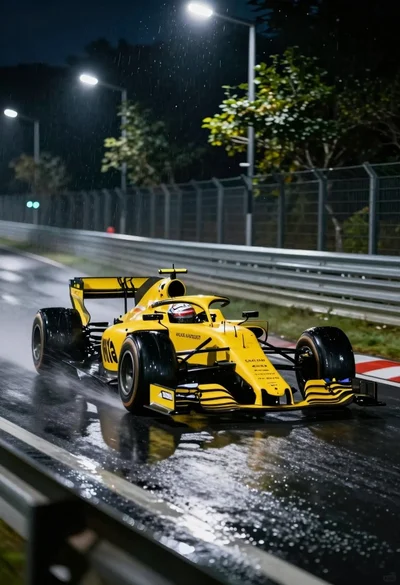
Yellow formula one race car speeding through wet night track corner
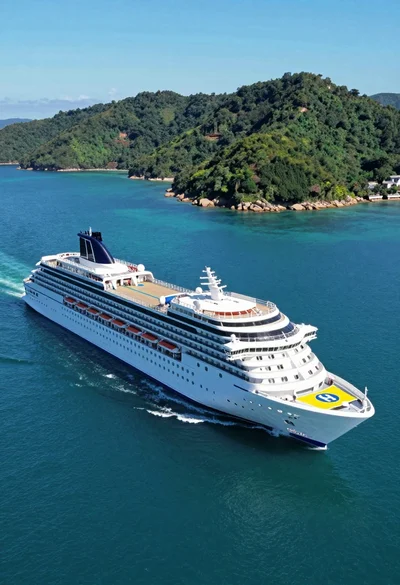
High angle aerial view of white cruise ship near lush green tropical
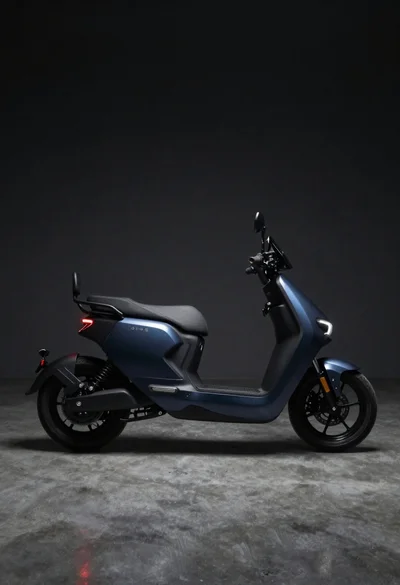
Dark blue electric motorcycle in a studio setting
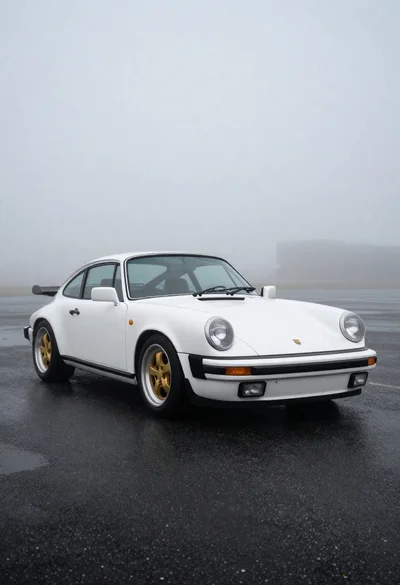
White classic porsche sports car on dark asphalt
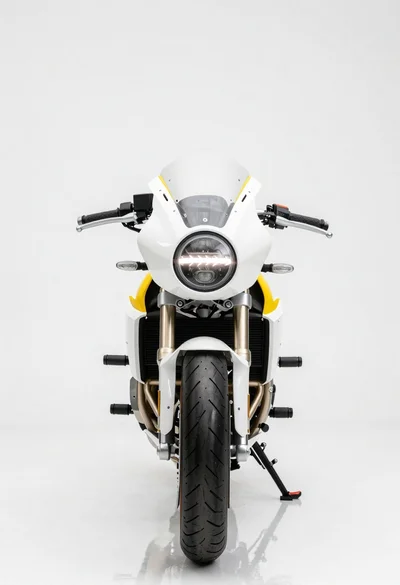
Futuristic cafe racer motorcycle in a studio setting
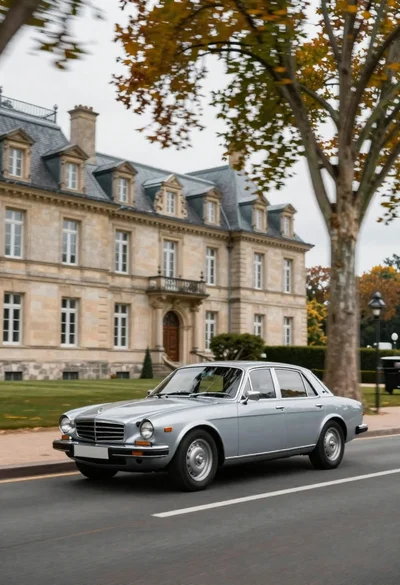
Vintage sedan cruising past french chateau with autumn leaves
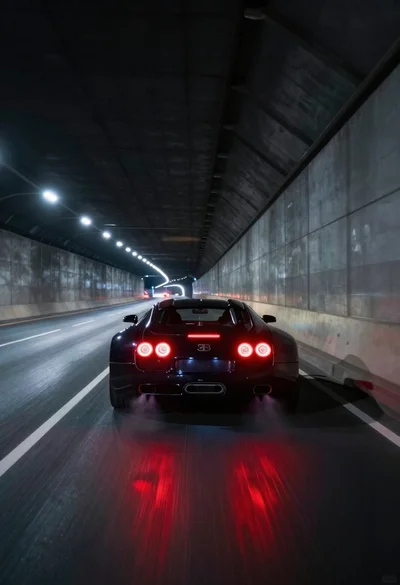
Black supercar speeding through a concrete tunnel at night