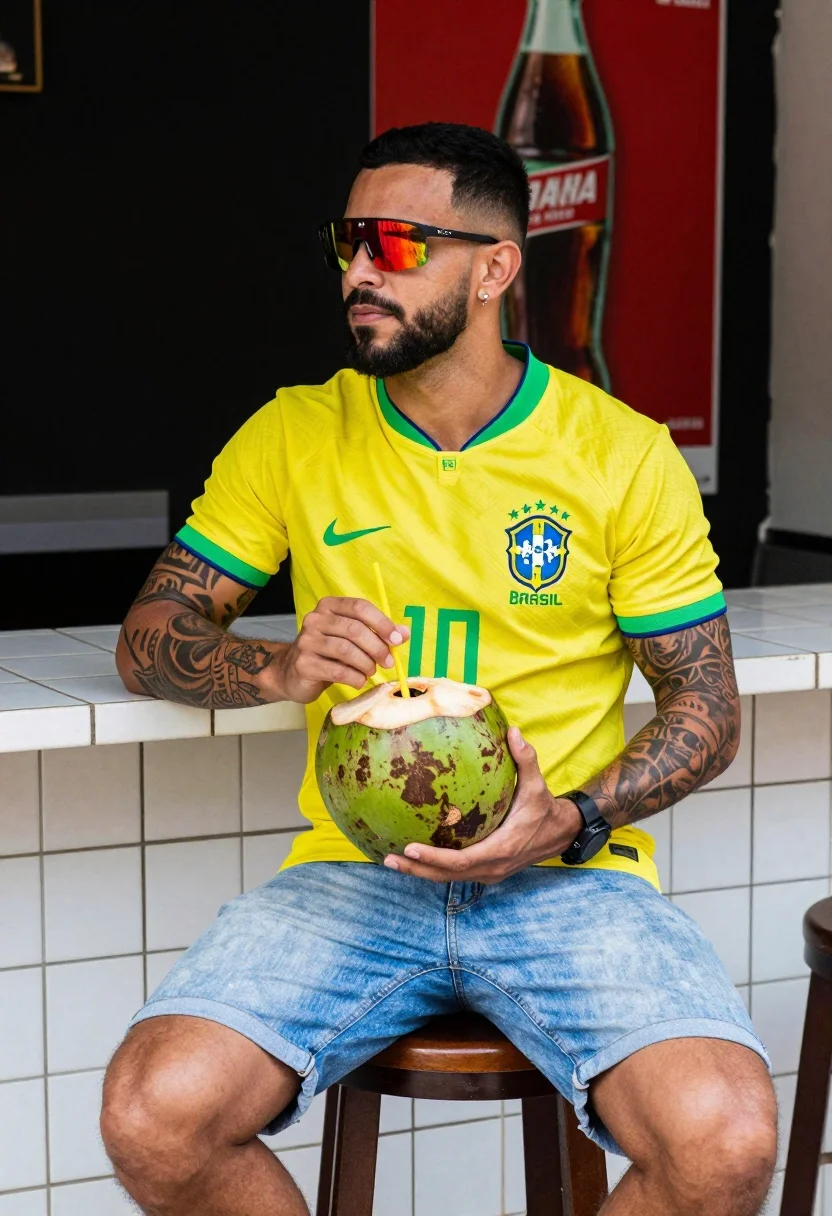
Muscular man in brazil jersey holding coconut at tiled bar counter
Prompt
A man sits casually holding a fresh green coconut with a straw in front of a tiled counter.

Subject: A muscular man with short dark hair and a beard, wearing reflective red-tinted sunglasses and displaying tattoos on his arms.

Clothing: He wears a yellow Brazil national football team jersey with the number 10 printed in green, paired with light blue denim shorts.

Action: He is seated on a wooden stool, holding a coconut with both hands while looking slightly to the side with a calm expression.

Environment: The setting appears to be an outdoor or semi-outdoor bar area with a white tiled counter and a dark background featuring a large red poster of a soda bottle.

Camera: Medium shot capturing the subject from the waist up, framed against the background elements with a shallow depth of field.

Lighting: Natural daylight illuminates the scene, creating soft shadows and highlighting the textures of the coconut and jersey.

Objects: A fresh green coconut with a yellow straw is held in his hands, and a black wristwatch is visible on his left wrist.

Text/Graphics: The Brazil national team crest and the number 10 are clearly visible on his jersey, along with partial branding on the background poster.

Style Details: The image has a vibrant, high-contrast aesthetic with saturated colors and a slightly grainy texture reminiscent of film photography.
Description
This prompt is useful for creating sports lifestyle advertising, cultural travel features, and athletic portraiture meant to feel spontaneous. The combination of 'natural daylight' casting soft shadows against the 'white tiled counter' grounds the subject in a specific location while the 'vibrant, high-contrast aesthetic with saturated colors' ensures the Brazilian jersey pops against the darker background elements.
Suggestions
- Change 'yellow Brazil national football team jersey' to 'vintage faded yellow Brazil jersey' for more wear.
- Swap 'dark background featuring a large red poster of a soda bottle' for 'lush tropical foliage background' to change the vibe.
- Adjust 'shallow depth of field' to 'deep focus' if you want all elements, including the counter tiles, sharp.
Category
Tags
Casual WearMaleMedium ShotRealisticStreetwear
Date added
July 12, 2026
Added by
PromptDexter Team
Related Prompts
More prompts with similar categories and tags.
Man painting brad pitt mural on urban concrete wall from behind
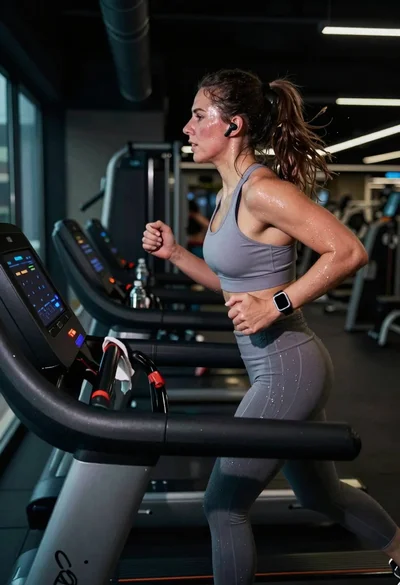
Exhausted female athlete sprinting on treadmill in dim modern gym
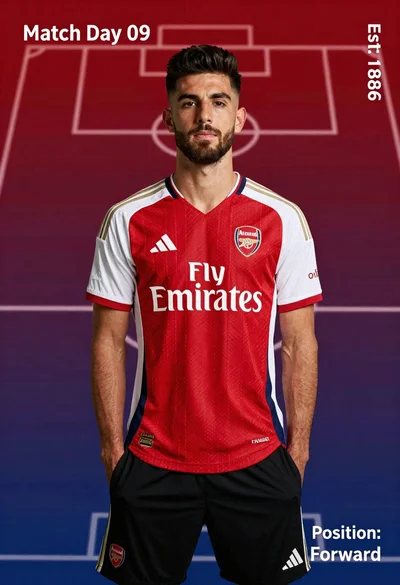
Young man in red and white arsenal football jersey standing on a
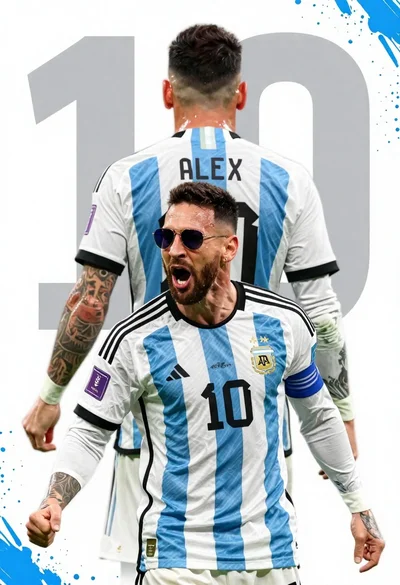
Argentina football player celebrating with clenched fist in national team jersey
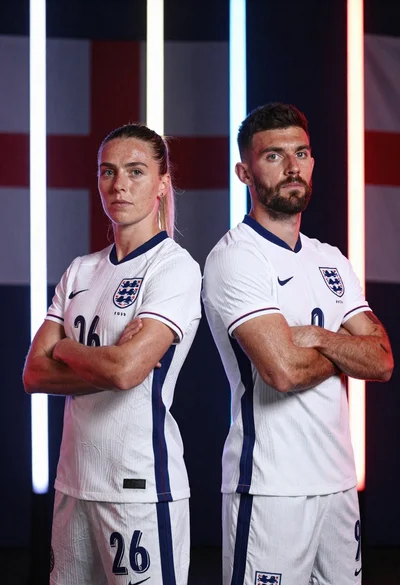
Two football players in white england kits standing back to back with
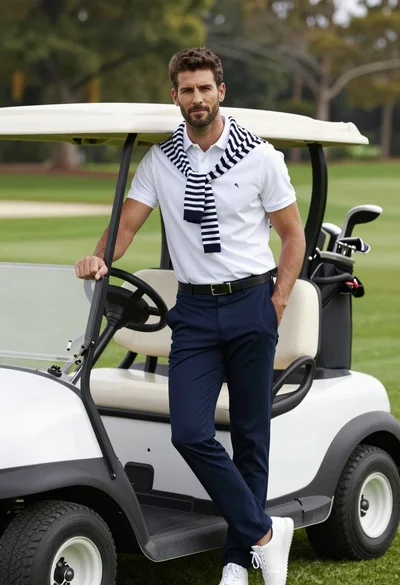
Handsome man leaning on white golf cart at sunny green outdoor course
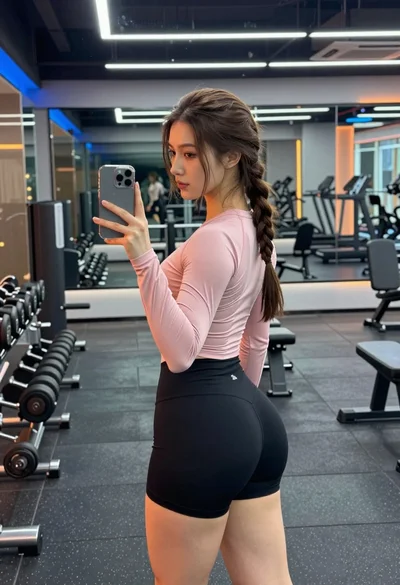
Young woman taking mirror selfie in modern gym setting with athletic wear
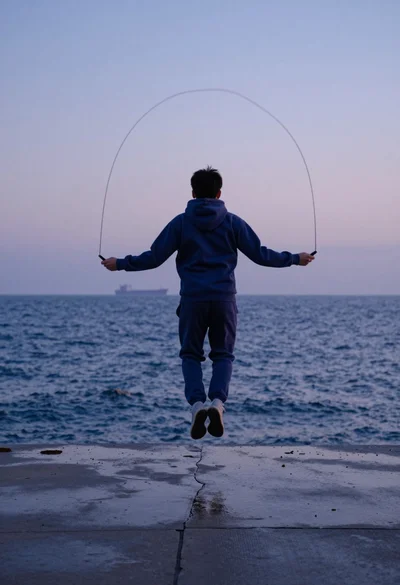
Person jumping rope on wet pier overlooking choppy blue ocean at dusk
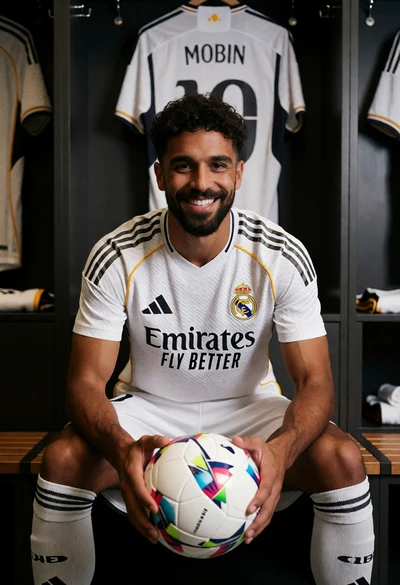
Soccer player smiling in white real madrid kit inside a wooden locker
Muscular man taking mirror selfie in modern gym setting