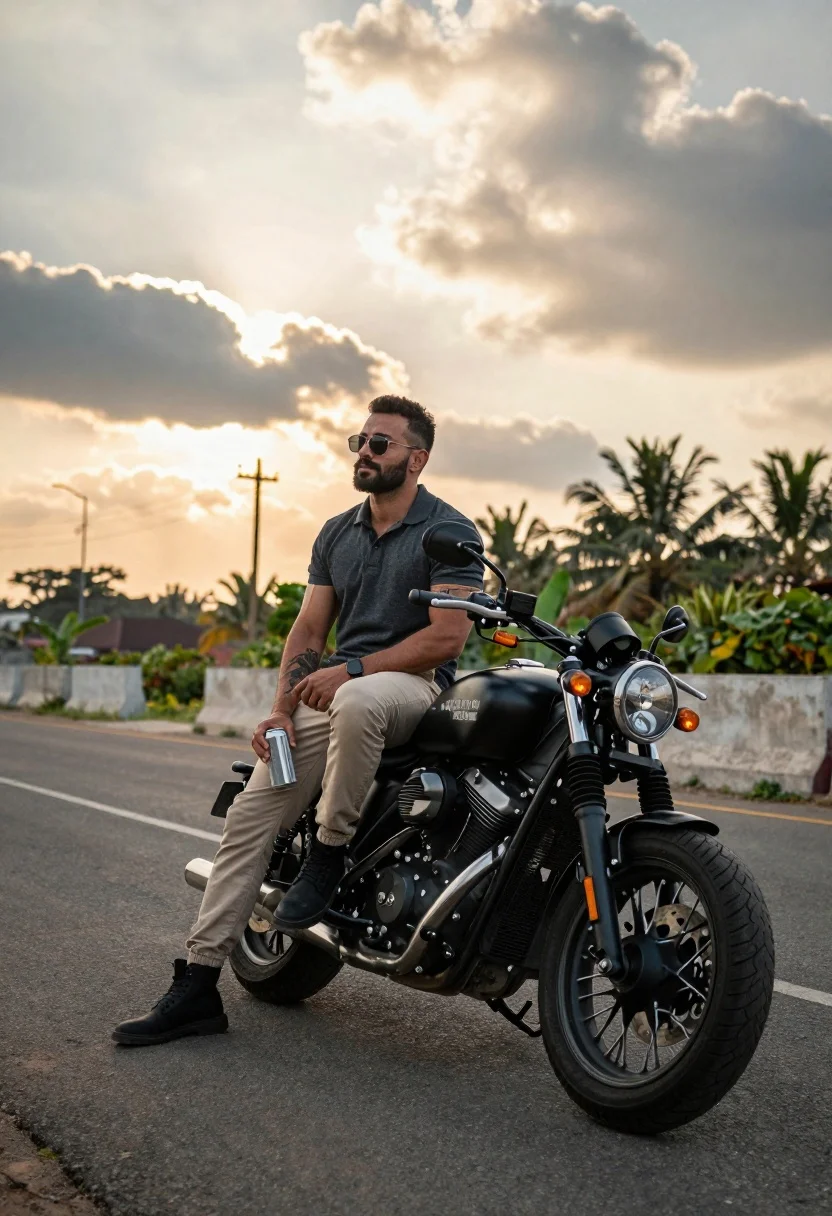
Muscular man on black motorcycle on open road at golden hour
Prompt
A man sits confidently on a black motorcycle parked on an asphalt road under a dramatic sky with scattered clouds and warm sunset light.

Subject: A muscular man with short dark hair and a beard wearing sunglasses, looking off to the side with a relaxed expression.

Clothing: He wears a dark grey polo shirt, beige trousers, and black boots. A tattoo is visible on his left forearm.

Action: He sits casually on the bike with one foot on the ground and holds a silver can in his right hand.

Environment: The setting is an open road lined with palm trees and greenery in the background, with a concrete barrier and utility poles visible behind him.

Camera: Shot from a low angle to emphasize the subject and motorcycle, capturing a wide view of the scene with a shallow depth of field that blurs the distant background slightly.

Lighting: Warm golden hour sunlight filters through the clouds, casting soft shadows and creating a moody, cinematic atmosphere.

Objects: A black cruiser-style motorcycle with chrome details, a visible license plate reading "GJ05T R7411", and a silver beverage can in his hand.

Style Details: High-resolution photography with natural color grading, slight film grain texture, and a realistic aesthetic that emphasizes the rugged outdoor vibe.
Description
This prompt is useful for creating cinematic motorcycle advertisements, gritty travel blog features, and album cover art evoking freedom. The combination of 'low angle' perspective with 'warm golden hour sunlight' dramatically exaggerates the size of both the muscular man and the black motorcycle, while the 'shallow depth of field' ensures that the viewer's focus remains sharply on the subject despite the detailed background elements like palm trees.
Suggestions
- Change 'dark grey polo shirt' to a leather jacket for more grit.
- Replace 'silver beverage can' with an old map or journal for narrative context.
- Adjust 'shallow depth of field' to 'deep focus' if you want all background details sharp.
Category
Tags
Low AngleMaleOutdoorsRealisticStreetWide Shot
Date added
August 5, 2026
Added by
PromptDexter Team
Related Prompts
More prompts with similar categories and tags.
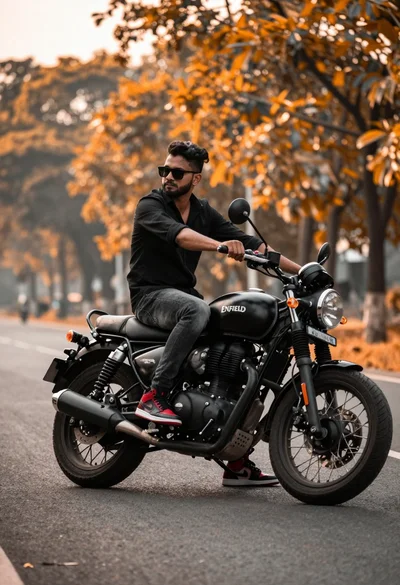
Man on black motorcycle on paved road with orange foliage background
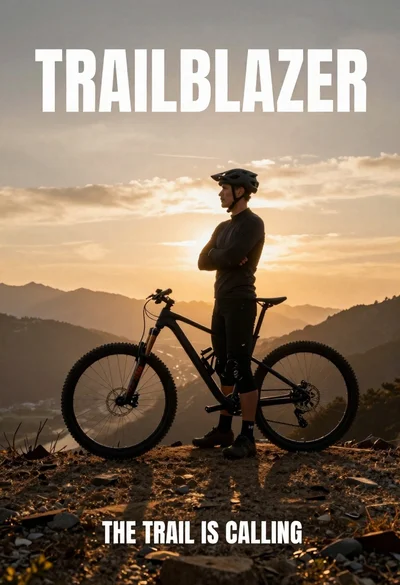
Fit male cyclist in black gear stands next to mountain bike on
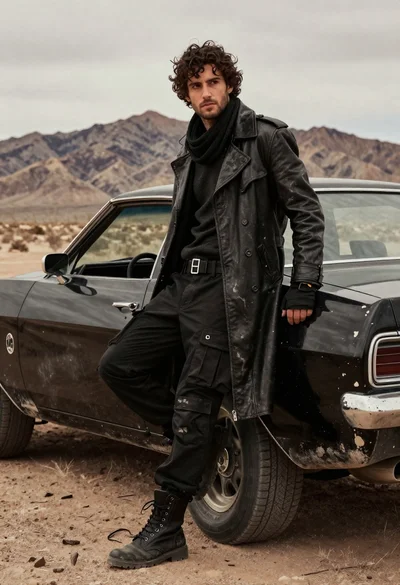
Rugged young man in black coat leaning on muscle car in desert
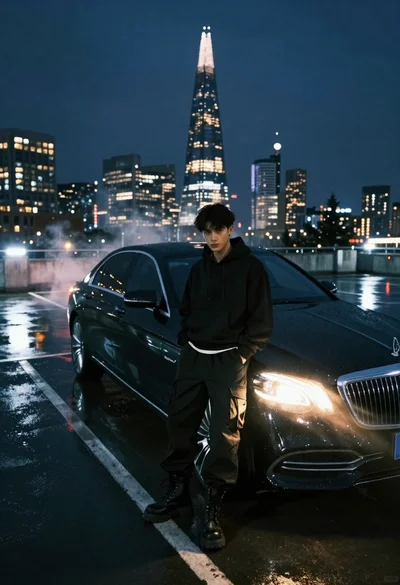
Young man in black outfit by luxury sedan on wet rooftop at
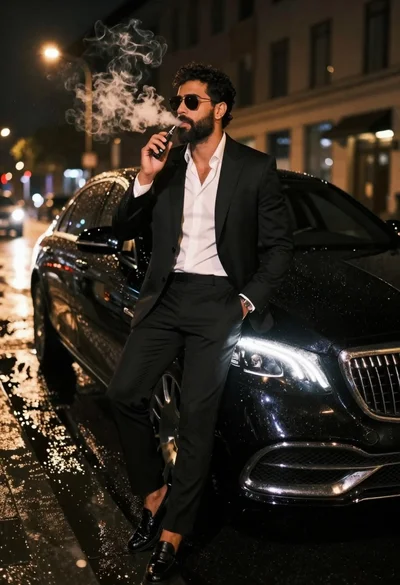
Man in black suit sitting on luxury car hood on wet city
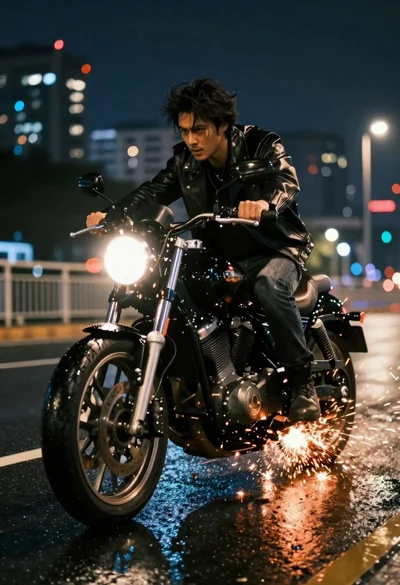
Man riding black motorcycle through wet city street at night
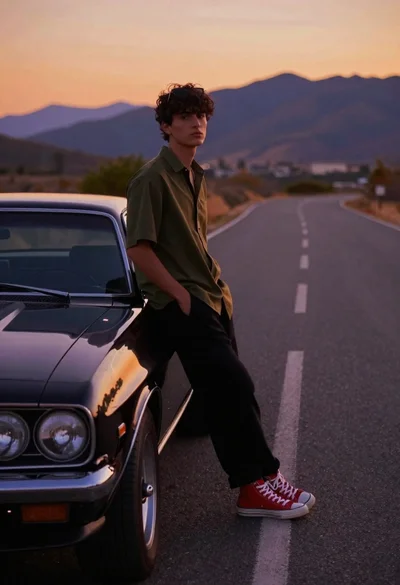
Young man leaning on black muscle car on winding mountain road at
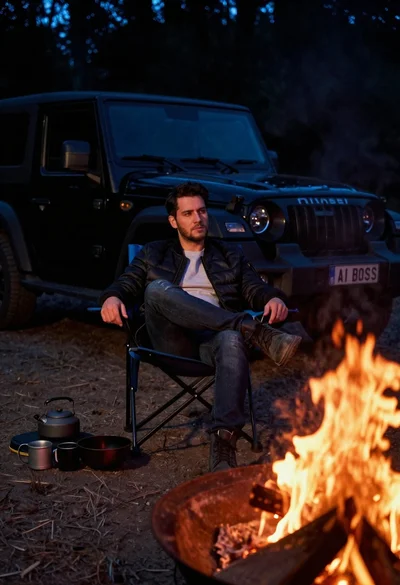
Man in bomber jacket sitting by campfire with suv at night
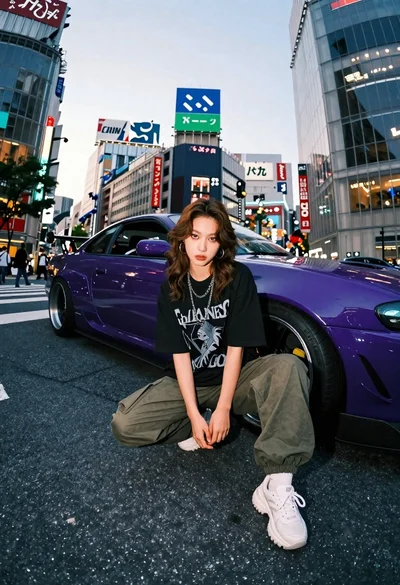
Young woman in oversized shirt crouching by purple car in city
Confident woman in black leather jacket stands on wet city street at