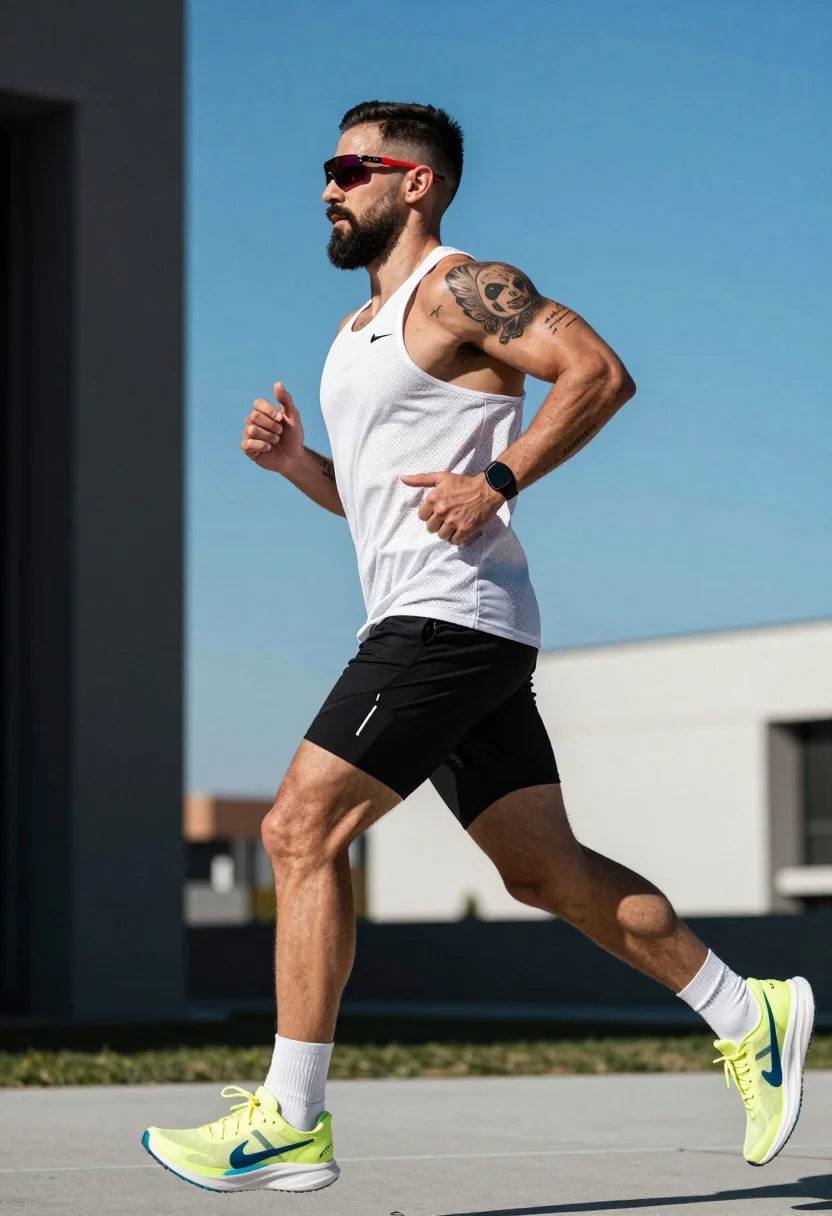
Muscular man running in profile against bright blue sky and modern architecture
Prompt
A muscular man with a beard runs forward in profile against a bright blue sky and blurred modern architecture.

Subject: A fit male runner with short dark hair styled with a fade, a trimmed beard, and visible tattoos on his left arm including a large design near the shoulder and smaller script on the forearm.

Clothing: He wears a white perforated athletic tank top, black compression shorts over bare legs, white crew socks, and neon yellow running shoes with blue accents.

Action: The man is captured mid-stride in a dynamic sprinting pose with his arms pumping and gaze focused ahead.

Environment: An outdoor urban setting featuring a clear blue sky and the blurred facade of a modern building with dark pillars and light walls.

Camera: Shot from a low angle looking up at the runner to emphasize his physique, using a shallow depth of field that keeps the subject sharp while blurring the background.

Lighting: Bright natural sunlight coming from above and slightly behind, creating strong highlights on his skin and muscles with deep shadows in the crevices.

Objects: A black smartwatch is visible on his left wrist and he wears red-framed sunglasses with reflective lenses.

Style Details: High-contrast photography with vibrant colors and a sharp focus on the subject's athletic form.
Description
This prompt is useful for creating fitness magazine covers, dynamic sportswear advertisements, and architectural lifestyle blogs showcasing human movement. The combination of 'low angle looking up at the runner' and 'strong highlights on his skin and muscles with deep shadows in the crevices' emphasizes verticality and raw power, which is essential for making the subject appear monumental against the 'bright blue sky'.
Suggestions
- Change 'neon yellow running shoes' to 'fluorescent orange running shoes' for more visual pop.
- Add 'motion blur on the background pillars' to enhance speed.
- Swap 'white perforated athletic tank top' for 'charcoal grey technical mesh top' for a different contrast.
Category
Tags
Low AngleMaleOutdoorsRealisticSportswearUrban
Date added
July 12, 2026
Added by
PromptDexter Team
Related Prompts
More prompts with similar categories and tags.
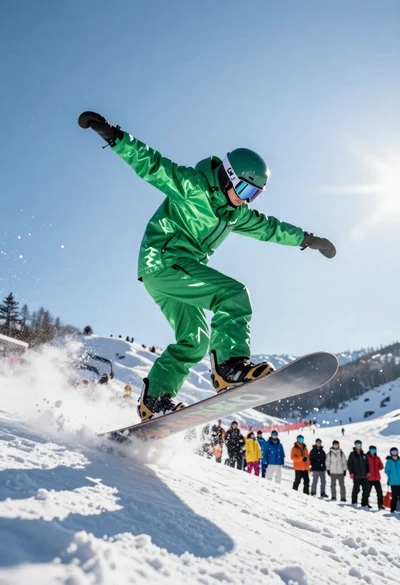
Snowboarder jumping off slope in metallic green suit against bright snow

Three indian cricket players celebrating victory with a gold trophy under fireworks
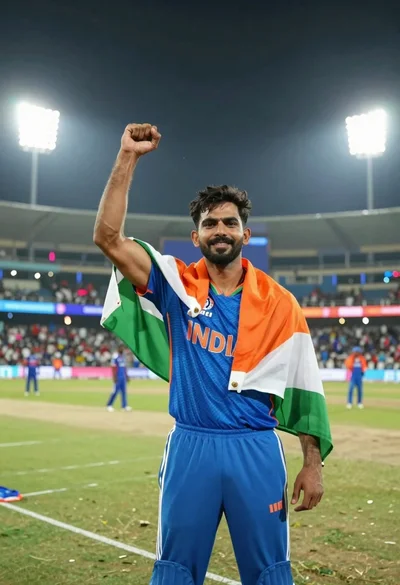
Male cricket athlete in blue jersey celebrating victory in stadium at night
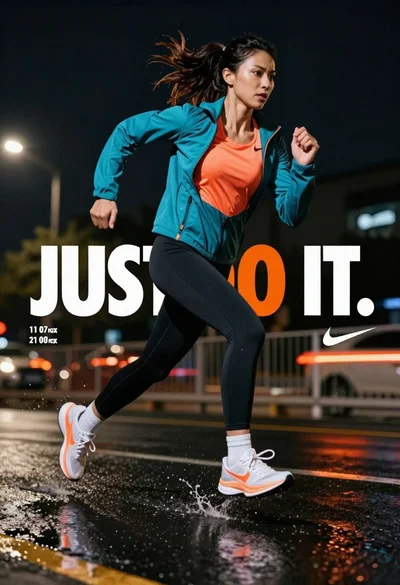
Female athlete sprinting on wet pavement at night with city lights
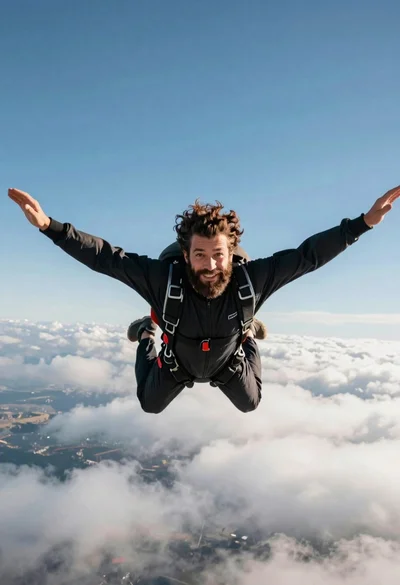
Bearded man with curly hair skydiving in freefall against blue sky

Low angle action shot of black soccer player striking ball at night

Low angle action shot of male soccer player kicking ball in stadium
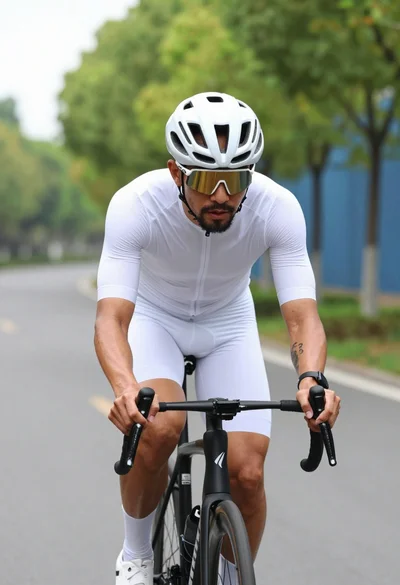
Muscular male cyclist riding white bike down paved road lined with green
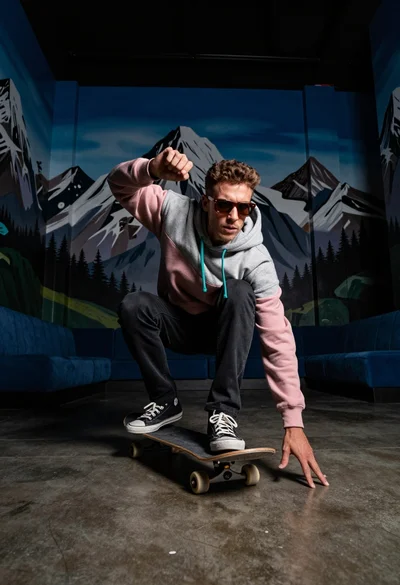
Man crouching on skateboard in room with surreal mountain murals
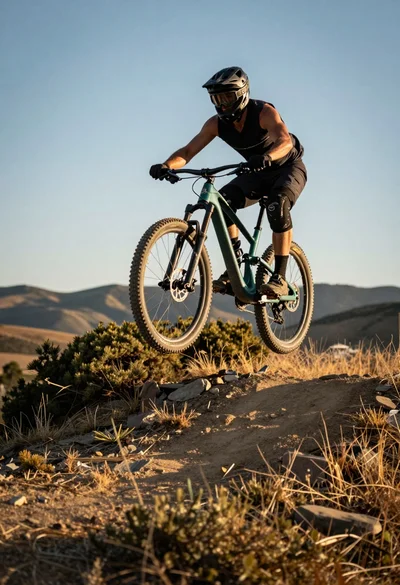
Mountain biker airborne mid jump over rugged trail under golden sunlight